


Scrambled illegible letters in Firefox's interface

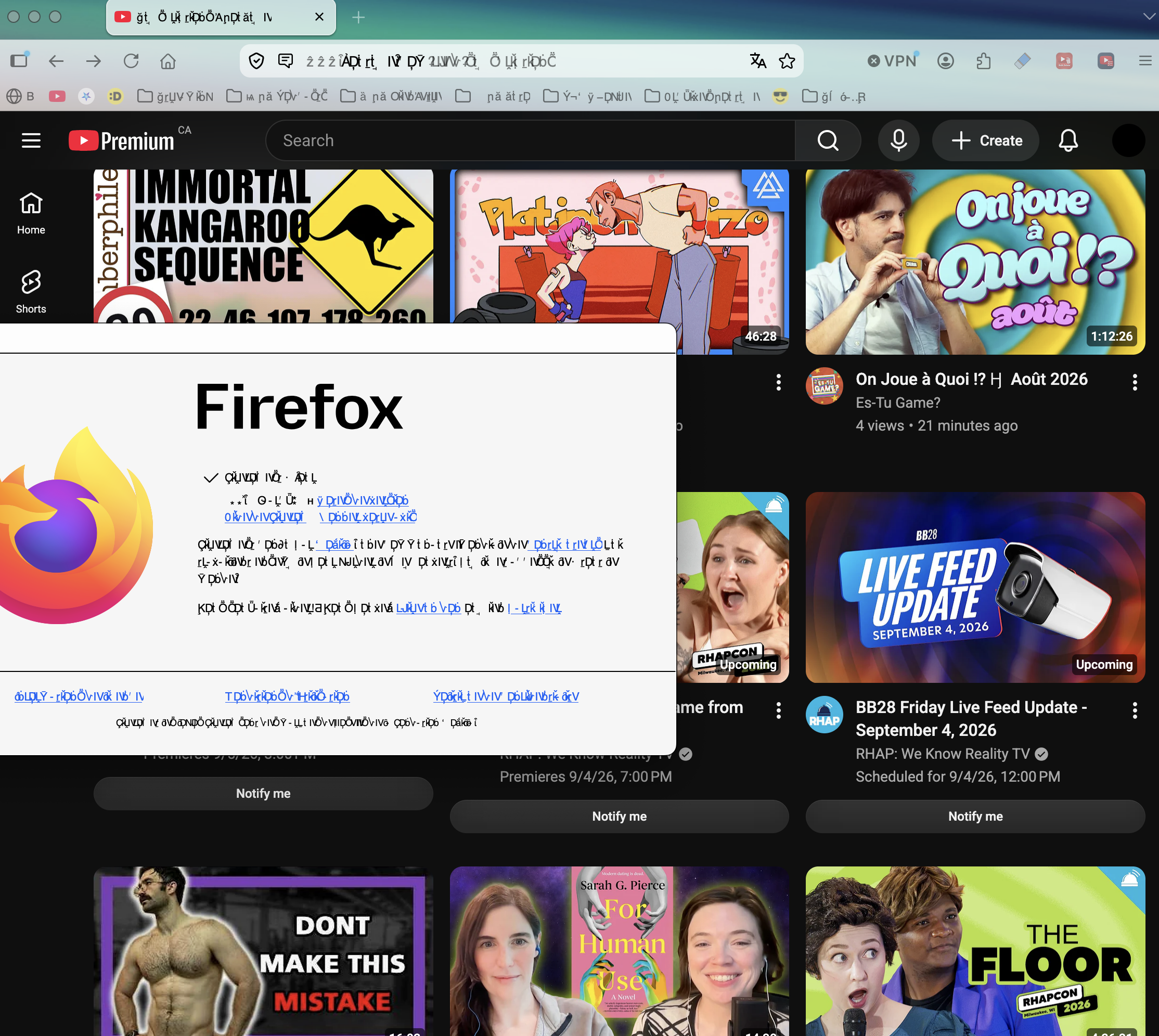
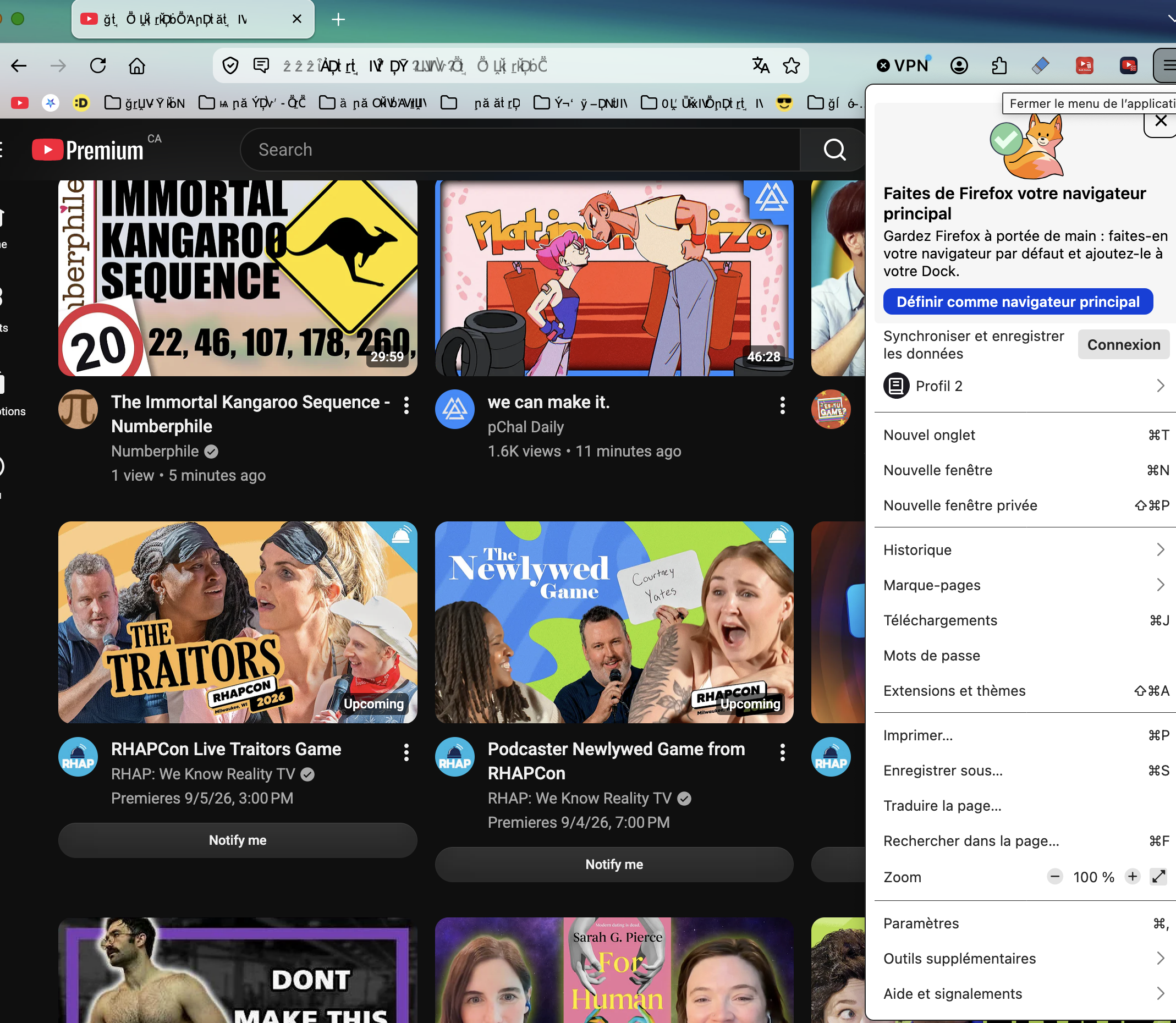
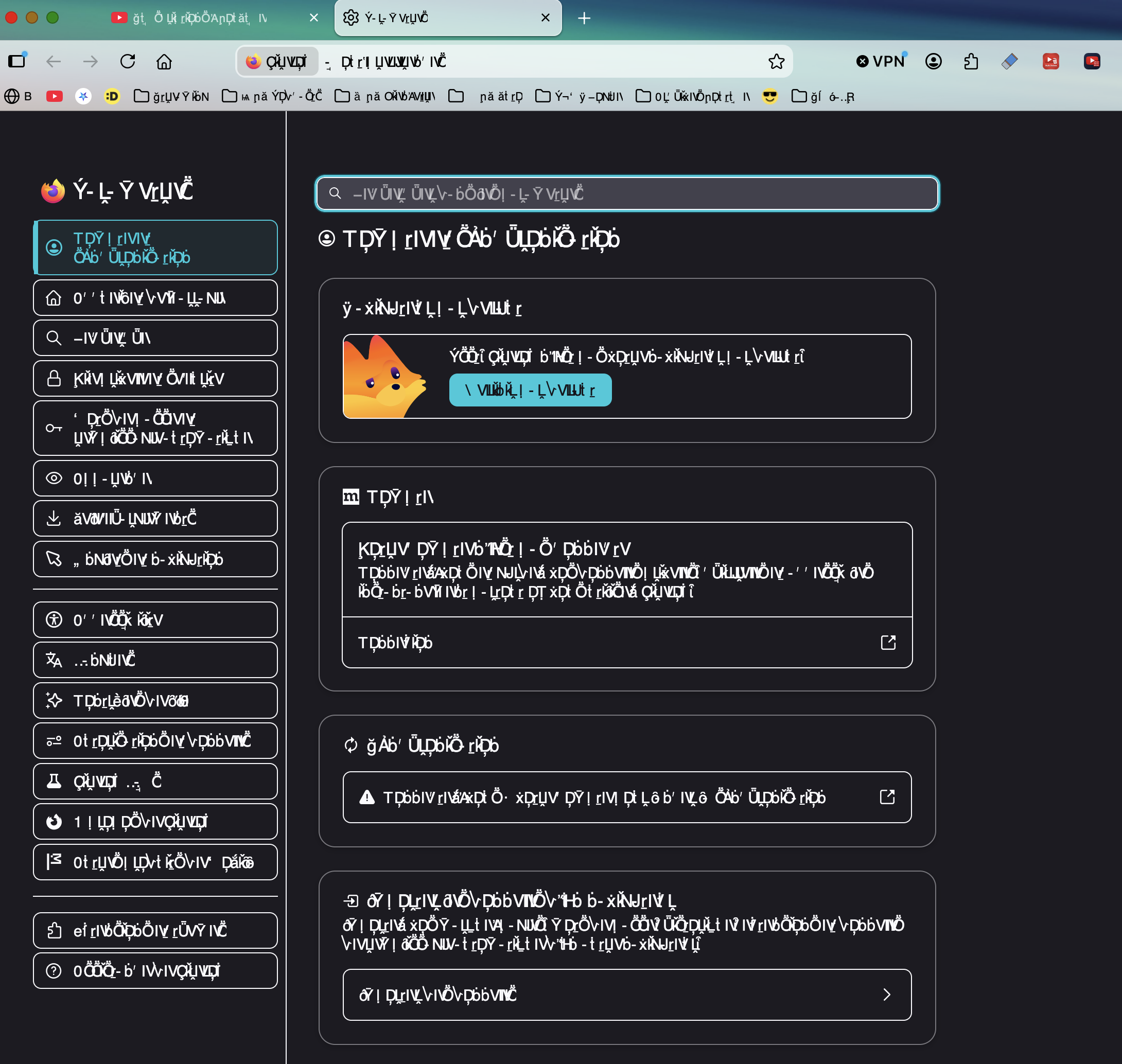
Hello! My Firefox browser is currently in a state where all fonts/letters in the Firefox interface (bookmark bar, settings, about page, website name...) are replaced by undecipherable characters.
I've searched for similar problems already and tried so far the following steps to resolve, unsuccesfully...
- Opening the browser in Safe Mode / Deactivating all extensions
- Uninstalling and reinstalling Firefox
- Disabling hardware acceleration
- Trying on another profile
When I copy paste said text to another window (ex: Notepad, Chrome Browser…) it appears properly. And as you can see in the screenshots below the text in actual websites is readable -- only the browser's interface, setting, address bar... are scrambled.
Does that bug rings any bell? Do you have any other troubleshooting steps I should try to resolve this? Any help will be appreciated! : )
All Replies (3)
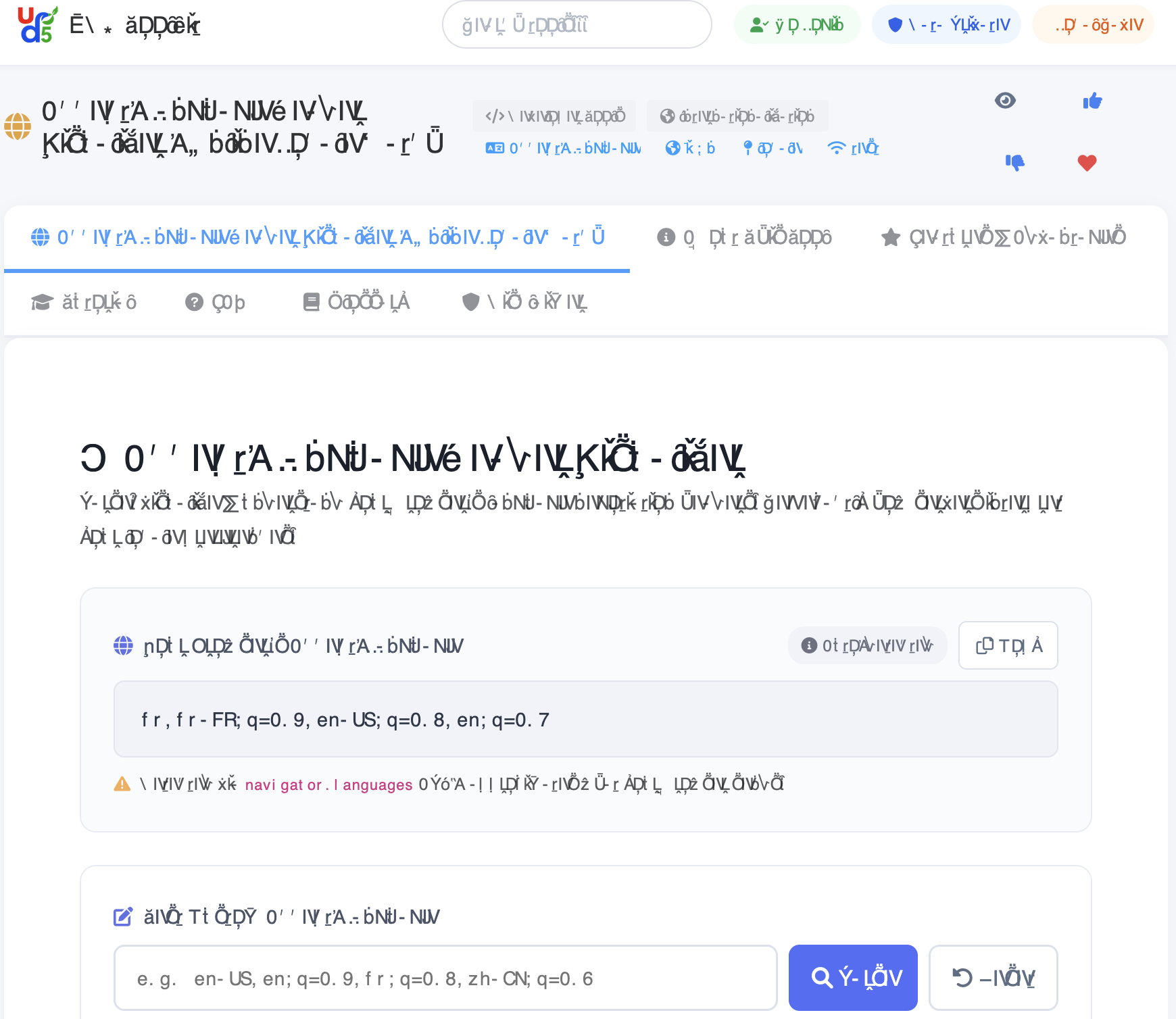
Visiting https://en.ud5.com/tool/accept-language-header-tester , here's the data I can gather by copy pasting the giberish below.
🔤 Accept-Language Header Visualizer
Parse, visualize & understand your browser's language negotiation headers. See exactly how servers interpret your locale preferences. Your Browser's Accept-Language Auto-detected Copy fr,fr-FR;q=0.9,en-US;q=0.8,en;q=0.7 Detected via navigator.languages API — approximates what your browser sends. Test Custom Accept-Language
Oof. On a Mac, I've seen it once, where the installed fonts got corrupted somehow.
Can you open the Font Book utility that's available on the system, and see if you can spot any validation errors, or run "Resolve duplicates" to help iron out any font woes?
Also, there is a mention of a third party tool in support.mozilla.org/questions/1572750 that seemed to interfere for that affected user — so check if that sounds like something you might be using as well.