


Windows 10 reached EOS (end of support) on October 14, 2025. If you are on Windows 10, see this article.

ابحث في الدعم

Avoid support scams. We will never ask you to call or text a phone number or share personal information. Please report suspicious activity using the “Report Abuse” option.

Learn More
Solved

YouTube home page mute icon behaves strange and intermittent.

SkyHook replied
SkyHook

When I select a YouTube home page video mute icon, for sound on a preview, it pops up a mini-player, a notice that I have "saved to watch later," or toggles the mute as expected. Intermittent and unpredictable. I can select one mute icon that toggles the sound, and the preview beside it pops up a watch later.

Win10, Firefox 152.0.6 (64-bit) today, but this has been with me about the last two iterations.

I ran though eleventy-billion experiments and there was no effect from any toggling of settings, add-ons, file deletions, toggled logouts, forced refreshes, you name it. The single positive is that the keyboard "m" works fine to toggle mute in a video page playback, but not the previews at home. I followed AI advice after I gave up on my own ideas, and after recommending everything under the sun the only conclusion offered was related to failed mouse tracking, which is nuts to me. Everything works fine except this YouTube oddity, including videos or sound output on other sites. I was actually surprised that nothing changed YouTube behaviour after my freaking out on FF details; doesn't mean the trick isn't in there somewhere.

In simple terms, I have not read reports of this problem and I have no idea how to proceed.
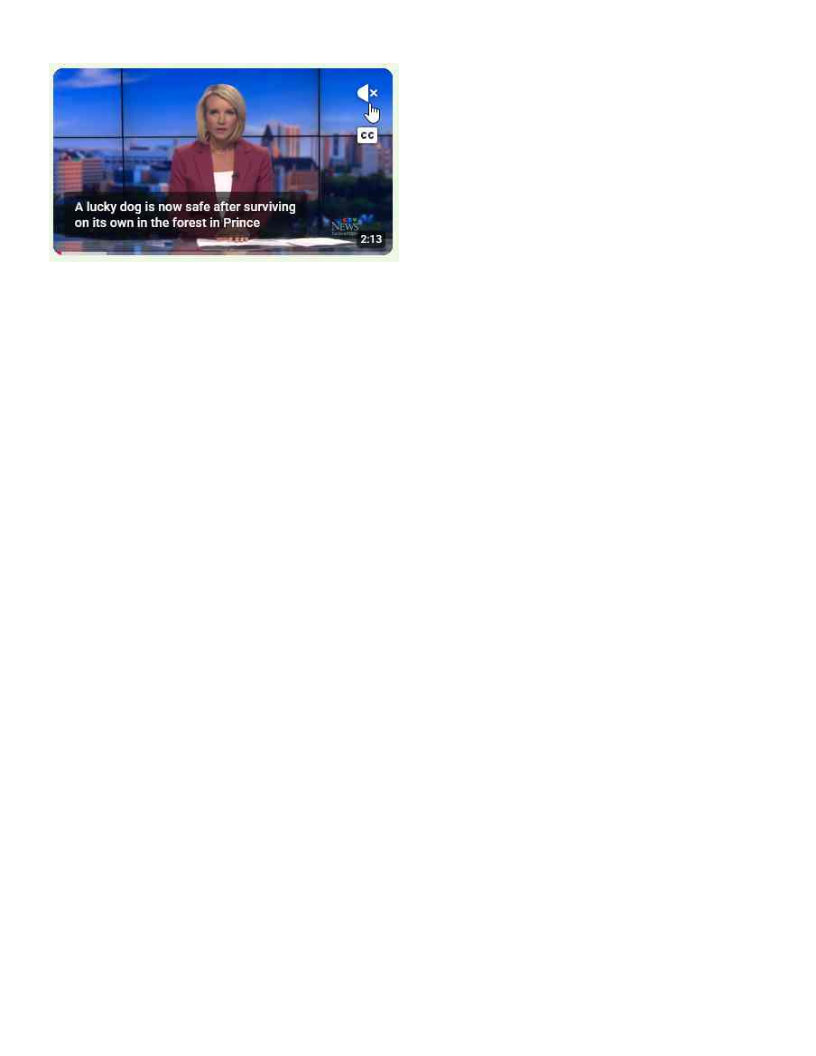
When I select a YouTube home page video mute icon, for sound on a preview, it pops up a mini-player, a notice that I have "saved to watch later," or toggles the mute as expected. Intermittent and unpredictable. I can select one mute icon that toggles the sound, and the preview beside it pops up a watch later. Win10, Firefox 152.0.6 (64-bit) today, but this has been with me about the last two iterations. I ran though eleventy-billion experiments and there was no effect from any toggling of settings, add-ons, file deletions, toggled logouts, forced refreshes, you name it. The single positive is that the keyboard "m" works fine to toggle mute in a video page playback, but not the previews at home. I followed AI advice after I gave up on my own ideas, and after recommending everything under the sun the only conclusion offered was related to failed mouse tracking, which is nuts to me. Everything works fine except this YouTube oddity, including videos or sound output on other sites. I was actually surprised that nothing changed YouTube behaviour after my freaking out on FF details; doesn't mean the trick isn't in there somewhere. In simple terms, I have not read reports of this problem and I have no idea how to proceed.

Attached screenshots

All Replies (2)

And today, with no changes of any kind, every single youtube preview mute toggle is working perfectly. I don't get it, but it's been a while since this was the case.

الحل المُختار

Since I posted this issue, after a week of frustration, I have had no problems and everything has behaved as expected, now on v153. I will write this off as a mystery glitch and carry on.

اطرح سؤالا

You must log in to your account to reply to posts. Please start a new question, if you do not have an account yet.