


Firefox 152.0.5 (Windows): Cant browse local router web interface due to "insecure connection"

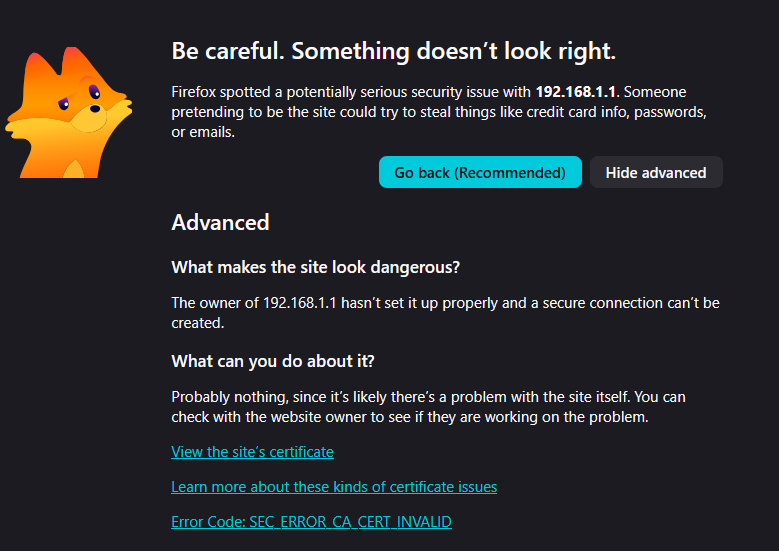
As the title says, with both with https and http firefox displays this warning:
https://i.imgur.com/MQLsaCk.png

But no way to bypass it, trying to login to my ubiquiti edgerouter at http://192.168.1.1 or https://192.168.1.1
What can i do?
All Replies (2)
Hi
The error message that you have shared does walk you through potential solutions for this issue.
If you can disable HTTPS on that device (which apparently isn't configured to serve valid TLS) then you won't be getting the HTTP–to–HTTPS upgrades, which however, should not upgrade if the TLS fails. You can check HTTPS-Only Mode in Firefox how to disable that and see if explicit HTTP will allow you to access or the device will upgrade you to their invalid service anyways.
In general the product should be provisioned with a valid certificate (even of your own) that you can trust. You'd need to however research that in the networking vendor support channels, or see some development blogs on that topic: