


I updated today and now there's a top-of-page solid bar on every site I visit. What happened?
I updated today and now there's a very top-of-page solid bar on every site I visit, covering search boxes (Amazon) and other info (Outlook). What happened?
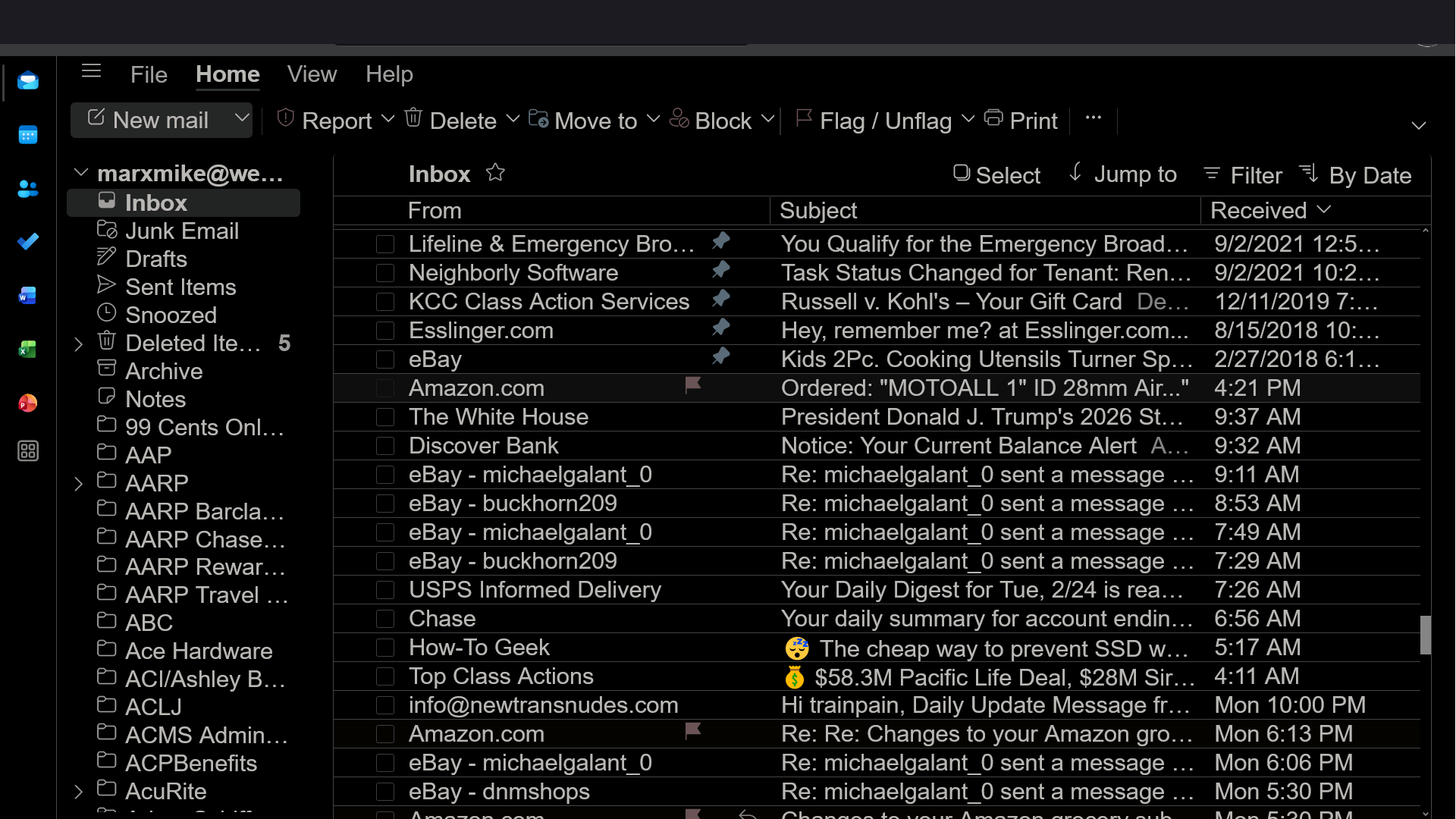
All Replies (12)
Hm, I was just a bit confused by the UI...
Does the issue persist if you run Firefox in Troubleshoot Mode?
See the linked article. Here's the link: https://support.mozilla.org/kb/diagnose-firefox-issues-using-troubleshoot-mode
OK, will do, but here's another question...why doesn't Dark Reader work on this page?
MAGAMike said
OK, will do, but here's another question...why doesn't Dark Reader work on this page?
Dark Reader is a third-party extension, so you should report issues with it to its developers. As far as I can see, their GitHub would be the right place.
Just to note, Outlook has its own dark theme which should work.
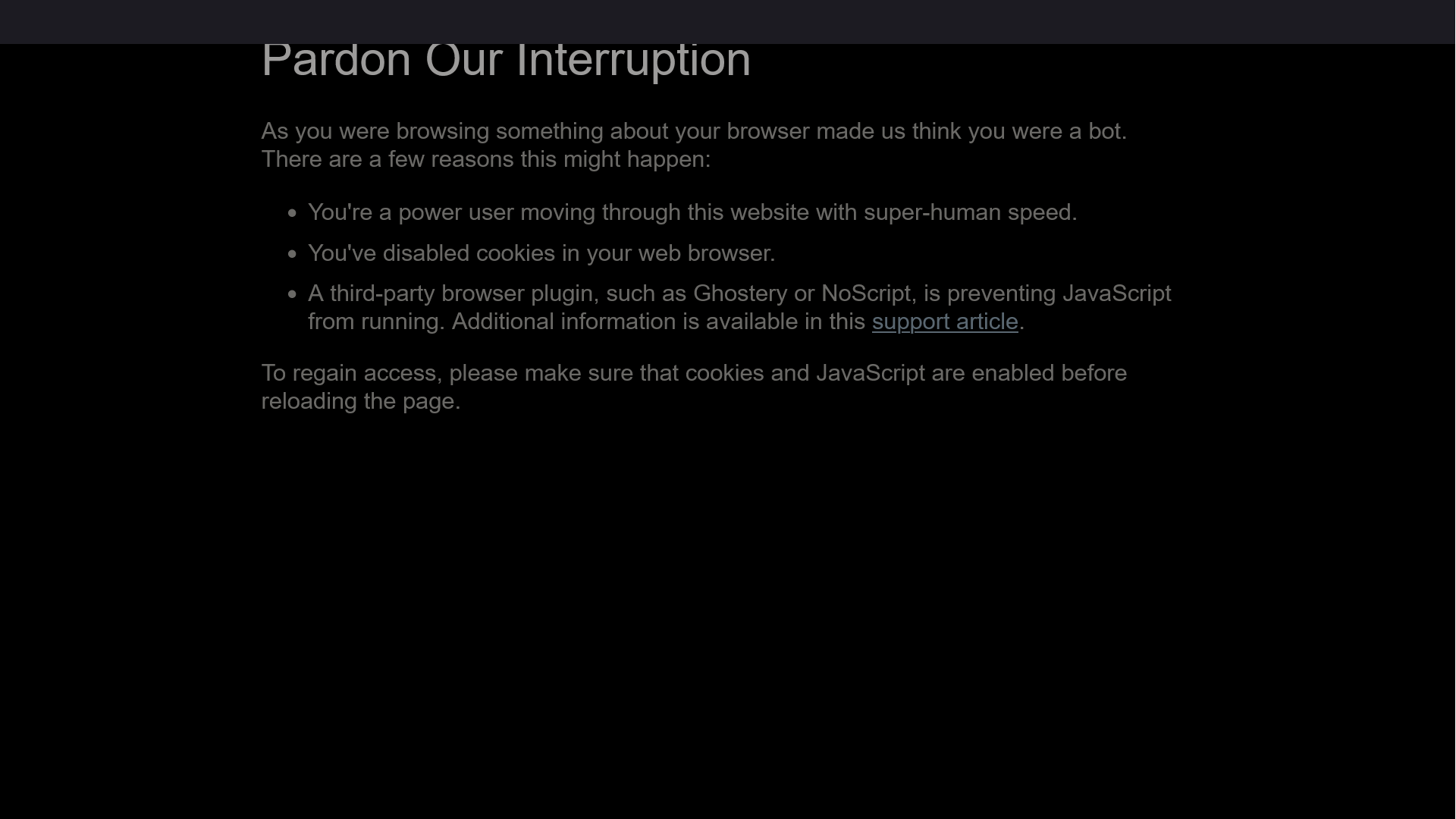
It's definitely Firefox. I am having problems getting on other sites...so, I went to Chrome, and guess what...no problems! Also, the solid bar contains info for a second, then the info disappears! The screenshot is from vons.com, which opens, but when I click on "vons for u" this screen appears...
Modified by MAGAMike