The start-up page

How do I limit/change the catagories that appear on the start-up page?
How do I limit/change the catagories that appear on the start-up page?
All Replies (1)

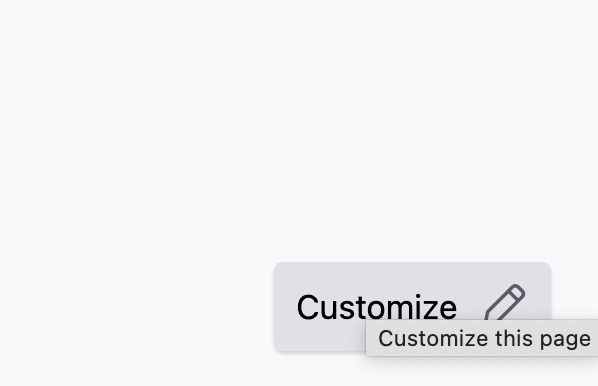
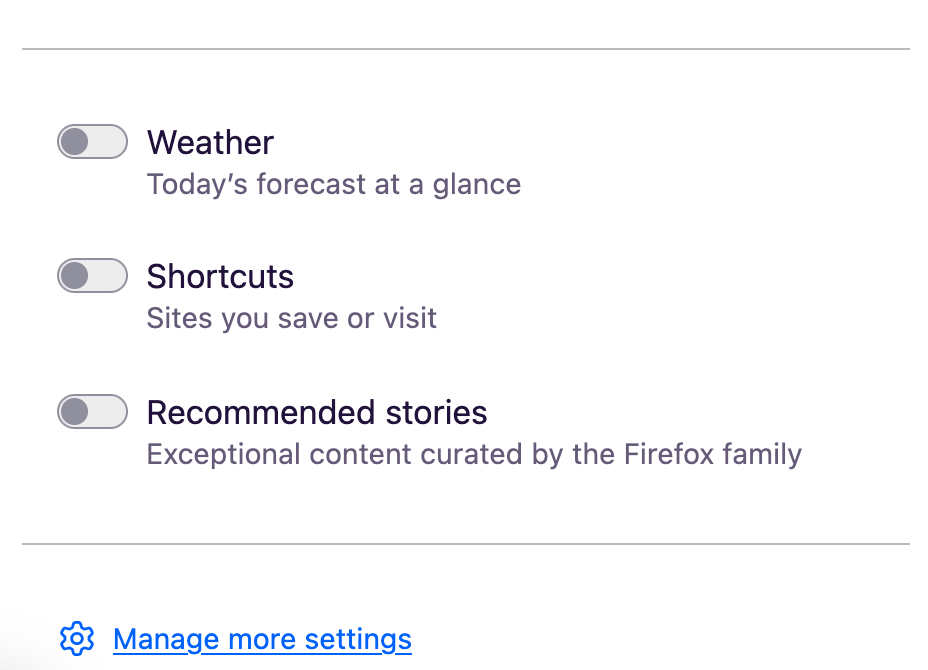
Click on the pencil icon in the bottom right corner of a blank/start-up page. (Screenshot 1) You can toggle Weather, Shortcuts, and Recommended Stories (2).
You can also go to Firefox settings -> Home for more specific changes.