


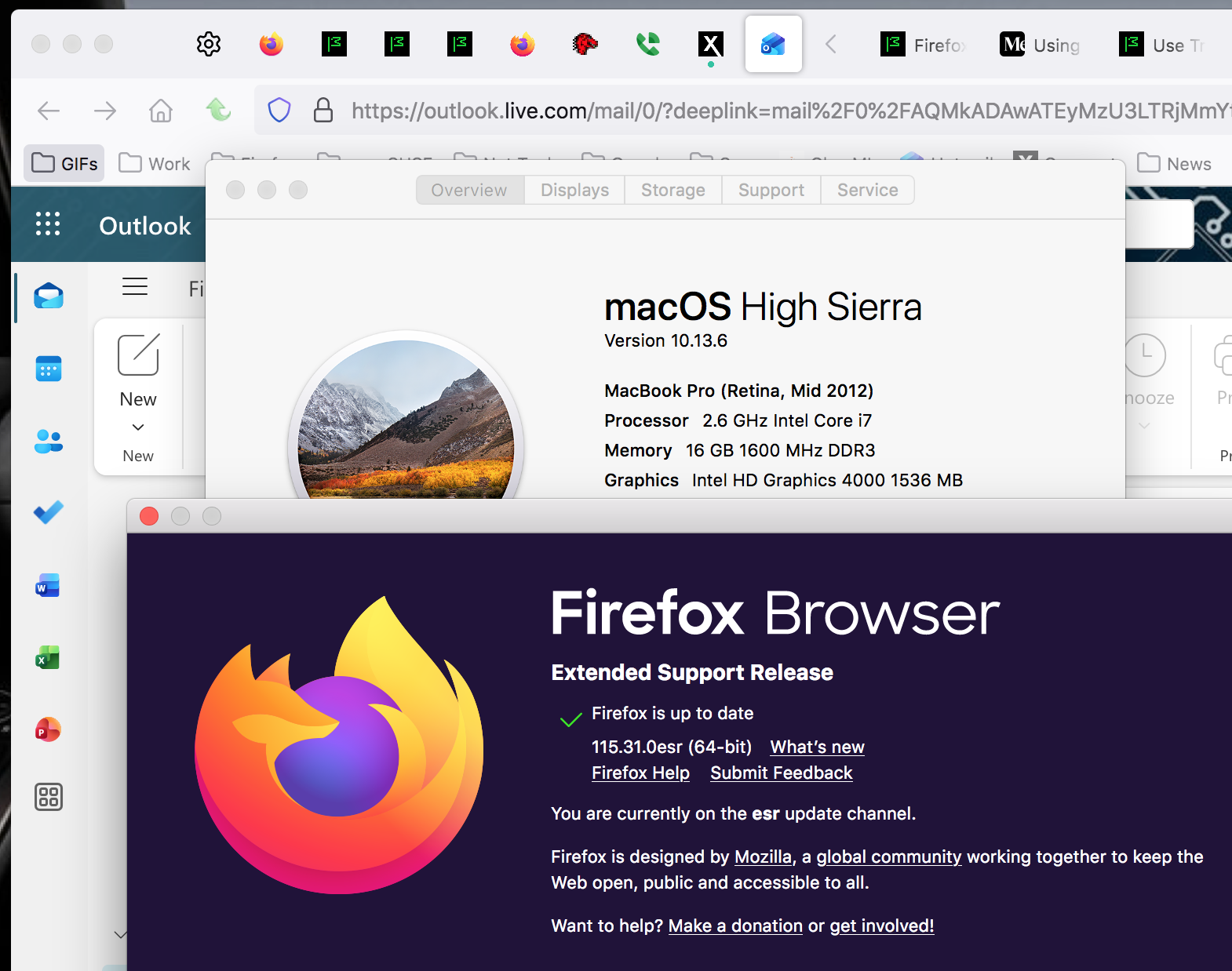
Firefox version 115.31.0esr

I'm experiencing problems across numerous sites using the above version of Firefox, detailed below. Other browsers are OK, as are other versions of Firefox on different devices.
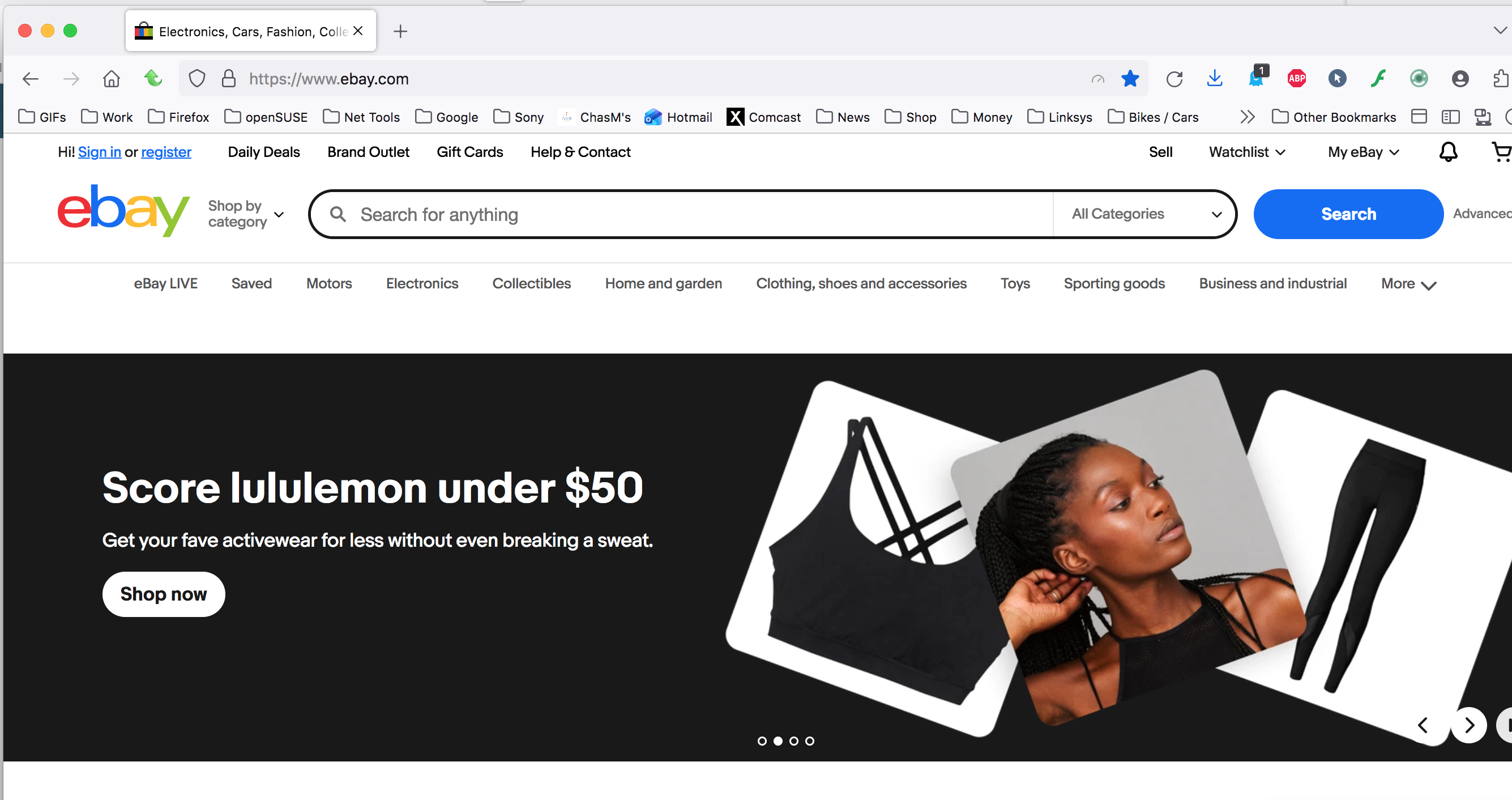
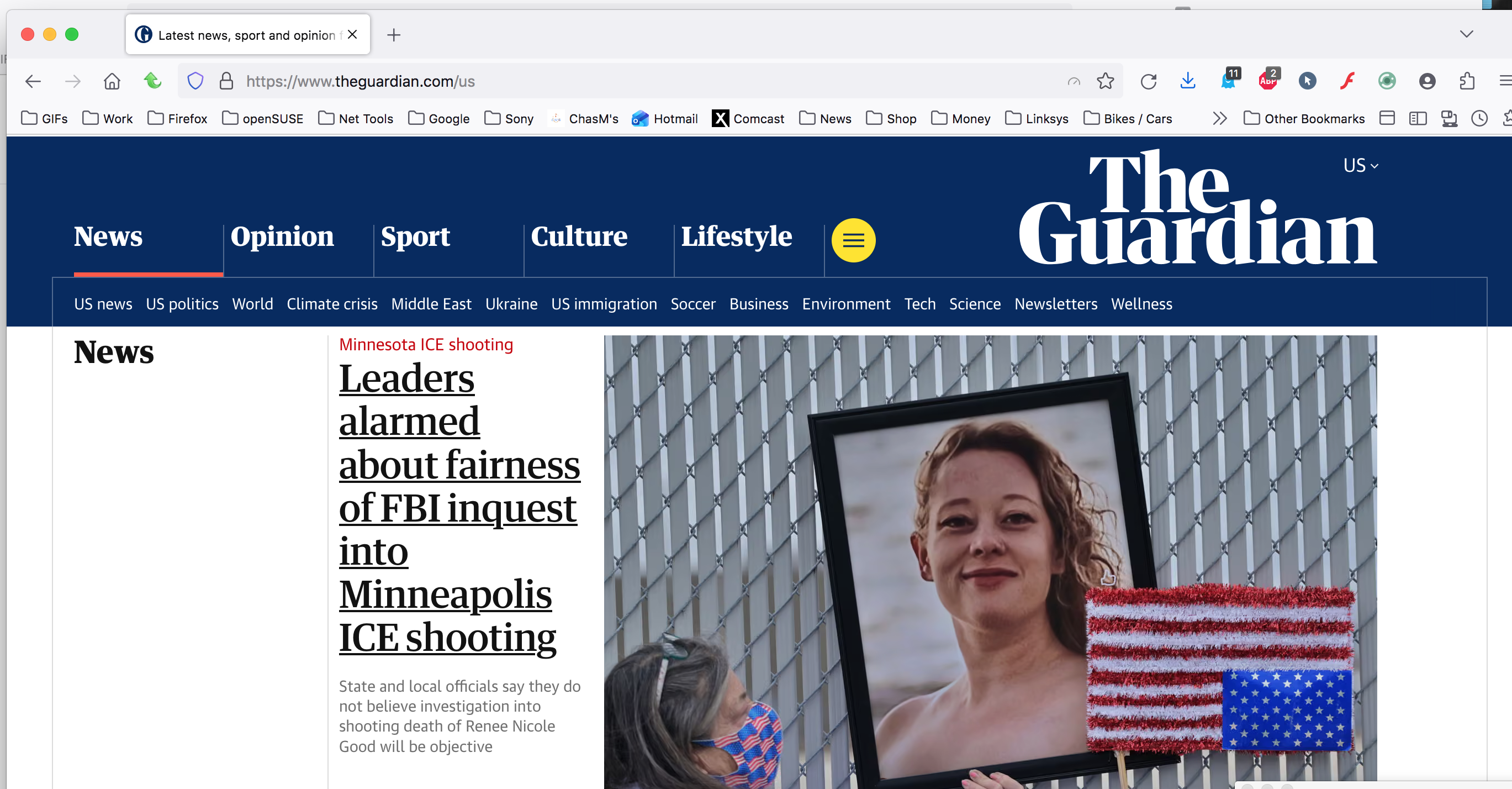
Outlook365 email - "Your message can't be displayed right now" Fantasy Premier League - unable to log in, hitting 'Log in' doesn't respond Faceboook - content does not load Ebay - html on formatting in listings is screwed up Duckduckgo non-functional - returns the message "Ugh, it happened again! The server encountered an error and could not complete your request." The Guardian - images do not load Nextdoor - messages do not load
الحل المُختار
I have a mac from 2012 running 10.13.6 and I'm in Hotmail daily with no issues.
Does it happen with Firefox in Troubleshoot Mode? https://support.mozilla.org/en-US/kb/diagnose-firefox-issues-using-troubleshoot-mode#search
Did you clear your browser cache? https://support.mozilla.org/en-US/kb/clear-cookies-and-site-data-firefox
Read this answer in context 👍 1All Replies (5)
Hi Phil
Please appreciate that you are using an outdated copy of Firefox ESR. You may need to look into updating (if possible on that device).
الحل المُختار
I have a mac from 2012 running 10.13.6 and I'm in Hotmail daily with no issues.
Does it happen with Firefox in Troubleshoot Mode? https://support.mozilla.org/en-US/kb/diagnose-firefox-issues-using-troubleshoot-mode#search
Did you clear your browser cache? https://support.mozilla.org/en-US/kb/clear-cookies-and-site-data-firefox
Thanks - clearing cache/cookies didn't fix it, but after running troubleshoot mode I unchecked performance and hardware acceleration settings which seems to have done the trick.