


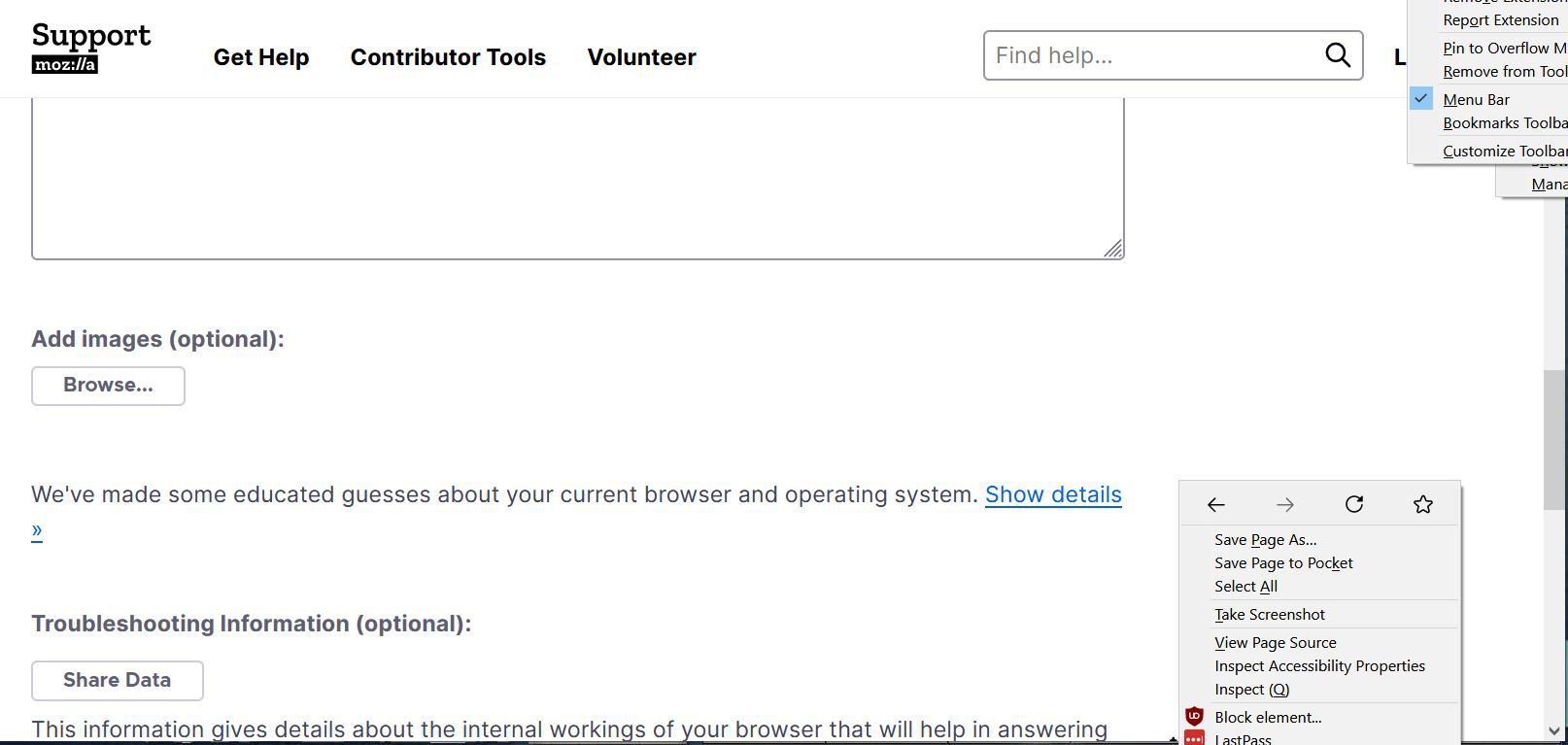
Context menus don't disappear if I click on the page
I noticed an issue since I updated to Firefox 89. Usually, when I right-click anywhere on the page to bring up a context menu and then decide I don't want to use any of the options on it, I can click on the page and the context menu disappears. Now, though, they don't go away unless I hit escape. I tried Firefox with the proton options enabled and disabled and in safe mode and regular mode and without any css personalization and it is the same regardless. Is this a bug? I'm on Windows 10 laptop.
All Replies (2)
الحل المُختار
Could you check this preference? It can get turned on accidentally in the Browser Toolsbox or some other developer tools:
(1) In a new tab, type or paste about:config in the address bar and press Enter/Return. Click the button accepting the risk.
(2) In the search box in the page, type or paste ui.popup.disable_autohide and pause while the list is filtered
(3) If the preference is bolded and has a value of true, double-click it to restore the default value of false
Thank you! I never knew there was a setting for that!