


Windows 10 reached EOS (end of support) on October 14, 2025. If you are on Windows 10, see this article.

Search Support

Avoid support scams. We will never ask you to call or text a phone number or share personal information. Please report suspicious activity using the “Report Abuse” option.

Learn More
Open

Firefox fails to load CloudFront assets after upgrading to macOS 27.

martinh_88

Hi Community,

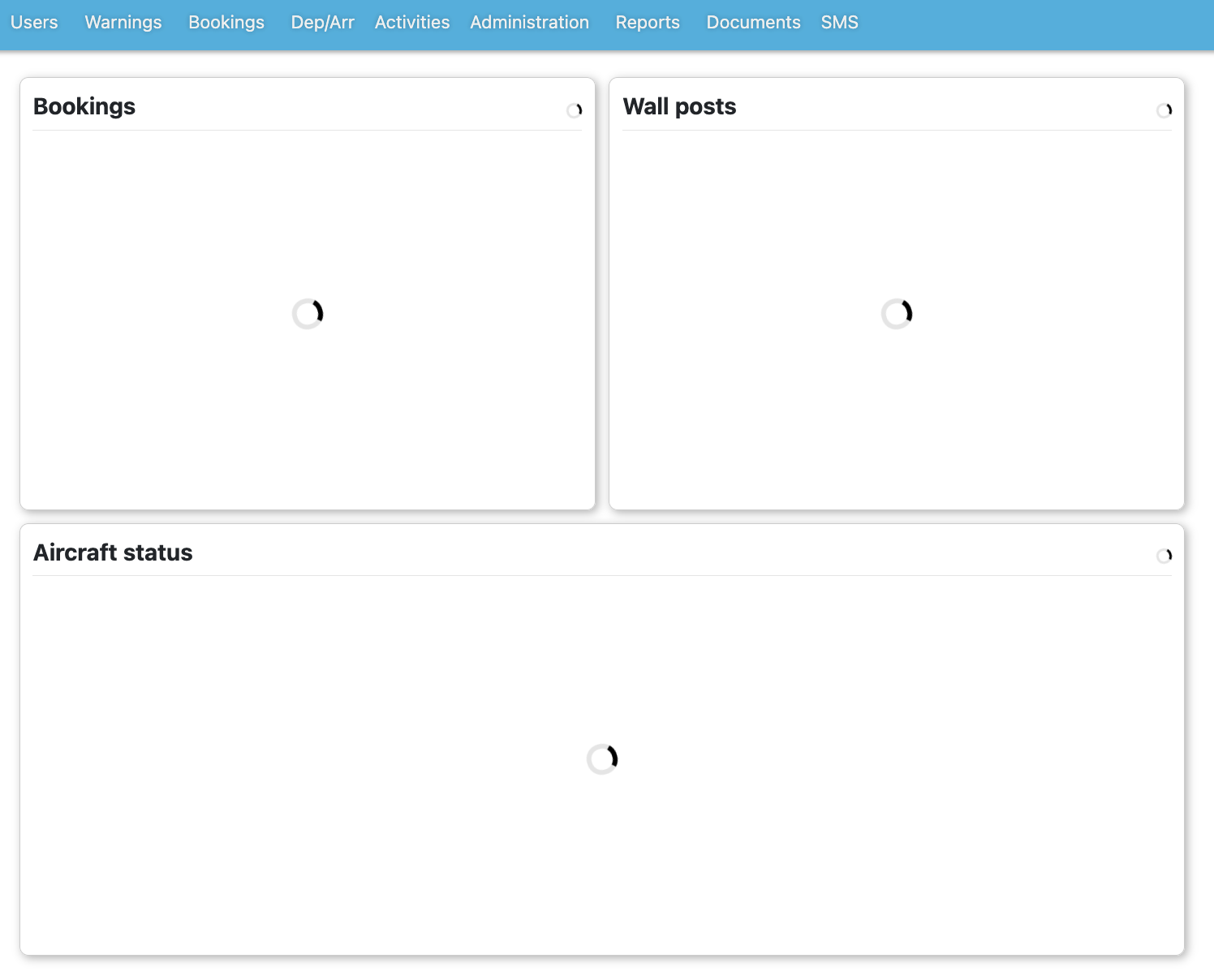
I’ve used Firefox for over 20 years and it’s always been my main browser, but since updating my Mac to macOS 27, Firefox has become unusable with one of my essential web apps (FlightLogger). The first page after logging in loads normally, but any click or navigation after that fails. The header stays visible, the rest of the page stays blank, and clicking links only adds a “#” to the URL with no content loading.

Safari works perfectly on the same machine and same network.

In Firefox’s console, every JavaScript file coming from CloudFront fails with “CORS request did not succeed (Status code: null)”, and I also see repeated “A ServiceWorker intercepted the request and encountered an unexpected error” messages. Module scripts are also blocked with “Module source URI is not allowed in this document.”

To rule out local issues, I’ve already reinstalled Firefox, created new profiles, cleared all caches/cookies/service workers, disabled all extensions, disabled DNS‑over‑HTTPS, disabled Enhanced Tracking Protection, reset macOS network settings, checked proxy settings, and tried different networks. The problem persists even with a completely fresh Firefox install and profile.

This started immediately after upgrading to macOS 27, and only affects Firefox. Safari loads the same CloudFront assets without any issue. It looks like Firefox can load the initial HTML but cannot fetch any CloudFront‑hosted JavaScript modules, which breaks navigation entirely.

Has anyone else seen this after updating to macOS 27, or found a workaround? I’d really like to keep using Firefox as my main browser.

Thanks in advance

Hi Community, I’ve used Firefox for over 20 years and it’s always been my main browser, but since updating my Mac to macOS 27, Firefox has become unusable with one of my essential web apps (FlightLogger). The first page after logging in loads normally, but any click or navigation after that fails. The header stays visible, the rest of the page stays blank, and clicking links only adds a “#” to the URL with no content loading. Safari works perfectly on the same machine and same network. In Firefox’s console, every JavaScript file coming from CloudFront fails with “CORS request did not succeed (Status code: null)”, and I also see repeated “A ServiceWorker intercepted the request and encountered an unexpected error” messages. Module scripts are also blocked with “Module source URI is not allowed in this document.” To rule out local issues, I’ve already reinstalled Firefox, created new profiles, cleared all caches/cookies/service workers, disabled all extensions, disabled DNS‑over‑HTTPS, disabled Enhanced Tracking Protection, reset macOS network settings, checked proxy settings, and tried different networks. The problem persists even with a completely fresh Firefox install and profile. This started immediately after upgrading to macOS 27, and only affects Firefox. Safari loads the same CloudFront assets without any issue. It looks like Firefox can load the initial HTML but cannot fetch any CloudFront‑hosted JavaScript modules, which breaks navigation entirely. Has anyone else seen this after updating to macOS 27, or found a workaround? I’d really like to keep using Firefox as my main browser. Thanks in advance

All Replies (2)

Hi Martin, if you have 'Private Relay' (Apple's DNS & VPN like redirector) enabled, try disabling it please.

Hi,

Thanks for your quick response and the suggested fix.

I've disabled Private Relay through iCloud, but unfortunately the issue still persists.
Vra 'n vraag

You must log in to your account to reply to posts. Please start a new question, if you do not have an account yet.