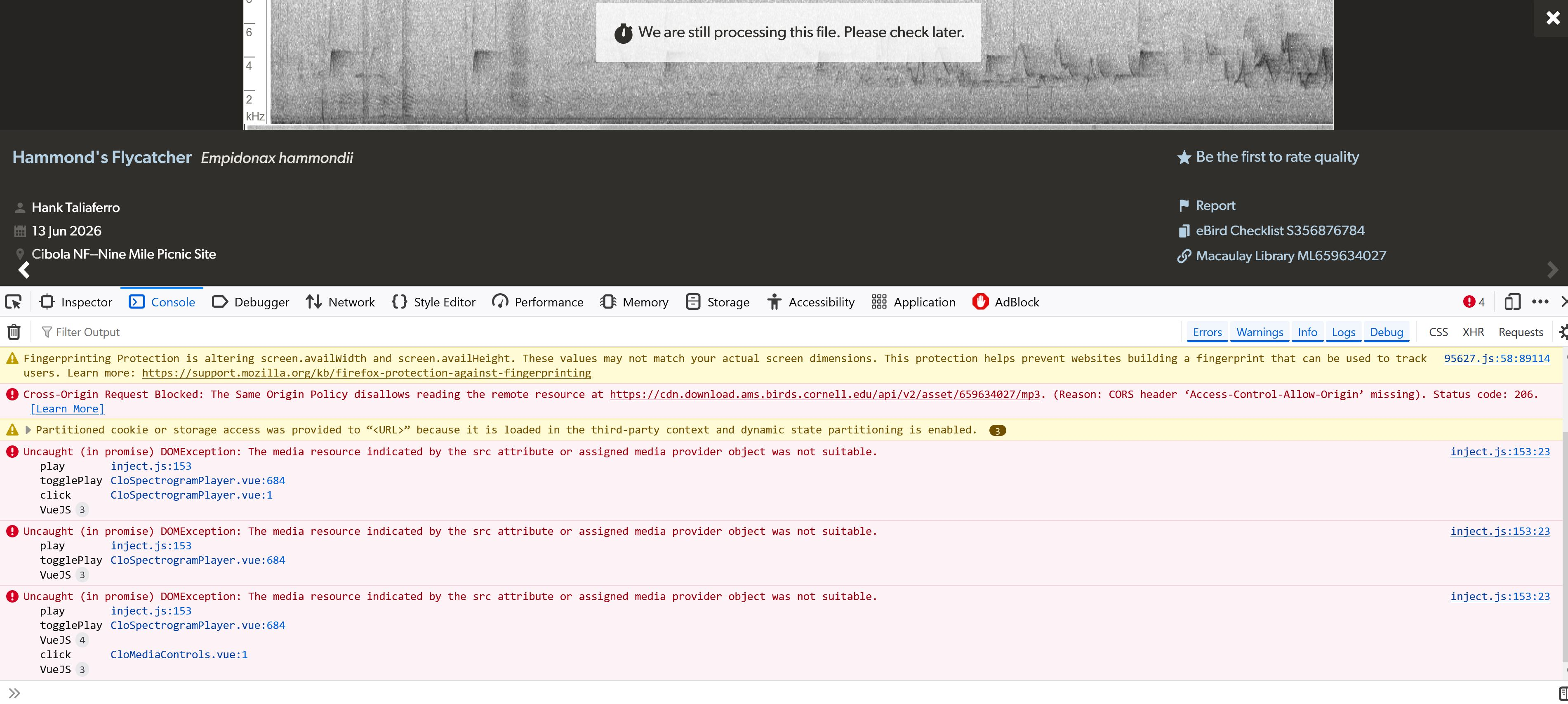
In eBird.org, sonograms of bird songs do not work on this laptop (Win10 updated),

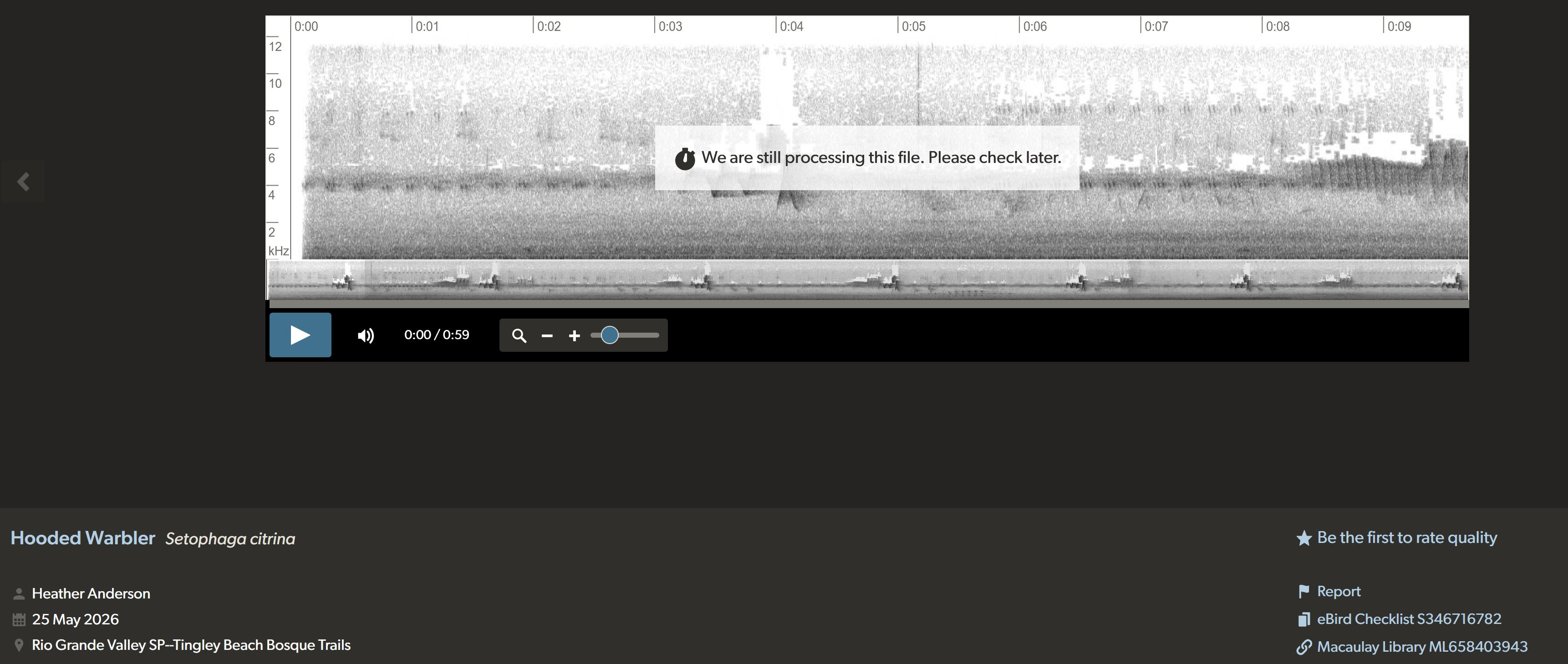
I use eBird extensively. When I try to play the audio (with sonograms), I get a message that says "We are still processing this file. Try again later". These files perform well on my Android phone, so I know it it is not eBird's glitch. I am confused about the setting options on Firefox that I need to set. These files are usually .wav format. I have tried to open a ticket with eBird, but have not had a response. Can you guide me? Thanks.
All Replies (4)

Hi,
Please can you try logging in and out of the website, then following the steps below to reload the page while bypassing the cache. This forces it to fetch a fresh copy of the data/audio:
Reload the webpage while bypassing the cache using one of the following steps:
- Hold down the Shift key and click the Reload
 button in the navigation toolbar.
OR
- Press Ctrl + F5 or Ctrl + Shift + R (Windows and Linux)
- Press Command + Shift + R (Mac)
Let us know if this solves the issues you are having, there are other steps we can perform to try and fix this.
The Windows commands did not work, Here is an example:
Please can you press Ctrl + Shift + K when you are on the page, and send us a screenshot of what appears (there may be multiple screenshots needed as you scroll down it).
It's normal to have some errors, these aren't a sign that anything is wrong with your computer.
So, I repeated the Control+Shift+K again on a recent checklist and found out that Fingerprinting was involved. But I am nervous about doing the wrong thing and messing up more; my IT skills are rusty. I am attaching an image of the results. Thanks.