


Sent & Draft items saved in Local Folders

Hi, Need to move them back to Inbox.
Gekose oplossing
You're very welcome. :) If you're satisfied, please mark this thread resolved. Thank you
Lees dié antwoord in konteks 👍 0All Replies (7)
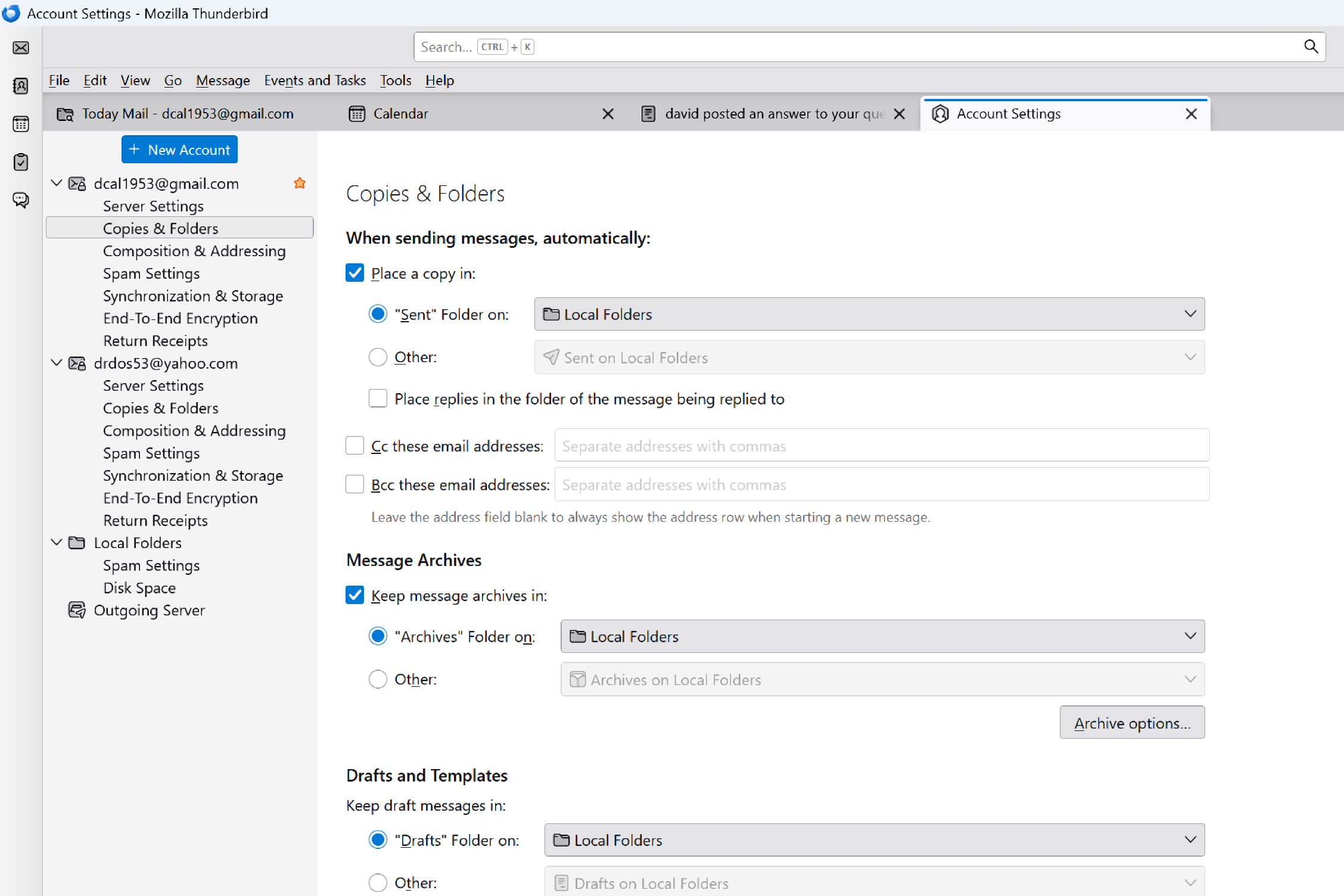
Just to clarify, you want messages in the sent and draft folders to be saved in inbox instead? That's unusual, but have you tried that in the 'copies&folders' pane? Please share more info on the problem, plus whatever tests you tried. thank you.
David, The Sent & Draft folders are "normally" housed in Inbox folder. Would like them returned. Not sure how this happened. I don't experiment.
I am a touch slow these days.
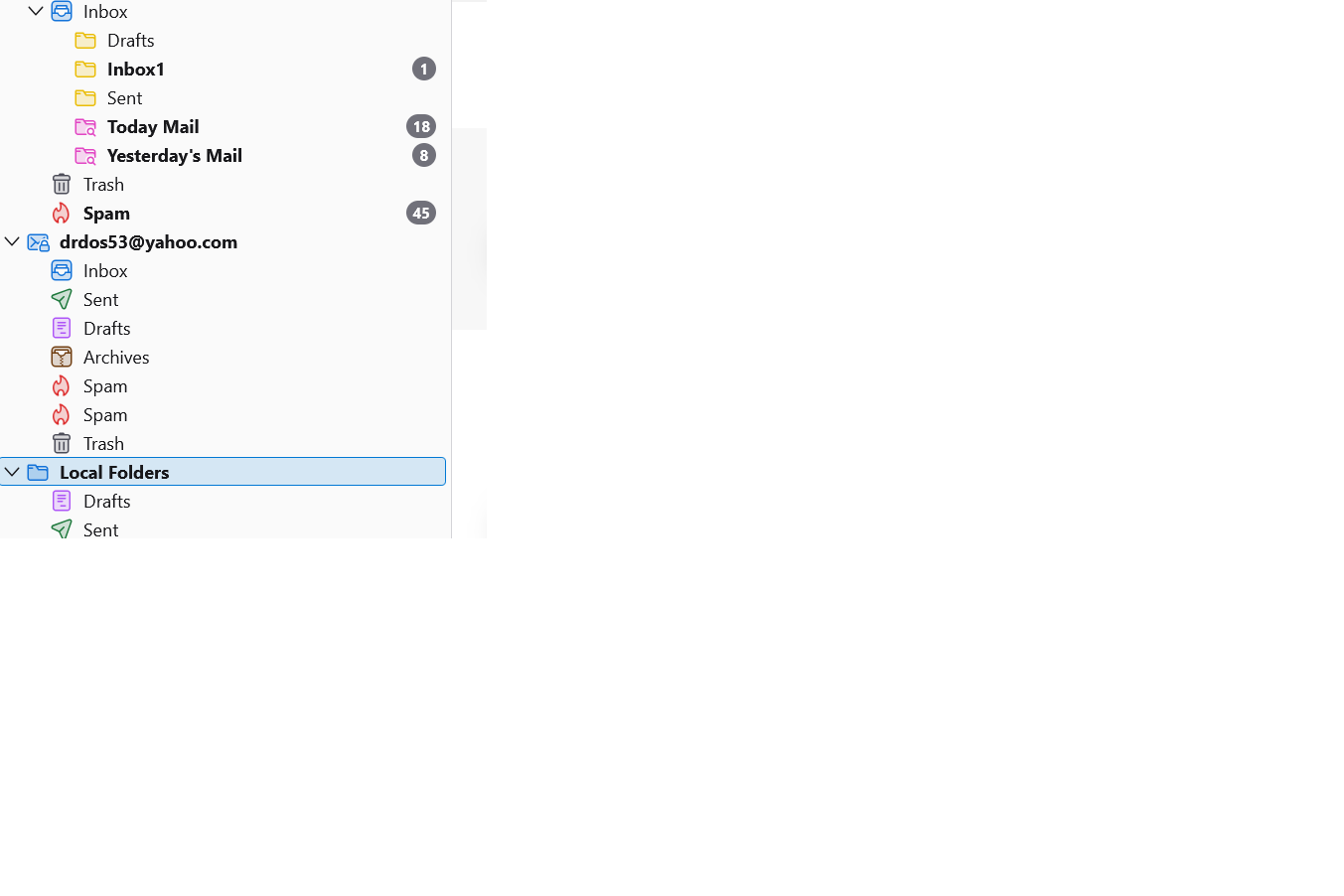
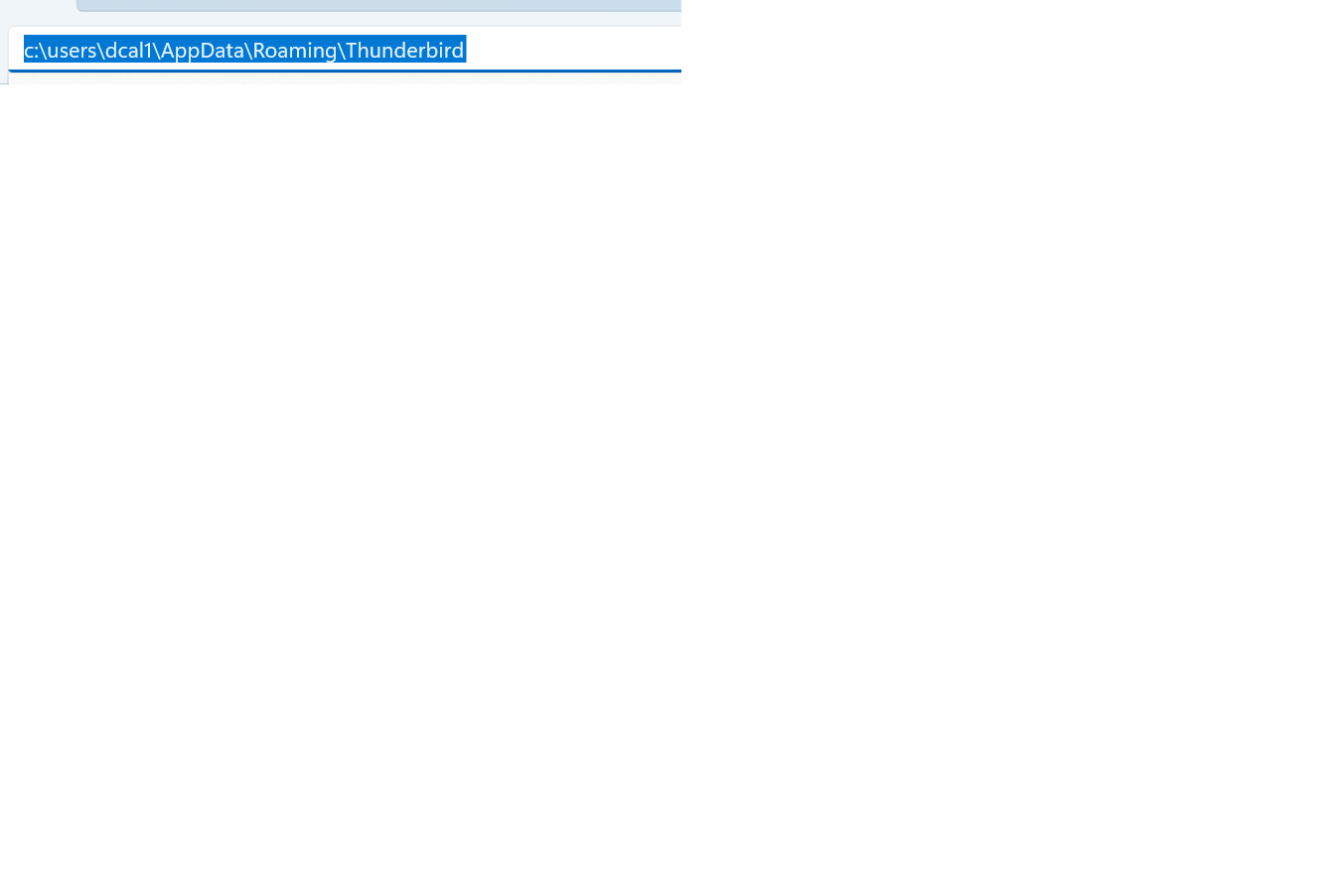
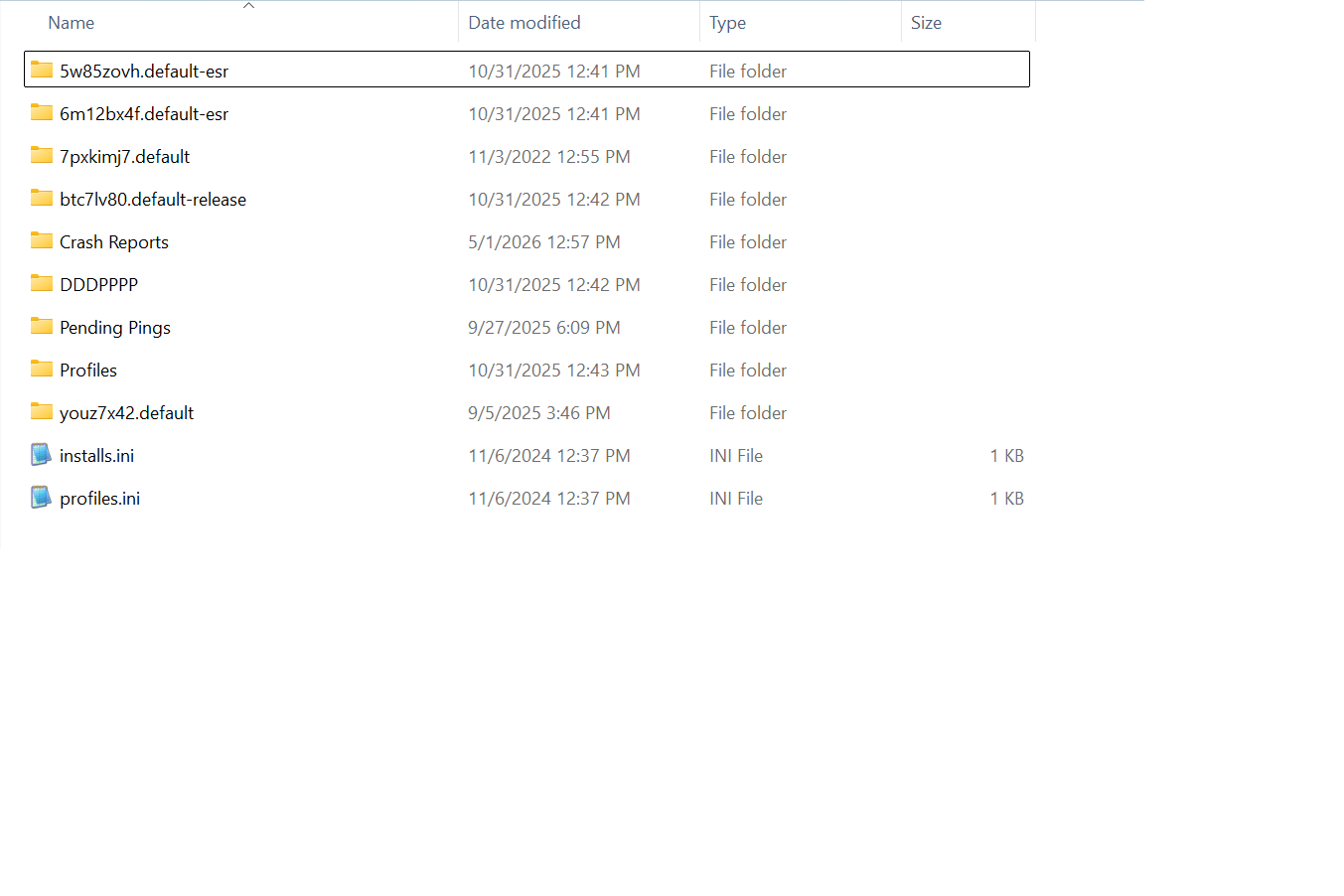
Is this the Yahoo account? I see a sent folder under it. And I see from the count that there is not content. Is that third screenshot of the thunderbird folder? If so, it appears that a lot of 'experimenting' has taken place, as profiles are normaly in the profiles folder. I suggest you send a message or two to yourself to confirm where sent messages are stored, and to post a screenshot of your copies&folders pane. We need that to assist you. Thank you
David, My config is gmail first, yahoo second and Thunderbird third (Local Folders). My Sent & Drafts are sent to TB folder. NO experimentation. My profile folder was copied several times. Something went awry in the backup. ???
What do you mean by "copies&folders pane"?
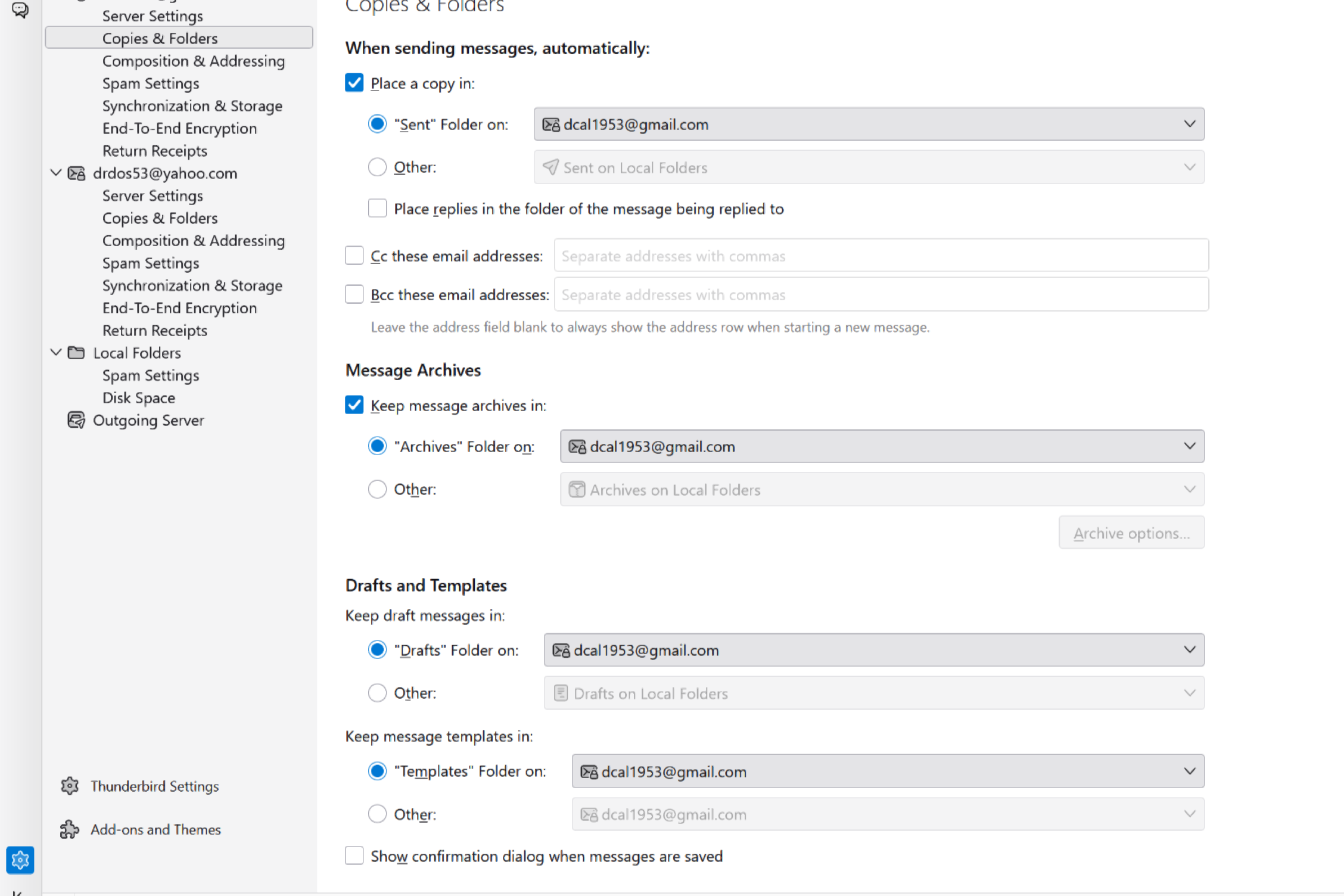
In 'account setting' pane, there are several panes for each account, and one is for copies&folders. I also suggest checking the account online, to see how the folders are constructed, as thunderbird (to my knowledge) does not change server settings.
David, Thanks for the info. They were set wrong. Now ok. Not sure how they changed. I didn't even know about them.
Gekose oplossing
You're very welcome. :) If you're satisfied, please mark this thread resolved. Thank you