


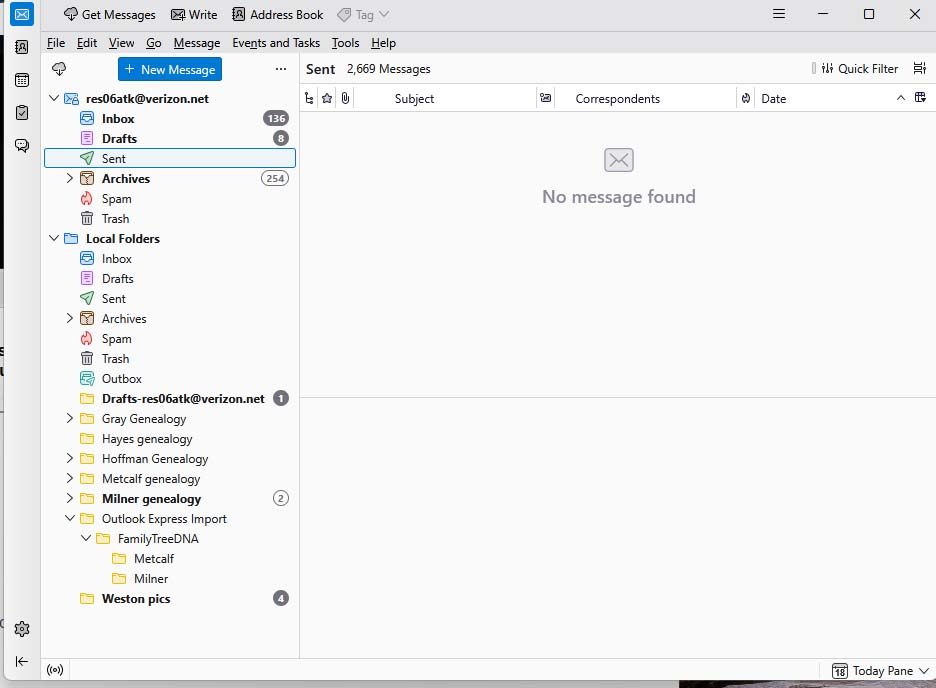
Sent folder shows 2,669 messages, but displays No message found. How do I fix this?

I didn't knowingly make any changes in Thunderbird, but my Sent folder says there are 2,669 messages in the folder, but displays an envelope and No message found. I upgraded to the latest version. How do I fix this?
(I haven't had time to move all functions to another drive.)
Extech
All Replies (16)
Thank you, but I had found it in a previous version, and it didn't change anything. Same for the latest version. Still No Message found.

Do the missing messages appear when you're on the provider's web site?
extech said
Yes, they all seem to be there.
R. click Sent folder > Properties. Does the Location look OK? What is the Number of messages there?
I have compared the Sent address with Draft, and they are identical. The Draft folder is fine.
@extech: You didn't reply to Ed's question about the number of messages (and the size on disk) in the Folder Properties window (see image)
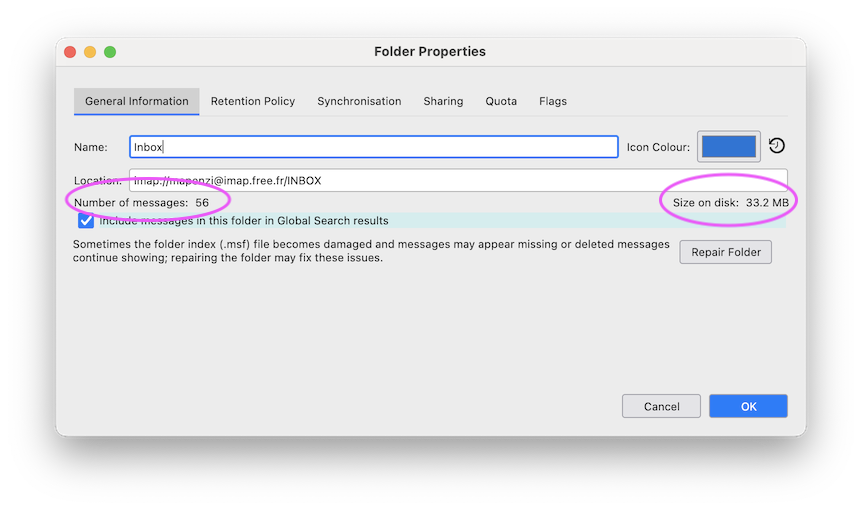
For the Sent folder, 2712 messages, 904 MB. There is 4.48 GB free on that disk. I have my hard drive partitioned. The C: drive has 6.26 GB free. I have had problems with the C: drive filling up, but at the moment there should be sufficient space.
Since this is an IMAP account, I suggest this: - click help>troubleshootinginformation - scroll to 'profile folder' and click 'open folder' - exit thunderbird - click imapmail folder -now, click the IMAP account folder - locate the sent, sent.msf and delete them. - restart thunderbird
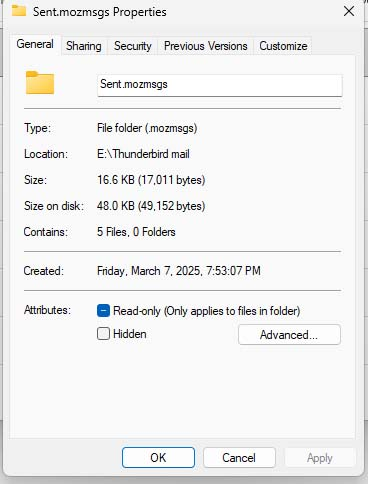
The Sent.mozmsgs folder actually has only 5 files. See the File system properties, attached. I also notice that the icons for the current Sent folder and an old Sent folder are different.

Re: Since this is an IMAP account, I suggest this: - click help>troubleshootinginformation - scroll to 'profile folder' and click 'open folder' - exit thunderbird - click imapmail folder -now, click the IMAP account folder - locate the sent, sent.msf and delete them. - restart thunderbird
No change. There were actually 3 -- Sent-1 and Sent.