Windows 10 reached EOS (end of support) on October 14, 2025. If you are on Windows 10, see this article.

Search Support

Avoid support scams. We will never ask you to call or text a phone number or share personal information. Please report suspicious activity using the “Report Abuse” option.

Learn More

Hierdie gesprek is in die argief. Vra asseblief 'n nuwe vraag as jy hulp nodig het.

Unable to sync devices due to no option in android app

  • 3 antwoorde
  • 4 hierdie probleem
  • 183 views
  • Laaste antwoord deur jonzn4SUSE

I want to sync up my devices, both of which are logged in to my mozilla account. In the settings, there is an option to "Connect Another Device". This prompts me to scan a QR code within the firefox mobile app.

Unfortunately, the option to scan a QR code does not seem to exist in the current version of the app. In the sync settings, there is no way to open a QR code scanner. Opening it via the camera or icon in the URL bar on the app brings me to a page saying "you have to do this within the firefox app!".

The only solution I've found is to log out of my mobile app, then I unlock the option to scan a QR code to log me back in. I'm sure this is not intentional behaviour; I suppose this is more of a bug report than a support request but I wasn't sure where to post this.

I want to sync up my devices, both of which are logged in to my mozilla account. In the settings, there is an option to "Connect Another Device". This prompts me to scan a QR code within the firefox mobile app. Unfortunately, the option to scan a QR code does not seem to exist in the current version of the app. In the sync settings, there is no way to open a QR code scanner. Opening it via the camera or icon in the URL bar on the app brings me to a page saying "you have to do this within the firefox app!". The only solution I've found is to log out of my mobile app, then I unlock the option to scan a QR code to log me back in. I'm sure this is not intentional behaviour; I suppose this is more of a bug report than a support request but I wasn't sure where to post this.

All Replies (3)

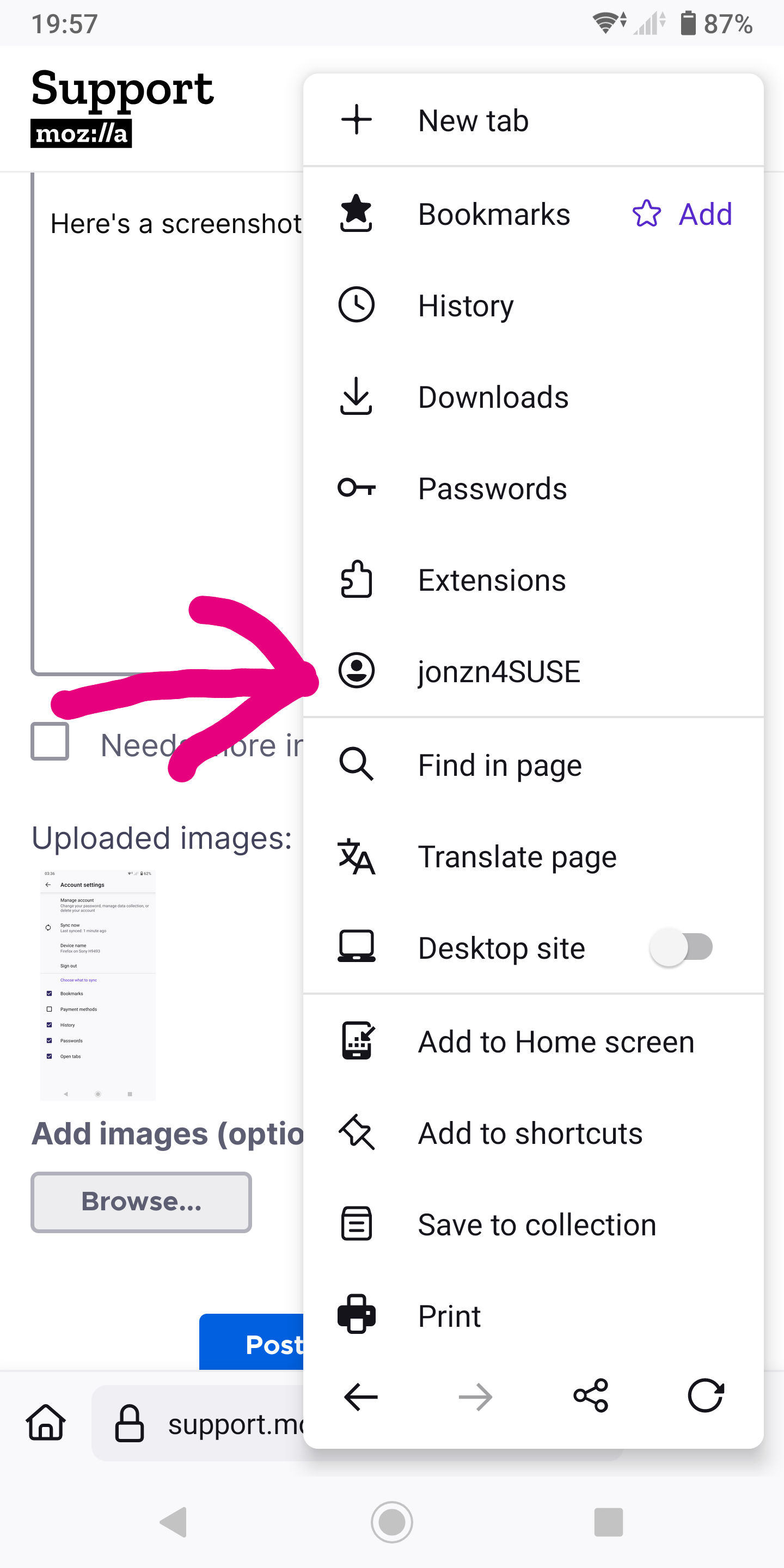
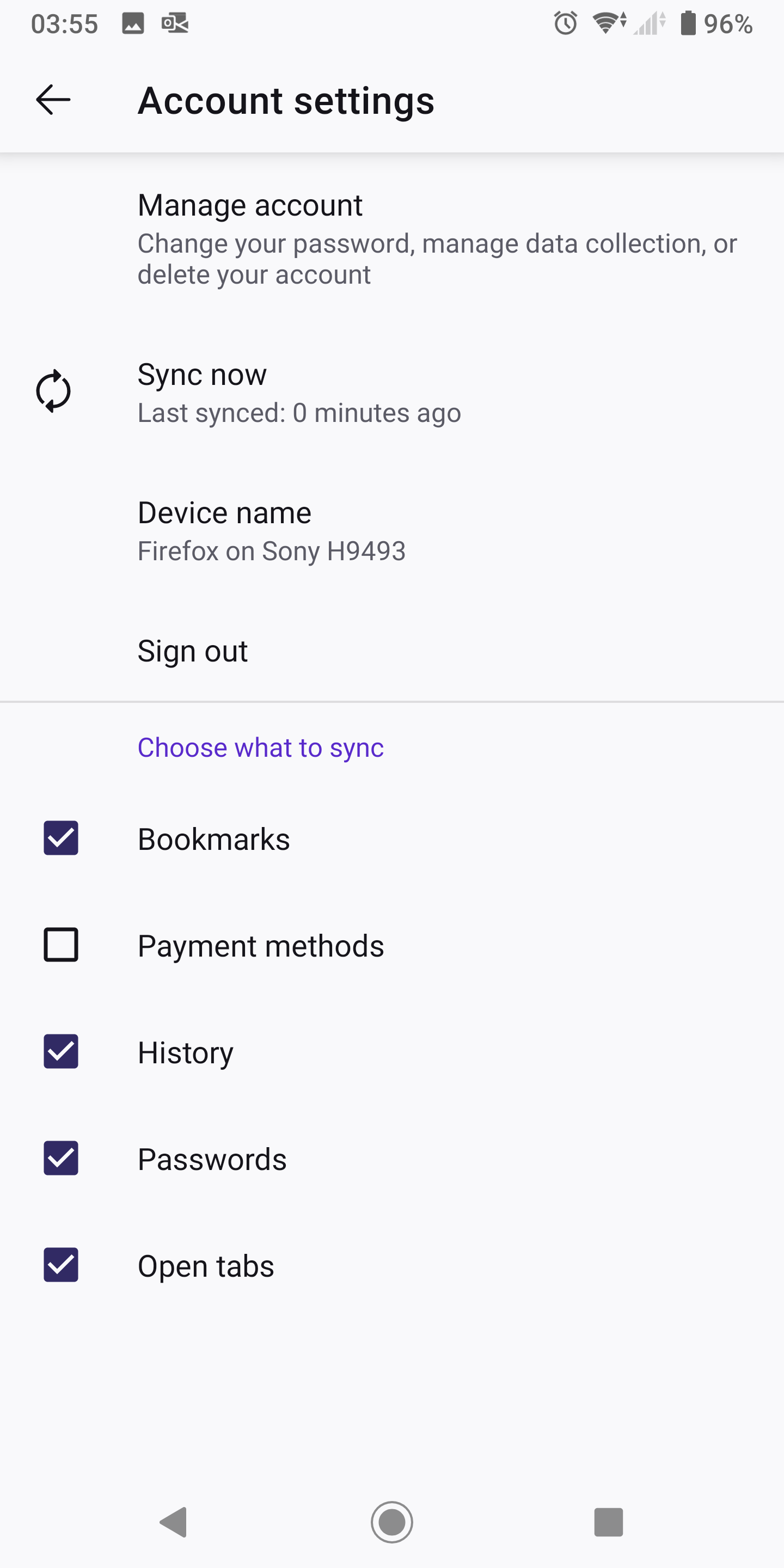
What do you see here? see screenshot Just sign into your account.

jonzn4SUSE said

What do you see here? see screenshot Just sign into your account.

That option doesn't appear when already logged in.

Right. If you're already logged in you should see your account name. see screenshot Post screenshots of what you're seeing.