

Hierdie gesprek is in die argief.
Vra asseblief 'n nuwe vraag as jy hulp nodig het.

Opgelos
In die argief
My firefox seems to have switched to a weird dark mode for no reason.
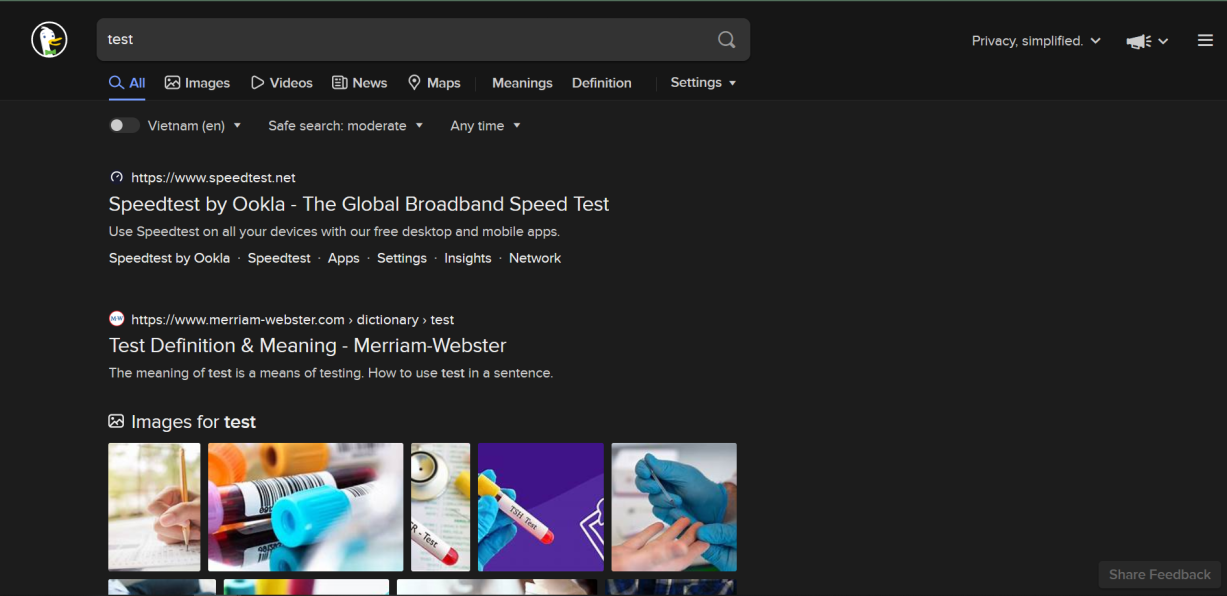
For some reason, all of my Firefox related things have switched to a dark mode. My DuckDuckGo page switched to dark, my tab groups have switched to dark, my links have switched to dark! This happened when I was using the Dracula Dark theme, and the Lush Bold Theme.
For some reason, all of my Firefox related things have switched to a dark mode. My DuckDuckGo page switched to dark, my tab groups have switched to dark, my links have switched to dark! This happened when I was using the Dracula Dark theme, and the Lush Bold Theme.


All Replies (1)
Gekose oplossing
There is a reason - it follows your dark theme.
If you want to have different color scheme preference for FF UI and sites, you can change "layout.css.prefers-color-scheme.content-override" in 'about:config' to:
Dark (0), light (1), system (2) or browser (3)
For 94 default was 2, in version 95 it is 3. You can either fallback to 2 or just use 0/1 to change color preference for sites.