


Firefox 89 useragent weirdness

Firefox 89.0.2, windows 10 pro with latest updates
I had trouble with two sites - they were displaying the mobile view instead of the desktop view. I looked at the 'general.useragent.override' string in about:config. It was set to "Windows". I changed it to Mozilla/5.0 (Windows NT x.y; rv:10.0) Gecko/20100101 Firefox/10.0 and then the sites displayed correctly.
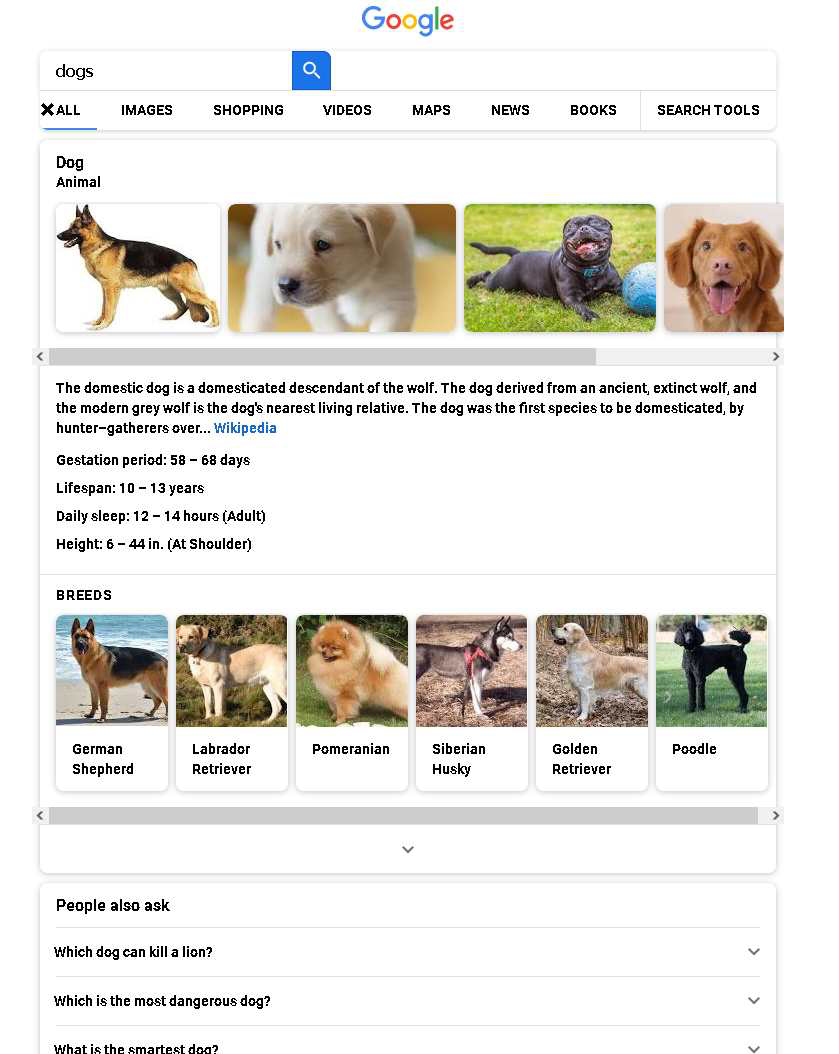
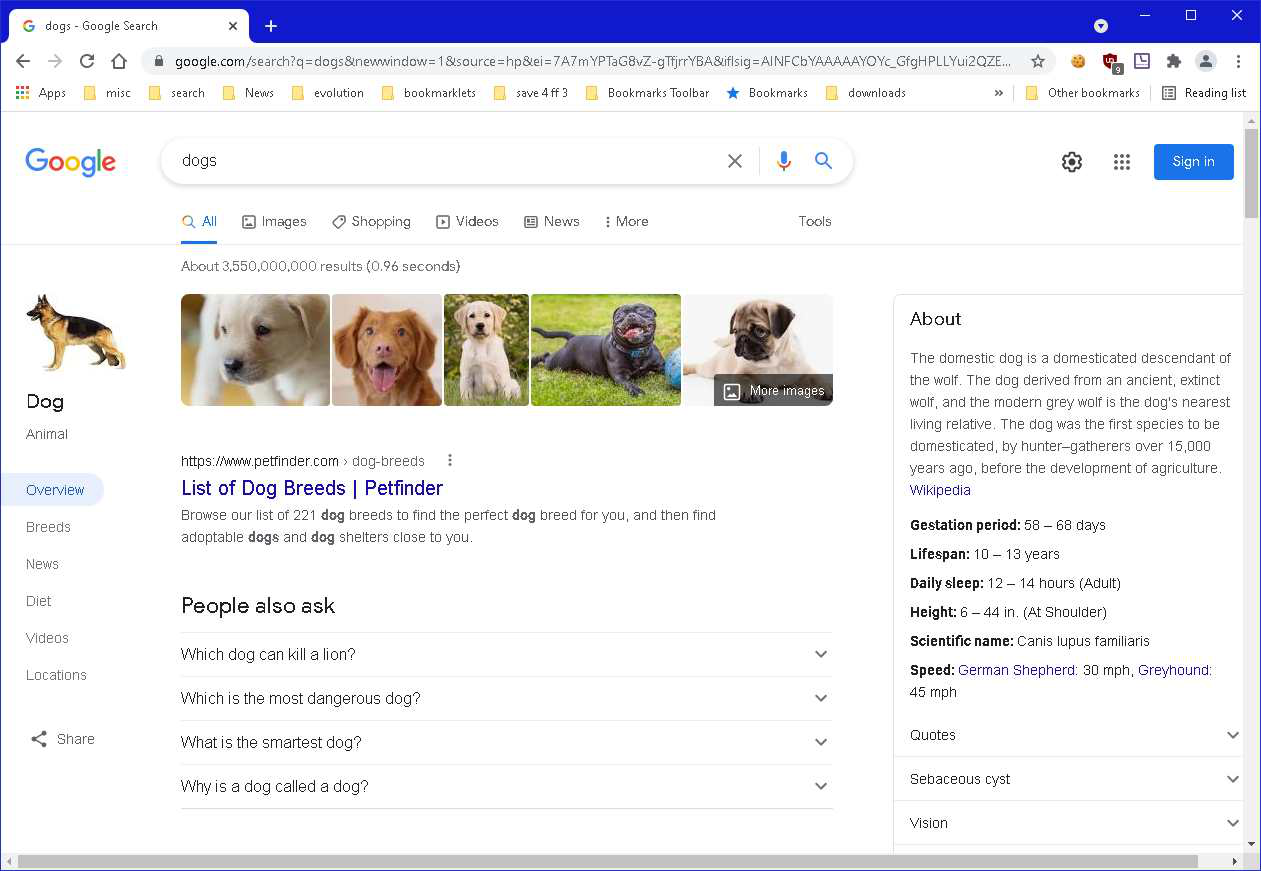
But now, duckduckgo and google are displaying strangely (perhaps they are showing the mobile version of the website?? Beats me.)
There are 3 other useragent config variables in about:config : dom.push.userAgentID 66cb7374724c47149c50bf2c98c7f97c general.useragent.compatMode.firefox false useragentswitcher.version 0.7.3
(Plus, there are 4 'devtools' variables.)
Are those correct? Am I missing some? What else should I look at in order to fix duckduckgo and google?
Thanks!
PS: duckduckgo and google display correctly in Chrome. But I do not want to use Chrome.
PPS: I uploaded screenshots showing what google looks like on Firefox and on Chrome.
Gekose oplossing
To set the default UA you have to delete general.useragent.override preference using a trash icon on the right.
All Replies (6)
Why don't you stay on the default UA? Firefox/10.0 is not a very good choice.
What is the default UA? Thanks
Gekose oplossing
To set the default UA you have to delete general.useragent.override preference using a trash icon on the right.
That fixed it - thanks!!
If you click the trashcan icon on general.useragent.override to reset the pref then you get the default user agent. It is best not to use this pref to modify the user agent. If you really need a specific user agent for a website then use a user agent switching extension.
- User Agent Switcher https://addons.mozilla.org/firefox/addon/ua-switcher/
- Custom UserAgent String https://addons.mozilla.org/firefox/addon/custom-user-agent-revived/
Thanks!