Show a cached page from History without refreshing

I need to view a cached webpage as it was on a particular date without Firefox automatically refreshing the page once I retrieve it from History. Example: I attempted to login to an employer's website and received an error message that I would need to reapply. I went back to said website yesterday and was able to login to my employee profile. How can I pull up the page from my History showing the error message where I wasn't able to login and the error message was displayed?
I need to view a cached webpage as it was on a particular date without Firefox automatically refreshing the page once I retrieve it from History. Example: I attempted to login to an employer's website and received an error message that I would need to reapply. I went back to said website yesterday and was able to login to my employee profile. How can I pull up the page from my History showing the error message where I wasn't able to login and the error message was displayed?
All Replies (1)
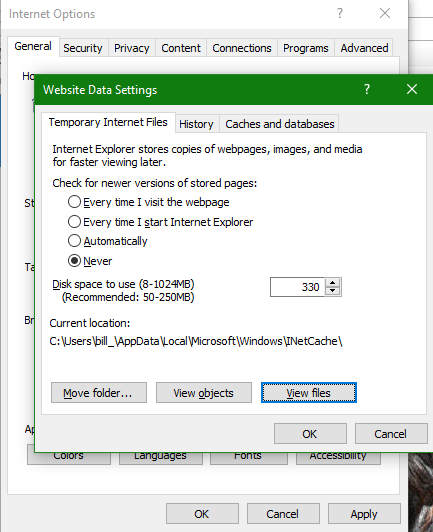
I've attached a snippit from the Internet Explorer days showing that as an option. Hopefully, that will make clear my query.