Windows 10 reached EOS (end of support) on October 14, 2025. If you are on Windows 10, see this article.

Search Support

Avoid support scams. We will never ask you to call or text a phone number or share personal information. Please report suspicious activity using the “Report Abuse” option.

Learn More
Hierdie gesprek is in die argief. Vra asseblief 'n nuwe vraag as jy hulp nodig het.
In die argief

Why after downloading Firefox and signing in my account two programs Firefox run in my PC?

SuMo Bot replied
Eleni Dimaki

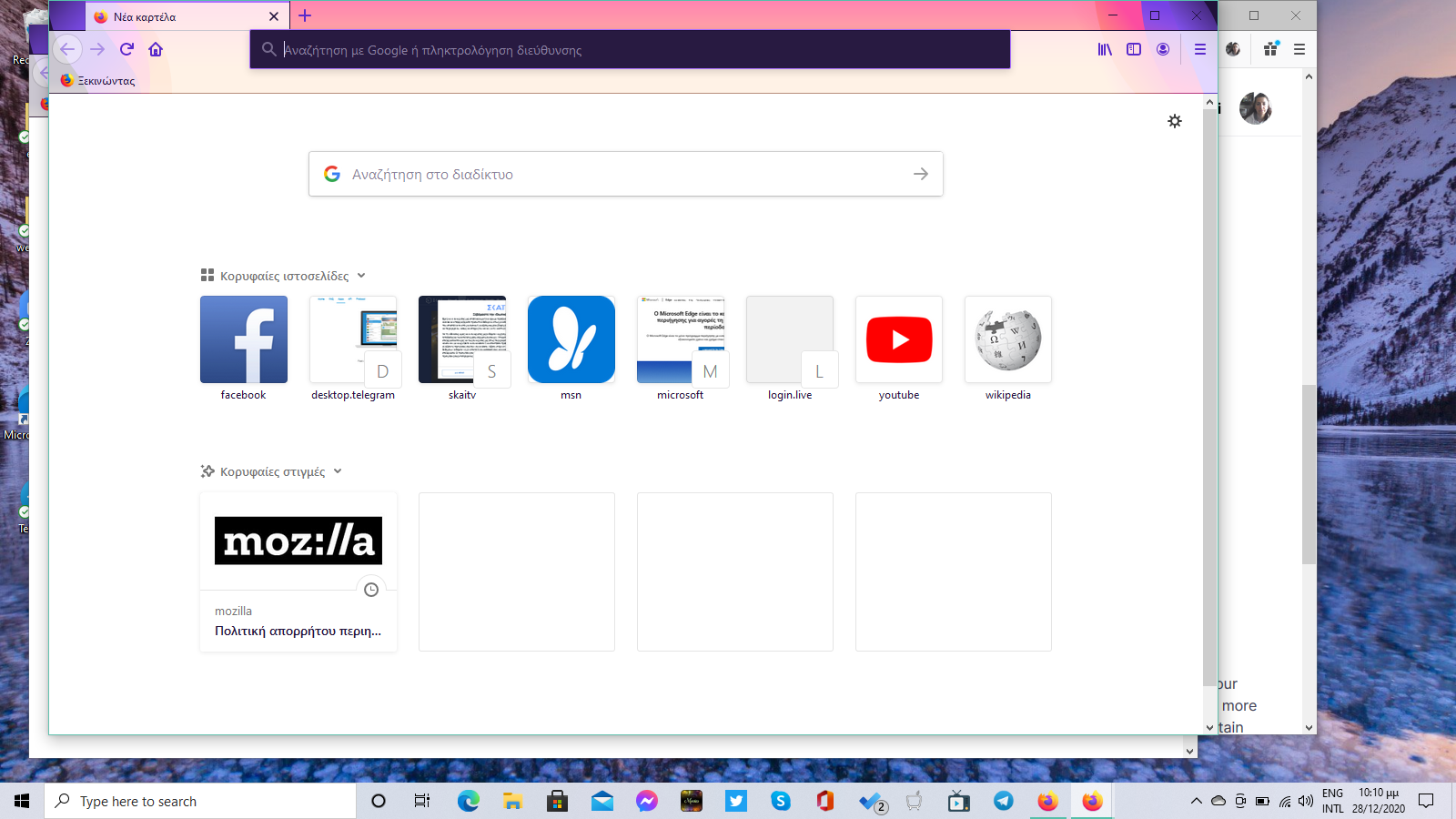
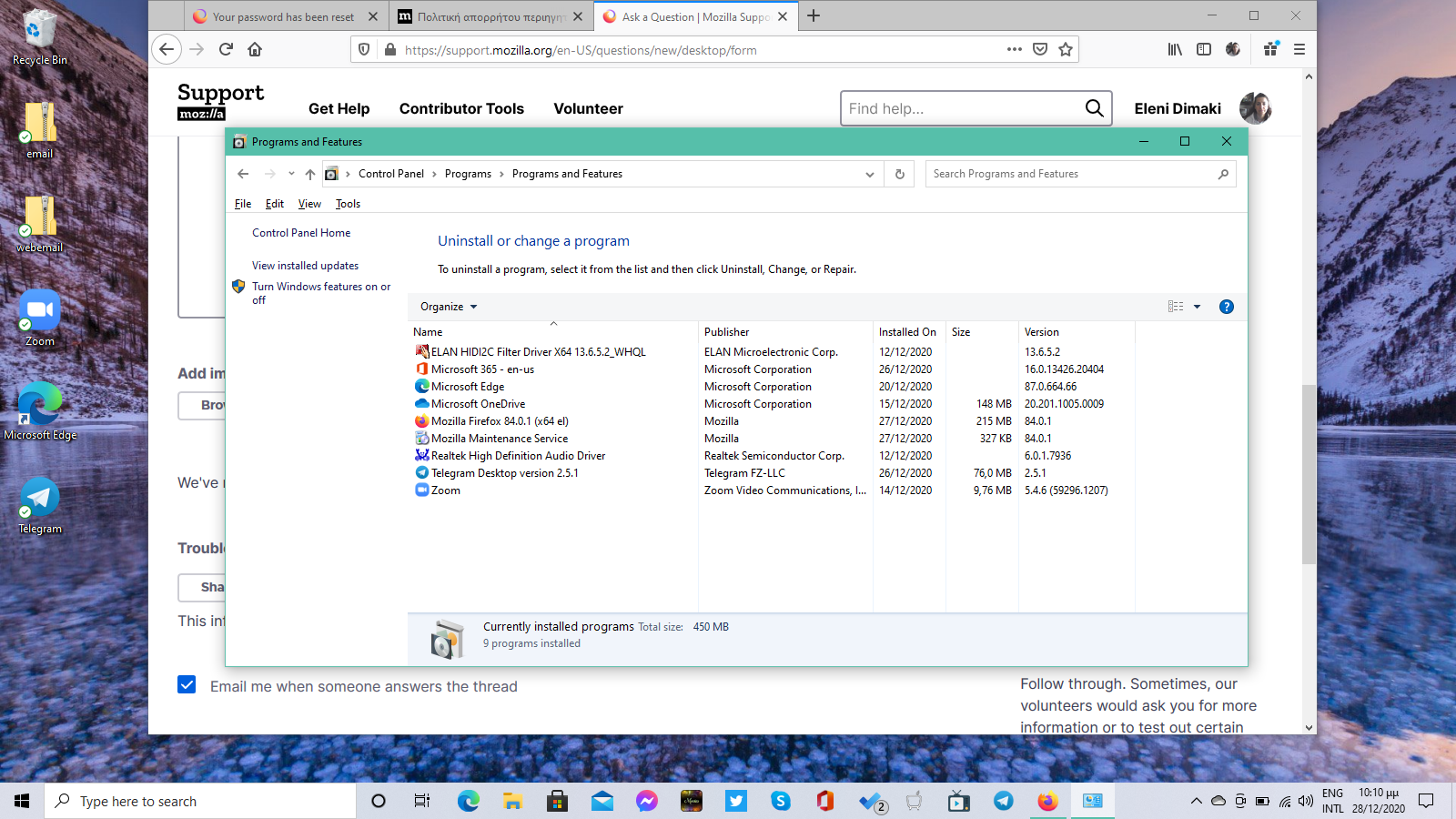
I have downloaded Firefox recently and have signed in my Firefox account. After dowwnloading, I was asked to install updates, which I did. After the second installation although at my programs menu I have one Firefox installed at the start page there are two icons of Firefox. Also, at the recently added programs there are there are two firefox icons. If I will press the one it opens the Firefox browser showing me signing in. If i will press the other icon it does not show me signing in. Is it a normal state. Can you figure out the two Firefox icons created. How can I delete the one? It does not let me delete them by pressing delete. Thank you for reading.
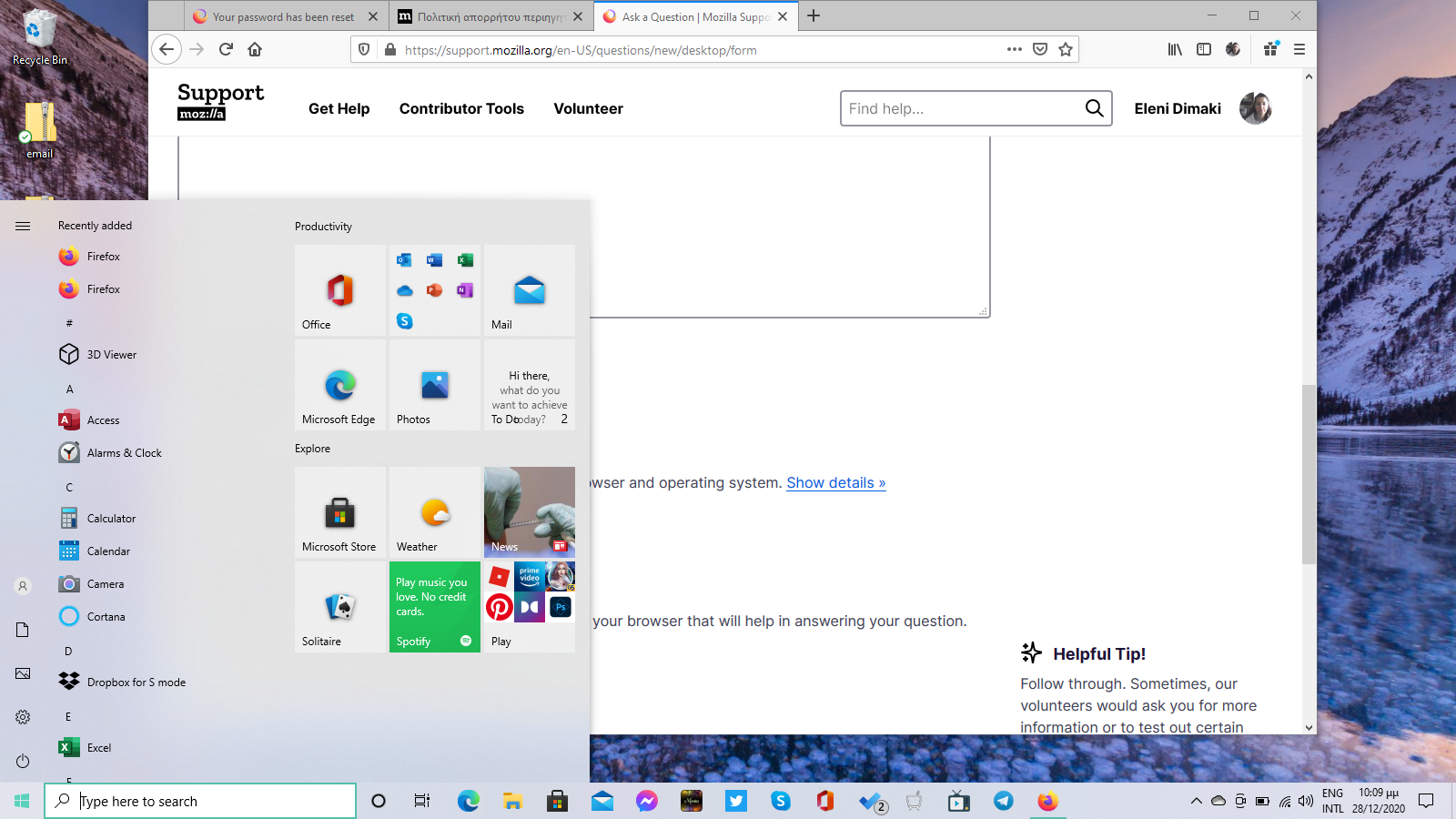
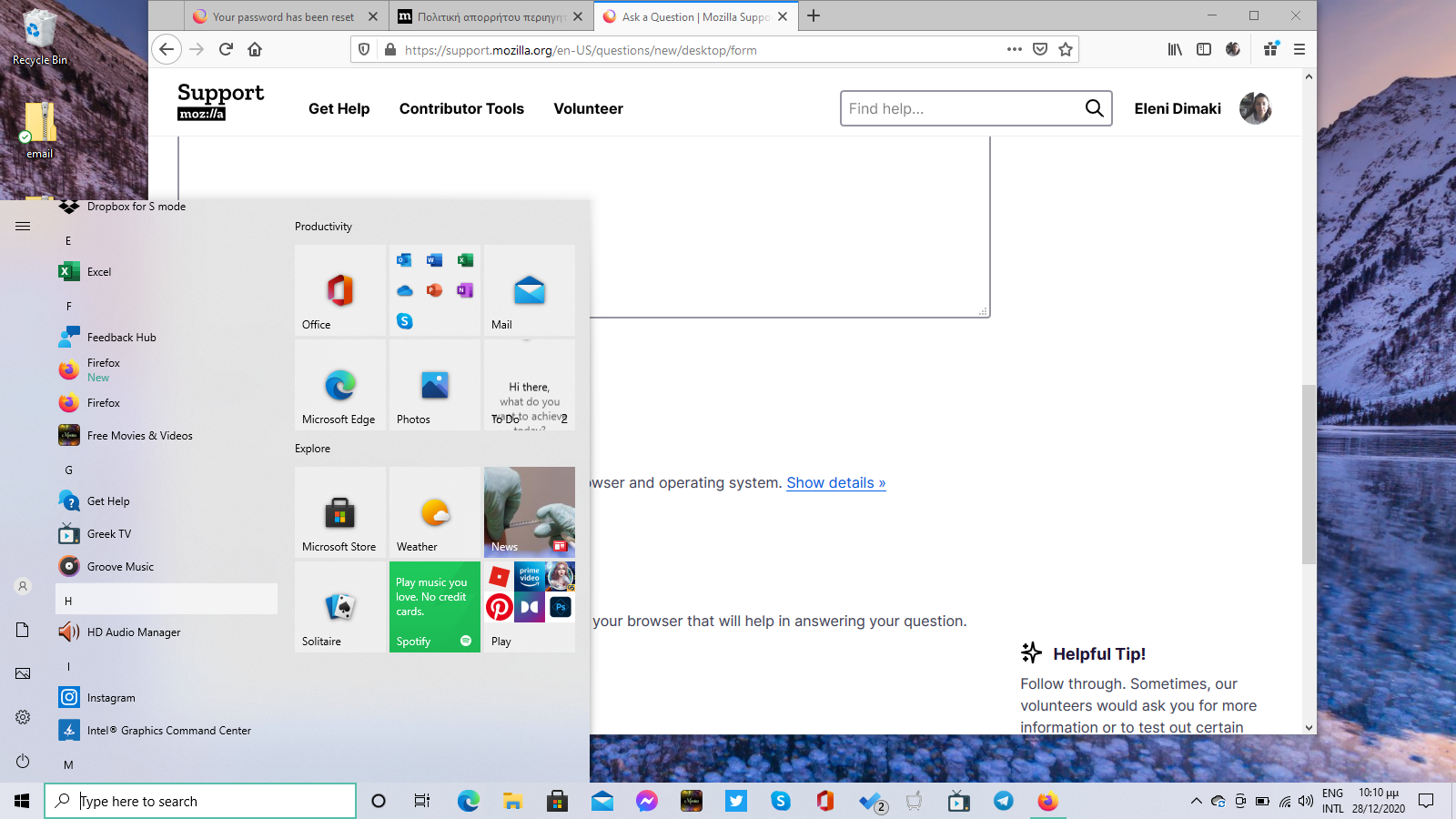
I have downloaded Firefox recently and have signed in my Firefox account. After dowwnloading, I was asked to install updates, which I did. After the second installation although at my programs menu I have one Firefox installed at the start page there are two icons of Firefox. Also, at the recently added programs there are there are two firefox icons. If I will press the one it opens the Firefox browser showing me signing in. If i will press the other icon it does not show me signing in. Is it a normal state. Can you figure out the two Firefox icons created. How can I delete the one? It does not let me delete them by pressing delete. Thank you for reading.
Aangehegde skermkiekies

All Replies (1)