


Address bar text alignment changed to right aligned

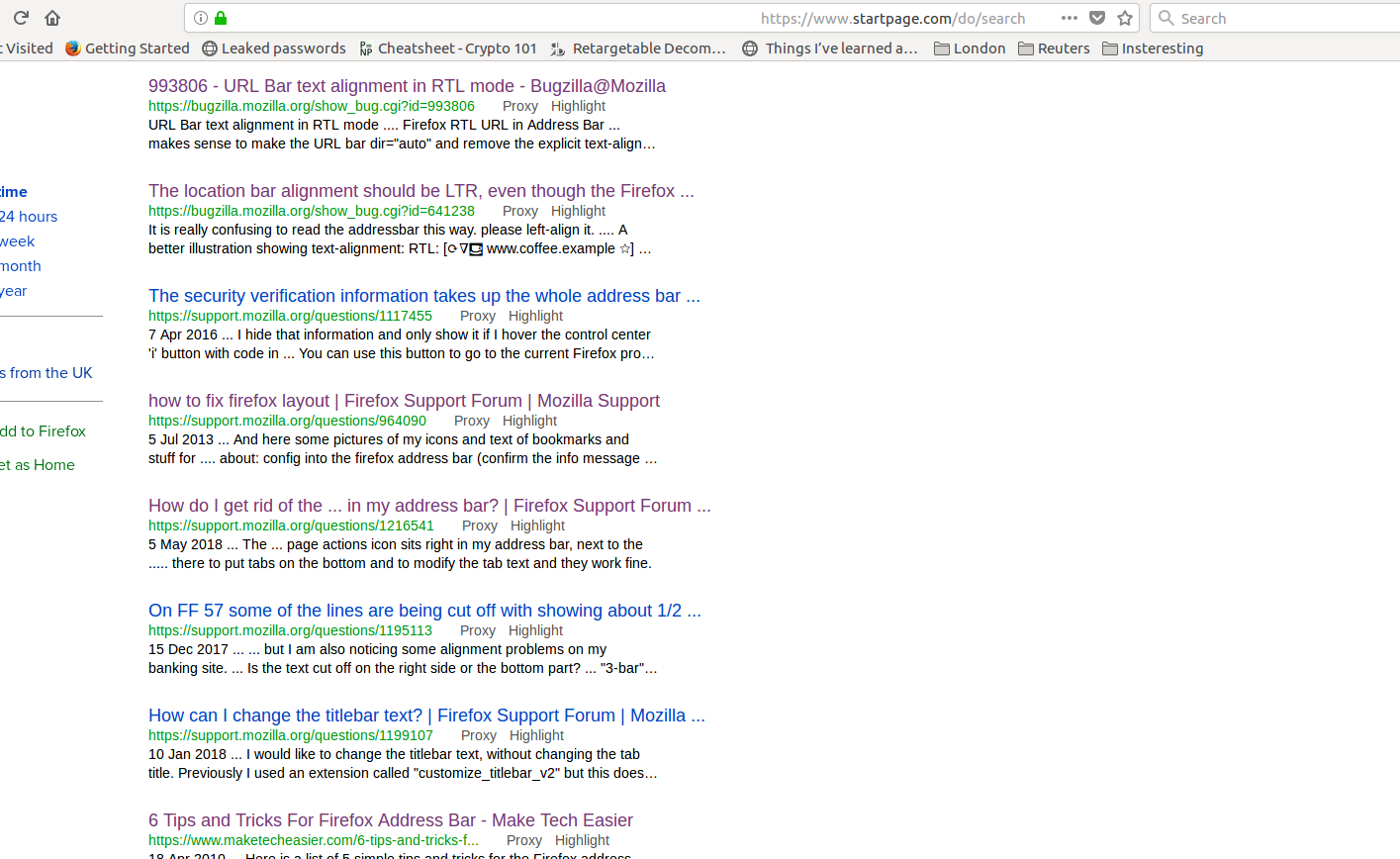
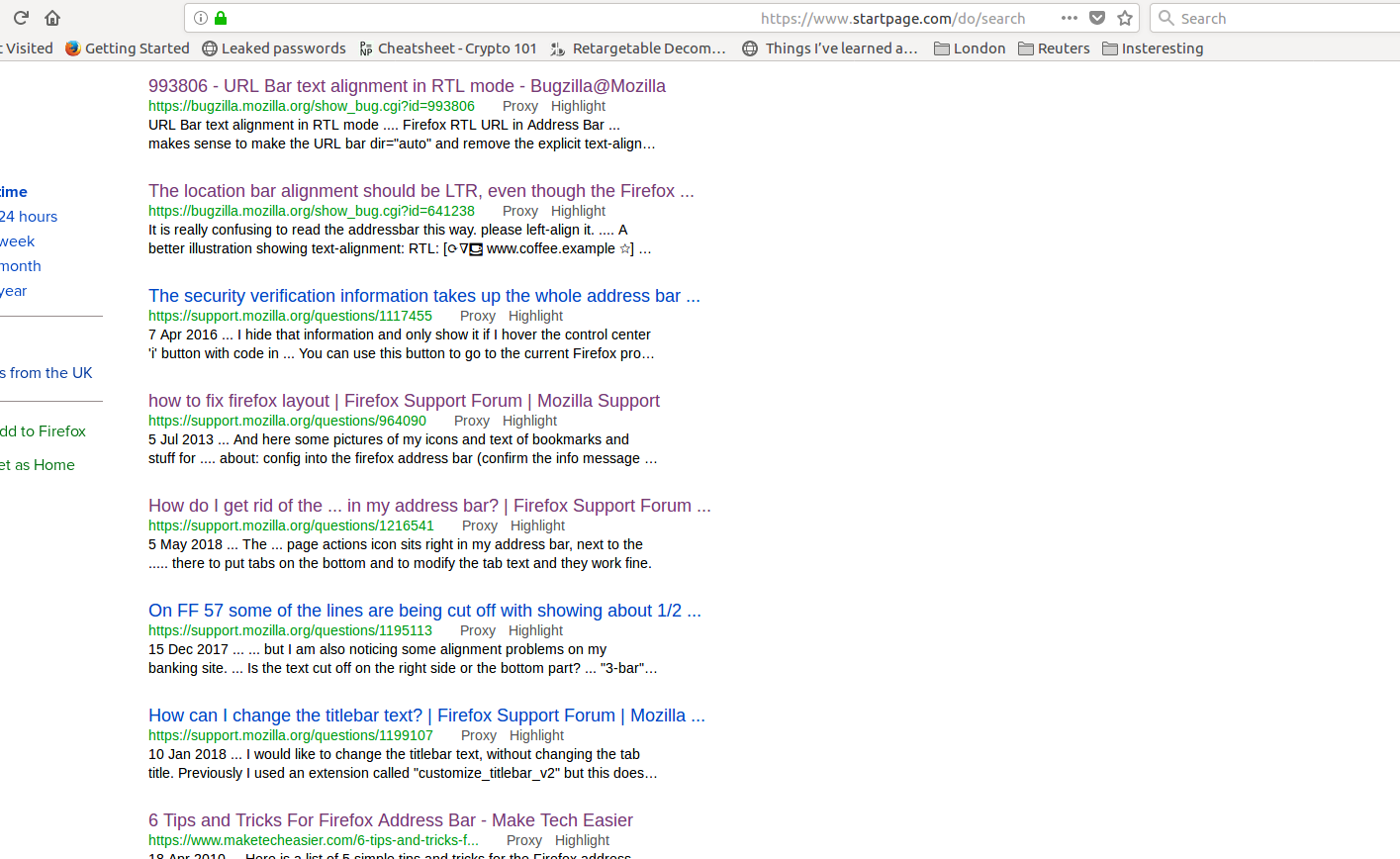
The text alignment in the address bar is right aligned now. Please look in the picture to find what I mean. Any ideas on how to solve it?
The text alignment in the address bar is right aligned now. Please look in the picture to find what I mean. Any ideas on how to solve it?
Gewysig op deur sapgan
Gekose oplossing
Sounds that you accidentally pressed the Shift key while doing a Cut (Ctrl+X)
You can press "Shift+Ctrl+X" switch the BIDI text direction.
Lees dié antwoord in konteks 👍 2All Replies (3)
Unfortunately, your screenshot did not upload successfully. You can attach it to a reply. https://support.mozilla.org/questions/1229895#question-reply
Re attaching image
Gekose oplossing
Sounds that you accidentally pressed the Shift key while doing a Cut (Ctrl+X)
You can press "Shift+Ctrl+X" switch the BIDI text direction.