

Hierdie gesprek is in die argief.
Vra asseblief 'n nuwe vraag as jy hulp nodig het.

Solved
In die argief
I want to see the Folder pane grouped by Folders.

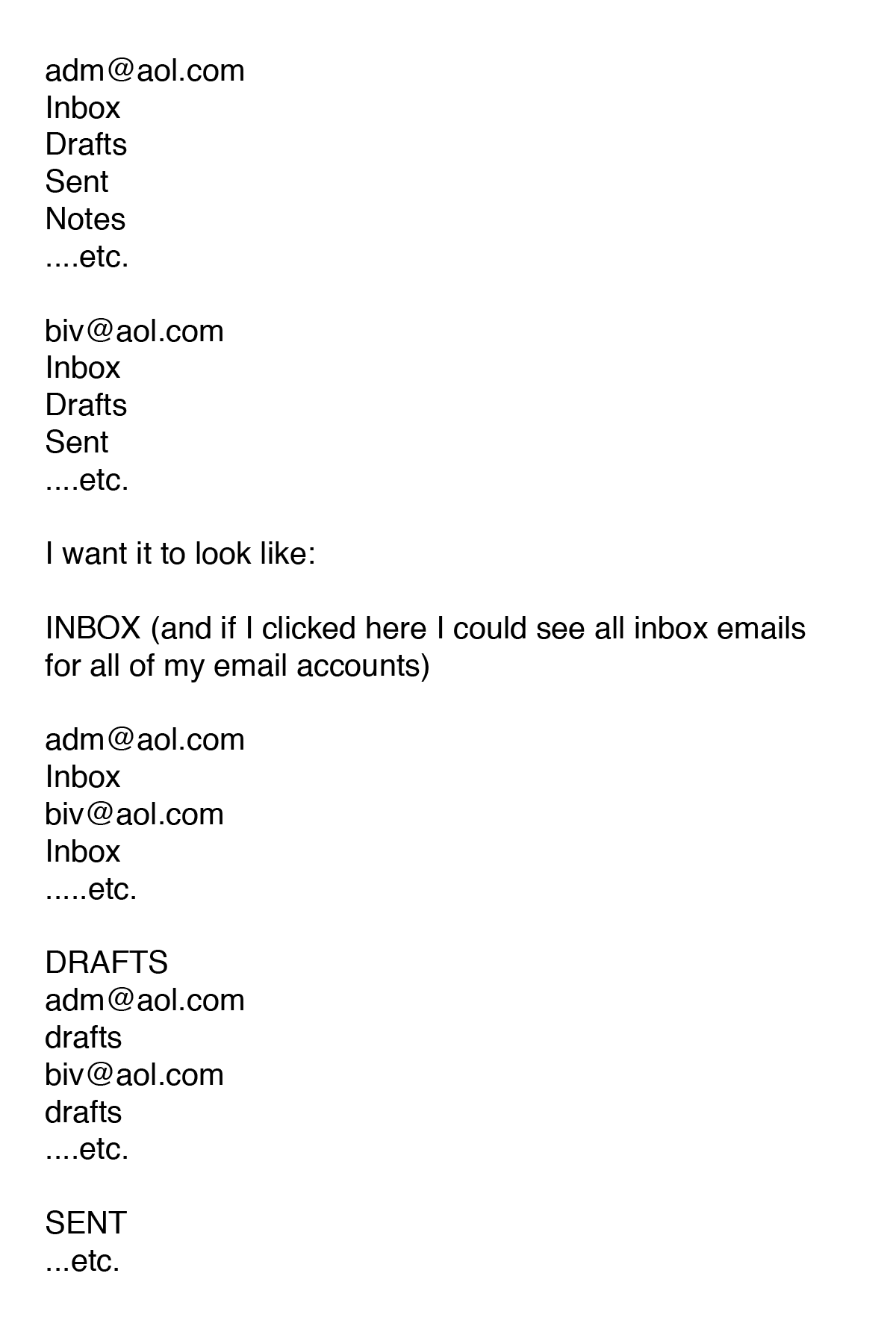
I had it formatted the way I wanted it and then I uninstalled and reinstalled Thunderbird and now it has each folder (Inbox, Sent, Trash, Drafts, etc.) under each email address. I'd like all the Inboxes for each email account in the top section and then all the Drafts in the next section, and so on.
On the attachment, the top portion is how it is now....by default I guess....each email with all the folders beneath it.
I had it formatted the way I wanted it and then I uninstalled and reinstalled Thunderbird and now it has each folder (Inbox, Sent, Trash, Drafts, etc.) under each email address. I'd like all the Inboxes for each email account in the top section and then all the Drafts in the next section, and so on.
On the attachment, the top portion is how it is now....by default I guess....each email with all the folders beneath it.
Gewysig op deur wineoceros1
All Replies (2)
Gekose oplossing
No attachment, but your description sounds like you were using unified folders view.
use the appmanu (three bars on the right of the toolbar) select folders and unified.
Thanks Matt!