


Firefox does not correctly show web pages
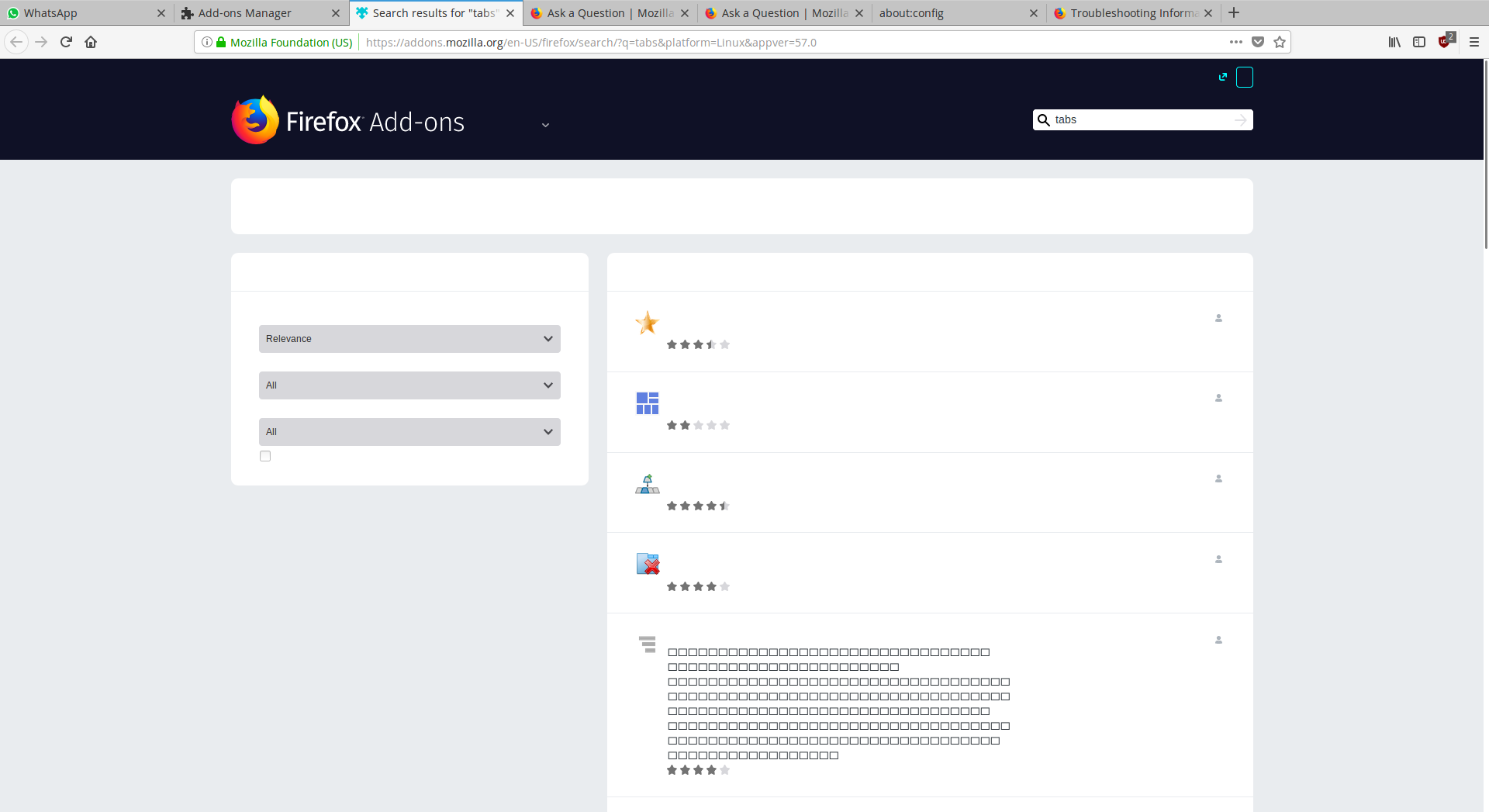
I'm using Elementary OS (built on Ubuntu 16.04.3 LTS ) and FF Quantum doesn't show all the information in some webpages. I attach a couple of screenshots. With the last version before before Quantum I hadn't this problem.
To solve it I've tried to 1) restart with add-ons disabled 2) refresh FF 3) uninstall and reinstall FF 4) delete my profile and uninstall and reinstall FF no one of the previous works :(
Also I noticed that, although I've tried to delete my profile and uninstall and reinstall FF, in about:config lots of preferences are modified.
How can I make FF Quantum work properly?
Thank you very much, Giancarlo
Gewysig op deur supergianchi
Gekose oplossing
You're welcome.
All Replies (3)
If locally installed fonts aren't working then this is possibly a sandbox security issue.
You can set this pref to 2 or 1 on the about:config page to lower the sandbox security setting.
- security.sandbox.content.level = 1
- close and restart Firefox to make the change effective.
If '1' still doesn't have effect then try '0' to disable the sandbox.
If this didn't work then undo/reverse the change and reset the pref via the right-click context menu to the default value.
You can open the about:config page via the location/address bar. You can accept the warning and click "I accept the risk!" to continue.
Yes!!! Thank you very much :) with security.sandbox.content.level = 2 everything works again! Thanks so much, you make one man happy :)
Gekose oplossing
You're welcome.