


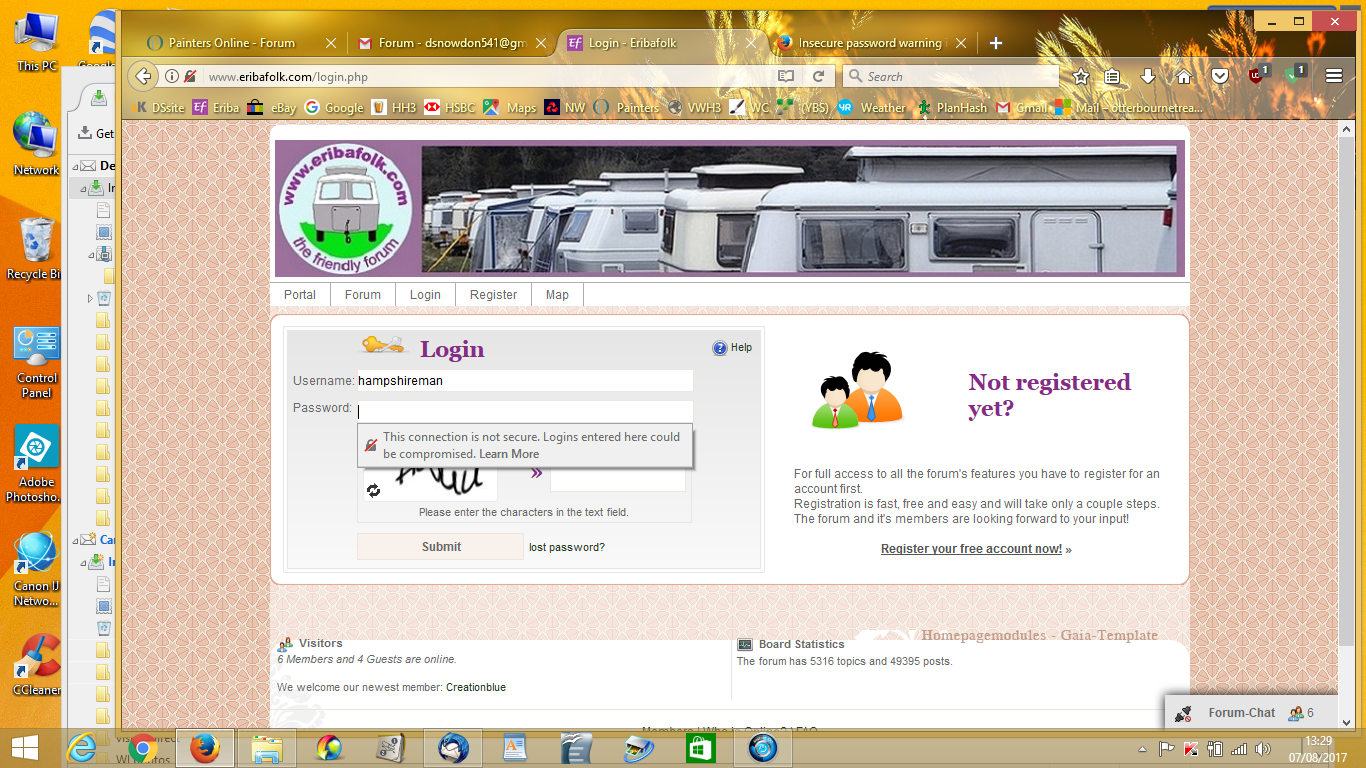
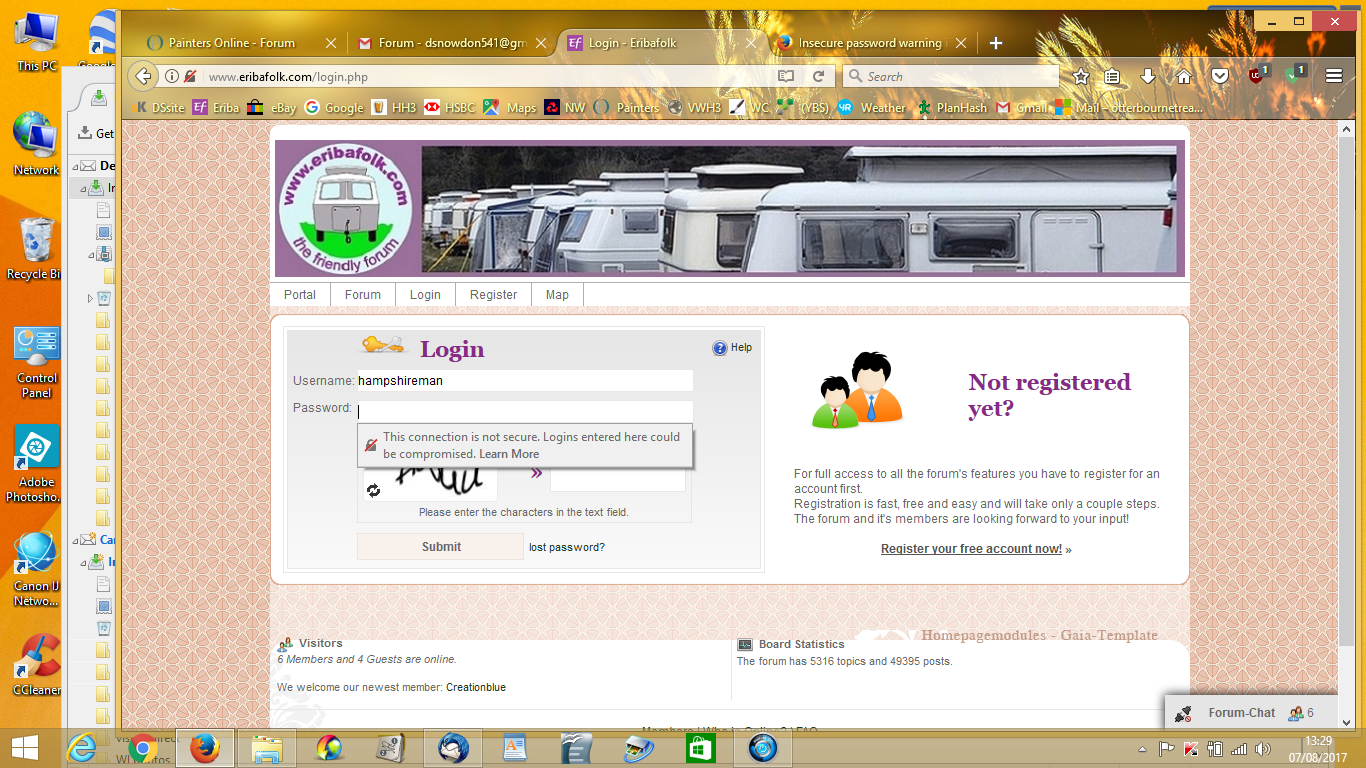
I use website forum many times a day and usualy am logged in. Now I am having to log in and when I do a message apperas as per the attacthment sreen print

I this forum website many time a day and now I get this message as per attachment screen print. What is wrong?
Gekose oplossing
Hi !
You can get rid of that annyoing message as follows :
Type in the address bar about:config (press Enter) (promise to be careful, if asked) Type in the search box : security.insecure And look for the preferences :
security.insecure_field_warning.contextual.enabled and security.insecure_password.ui.enabled
Set both values to false
Lees dié antwoord in konteks 👍 0All Replies (2)
HELP please
Gekose oplossing
Hi !
You can get rid of that annyoing message as follows :
Type in the address bar about:config (press Enter) (promise to be careful, if asked) Type in the search box : security.insecure And look for the preferences :
security.insecure_field_warning.contextual.enabled and security.insecure_password.ui.enabled
Set both values to false