


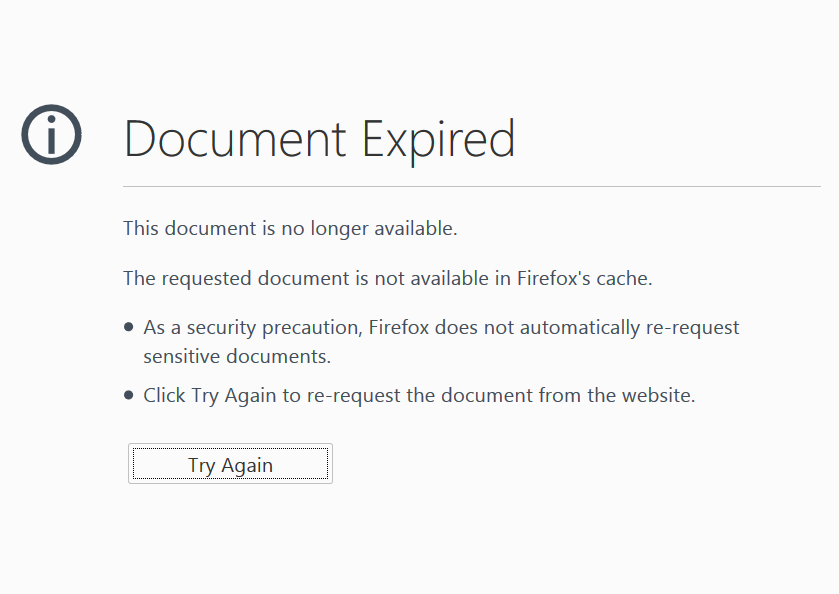
Why document expired
Why is there "Document Expired" it`s most annoying? The page i was trying to go back to is not sensitive.
Gewysig op deur Terry
All Replies (6)

It might be the page was updated, which means the page you were at no longer exists. You can avoid this by opening any links you want to check out by opening them in a new tab/window. Once you are done, just close it and return to the original page.
The page i`m going back to does existFredMcD said
It might be the page was updated, which means the page you were at no longer exists. You can avoid this by opening any links you want to check out by opening them in a new tab/window. Once you are done, just close it and return to the original page.The page i`m going back to should exist.
What is the web address?
While Firefox normally is very aggressive about caching pages, there are some circumstances where a fresh load is always required. The one that comes is mind is:
- a page was generated by a POST request (usually a form submission)
- on an HTTPS address
- and the server set "no-store" and/or certain other caching instructions that Firefox honors for that page
If you know you are working with a site where Firefox works this way, you may want to open links from that page in a new tab so you don't need to go Back in the same tab.
FredMcD said
What is the web address?It`s one i use regular.
jscher2000 said
While Firefox normally is very aggressive about caching pages, there are some circumstances where a fresh load is always required. The one that comes is mind is:OKIf you know you are working with a site where Firefox works this way, you may want to open links from that page in a new tab so you don't need to go Back in the same tab.
- a page was generated by a POST request (usually a form submission)
- on an HTTPS address
- and the server set "no-store" and/or certain other caching instructions that Firefox honors for that page