


How can I adjust the width of my address book columns?

No matter how large or small the Thunderbird window is, I can't see all 3 of the Address Book columns without expanding the window to take up the entire laptop screen. The column width seem to be locked in at a pre-set number of pixels. I've tried to grab the edges of the columns to reduce their width, but they don't seem to be active. What I would really like would be for the Book to adjust to the Thunderbird window's width, or at least let me scroll between the columns. As it is, I can't view or edit the entry details of a individual listing in my Book without greatly enlarging the whole window.
Any ideas on changing these column widths would be appreciated. I've got Windows 11, and TB version 140.13.0esr (64-bit).
Thanks, Grasses
All Replies (5)
Seeing a screenshot may help, as I can see all three even with screen very narrow. And maybe I'm not understanding the issue correctly. thank you
Thanks, David, this took me a bit to capture. I'm sending one with my preferred width, and one with the width that's necessary to view and edit the entries. It's that last column that is really locked into a set width. I change the advanced settings to allow scrolling between columns, but that didn't help.
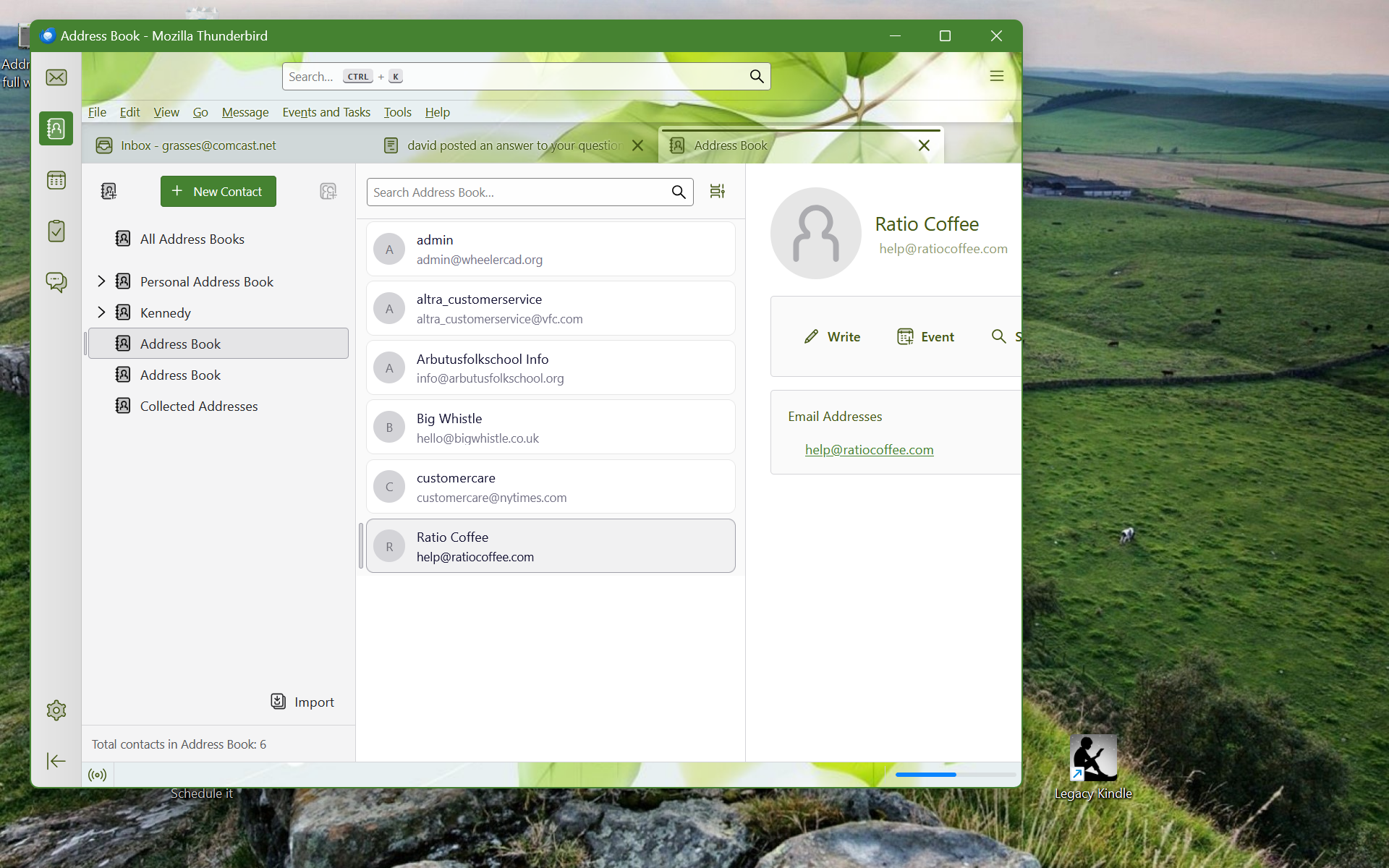
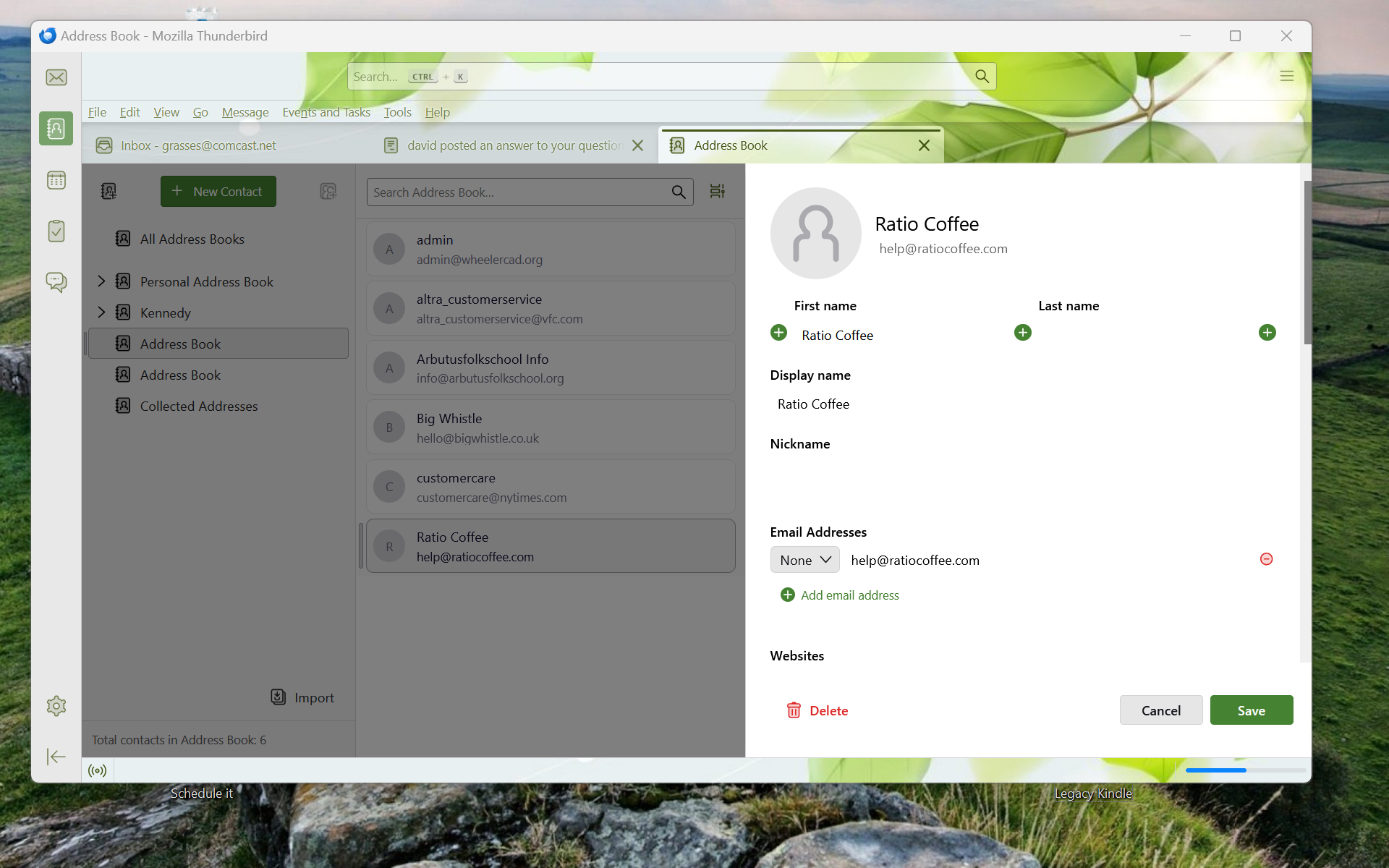
Do you see a tiny icon just to the right of the search bar? click that and select table view. That view should provide more space for editing entries.
Thanks David, I did find the table view under settings, it was not a separate item in the upper right menu (3 lined icon next to search bar). It's selected, with scrolling both on and off. Neither scrolling option changed the view. I'm wondering whether any of the table settings in the Config Editor would affect this behavior, as there are two that relate to scrollable cells and a horizontal scroll for the entire table?
Follow up: I did try toggling the scrolling options for the cells and tables in the config editor, but neither affect the Address Book display. This isn't such a major problem, like losing all my address entries would be, but it is very annoying when I want to edit the book. I appreciate your time.