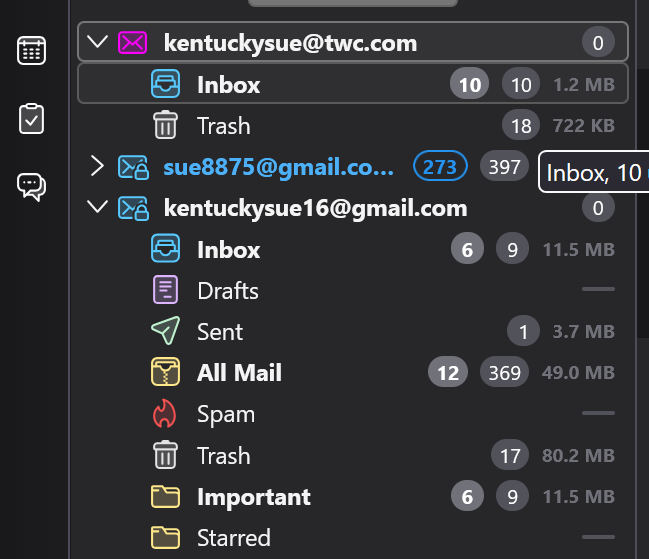
Missing all my folders except inbox and trash after I updated today

Missing all my folders except inbox and trash after I updated today.
Missing many folders with emails.
All Replies (5)
Is this a POP or an IMAP account?
POP account
You didn't report whether the Inbox of this POP account contains messages from before you updated Thunderbird. But when I look on your screen shot the Inbox contains only 10 messages and all are unread. So I guess that Thunderbird whilst updating, for an unknown reason has created a new POP account for your ...@twc.com email address. A newly created POP account in Thunderbird by default contains only an Inbox and a Trash folder. All other folders like Drafts, Archives, Sent, etc are created when one writes and sends emails or wants to archive them.
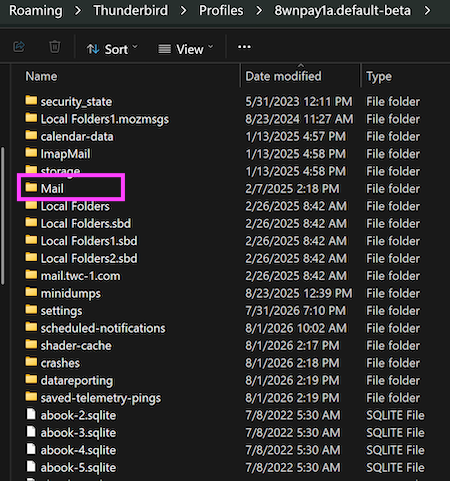
Now in Thunderbird please go to menu Help > Troubleshooting Information > Profile Folder > Open Folder, then quit Thunderbird. In the profile folder open the "Mail" folder and make a screen shot of its contents.
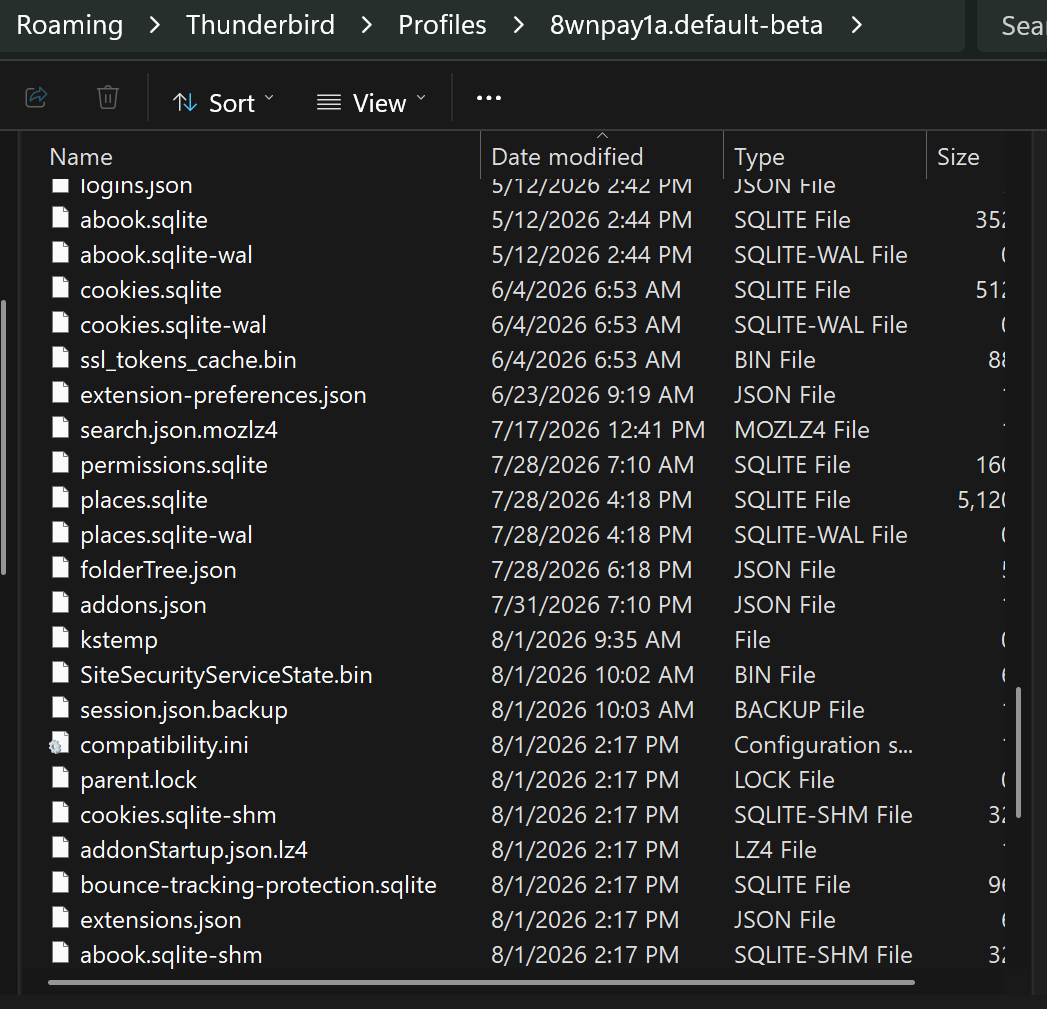
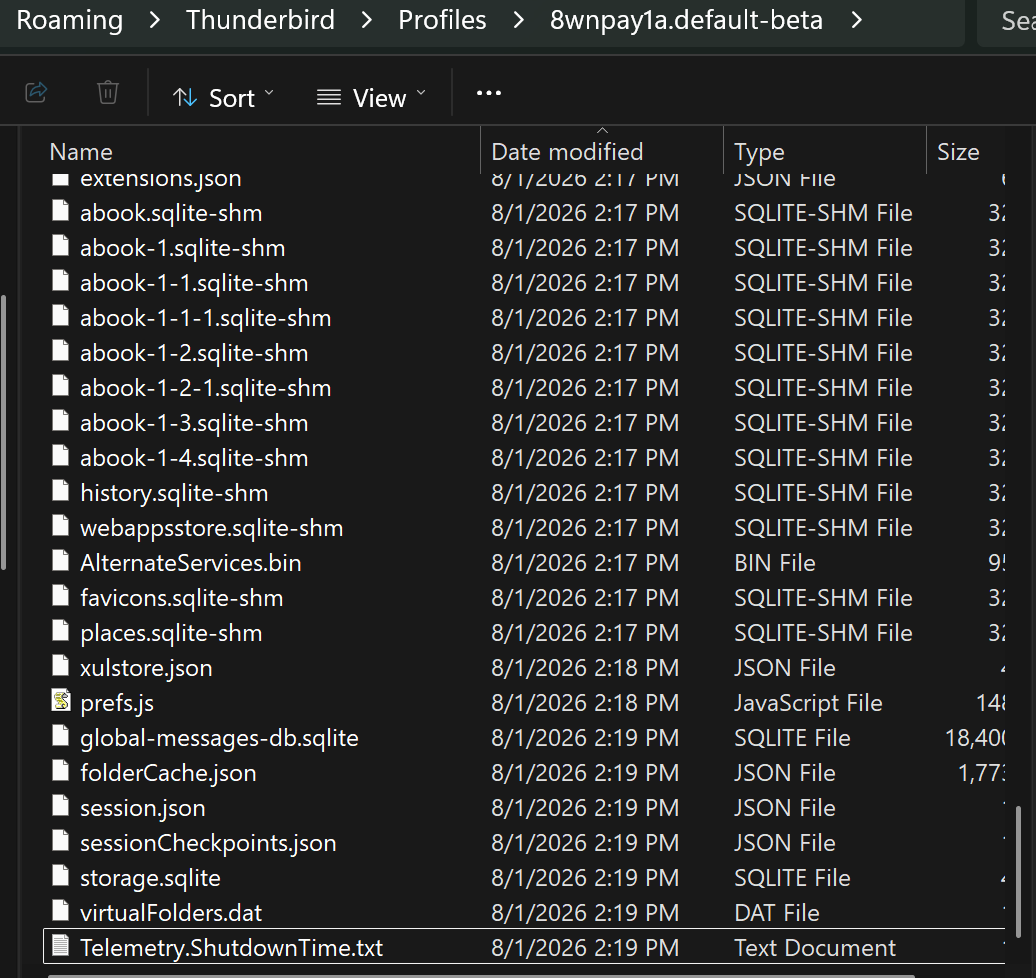
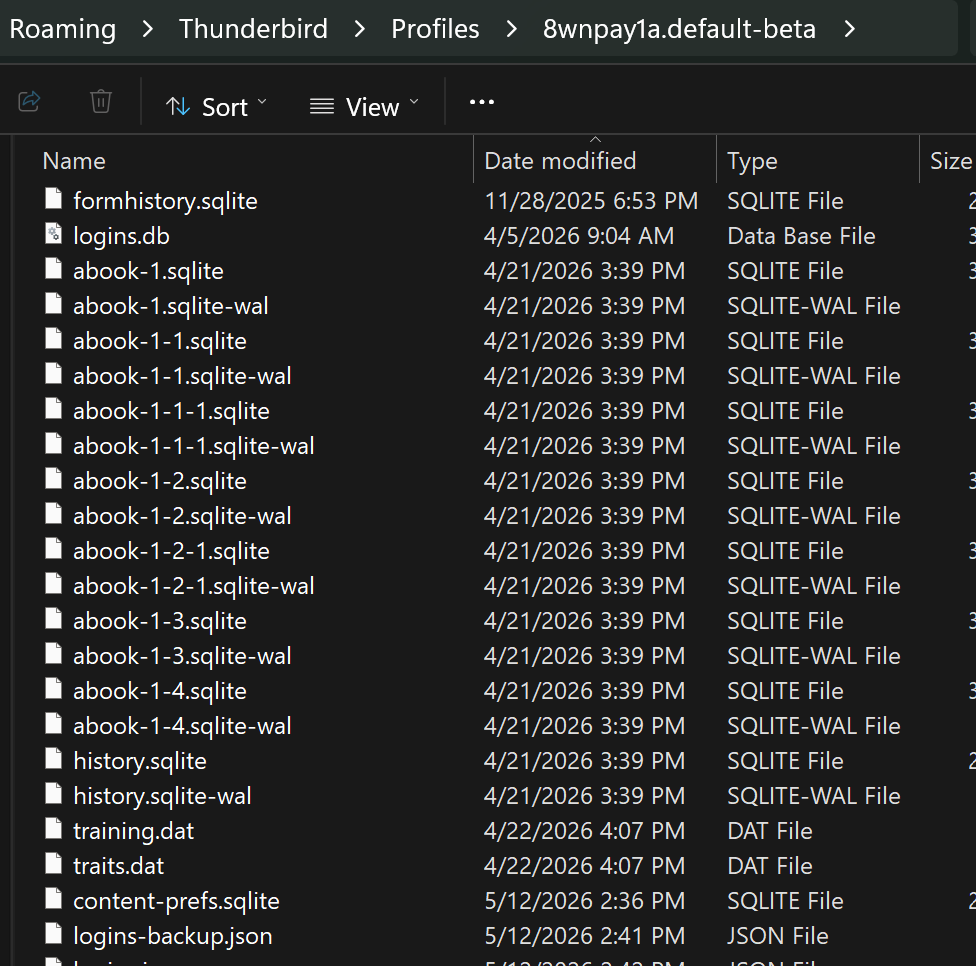
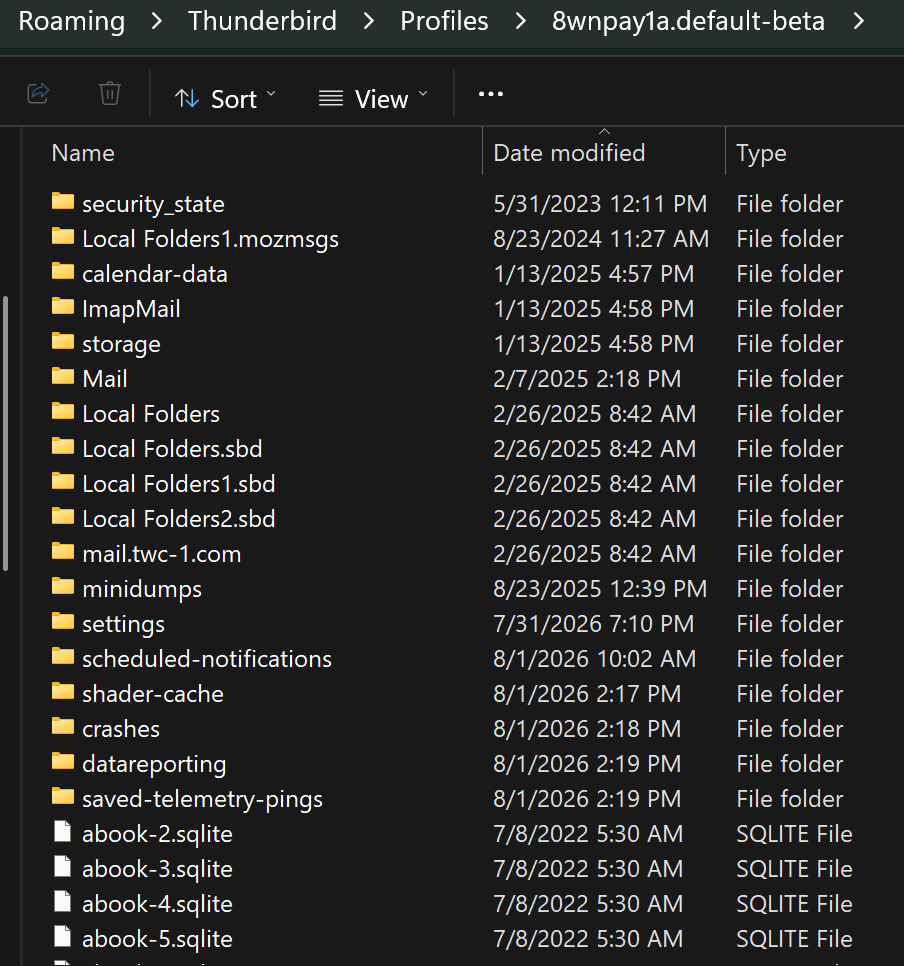
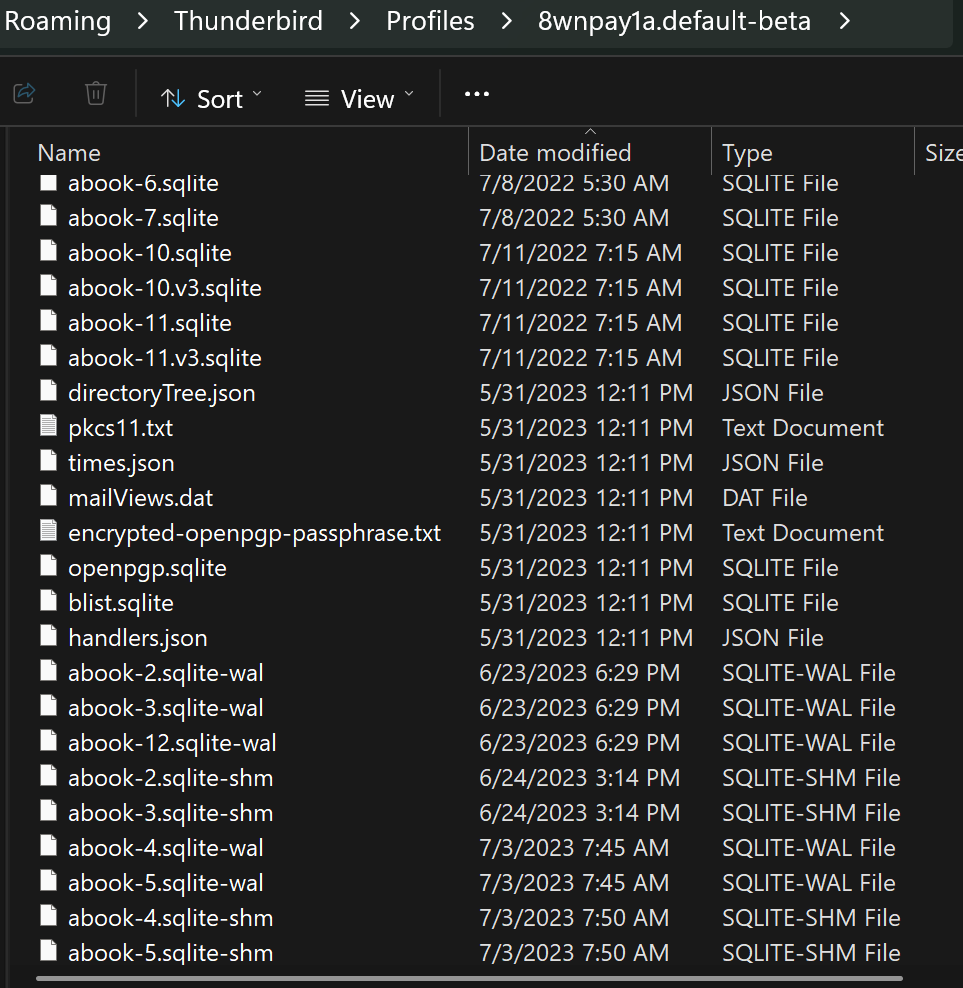
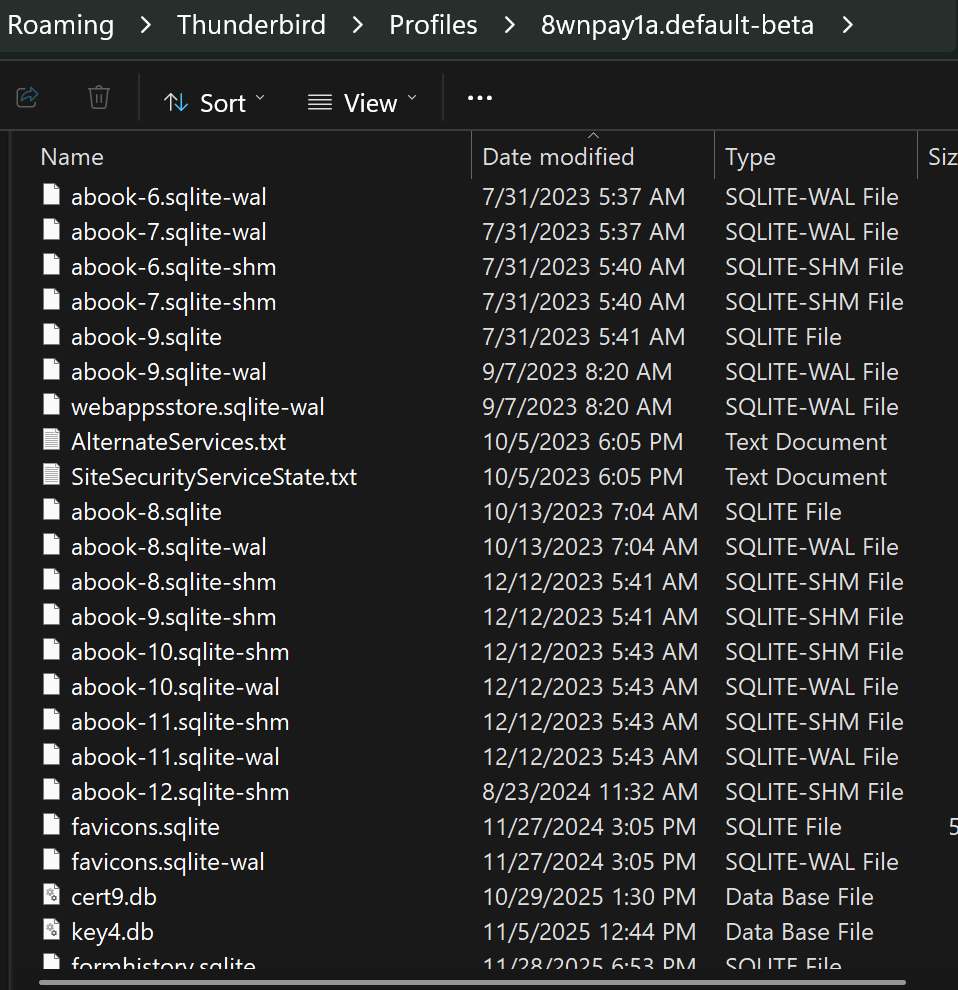
Lots of entries in the folder. It also did an update.
I have had the problem for quite a while now, where I have 2 copies of this email showing up. Never figured out how to remove the duplicate identical copy.
Thanks , Sue

KySue said
Lots of entries in the folder. It also did an update.
Thank you, but you misunderstood me! I didn't want you to show the contents of the entire profile folder, but only the contents of the "Mail" subfolder which is located in the profile folder (see image)
KySue said
I have had the problem for quite a while now, where I have 2 copies of this email showing up. Never figured out how to remove the duplicate identical copy.
Unfortunately I don't understand what you want to explain: 2 copies of which email? Do you mean email = message or email = email address