


Second profile created in Documents folder - moving from Windows 10 to Windows 11 on new PC

Hello,
I need to purchase a new PC because my old PC was not compliant with Windows 11. I've installed Thunderbird and copied over my data, profiles, etc.
I've noticed that there is folder added to my offline Documents folder called "Thunderbird" and in this is another folder and a file.
Is this normal?
Thank you,
Gordon
Isisombululo esikhethiwe
I just thought I would send you a note David telling you how much I appreciate your help.
Gordon
Funda le mpendulo ngokuhambisana nalesi sihloko 👍 0All Replies (11)

Thank you for the reply.
There are: 1. folder - Thunderbird 2. file - Thunderbird>7lwbxty3.Gord.msf 3. folder - Thunderbird>7lwbxty3.Gord many files such as: 3.a. folder [Gmail].sbd 3.b folder INBOX.sbd 3.c several files with *.msf, *.dat, others without an extension
3 folders, 29 files, 1.73 Gb
See attached screen dumps.
Thank you,
Gordon

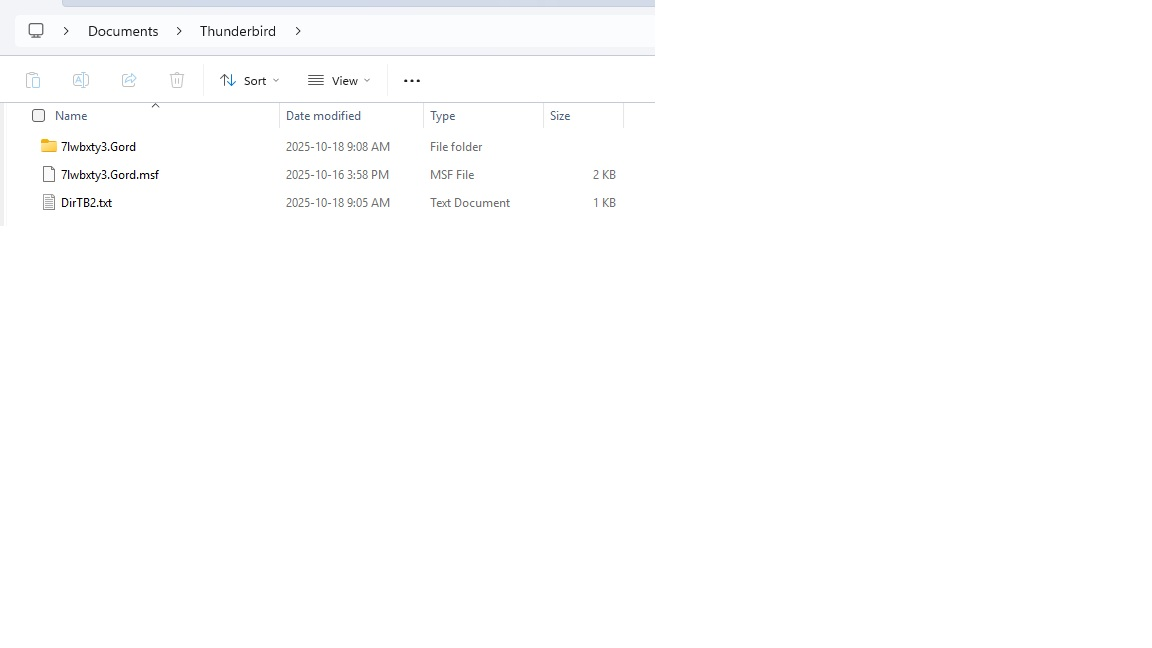
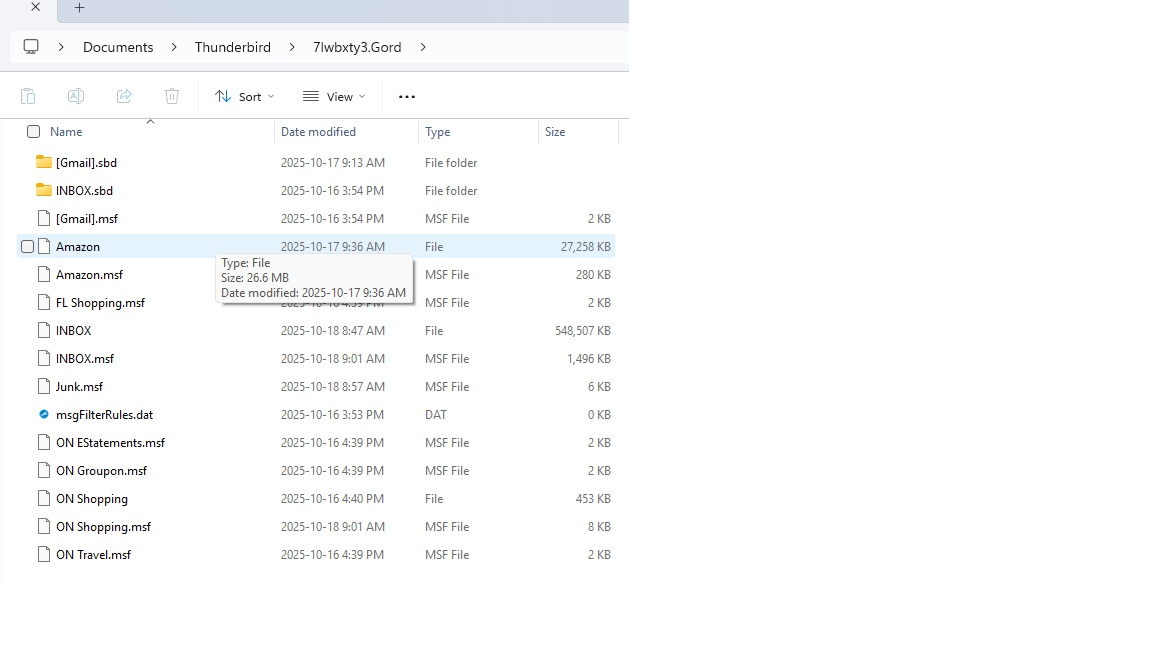
Is everything working properly? That is, are accounts functioning normally? Specifically, are you having a problem, or is this just curiosity? I say that because what you shared in screenshot part of a profile, but not in the normal place for accounts, but some people put accounts in non-traditional locations. Knowing whether you're having problems will be helpful. Thank you.
Yes, everything appears to be working properly. Yes, it's more of a curiosity but I'm concerned that it will grow in size, the good thing is that it's only in the local documents folder and not in the onedrive documents folder. The only issue I've seen is that my filters got cleared for one email account.
I did in the past store my profile in it in my documents folder but that was some time ago (years??).
I used the default location for this install and replaced the local and roaming folders with my backup local and roaming folders as per the instructions. This file gets created the first time I open thunderbird (after I've replaced the data as per the instructions).
FYI, my "AppData\Local\Thunderbird\Profiles" is about 1 Gb in size and my "AppData\Roaming\Thunderbird\Profiles" is almost 10 Gb.
Is there a way to remove/correct it that you can point me to? I've dug into everything I could find on the issue and have not found anything related to this.
Thank you again for your time,
Gordon
First, the use of appata\local isn't relevant. I deleted mine. I checked the last update date and it was May 15th. So I trashed it. It is not a part of the profile. Second, what you have in the Documents folder is not profile but an account. Users sometimes put accounts in other than profile to keep the profile folder small. So, whatever is in the Documents folder was NOT placed there by Thunderbird, but by you at some point in the past. If everything for your accounts is in the profile, the folder in Documents can be safely deleted. BUT, I suggest you first verify that this is true. To do that, I suggest these steps: - click to 'account settings' - locate the account in left sidebar that reflects the account in Documents folder - now, click the 'server settings' pane and look at bottom line - Local directory. Is it pointing to the Documents folder? Be careful here, as the inbox in documents folder has a date of October 18th, 2025. That was yesterday, indicating that this account is live. Don't delete anything without posting back on your findings.
For assistance on the profile, I suggest doing a screenshot of the imapmail folder in the active profile and a screenshot of each account folder. To get to the active folder, click help>troubleshootinginformation, scroll to 'profile folder' and click 'open folder'. the imapmail folder is there. If there are POP accounts, click the Mail folder and do screenshots from there.
Looks like that is it. Here is my local folder for that account: C:\Users\gordo\Documents\Thunderbird\7lwbxty3.Gord I believe I put it there so it would get backed up by my backup utility.
All other accounts point to: C:\Users\gordo\AppData\Roaming\Thunderbird\Profiles\t8mtni2m.default-esr\ImapMail
All server settings are currently set as "IMAP Mail Server". Most accounts are set to "imap.gmail.com: Two accounts are pop accounts as "pop.gmail.com" - these are accounts that are no longer used and have been kept to ensure all email goes to the replacement accounts. I plan to delete these accounts and I'm very close to doing that.
The imapMail folder can be found in a image below.
This is ugly with 12 gmail, 2 googlemail, 4 pop! All images are posted. I've been using Thunderbird for years and have made several account changes.
I have not deleted or changed any files since I my first post on the subject.
Again, I really appreciate you taking time to help with is.
Gordon
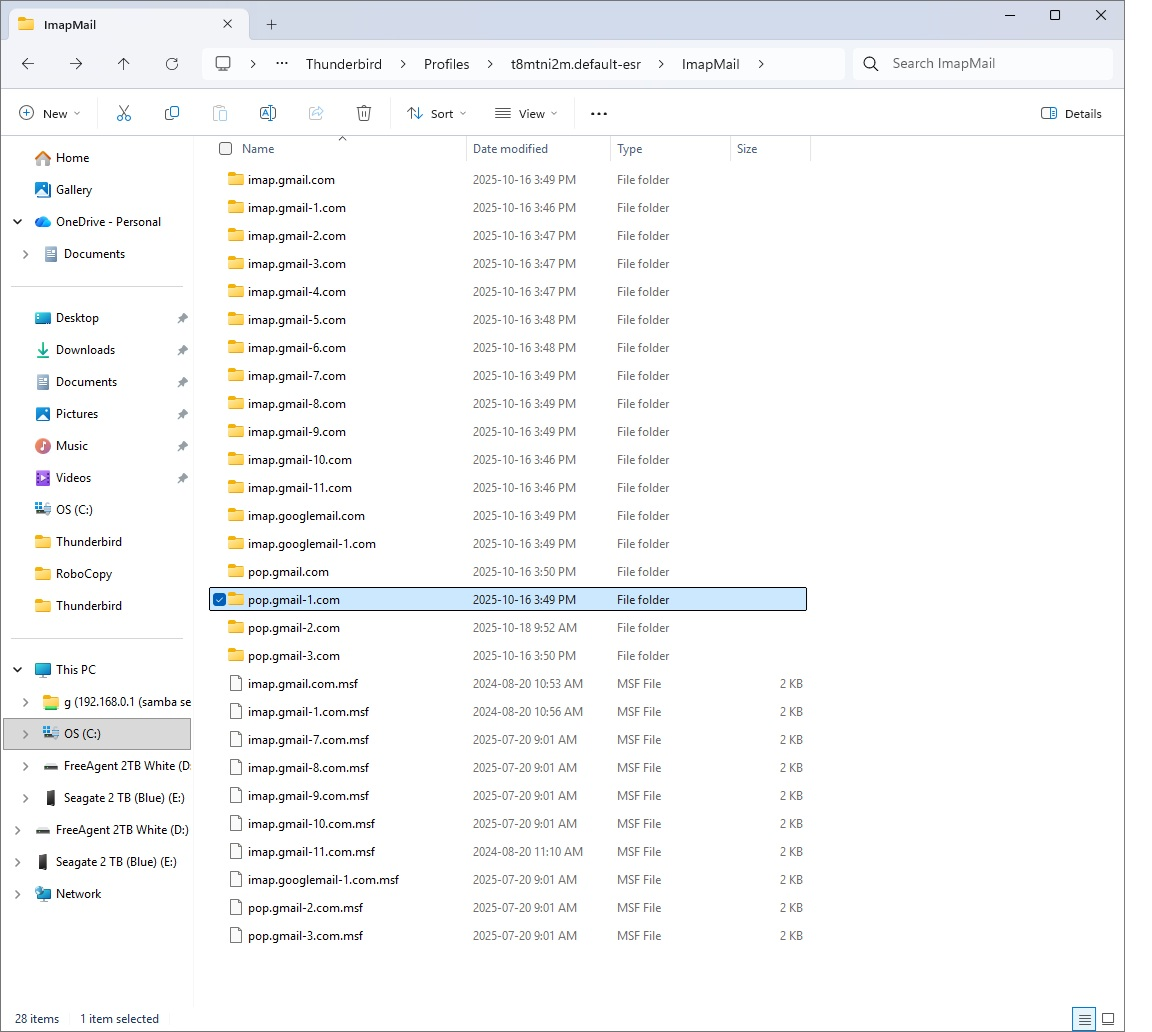
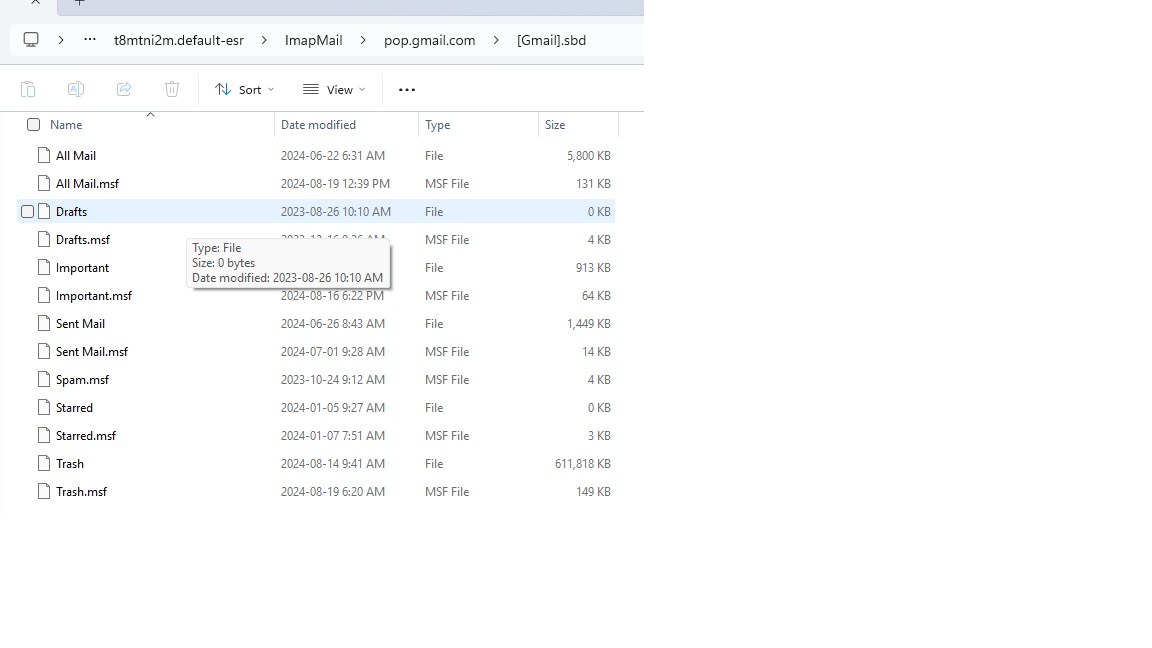
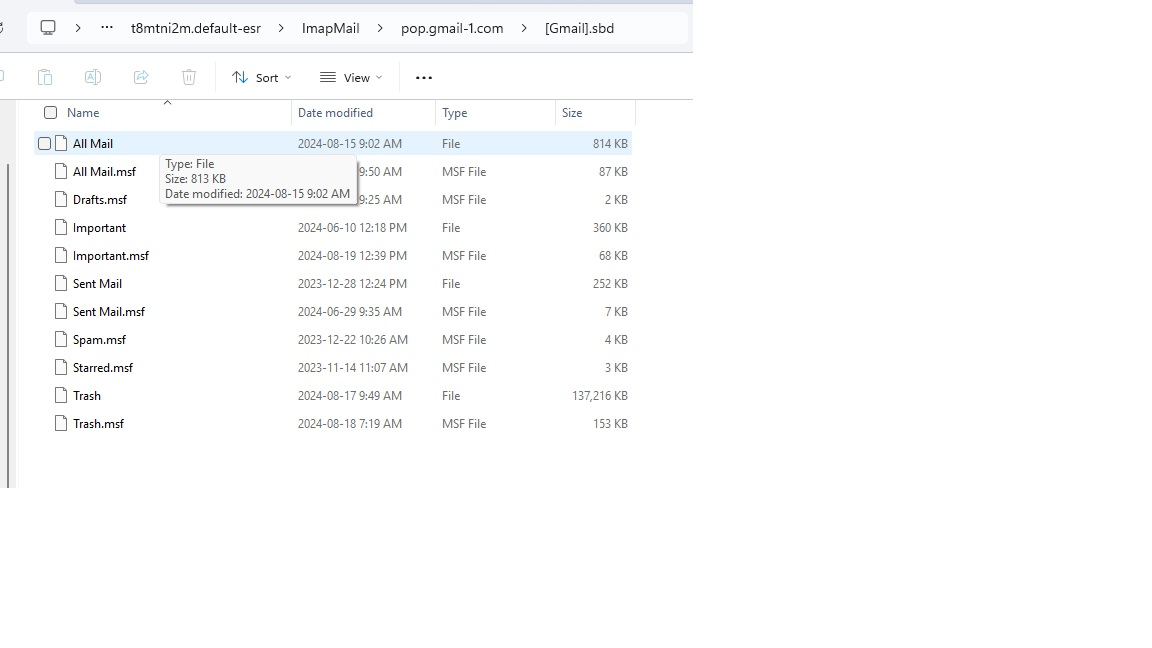
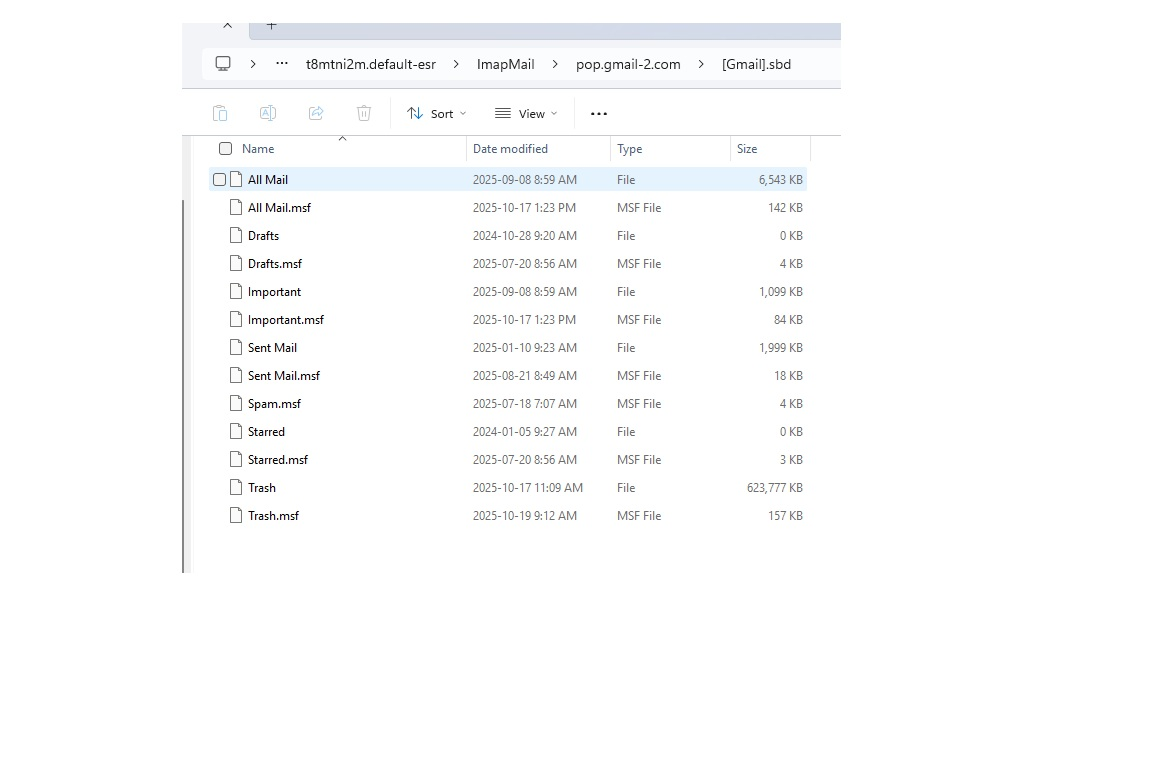
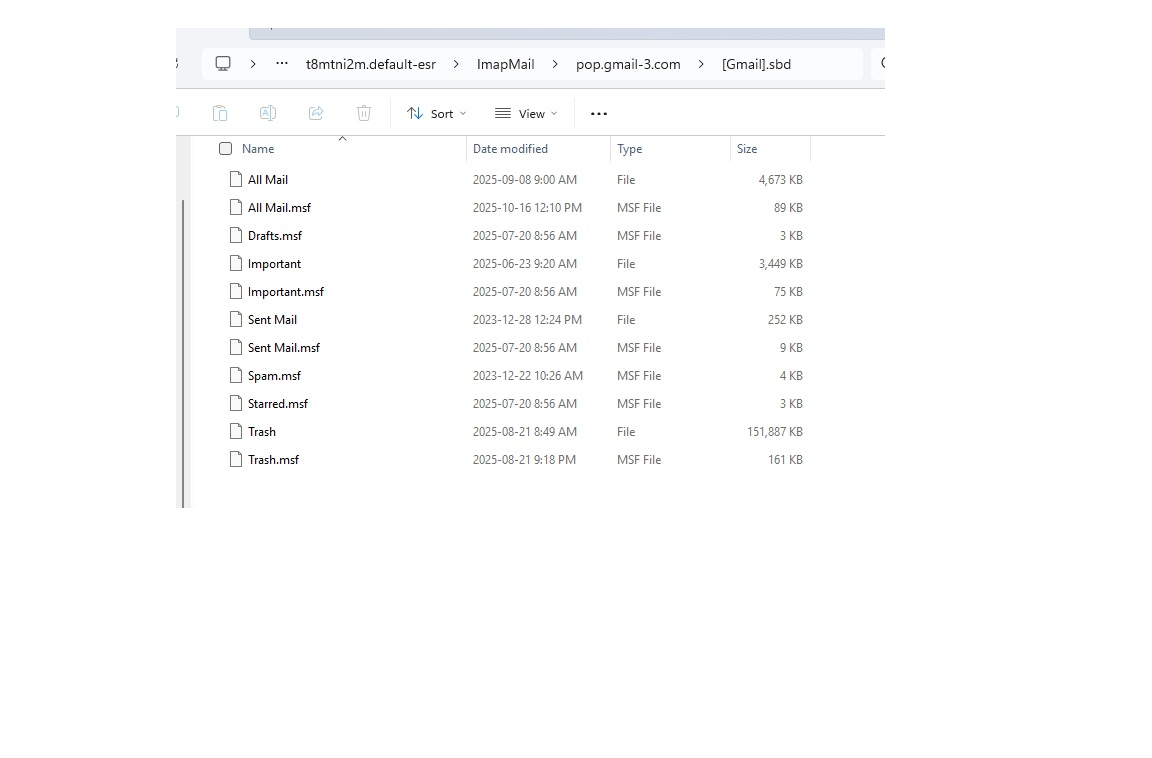
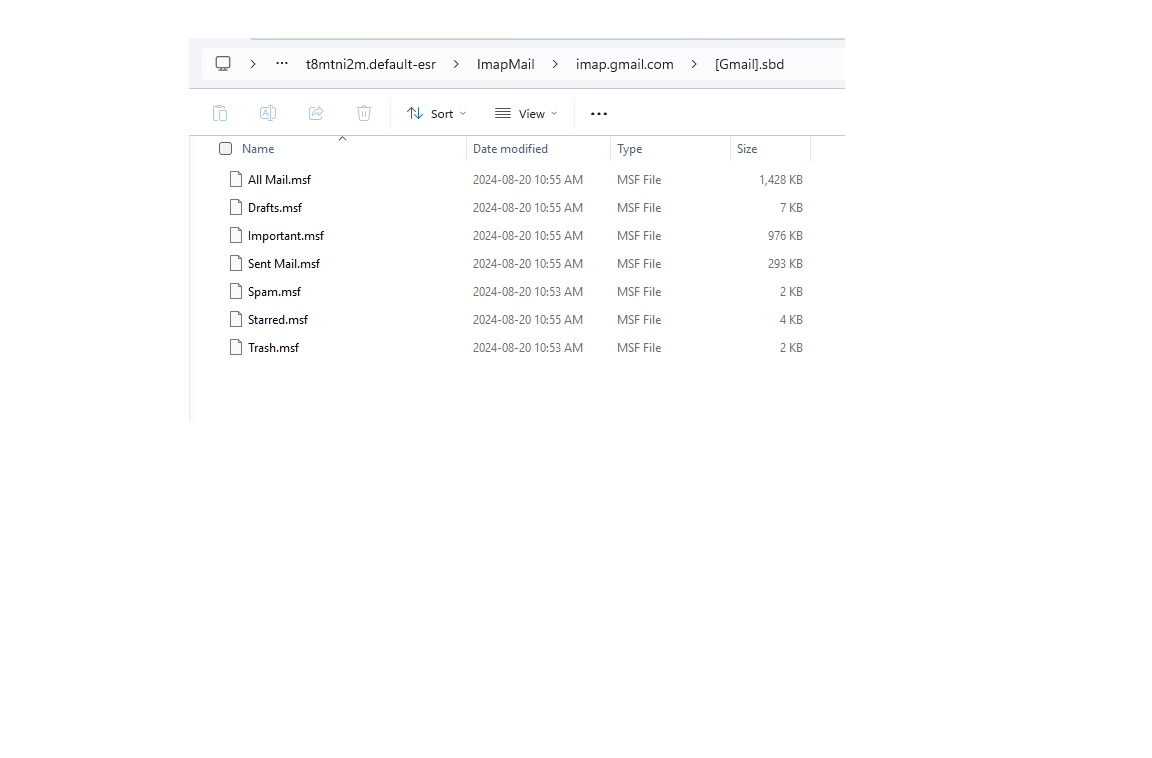
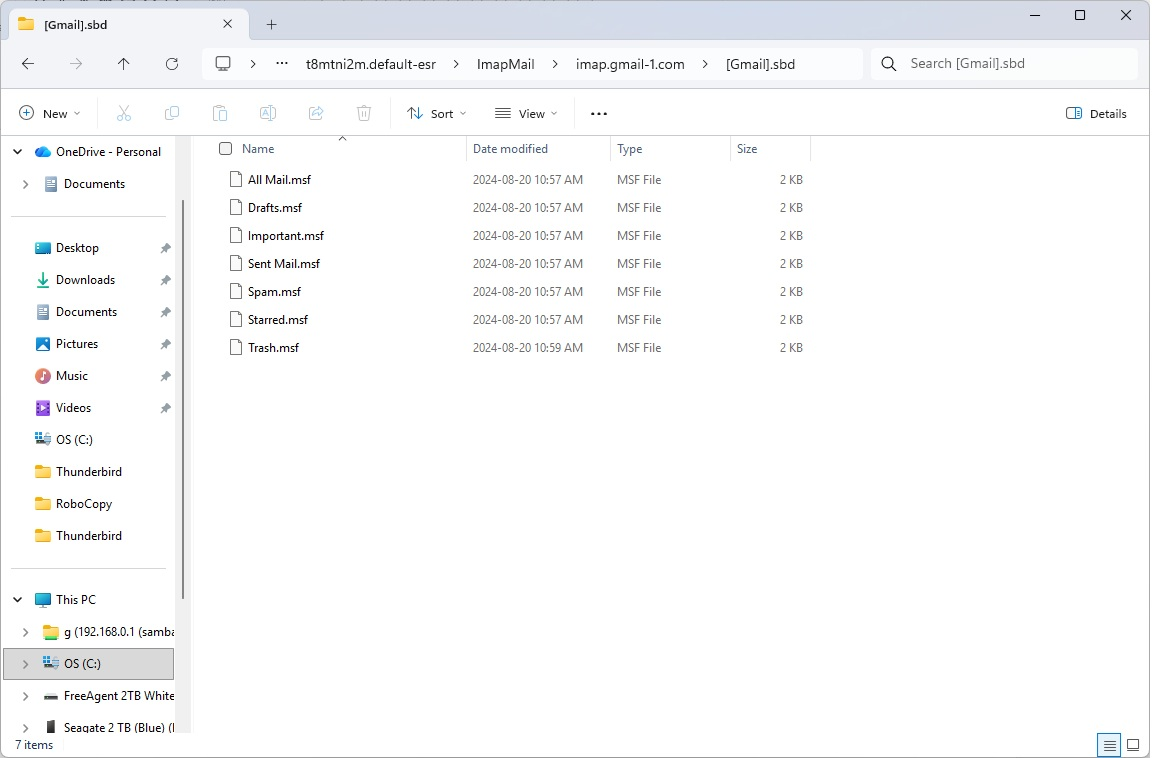
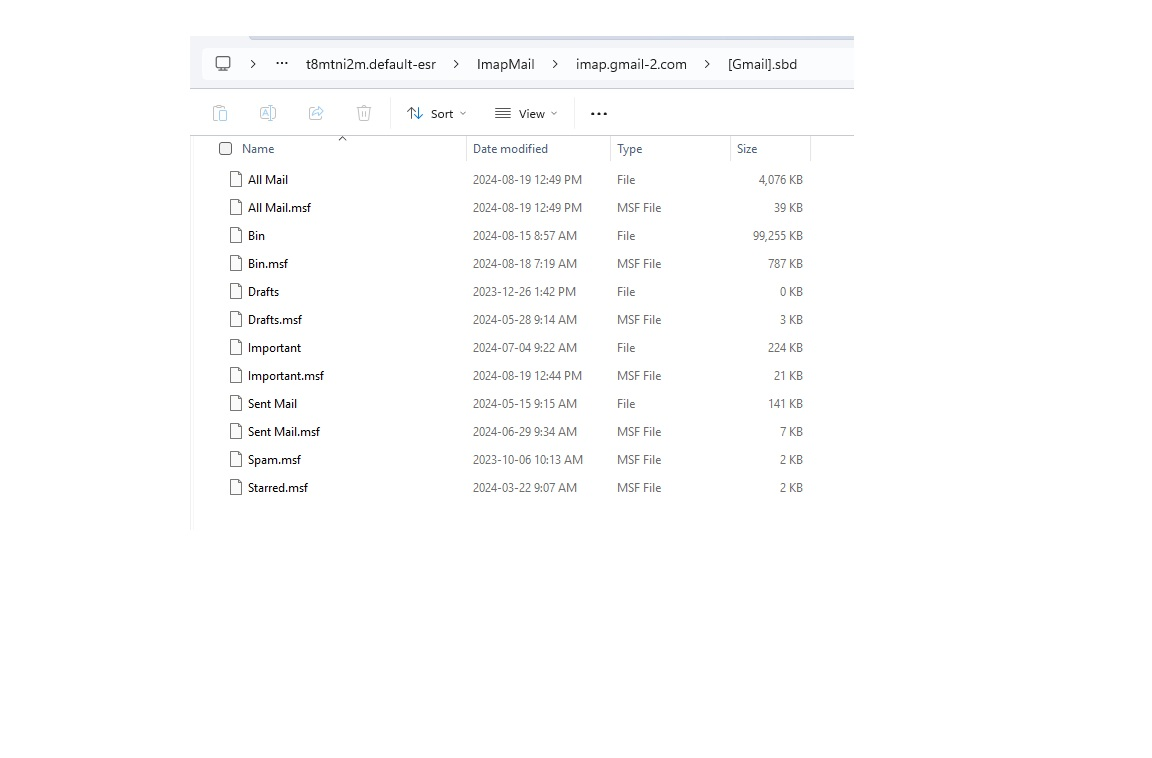
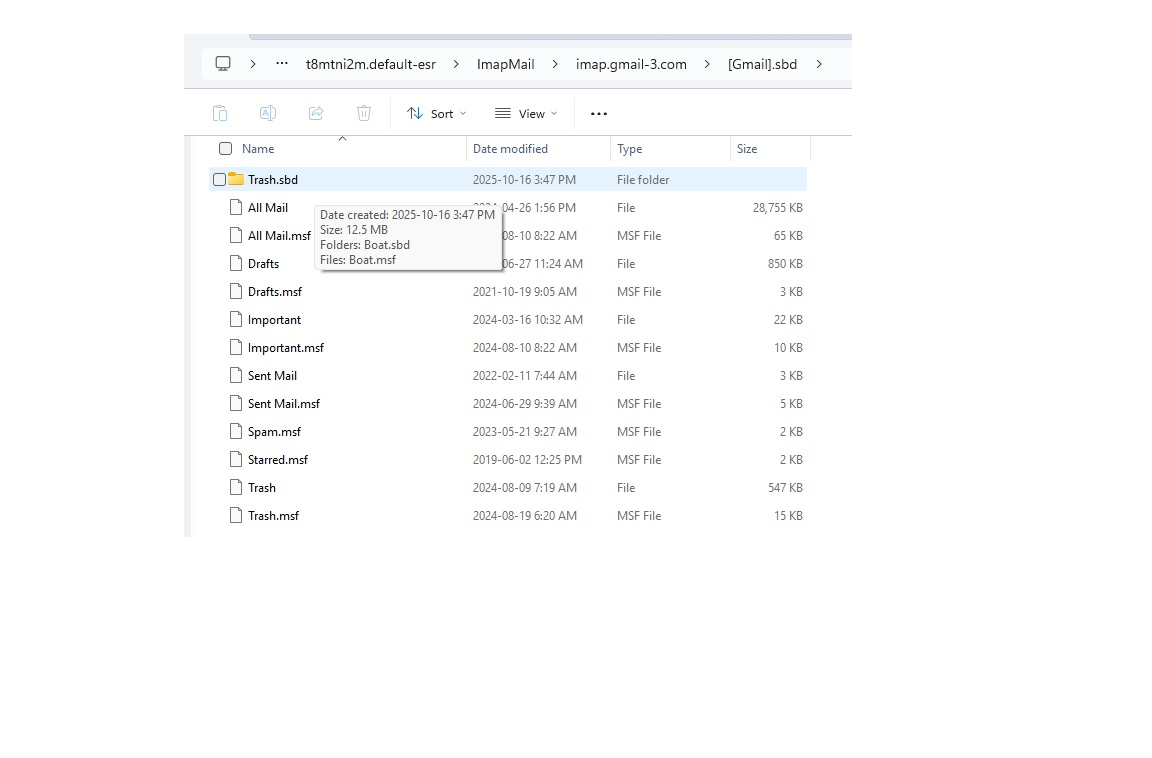
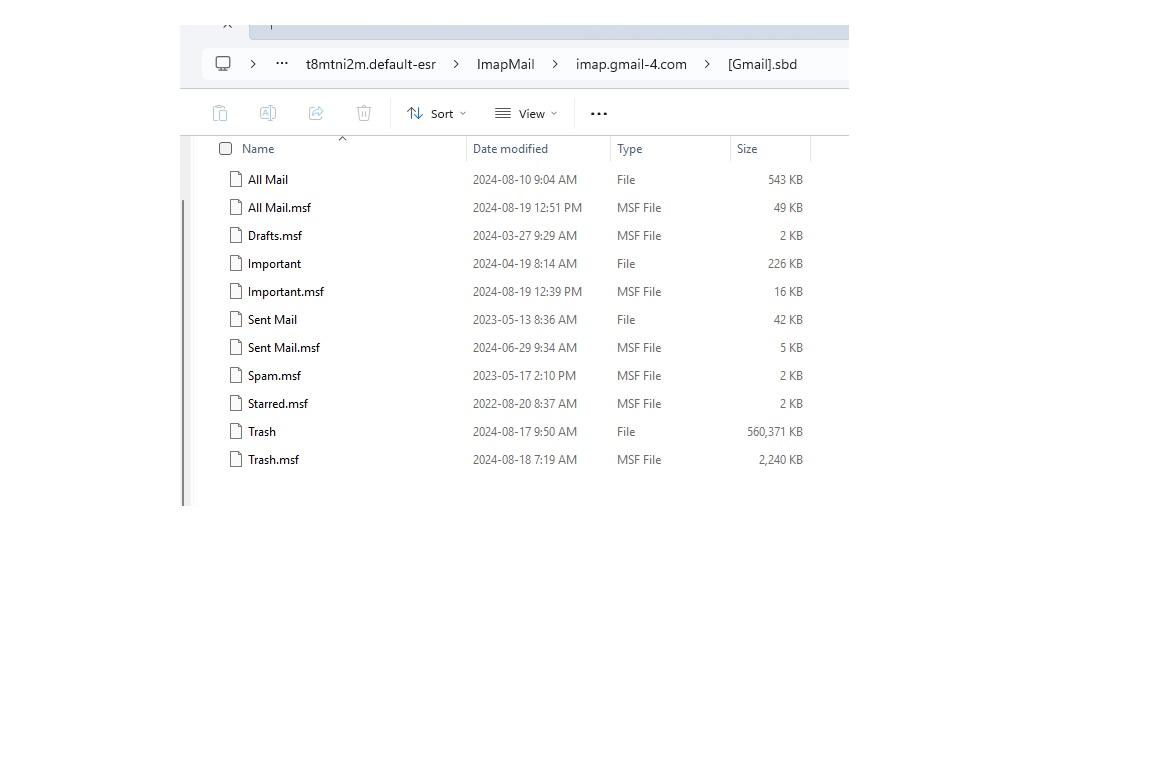
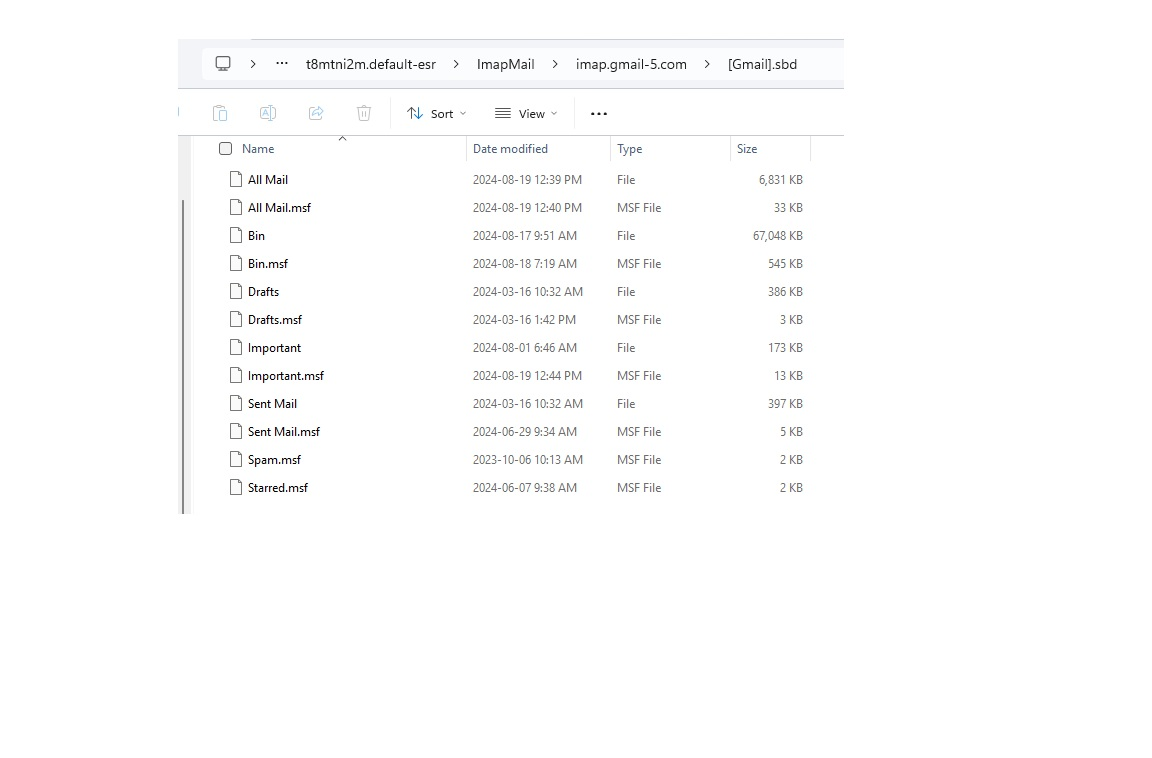
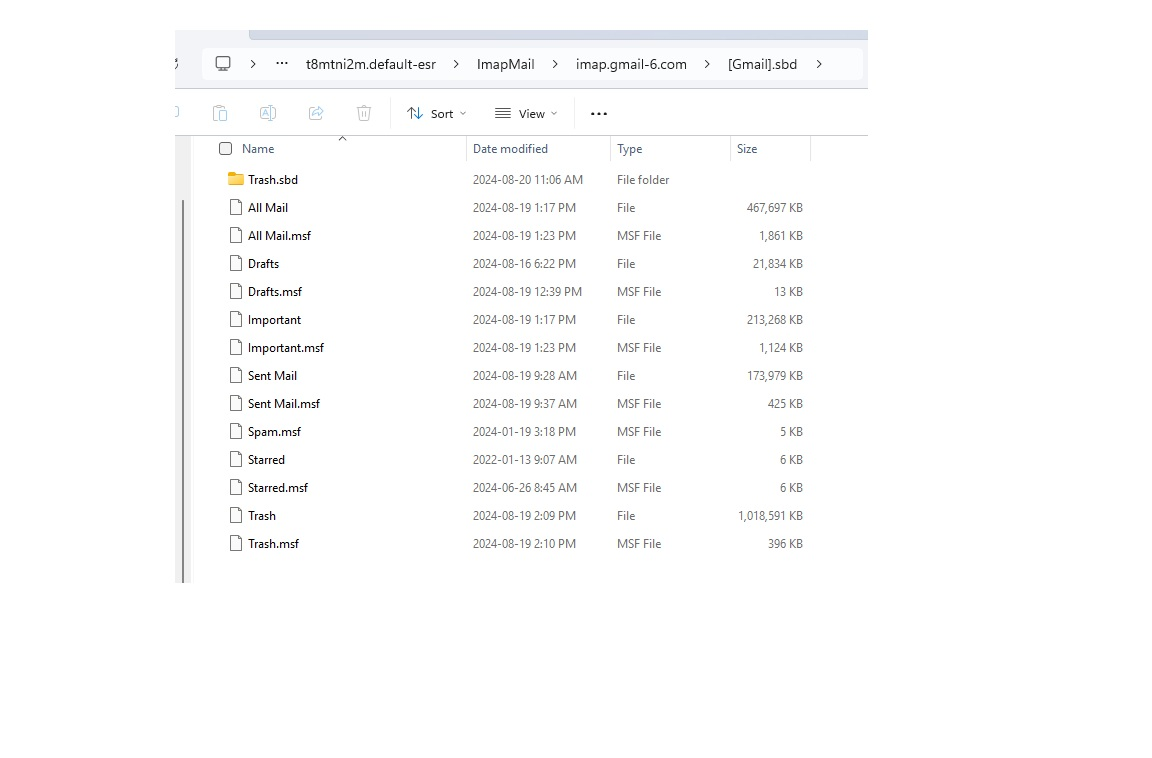
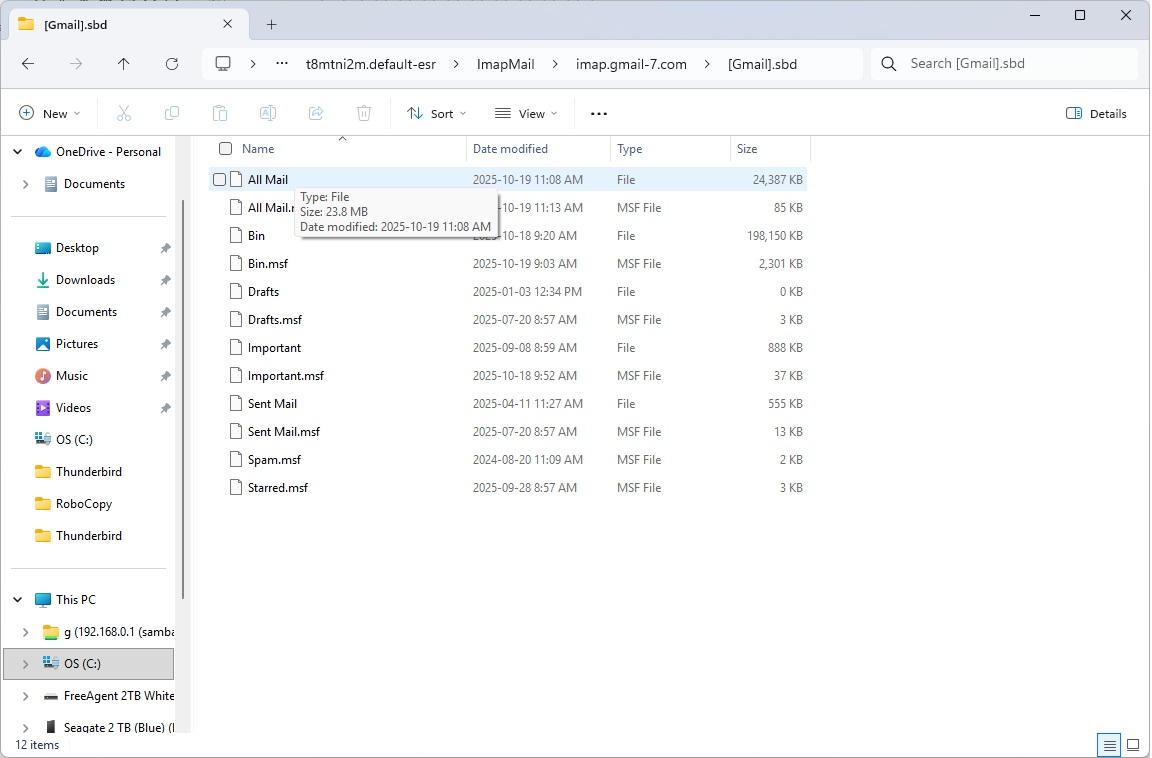
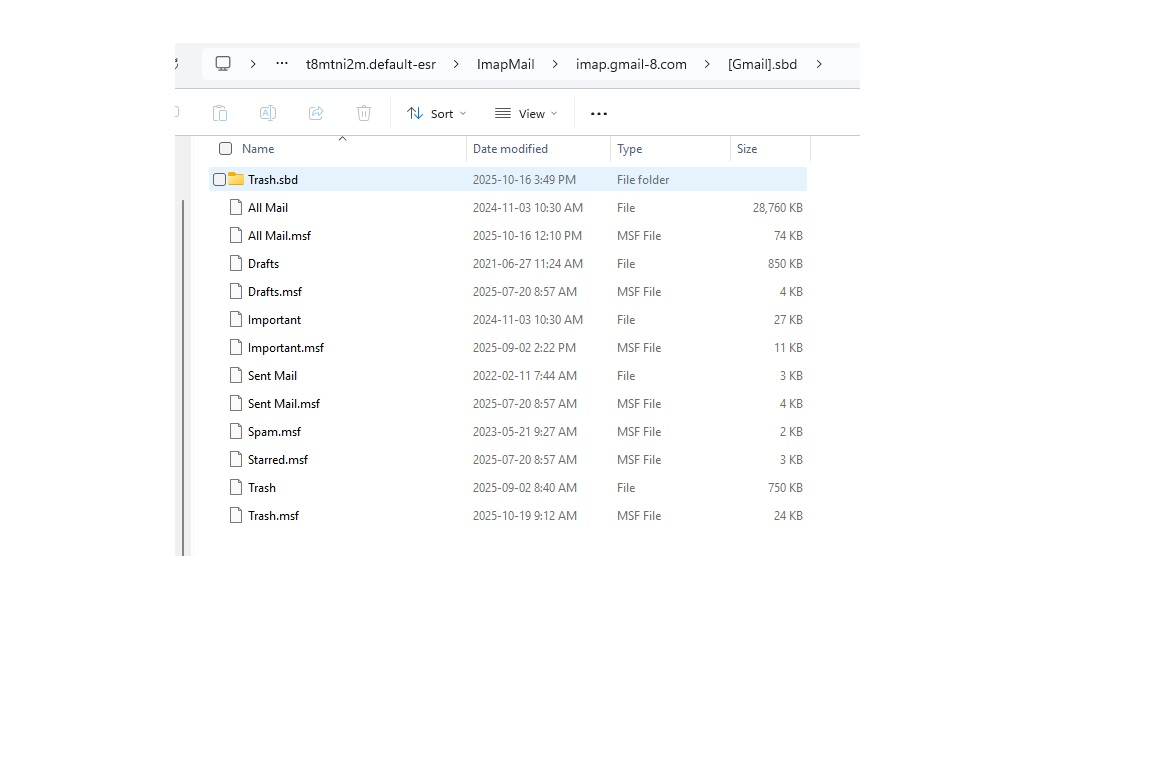
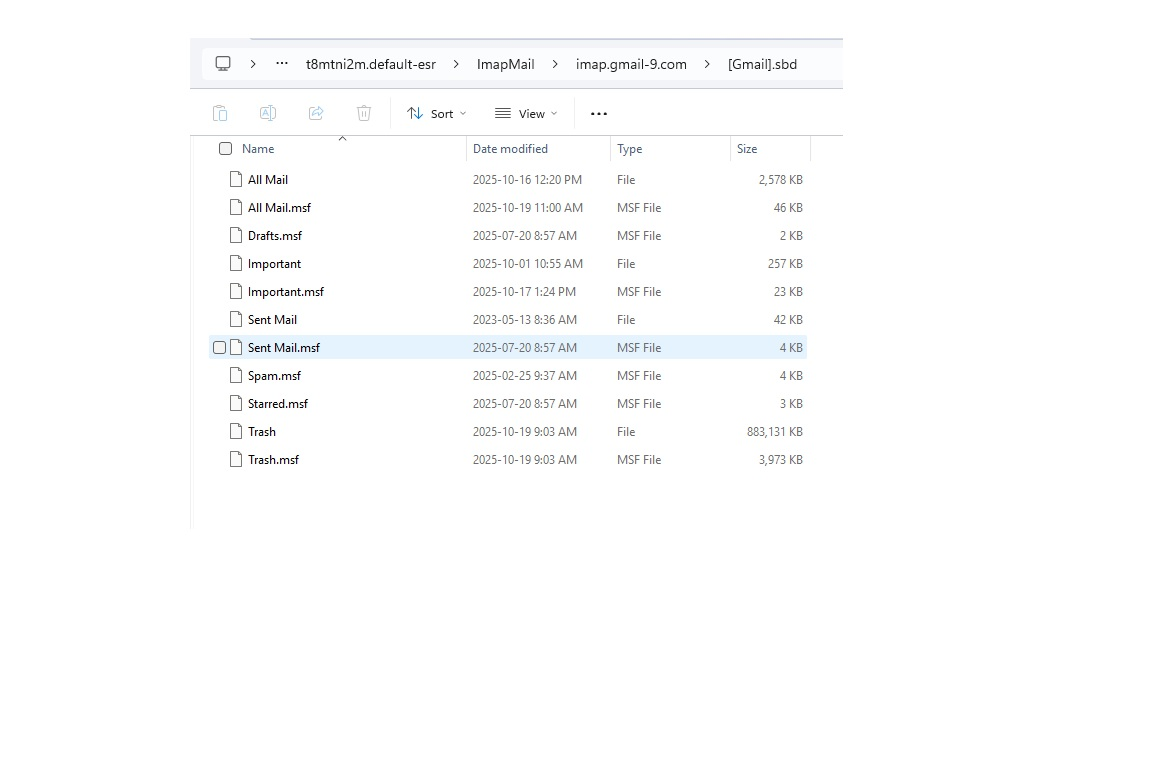
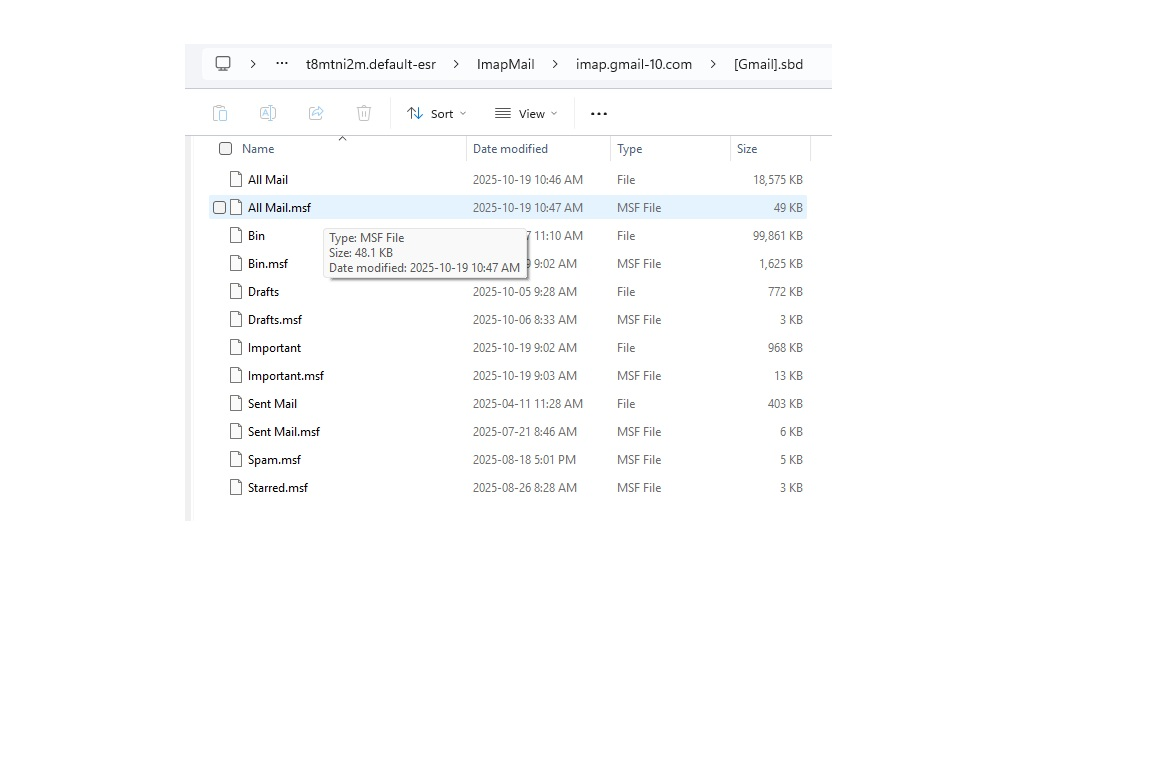
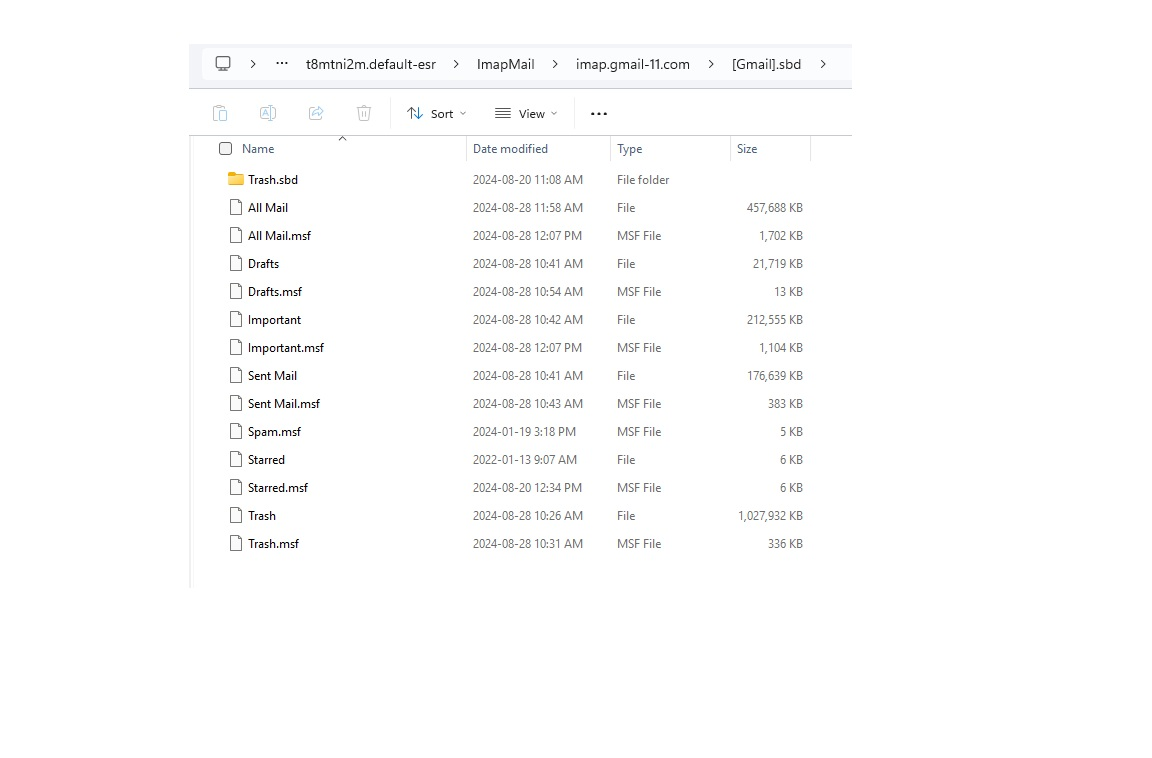
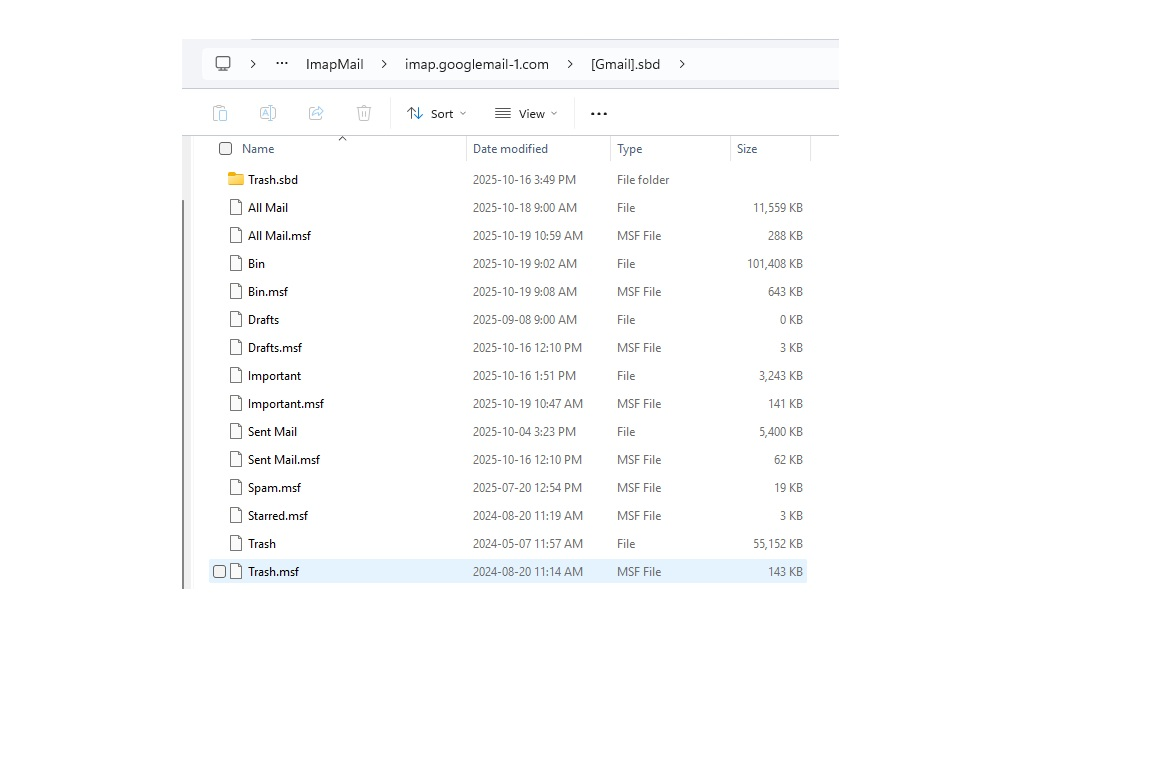
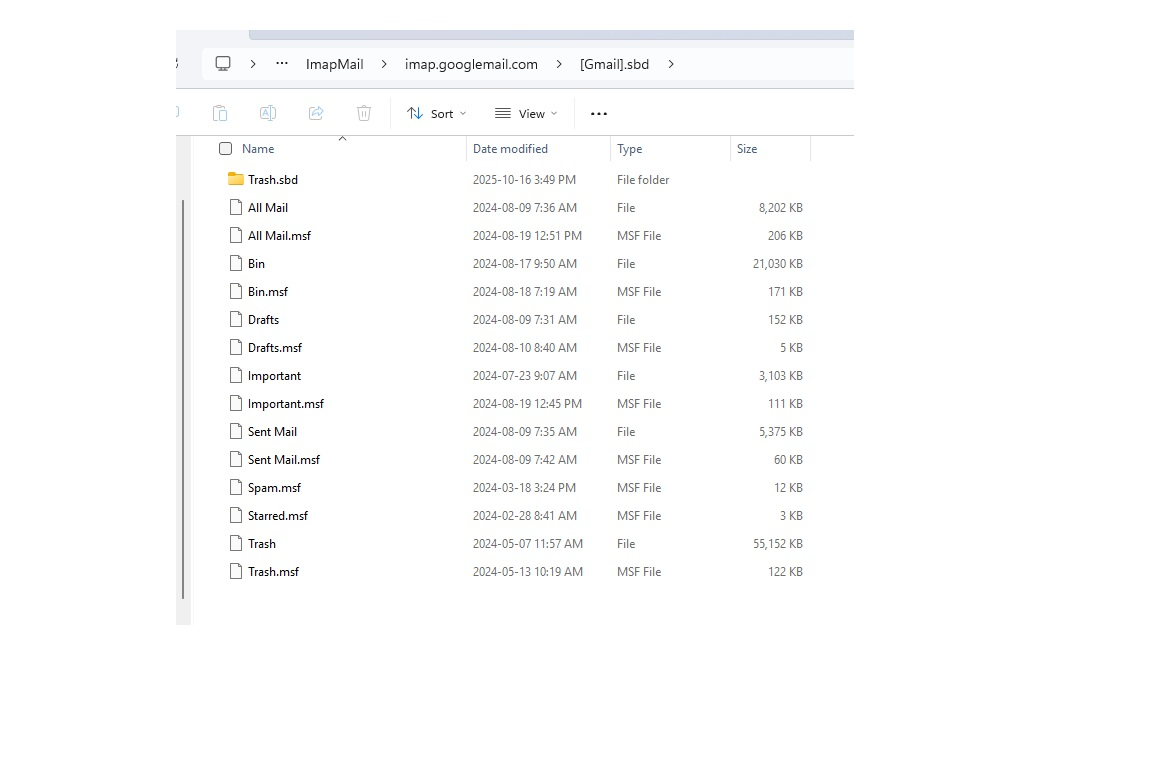
I am surprised to see POP accounts in the imapmail folder; thunderbird woudn't put them there, so I infer you moved them there? If you're concerned about profile size, you might check the Mail folder to see if those same POP accounts are also in the Mail folder. If so, I would check the server settings pane for them to verify that the local folders link points to the appropriate folder. (Same steps as in prior post to verify that IMAP account.) Otherwise, all I can suggest, if saving space is desired, is to unsubscribe from the allmail folders in all accounts, also the Important folders (assuming you don't directly use them). I suggest that because the Allmail folder contains all messages so is a duplicate of inbox and sent and trash and important. Also, Important is a Gmail managed folder and, unless you need it, I would unsubscribe. You also have a lot of messages in trash in various accounts. IF you do unsubscribe from those folders, you will need to exit thunderbird and delete the folders in windows file explorer to save the disk space. Incidentally, unsubscribing from allmail and important folders also cuts cpu time almost 50% and network traffic by 50%.
The object is to clean things up so I continue to work towards getting things back to the stock set-up.
Quote "I am surprised to see POP accounts in the imapmail folder; thunderbird woudn't put them there, so I infer you moved them there?" Reply: I have two accounts set to pop.gmail.com so I assume this is the source, these are old accounts that I have deleted, including data (app POP accounts are deleted). There are still POP files/folders in the ImapMail folder - Highlighted in pic posted. Safe to delete these?
The account that is in the local Documents folder is Documents\Thunderbird\7lwbxty3.Gord tied to an account. The "\Documents\Thunderbird\7lwbxty3.Gord\[Gmail].sbd" and "\Documents\Thunderbird\7lwbxty3.Gord\INBOX.sbd" are empty. All other files are used to filter the inbox and the files within are removed daily. How do I get this into the main profile with the other accounts?
Several imap folders/files are not linked an account. See highlighted attached pic. Safe to delete these?
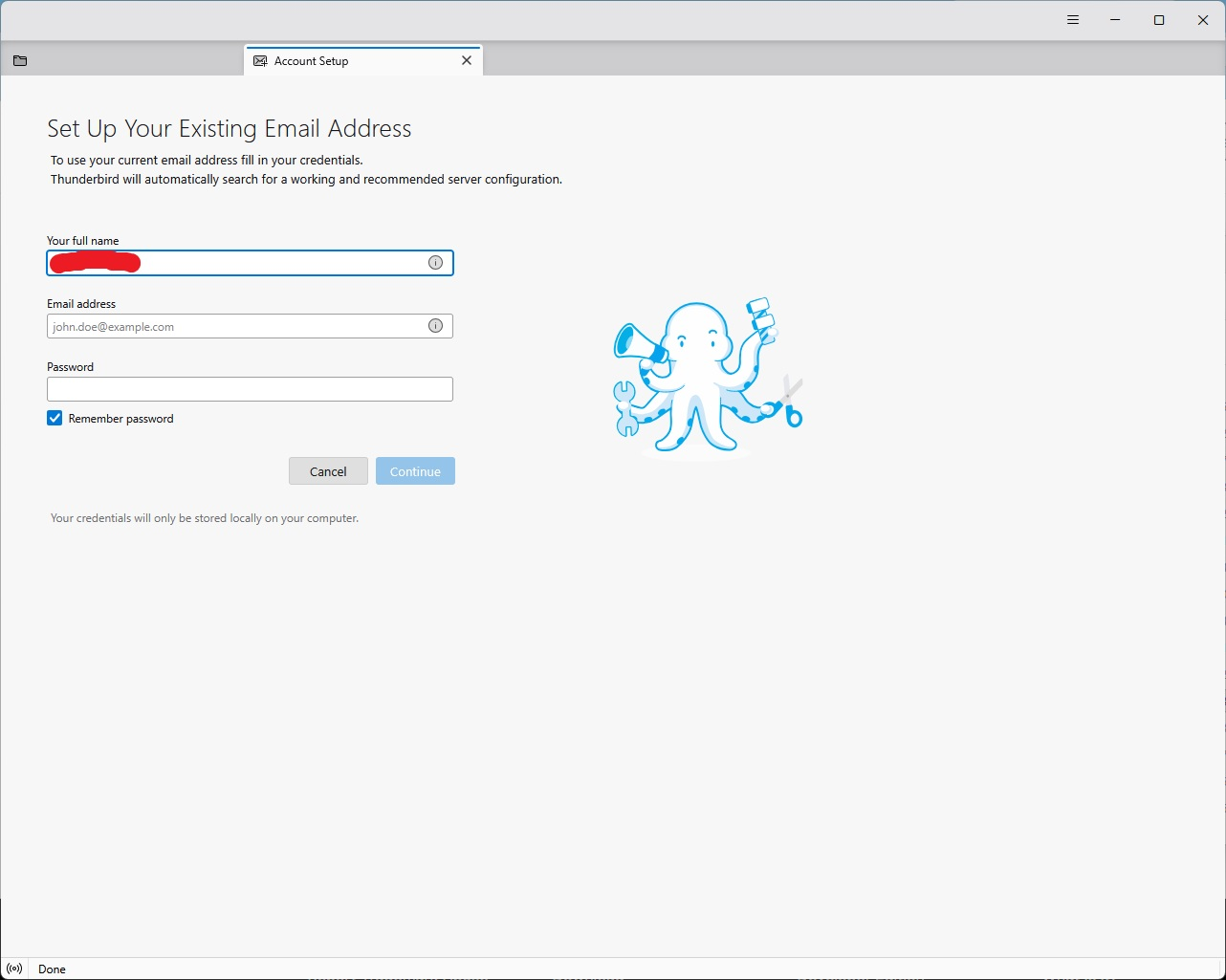
I've delete "AppData\Local\Thunderbird" as per your earlier recommendation. Result is that on opening TB it asks me to set up a new account?? See attached pic. I needed to copy my backup roaming/Thunderbird folder to get things working. I did not copy my local/Thunderbird folder but when I started TB it was recreated - "\AppData\Local\Thunderbird\Profiles\t8mtni2m.default-esr".
I think I given myself a headache so enough for now!
Thank you again for your time David, Gordon
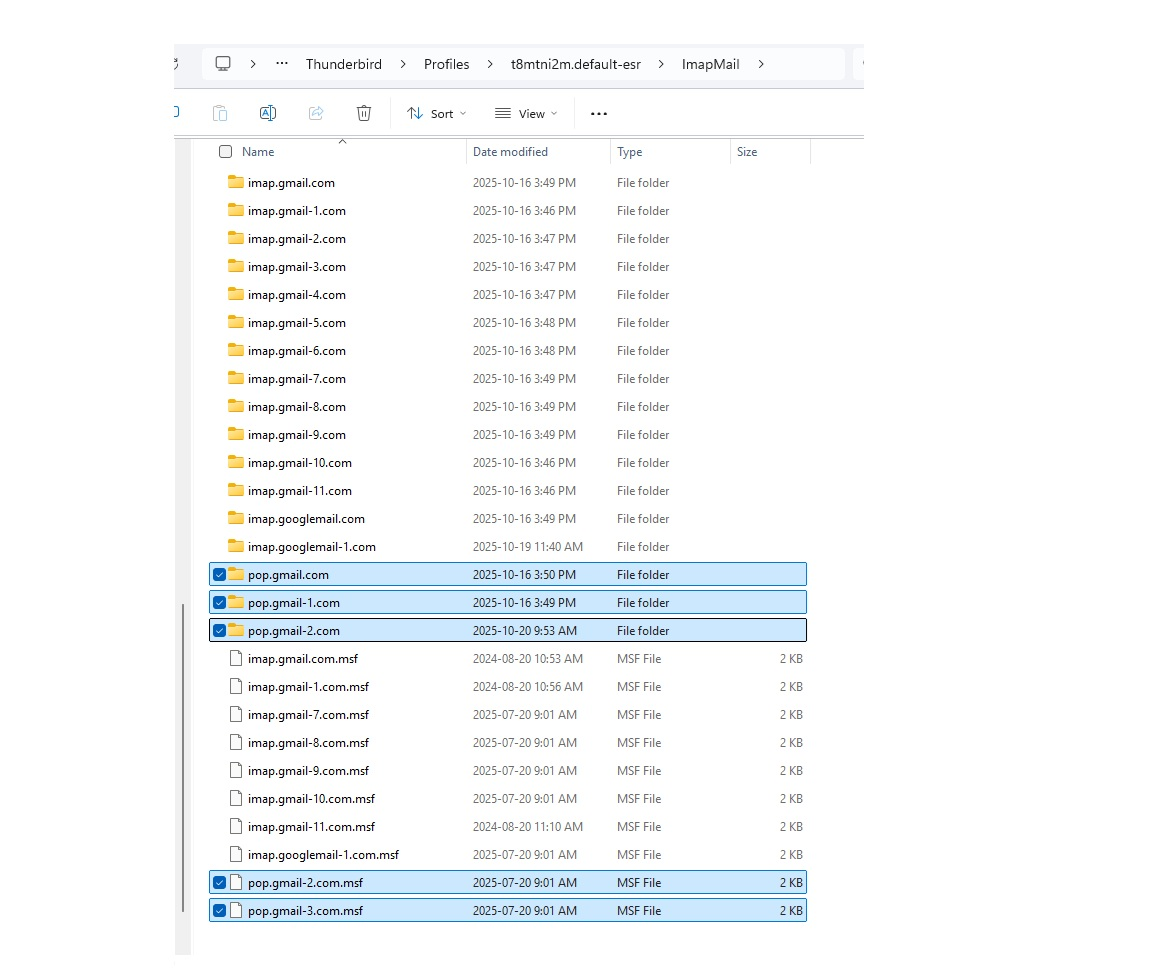
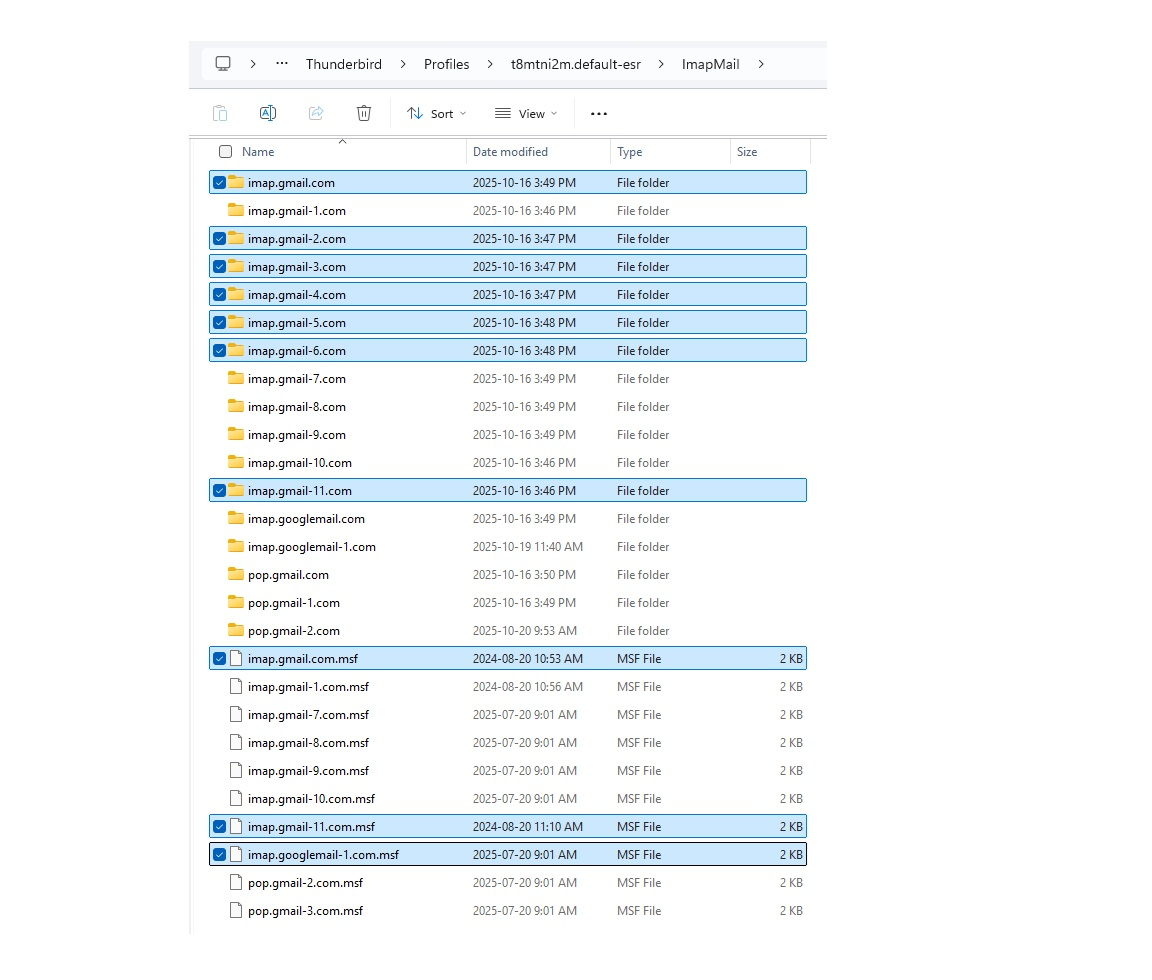
I regret your problem with appdata\local. Puzzling, as my account had no problem. But I'm glad you resolved that. If the POP accounts are gone, just delete the folders For IMAP accounts, if you have thunderbird shut down, you can delete any message folders (such as Inbox.sbd) and thunderbird will recreate on next restart. If you want the account in the Documents folder put back into the profile, here are the steps: - exit thunderbird - COPY (not move) the 7lwbxty3.Gord folder to the profile folder in the imapmail folder - now, start thunderbird, click to the account server settings pane - at bottom, where it links to local server, click 'browse' and then locate and select the place in profile where you copied it. Thunderbird will insist on a restart. - after the restart, check and verify that the account is working properly. you can then delete folder in the Documents folder.
Isisombululo Esikhethiwe
I just thought I would send you a note David telling you how much I appreciate your help.
Gordon