


installation

My attempts to install Thunderbird on my new Lenovo computer always fail and end with a notice saying that the failure is due to the application being 'malformed'. I use Google as my search engine.
My old computer (also Lenovo) happily ran Thunderbird on Google.
Please help Thunderbird is by far the best email service I have used.
All Replies (8)
Please confirm that the executable installation file was downloaded from the Official Page at https://www.thunderbird.net/en-US/thunderbird/all/
Would you send a screenshot of the complete error message, please?
As far as I know I have used the authorised Thunderbird installation procedure. The 'malformed' message panel does not permit a screen shot. The actual wording is:
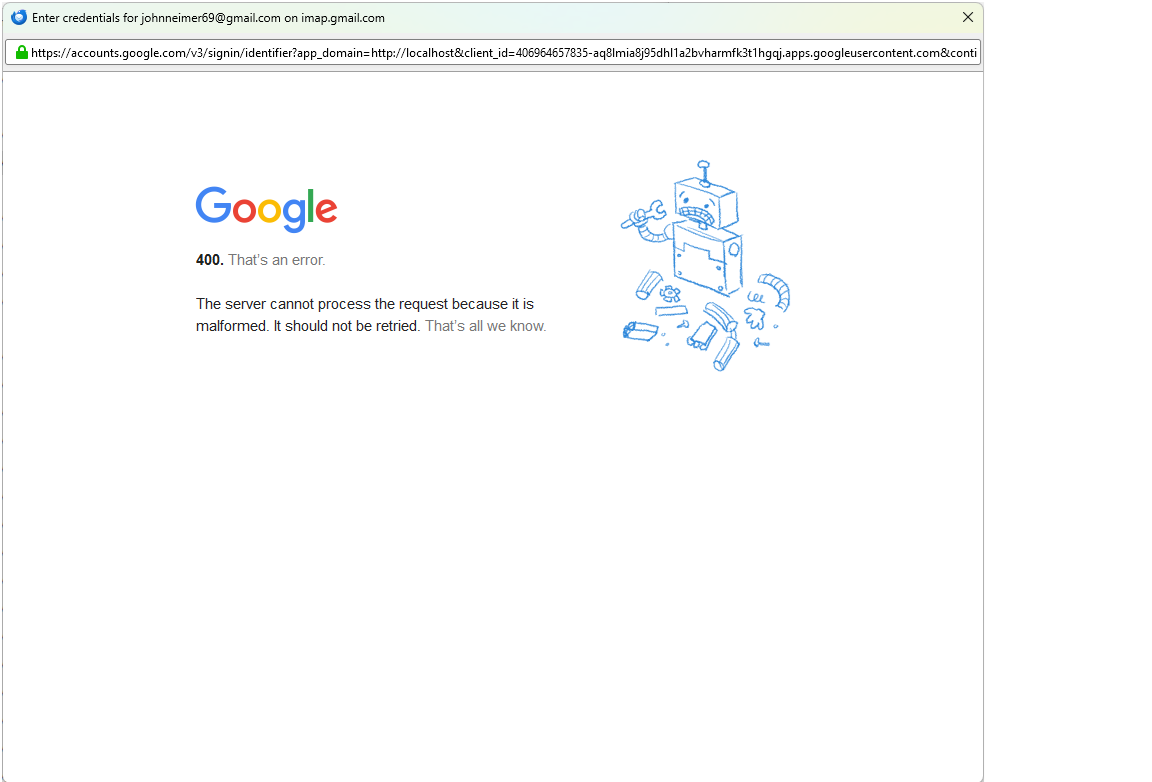
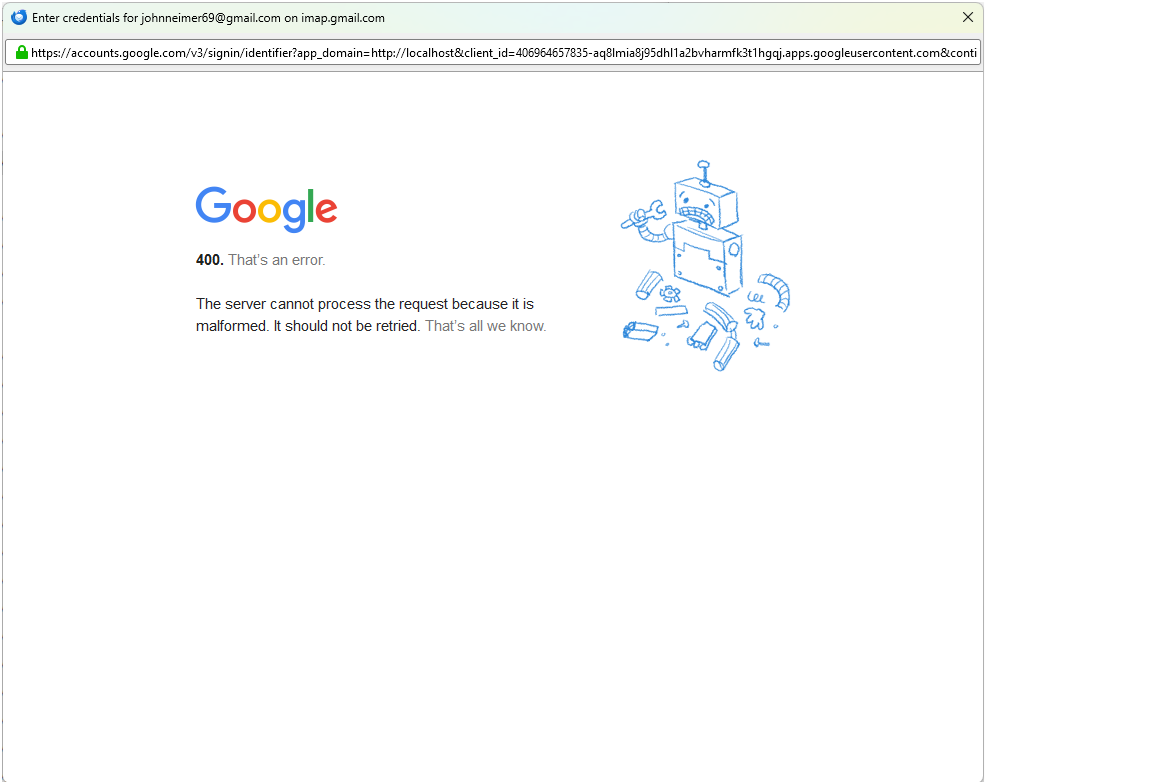
"Google 400 That's an error Sever cannot process the request because it is malformed. It should not be retried. That's all we know"
It also has a sketch of a dissassembled robot
To create a screen print, see https://support.mozilla.org/en-US/kb/how-do-i-create-screenshot-my-problem.
The error message isn't an installation error. It sounds like an issue when trying to set up a Google Mail account. Is that the stage you get to?

This is the error message you might see when you tried to sign in with Google, same as the attached picture in the following link: https://support.mozilla.org/en-US/questions/1487655#answer-1705550
The following link might be helpful: https://support.mozilla.org/en-US/questions/1487655#answer-1705634
I have created the screen shot. It is the same as appears on some other people's messages. How do I import it to this message?
If Yu5tiqX9og's suggestion doesn't work, you might want to make sure that Google recognises your **new** laptop as a trusted device - which it will need to do.
I have downloaded Google Chrome. House else can I signal my PC as a trusted device?