


Notification can not be removed

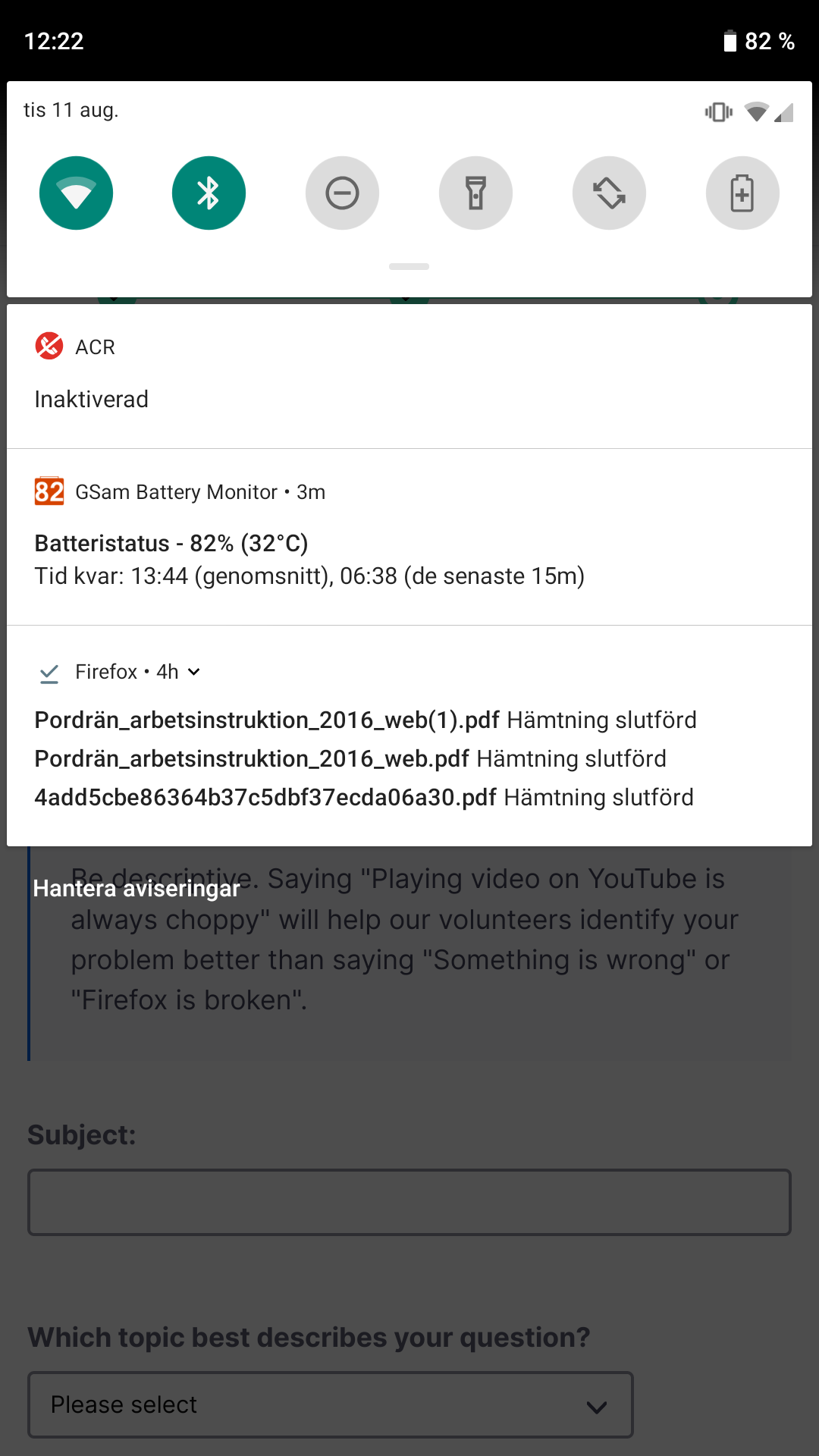
After downloading some files I have an annoying notification that won't dissapear. I can't click on it or swipe it away and I can't find any access to downloaded files in the browsers menus. How do I remove it without rebooting the phone??
I am running 79.0.2 (Build #2015755339) in Android 9.
After downloading some files I have an annoying notification that won't dissapear. I can't click on it or swipe it away and I can't find any access to downloaded files in the browsers menus.
How do I remove it without rebooting the phone??
I am running 79.0.2 (Build #2015755339) in Android 9.
All Replies (1)
In the Firefox notification area, you can tap on the small down arrow next to "4h" in the top row, which will enlarge this Firefox notification area and show each download as a separate notification message. Each of those notification messages you then should be able to swipe away.
Did it work that way?
Okulungisiwe ngu Patrick Weiden