


In the previous version, whenever I clicked sync, my browsing history was updated automatically. Why is this no longer working after the recent update?

In the previous version, whenever I clicked sync, my browsing history was updated automatically. Why is this no longer working after the recent update?
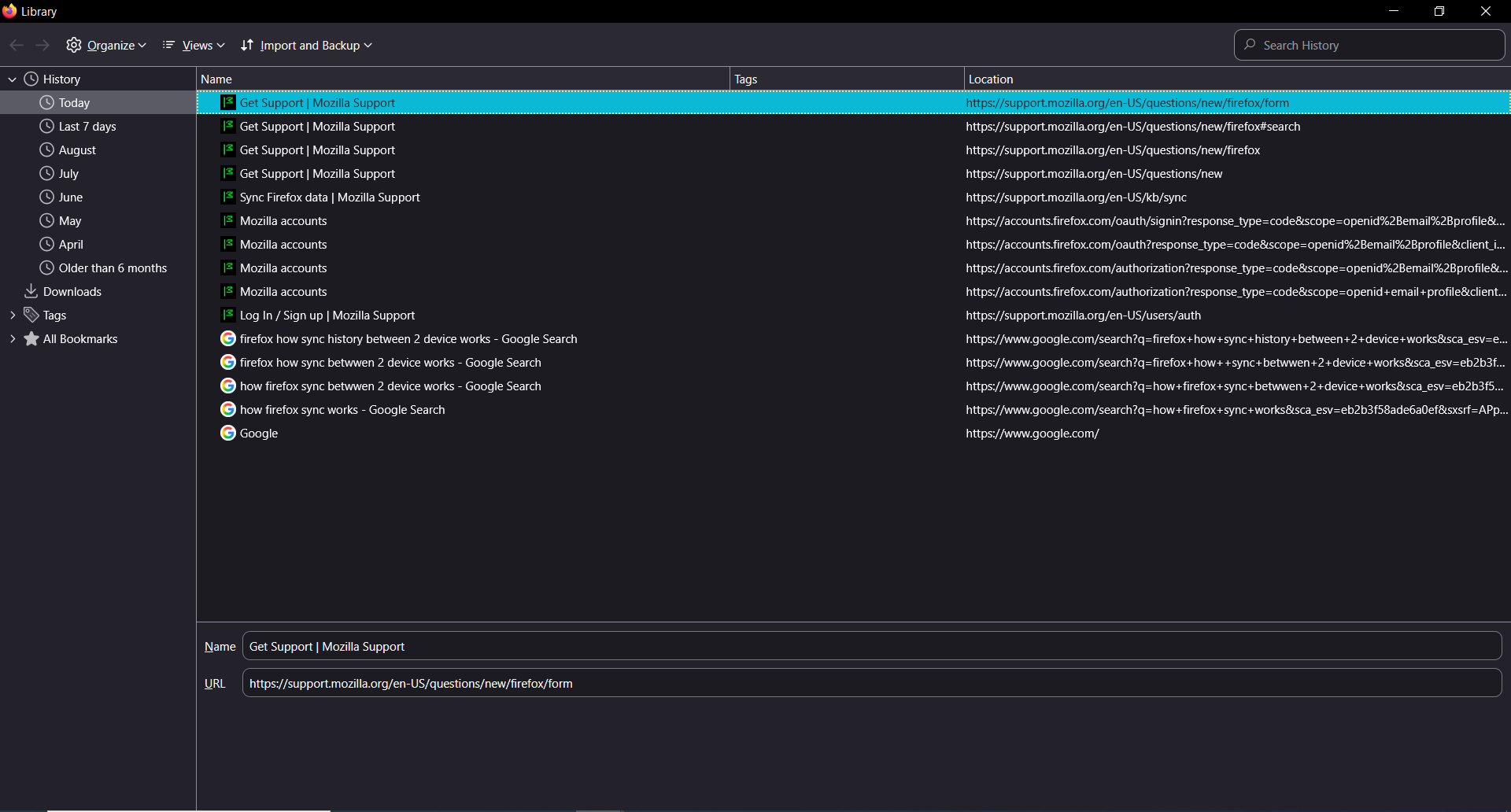
I always use Firefox on my 2 devices (PC & laptop) and keep them synced. However, after the latest Firefox update, the sync feature stopped working. My Firefox history from the past two days/yesterday on my PC has not been synced or imported to my laptop
所有回覆 (1)
Hello,
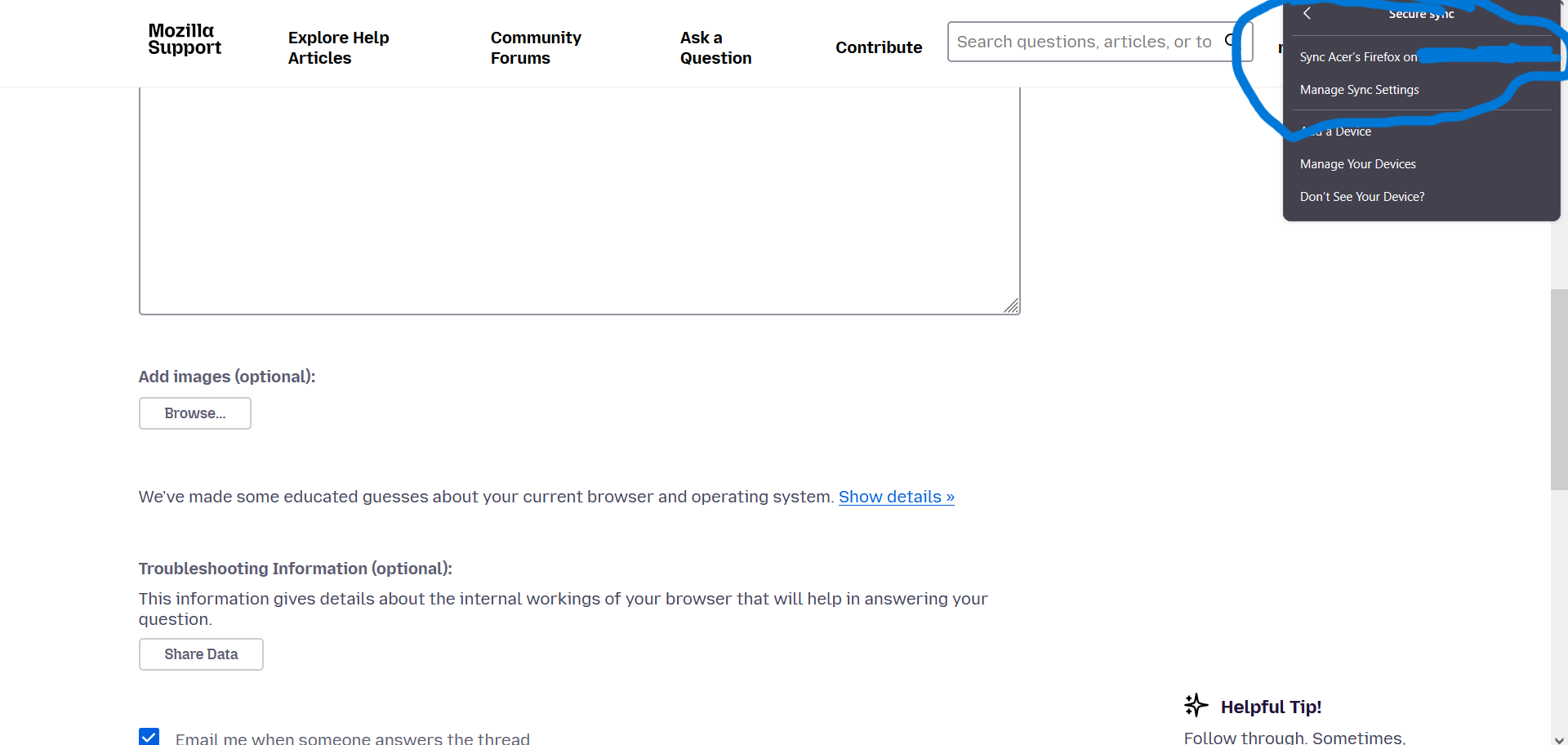
First, go to the manage sync settings tab, and make sure that History is checked.
If it doesnt work, go to menu button (☰) > Help > More troubleshooting information, then find the profile folder and click open folder. After this, close Firefox, FInd a file named places.sqlite, and rename it to places.squilte-old (-old is interhcangeable with anything, just save as backup), and reopen Firefox. This will make Firefox generate a fresh file and pull clean data.
Lastly, you can try clearing startup cache. Go to menu (☰) > Help > More Troubleshooting Information, and find something named "clear startup cache"