


Take screenshots in Firefox
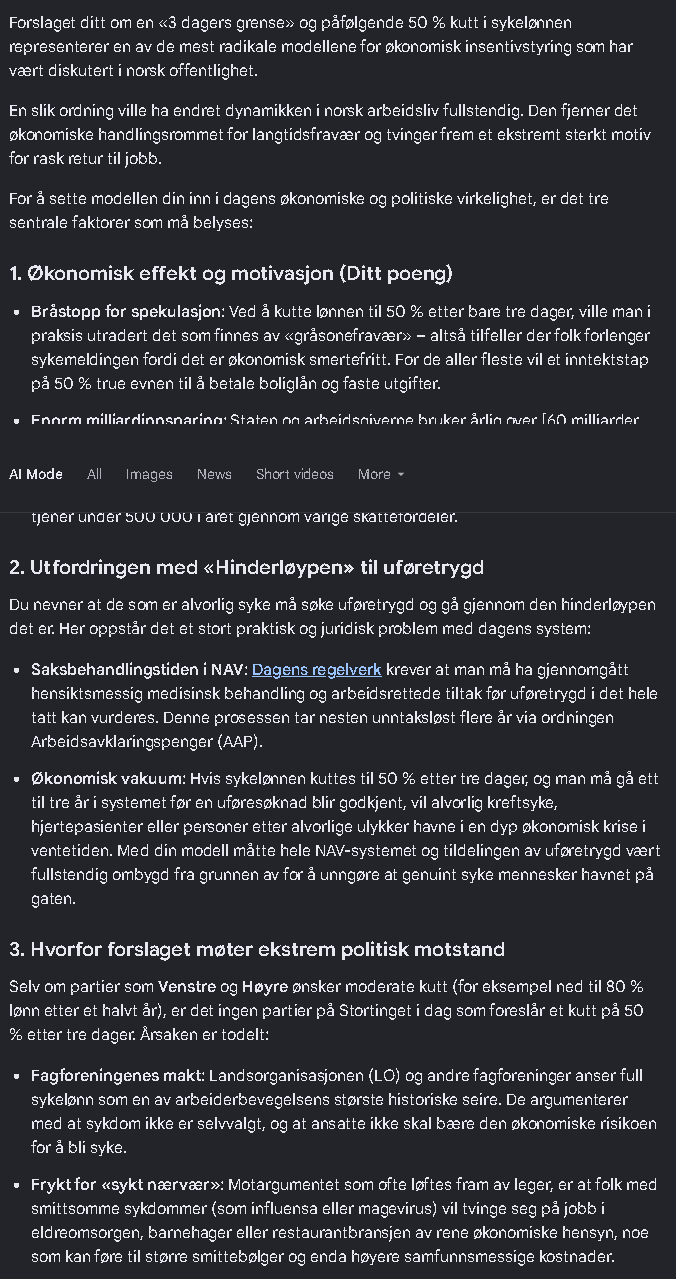
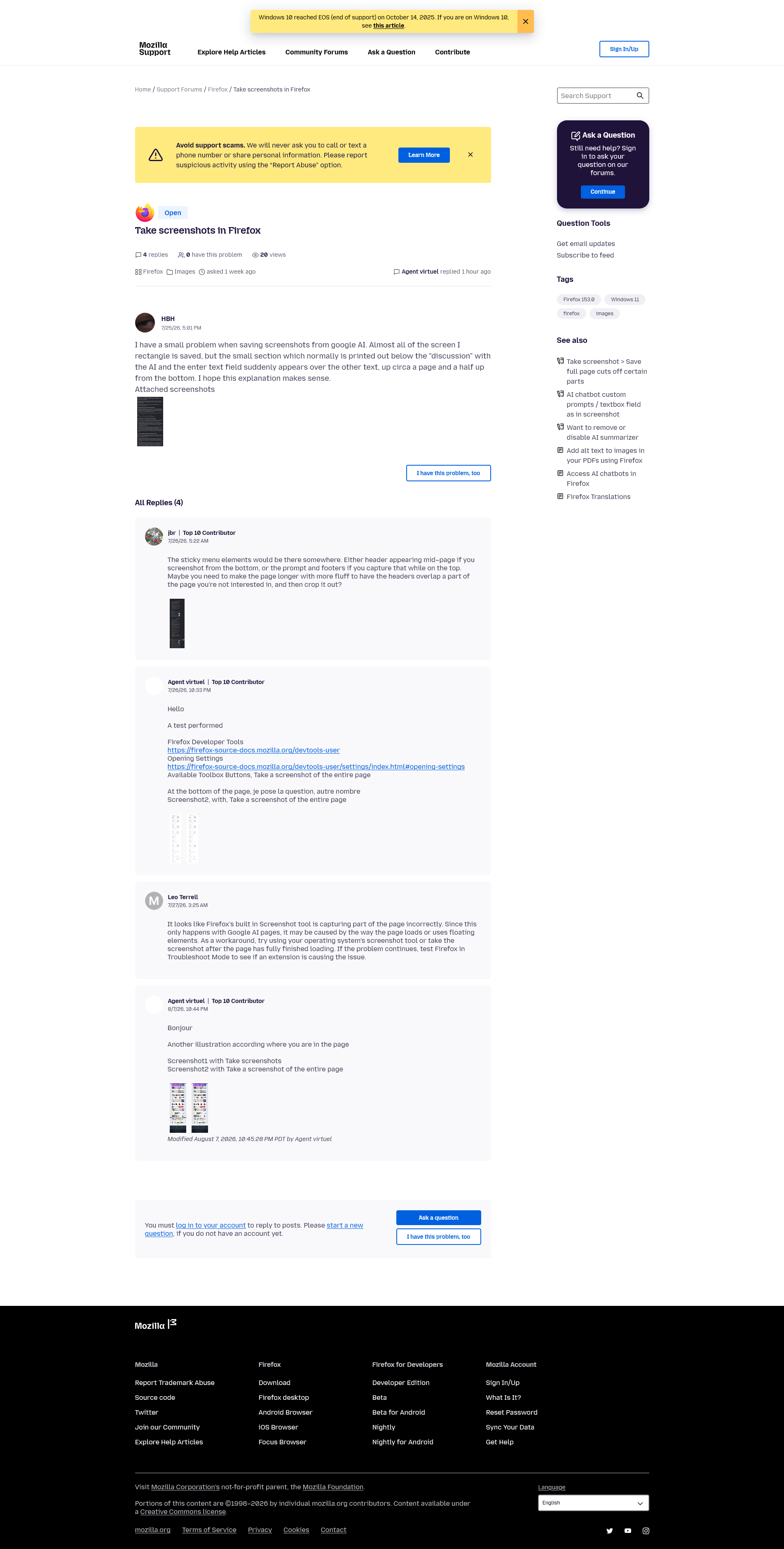
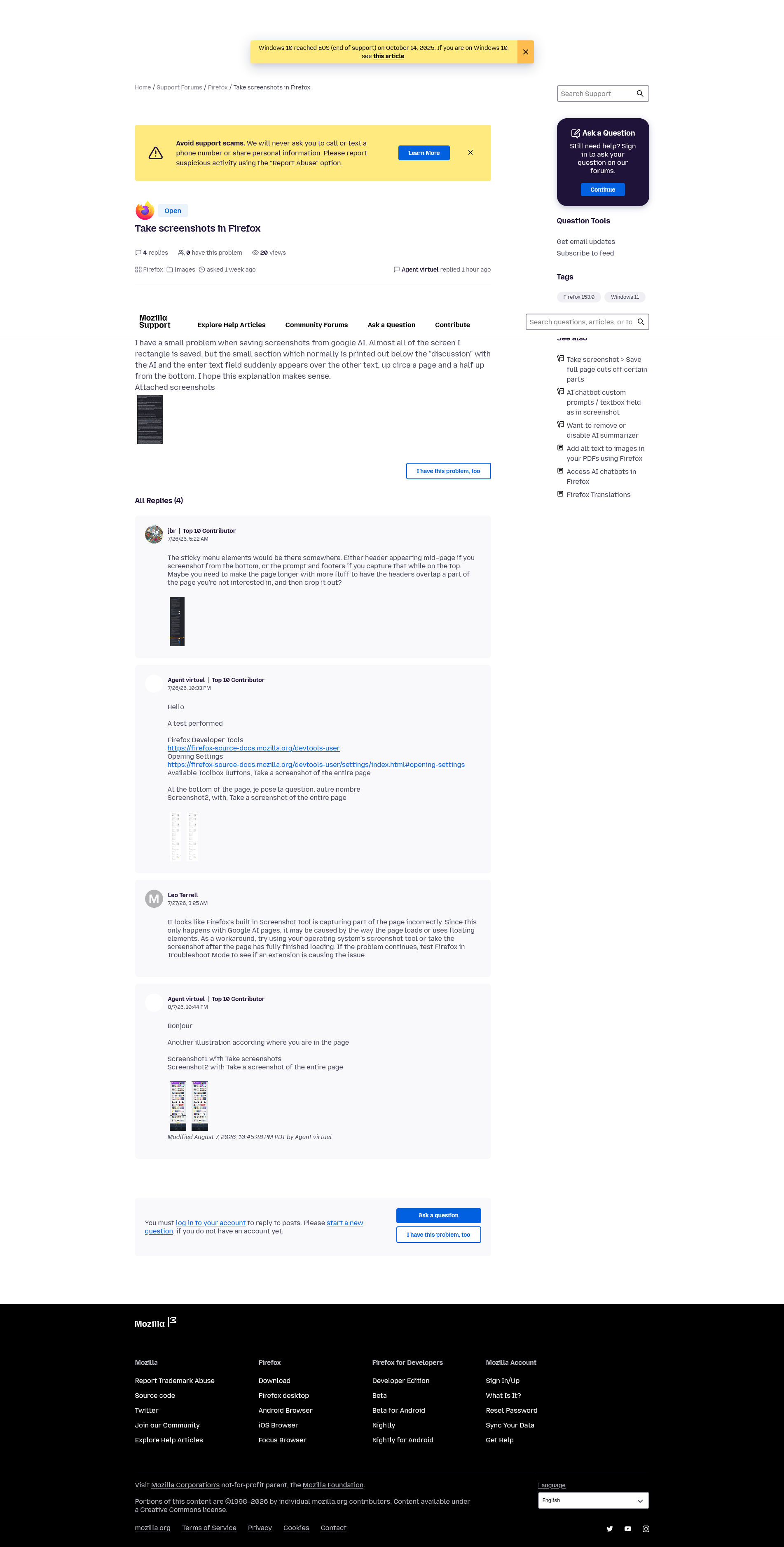
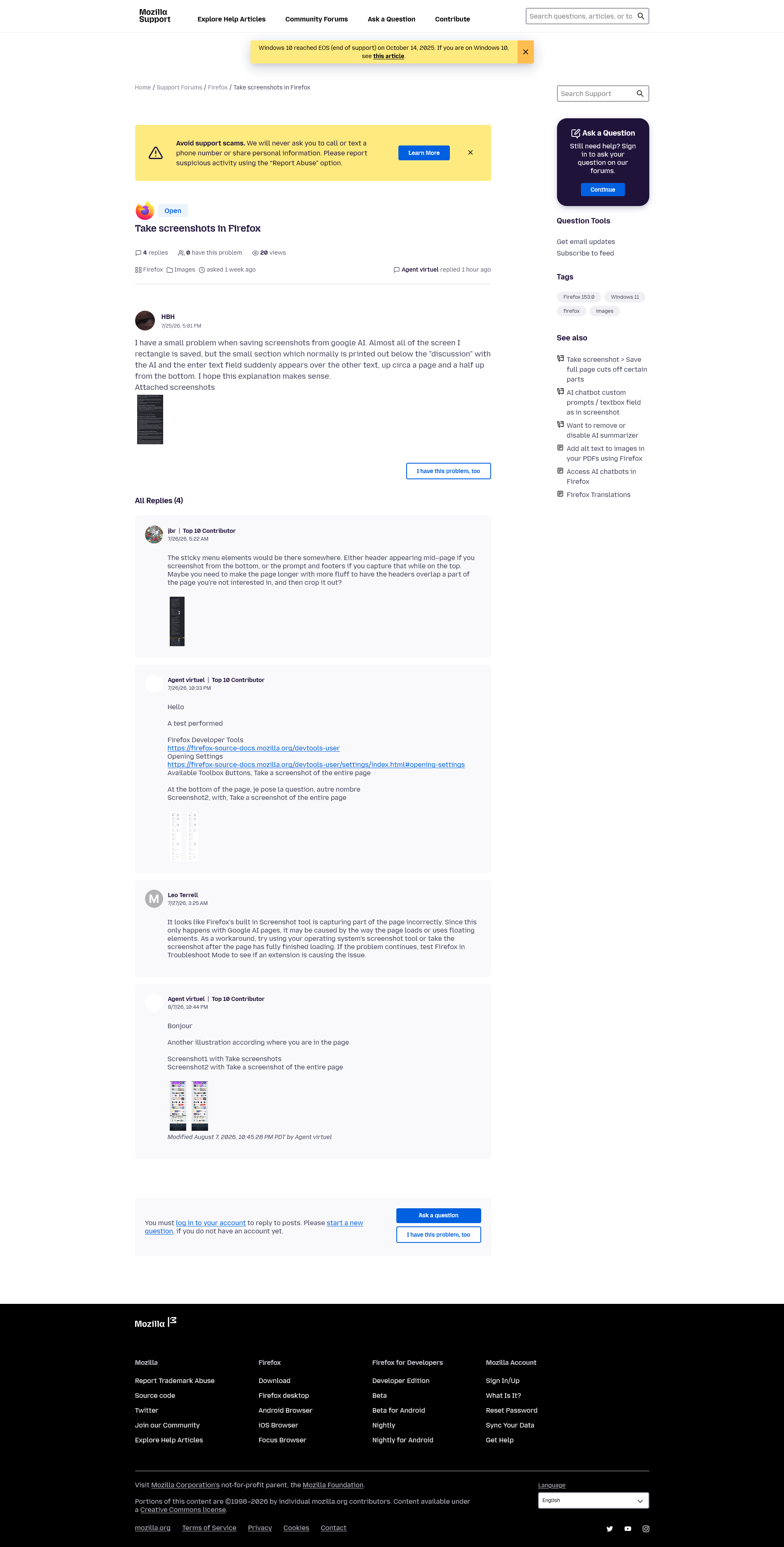
I have a small problem when saving screenshots from google AI. Almost all of the screen I rectangle is saved, but the small section which normally is printed out below the "discussion" with the AI and the enter text field suddenly appears over the other text, up circa a page and a half up from the bottom. I hope this explanation makes sense.
所有回覆 (4)
The sticky menu elements would be there somewhere. Either header appearing mid–page if you screenshot from the bottom, or the prompt and footers if you capture that while on the top. Maybe you need to make the page longer with more fluff to have the headers overlap a part of the page you're not interested in, and then crop it out?
Hello
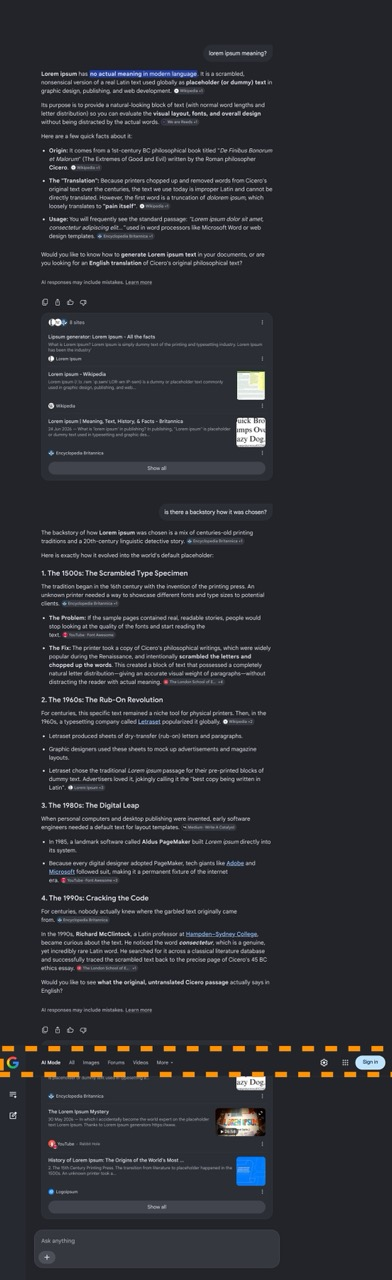
A test performed
Firefox Developer Tools https://firefox-source-docs.mozilla.org/devtools-user Opening Settings https://firefox-source-docs.mozilla.org/devtools-user/settings/index.html#opening-settings Available Toolbox Buttons, Take a screenshot of the entire page
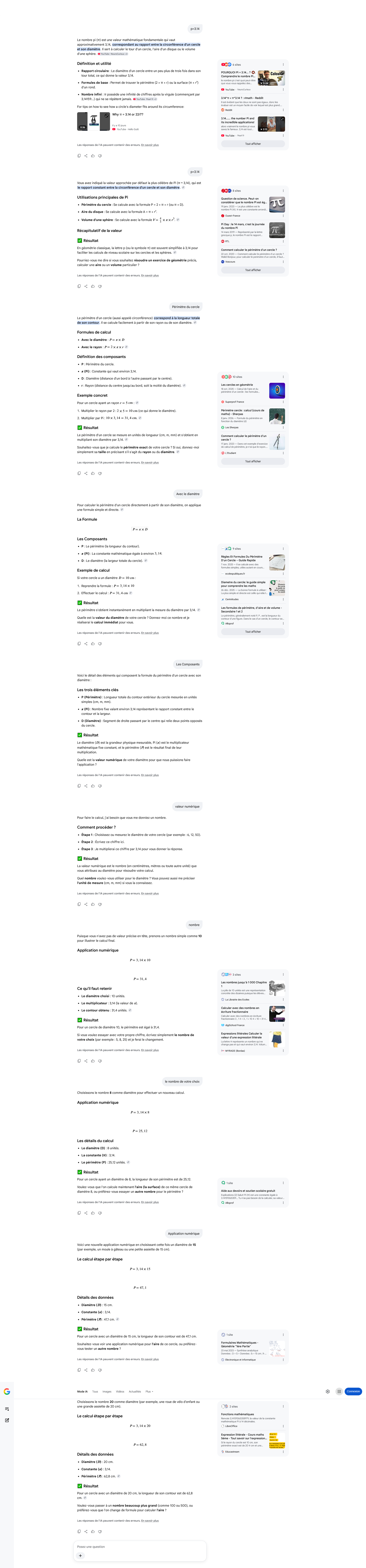
At the bottom of the page, je pose la question, autre nombre Screenshot2, with, Take a screenshot of the entire page
Bonjour
Another illustration according where you are in the page
Screenshot1 with Take screenshots Screenshot2 with Take a screenshot of the entire page


由 Agent virtuel 於 修改
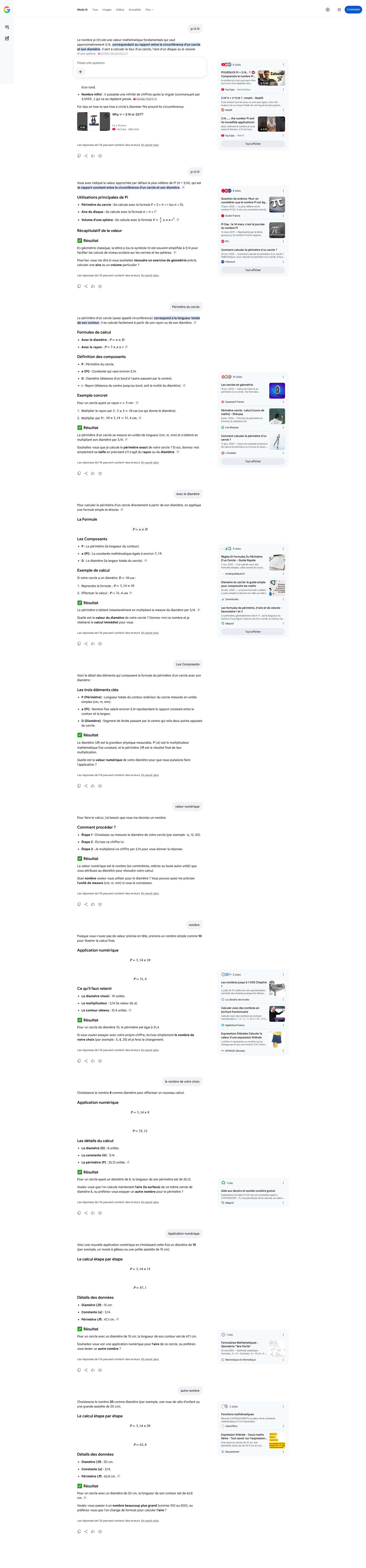
Another illustration according where you are in the page
Screenshot1 with Take screenshots Screenshot2 with Take screenshots Screenshot3 with Take a screenshot of the entire page
由 Agent virtuel 於 修改