


Chinese characters in iOS firefox are displaying incorrectly

Some Chinese characters are displayed incorrectly in my iOS Firefox app, with completely different strokes then they should have. It's not traditional Chinese or any other actually existing character, it's just straight up wrong.
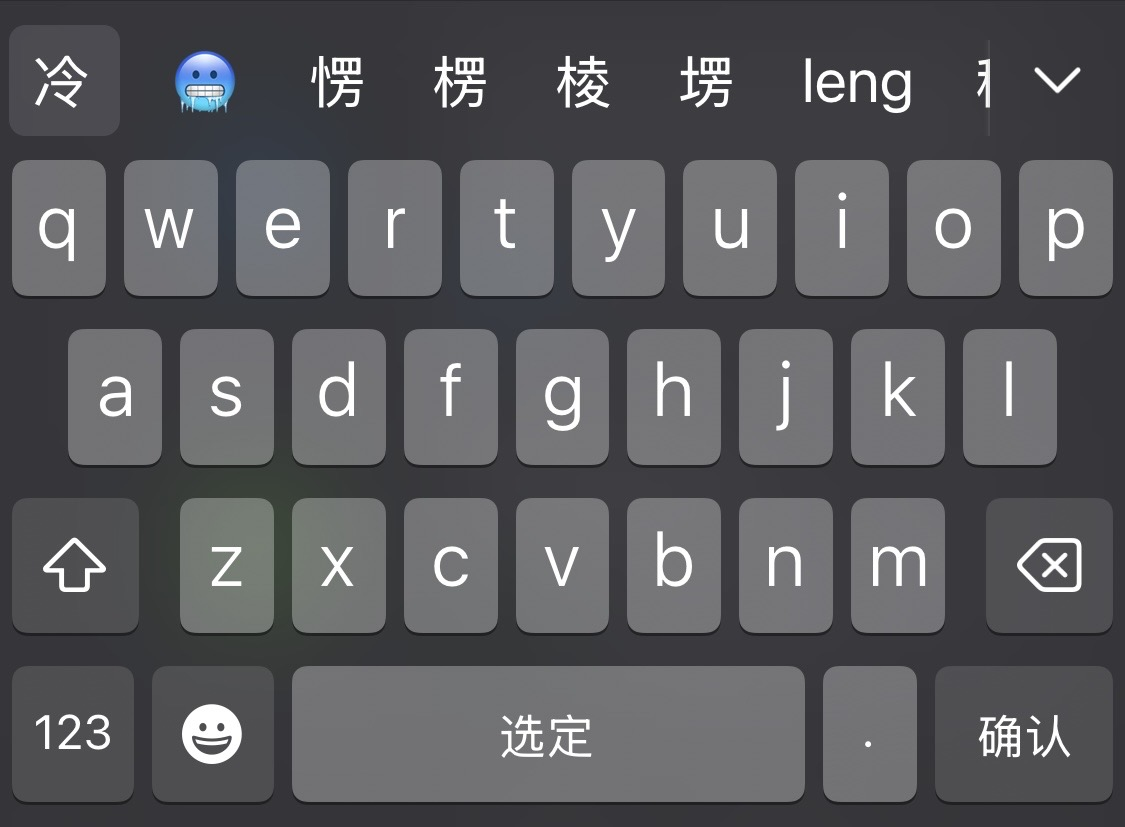
As an example, below I am typing 冷 (cold) and it displays correctly in my keyboard (and everywhere else on my iPhone) but when I actually select it, the character looks completely different. If I search, it's still recognized as the correct character, but it's just displayed wrong, making it very difficult to read as these aren't characters that actually exist. This is just one example, with multiple other characters having similar issues.

所有回覆 (2)
選擇的解決方法
Could you please update to the current version first? I'm afraid this year old FxiOS is not even tested to work on iOS 26 to start with — but in general is not even supported any more. The components you're capturing no longer exist and have been replaced (several times already), so it would be helpful to know if it's still a current issue. Notably, the font rendering is something that comes from the system though, so not sure if there's anything that can be done, or it's Apple's bug coming from 18–era SDKs now interacting with 26+ keyboard composition input? (Still not sure why there would be characters being invented, and where it comes from, as these have to be defined somehow somewhere… but why bother with something that doesn't even exist. This is weird.)
Ah I didn't realize just how outdated my app was! It was attached to an old apple id and so wasn't auto updating anymore, but I redownloaded the app and now the characters are looking correct, and everything's overall performing a lot better too. Thank you!
I agree it's a very weird bug on the old version though. I was baffled as to how completely made up characters could possibly be getting displayed.