


How do I refuse the VPN?

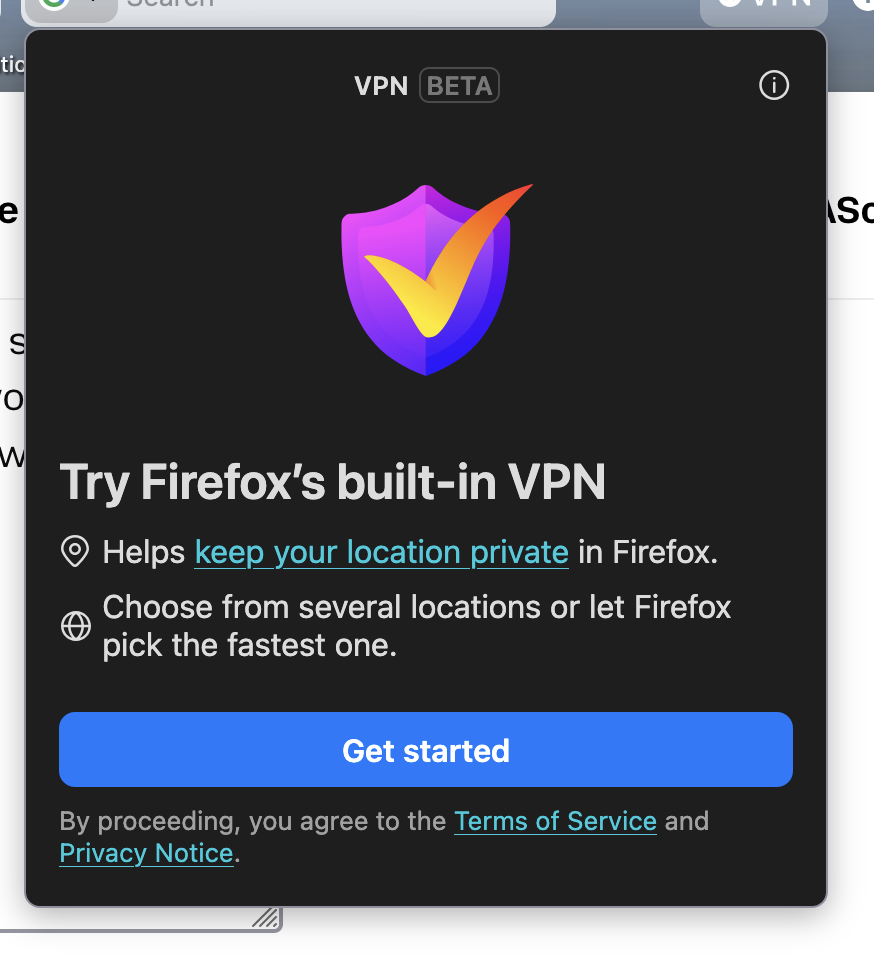
I have automatic updates and my browser recently updated and there is VPN link on my browser wanting me to use it, but it doesn't give me the option to say no. I already have a VPN that I use through MalwareBytes that I use and another that I'm not using through Protonmail. For some reason since the VPN link showed up on my browser I have websites that I use every day that won't load. I want to refuse the VPN and see if that helps, but my only option is a Get Started link. How do I get rid of that?
所有回覆 (1)
Hello
Use built-in VPN in Firefox https://support.mozilla.org/en-US/kb/built-in-vpn
For information https://support.mozilla.org/en-US/questions/1576925#answer-1812490
You can try, the preference, browser.ipProtection.enabled, value, false
1 - Go to configuration editor https://support.mozilla.org/en-US/kb/about-config-editor-firefox 2 - Enter a search term browser.ipProtection.enabled You can double-click on the preference to set the value to false