


VPN feature seems to have disappeared?
I wanted to use the new VPN feature and the icon initially showed up in the top right, but it has disappeared and is not present in "customise toolbar" or privacy settings either.

選擇的解決方法
This worked for me.
所有回覆 (8)
https://support.mozilla.org/en-US/kb/built-in-vpn https://blog.mozilla.org/en/firefox/firefox-148-149-new-features/
This "VPN in Firefox" feature is experimental and is being introduced to the Firefox user base through a progressive rollout. It may not yet be available to all users.
Users will have 50 gigabytes of data monthly in the U.S., France, Germany and U.K. to start. Available in Firefox 149 starting March 24.
It was available and enabled, but has since disappeared with seemingly no way to get it back
Hi there, Can you answer a few questions to help us understand your situations?
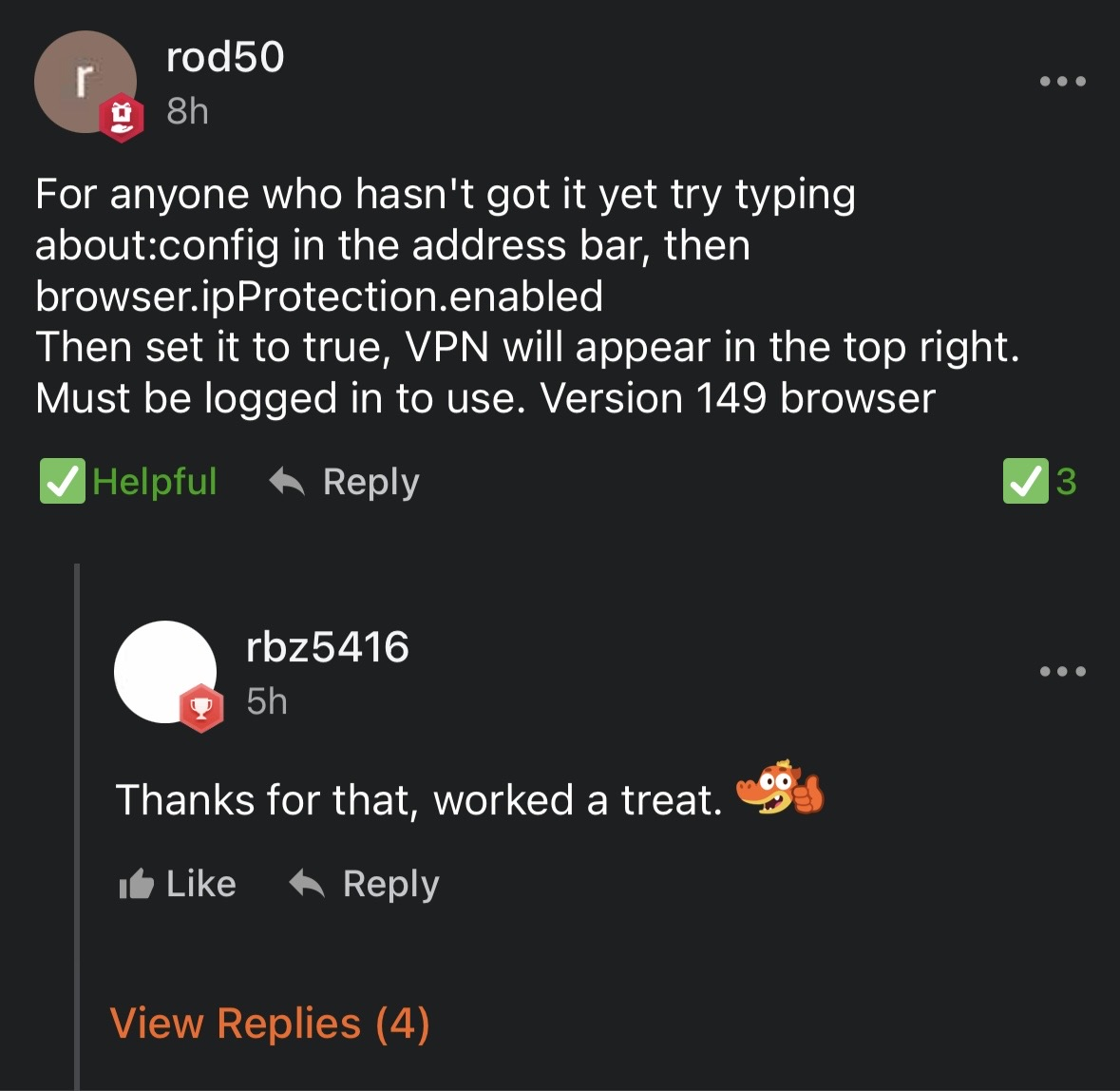
When did the VPN first appear for you? Did you enable it via about:config? Or was it naturally here? Were you a participant during the Alpha phase of the VPN?
The same happened to me, i had the built in VPN for 2 days (Wednesday 25th and Thursday 26th March) then i turned my desktop on yesterday and it disappeared.
You have to be signed into your Mozilla Account in Firefox to use the new built-in VPN.
由 James 於 修改
Yes we are both logged in but the VPN still just disappeared.
選擇的解決方法
This worked for me.

Same issue happened to me. Today it just disappeared and I can find it nowhere.