此討論串已被封存。
如果您有需要幫助,請新增一個新問題

Solved
封存
Not open site: https://outlook.live.com

Hello
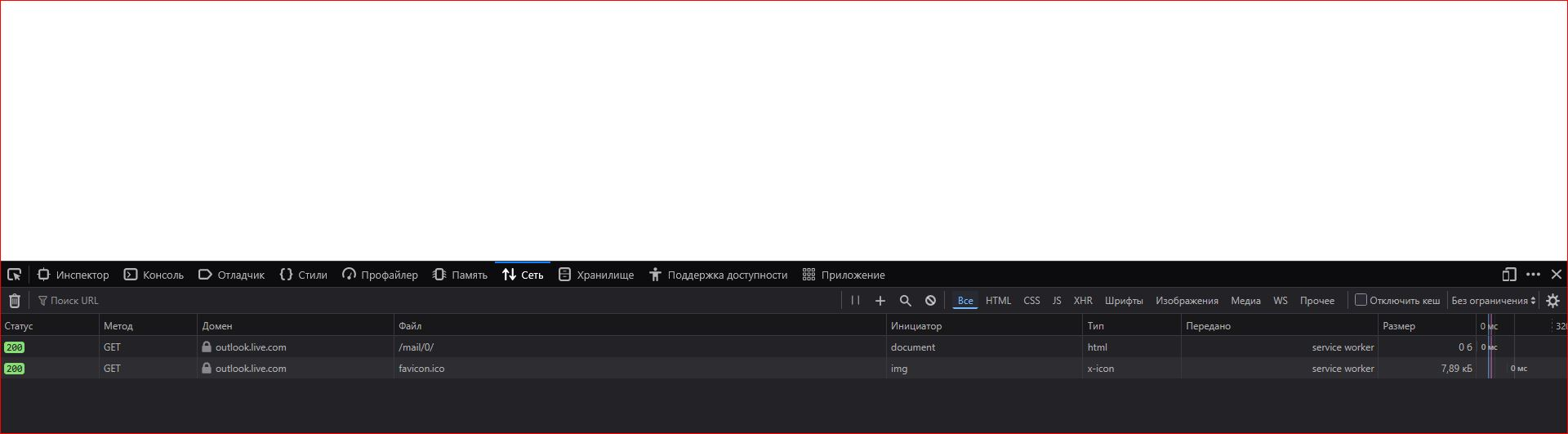
I`m not open my post-box: https://outlook.live.com Only white screen
Hello
I`m not open my post-box: https://outlook.live.com
Only white screen
所有回覆 (2)
選擇的解決方法
Hi,
Sorry to hear that. Here are some standard troubleshooting steps that may resolve the issue:
- Please check if you have Enhanced Tracking Protection (ETP) enabled. You can do that by clicking the shield
 icon in the left part of the address bar.
- If ETP is enabled, try disabling it.
- If the problem is not fixed, try clearing Firefox cache.
- If it does not help, try clearing cookies and data for Outlook (warning: you will be logged out on this website).
- If it also does not help, try running Firefox in Troubleshoot Mode. If the problem doesn't persist, please follow the steps from this article to troubleshoot further.
- If nothing from the above helps, try creating a new Firefox profile and check if the issue persists there. If it doesn't, you can start copying files from your old profile to the new one to identify which one causes the issue. See this article on what files to copy.
Does any of the above help? Looking forward to your update on how it goes!

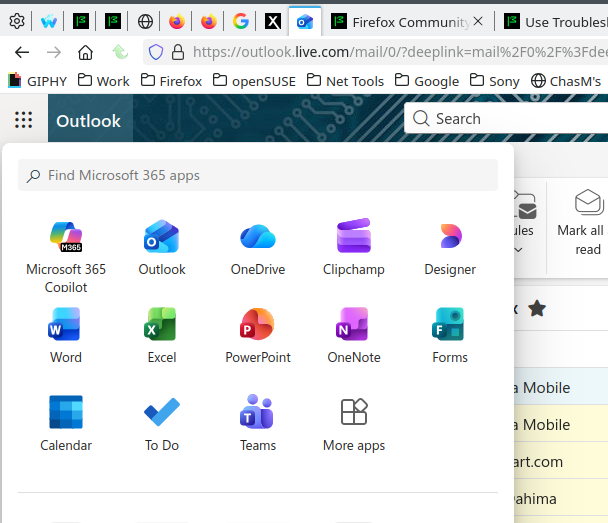
I'm in it everyday. see screenshot