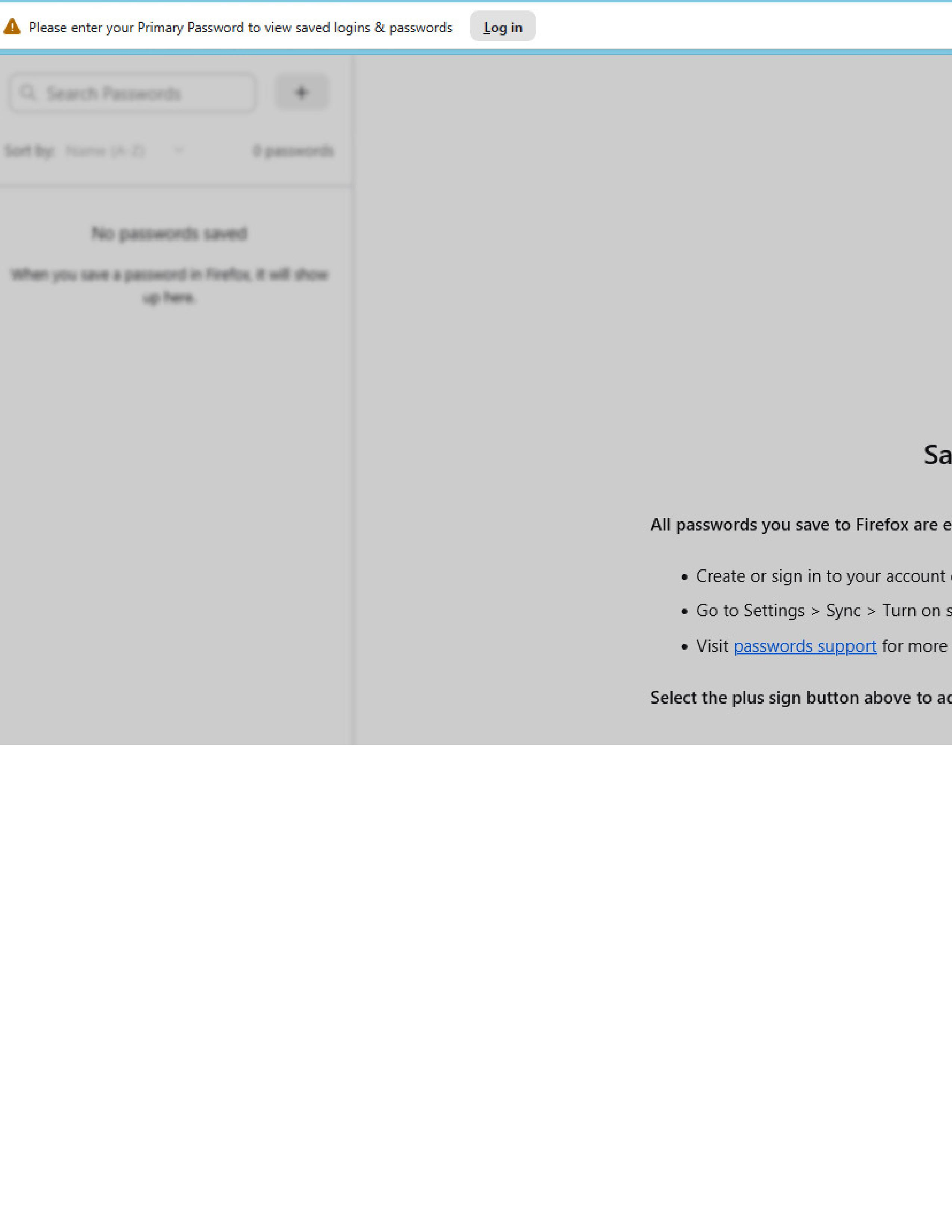
password manager shaded

Win 11 Pro, Firefox Browser-Developer, 147.0b9, 64bit Problem recently occurred. Example it was working fine this morning and after turning the computer off and restarting later in the day this happens. The image below shows faded access to the password manager. Link that appear do not work: Log in at the header and link in password support highlight in the visible text portion. Thanks in advance for your help
Win 11 Pro, Firefox Browser-Developer, 147.0b9, 64bit
Problem recently occurred. Example it was working fine this morning and after turning the computer off and restarting later in the day this happens.
The image below shows faded access to the password manager. Link that appear do not work: Log in at the header and link in password support highlight in the visible text portion.
Thanks in advance for your help