


Link in email to open in browser if email has display problems does not work

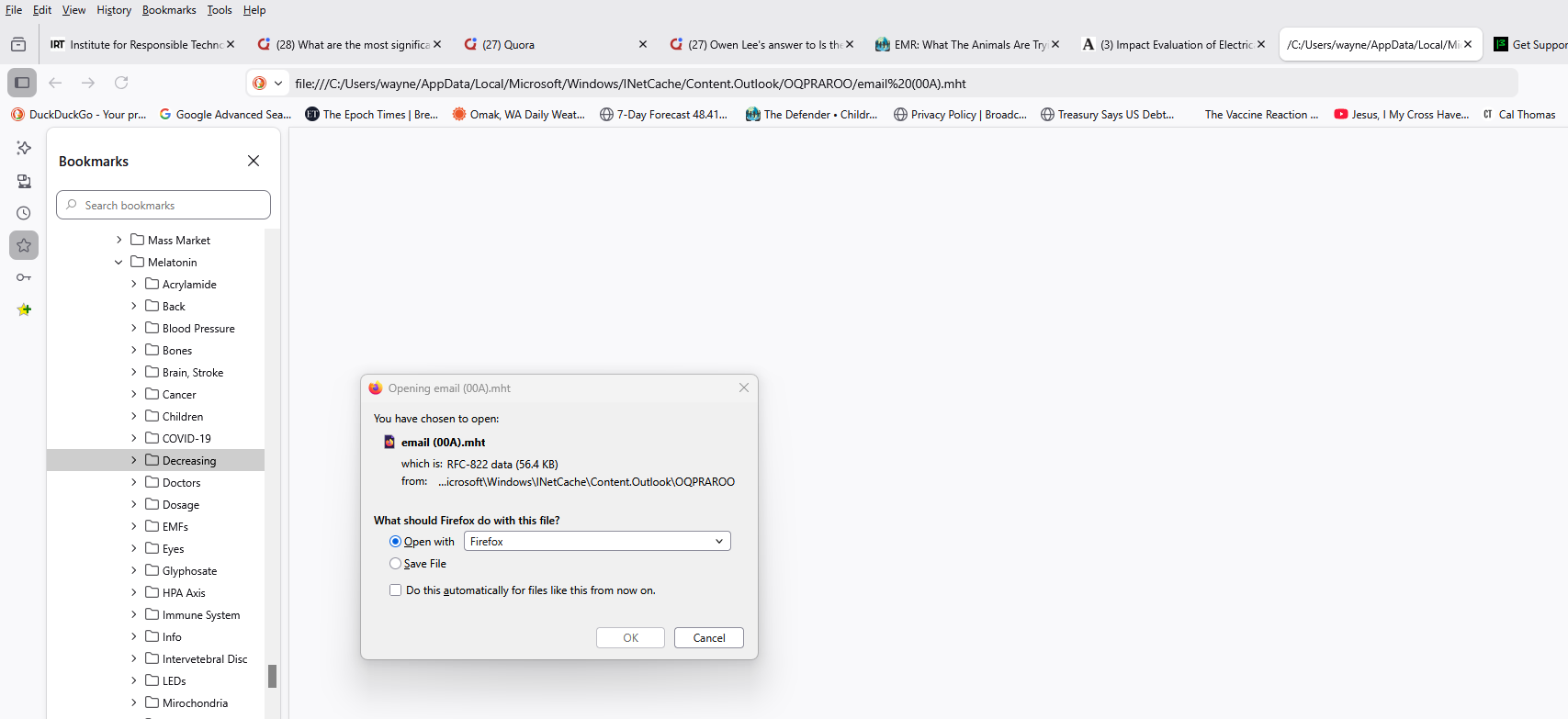
When I click on a link in emails to open in browser if email has display problems, it opens a blank webpage and a small window that I clicked on OK reappears with Firefox as my default browser. See attached screenshot. If I select Edge to open the email, it works fine.
Please address.
所有回覆 (4)
Need to show all steps to get to that point. What email? Webpage or email app? Looking at your screenshot, I see outlook is involved. I have hotmail / outlook, let me go try it.
由 jonzn4SUSE 於 修改
I was able to click on a link from an email and it opened a new tab. see screenshot Are you running any security software besides MS Defender? Windows home or pro?
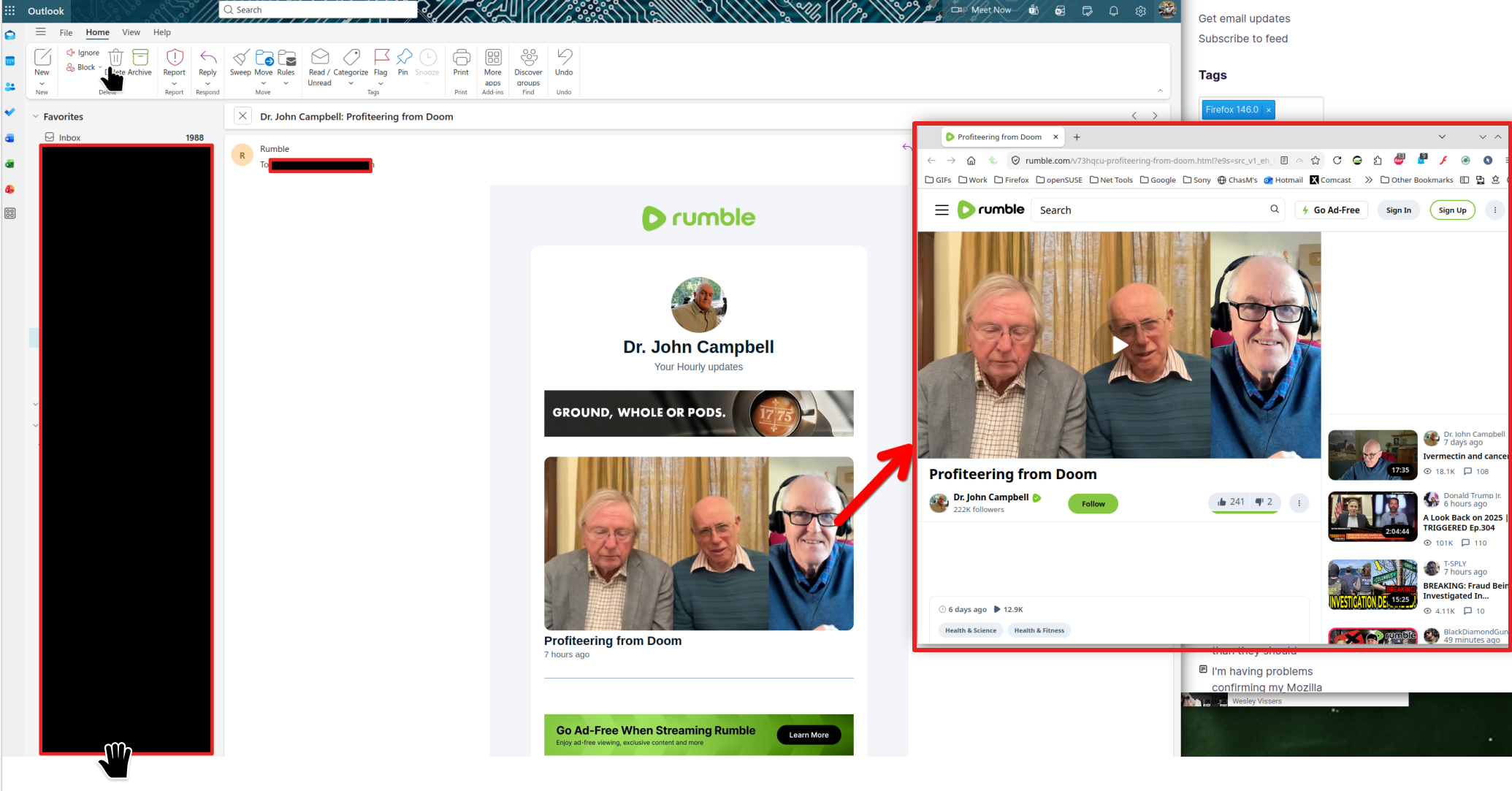
I described the steps I used to try to view an email in Firefox. I am running Windows Pro and no other security software than Windows Defender. I am using Firefox version: 146.0.1. I cannot attach any email of course for you to try that I am having the problem with. As for my email client, as you mentioned, it is Outlook (Classic). I am using the latest version of Microsoft 365 Apps for business.
The app in a business environment... Looks like this is as far as I can go.
