


Multiple Version of Firefox Appearing in Task Mananger

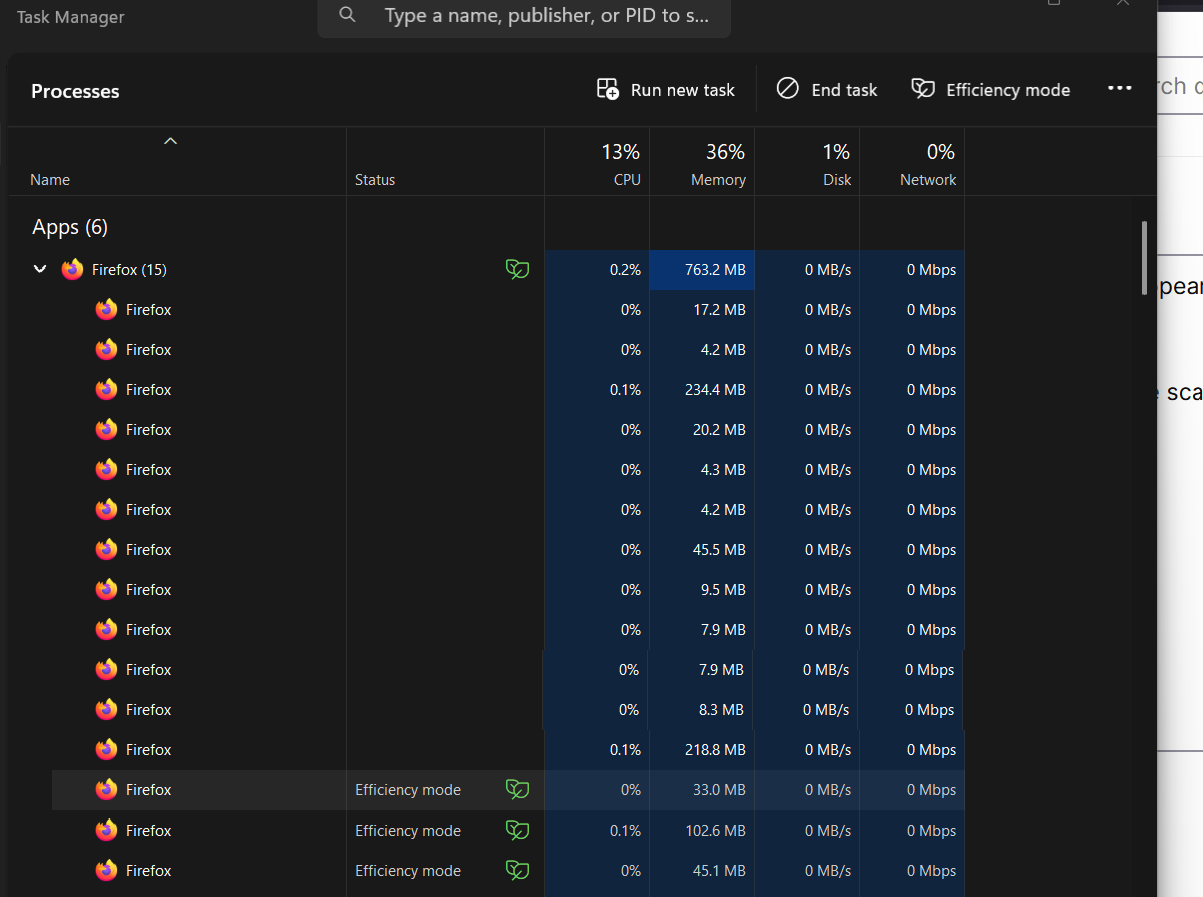
Each time I click on Firefox from the Windows 11 Task Bar, multiple versions of Firefox appear in the task manager (see photo). Some have an icon next to them that says "efficiency mode".
The attached screenshot is what I got from loading Firefox to ask this question. Multiple scans of my computer using Norton 360 -- including the Startup Scan -- have found nothing awry.
The operating system is Windows 11 Pro Edition Version 24H2 (OS Build 26,100.6584.) Firefox says it is fully up to date.
所有回覆 (1)
Firefox uses separate processes for code isolation, both to prevent sites from spying on one another and to reduce the ability of one failing component to take down the whole browser. I think most modern browsers work similarly.
To see what those processes are being used for, you can view Firefox's internal Task Manager by pressing Shift+Esc. This will show the processes that Firefox is using for its own code, add-ons, and web pages. As for whether it is being efficient, that is hard to say. Some features/functions/sites use more resources than others.