


Shortcuts on homepage disappeared

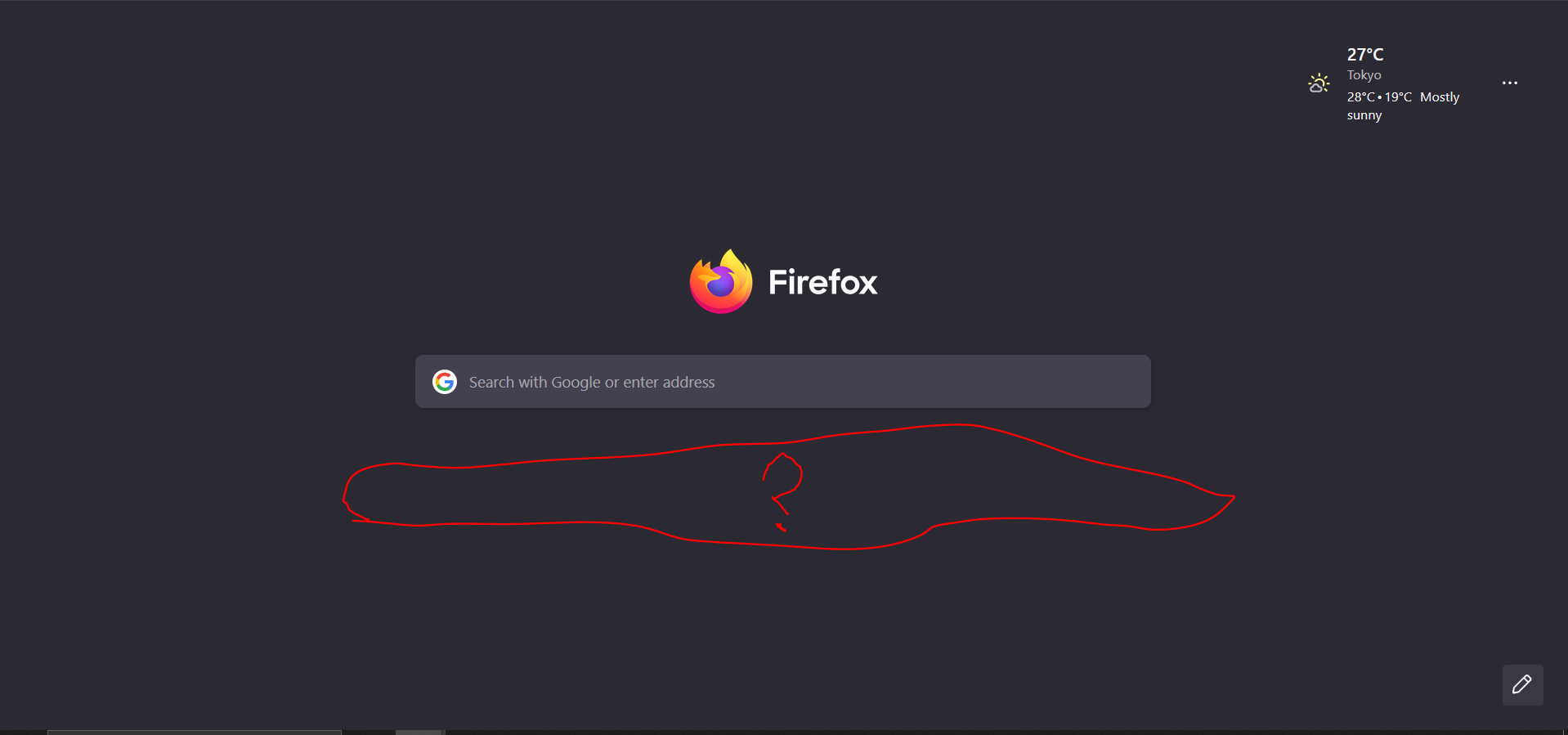
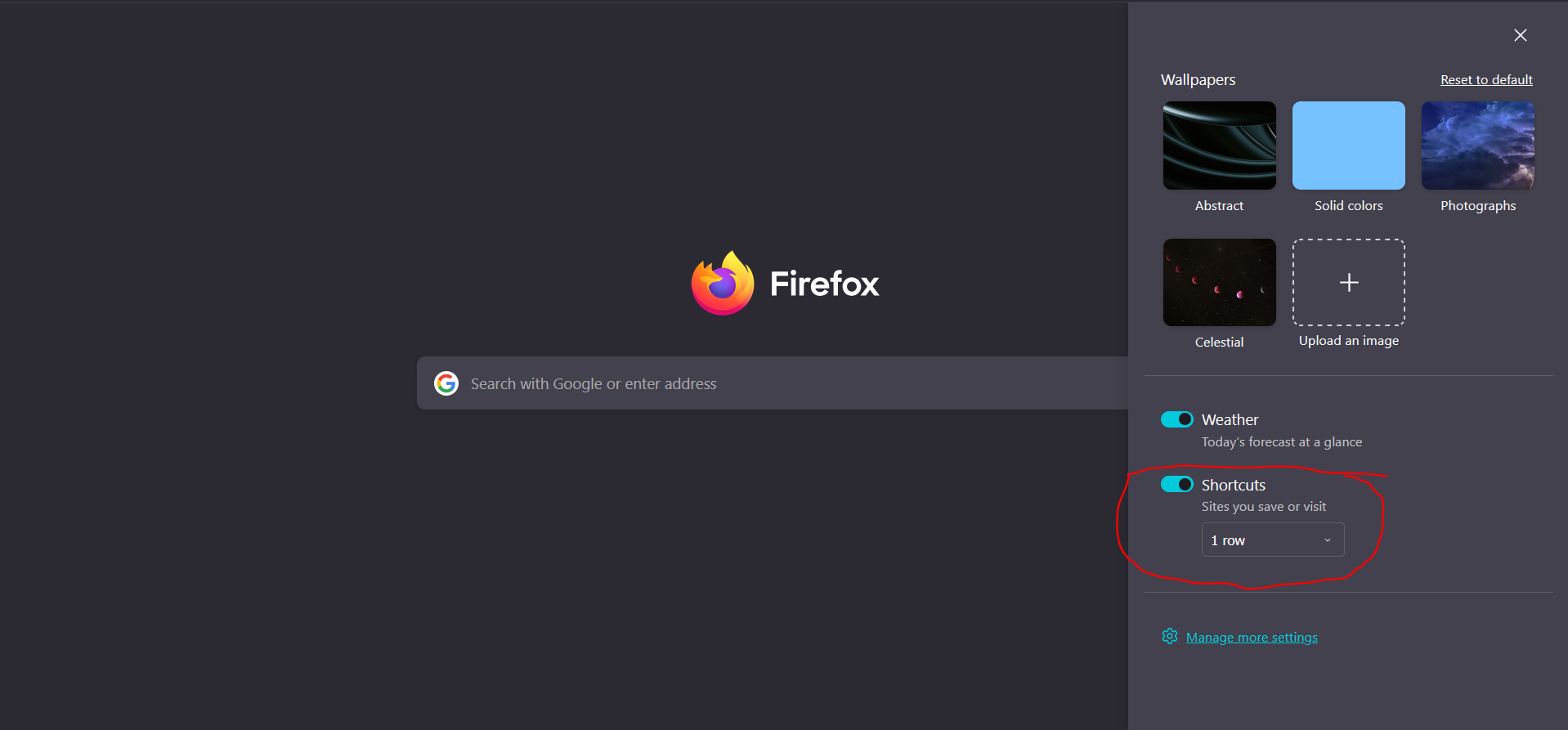
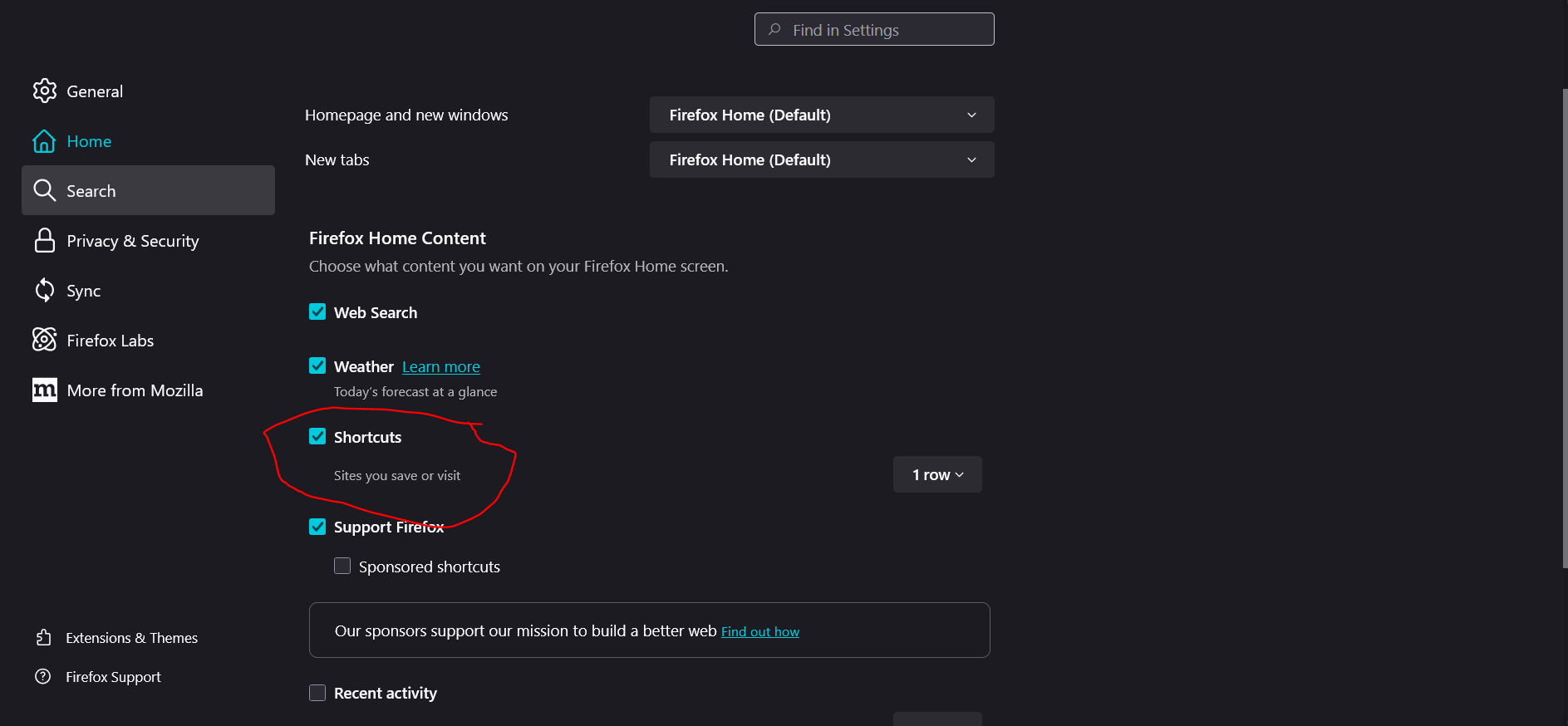
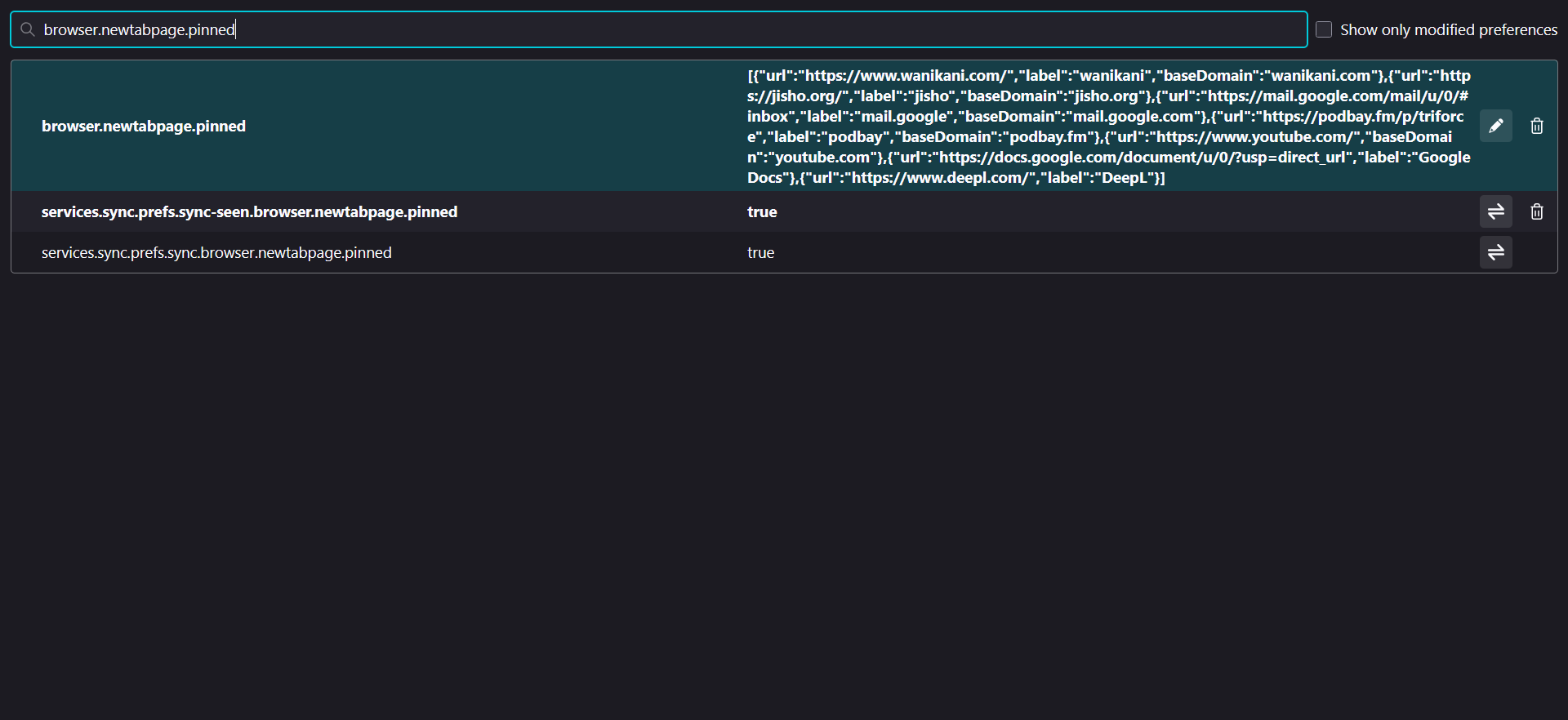
I opened Firefox this morning and all of my pinned shortcuts have disappeared. Shortcuts are enabled in the settings. I checked the browser.newtabpage.pinned pref on the about:config and all of my pinned shortcuts are still there, but they're not appearing on the actual page itself. Are there any other settings that I'm not aware of?
選擇的解決方法
Seems to be fixed now, that was pretty fast, well done! :D
所有回覆 (9)
Adding screenshots for clarity
Hi Kotaro,
Our team is currently looking into this issue. It's currently ranked as P1, so I'm hopeful we can get an update soon. Please, hang in there!
選擇的解決方法
Seems to be fixed now, that was pretty fast, well done! :D
Well, I'm glad to hear that. Happy browsing!

I had the same thing happen, what is the fix?
I didn't do anything. It was a bug and the devs fixed it

It isn't fixed on my comp. After a CCleaner run all my shortcut tiles vanished. vanished. I can still get populated tiles for news stories. Still get tiles for recent but they are not populating (those you used to be able to pin and lock) And I have ZERO tiles for shortcuts, But when I toggle the function 4 rows or 0, the search bar I keep there moves up or down the page as if FF is TRYING to put something in that space, but nothing is showing. The weather function is working ok. Fortunately I had synced to a back up comp so was happy I didn't lose my shortcuts - 4 rows- complelely. I went into about:config , per another mozilla forum emptied the blocked stuff. Still no tiles. But there was all the code for my pinned stuff which WAS enabled. So at least I have a copy of the code any time this gets fixed. The only way I can get the shortcut tiles functioning in FF now on this comp is by creating a new profile, which I did. But I am working an old session, with over 150 tabs and not sure how to navigate this with my tab session manager as I really don;t want to lose this session. It would take half a day to reconstruct. . What an annoyance.
All I can think is that the new version of CCleaner (ugh) may have changed some value in about:config but damm if I can identify it.
由 e_hiteshew 於 修改
Hi jason.dunkerton & e_hiteshew 👋,
If the above information does not resolve your issue, you should consider creating a new thread with specific details about your issue.
Doing so will allow support forum volunteers to give you solutions that are more helpful to you. See the Mozilla Support rules and guidelines for more information about posting support requests.
Please, feel free to post the link to your thread on this thread for volunteers interested in assisting you.
Thank you.
I'm having the same thing with homepage. Ran CCleaner and Firefox homepage went blank. Tiles were still there but no shortcuts. I've tried turning them off and on and now no tiles. Can't add bookmarks either so I need this page fixed.