Can you restore a session with crash files?

I need to recover a `.jsonlz4` file to restore a Firefox session with 8 active instances, as the "Restore Session" feature only opened 5 due to the `browser.sessionstore.max_windows_undo` setting being capped at 5, and the full original `.jsonlz4` file is now missing.
In the`firefox/Crash Reports` directory, there are numerous files I can’t interpret, can I retrieve my session data via telemetry or other methods using this crash information. I’m using Linux Mint with Flatpak Firefox, and I also have crash logs containing a "last crash" text file and a string of numbers, could these be useful for getting back my session?
所有回覆 (4)
I have tried data recovery as well. I really would like to get those files back!

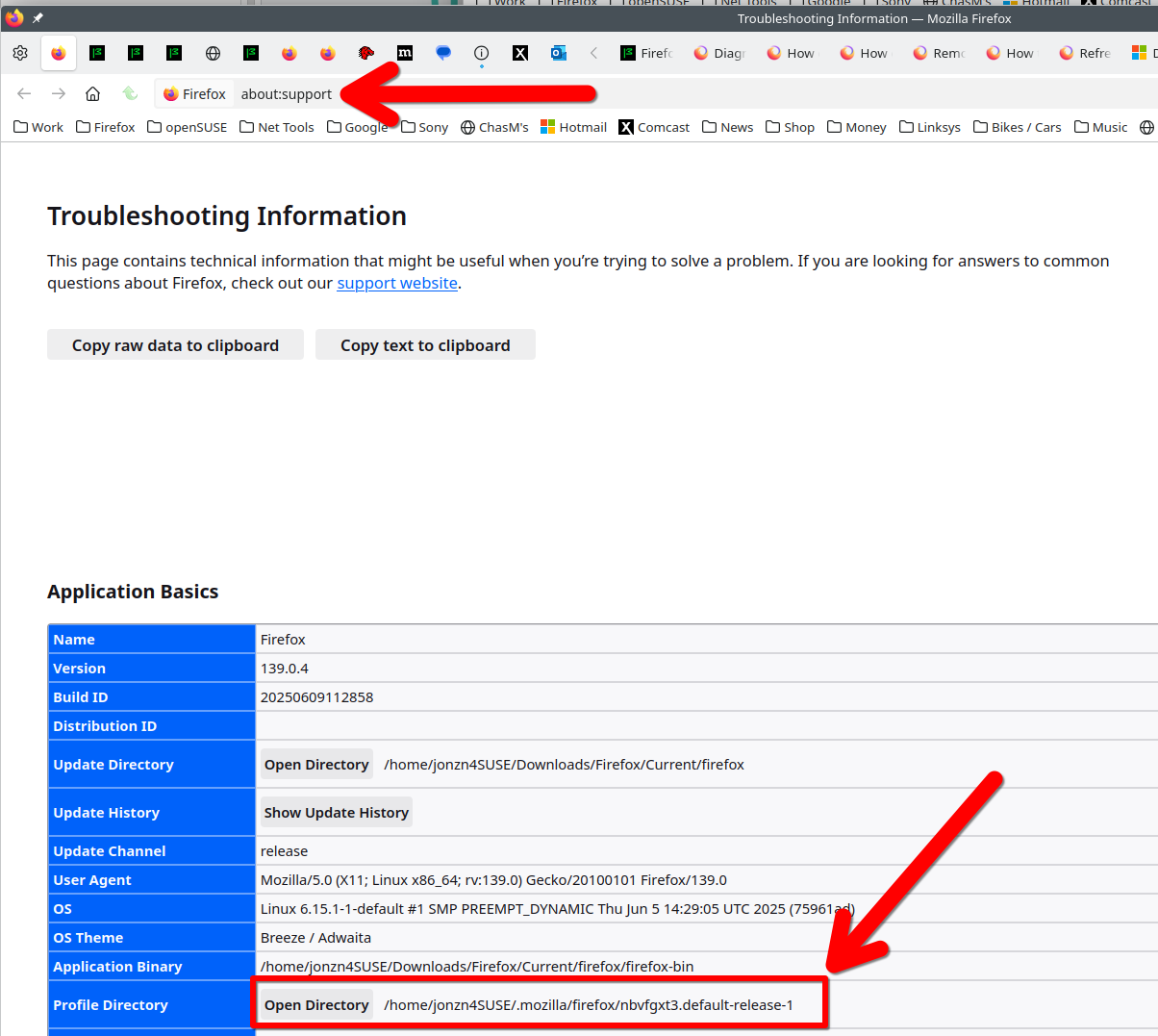
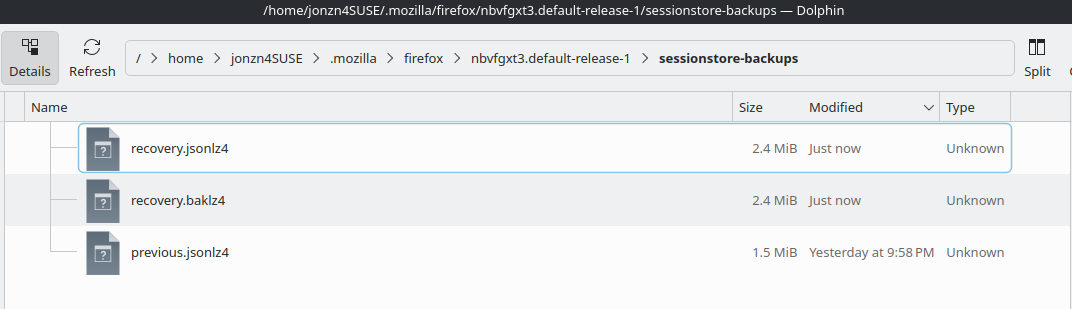
Lets start with you posting a screenshot of the files in your sessionstore-backups folder in your profile folder. In the detailed view showing date timestamp. see screenshots of mine What day did the issue start? Close Firefox to see the sessionstore.jsonlz4 in your profile folder.
jonzn4SUSE said
Lets start with you posting a screenshot of the files in your sessionstore-backups folder in your profile folder. In the detailed view showing date timestamp. see screenshots of mine What day did the issue start? Close Firefox to see the sessionstore.jsonlz4 in your profile folder.
I have already tried this, it's gone
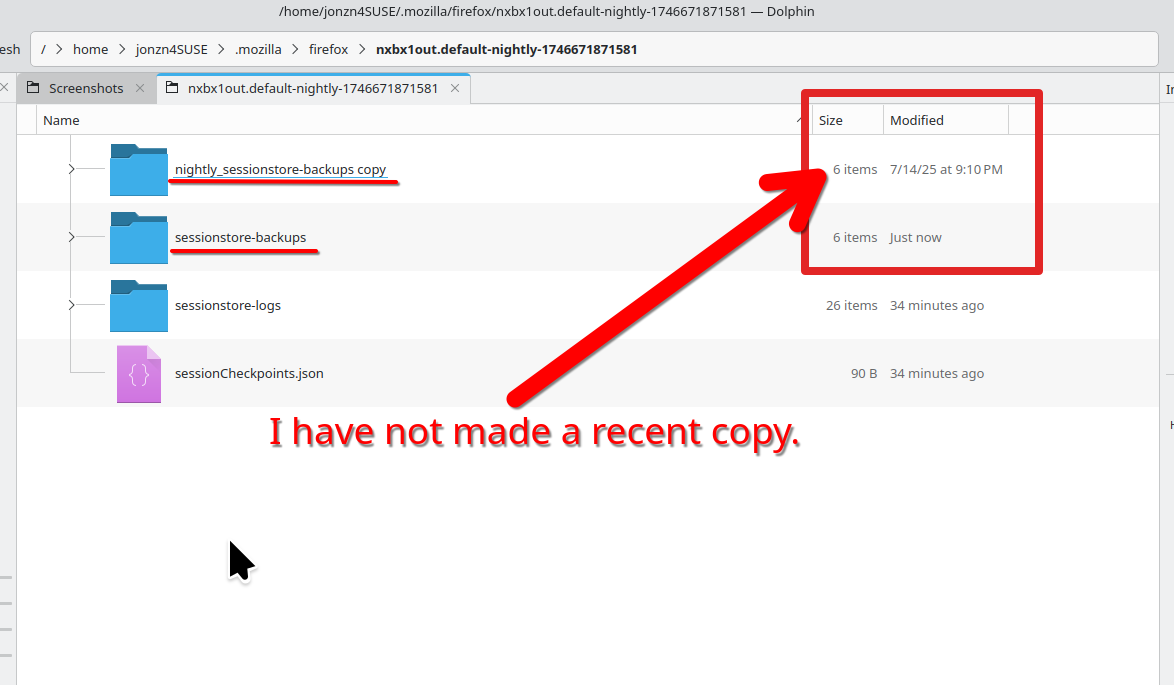
That's why I make copies of the sessionstore-backups folder. see screenshot