How do I get rid of Pop Ads
How do I get rid of all the Pop-Up Ads on Notifications that are interfering with my researching.
How do I get rid of all the Pop-Up Ads on Notifications that are interfering with my researching.
所有回覆 (1)

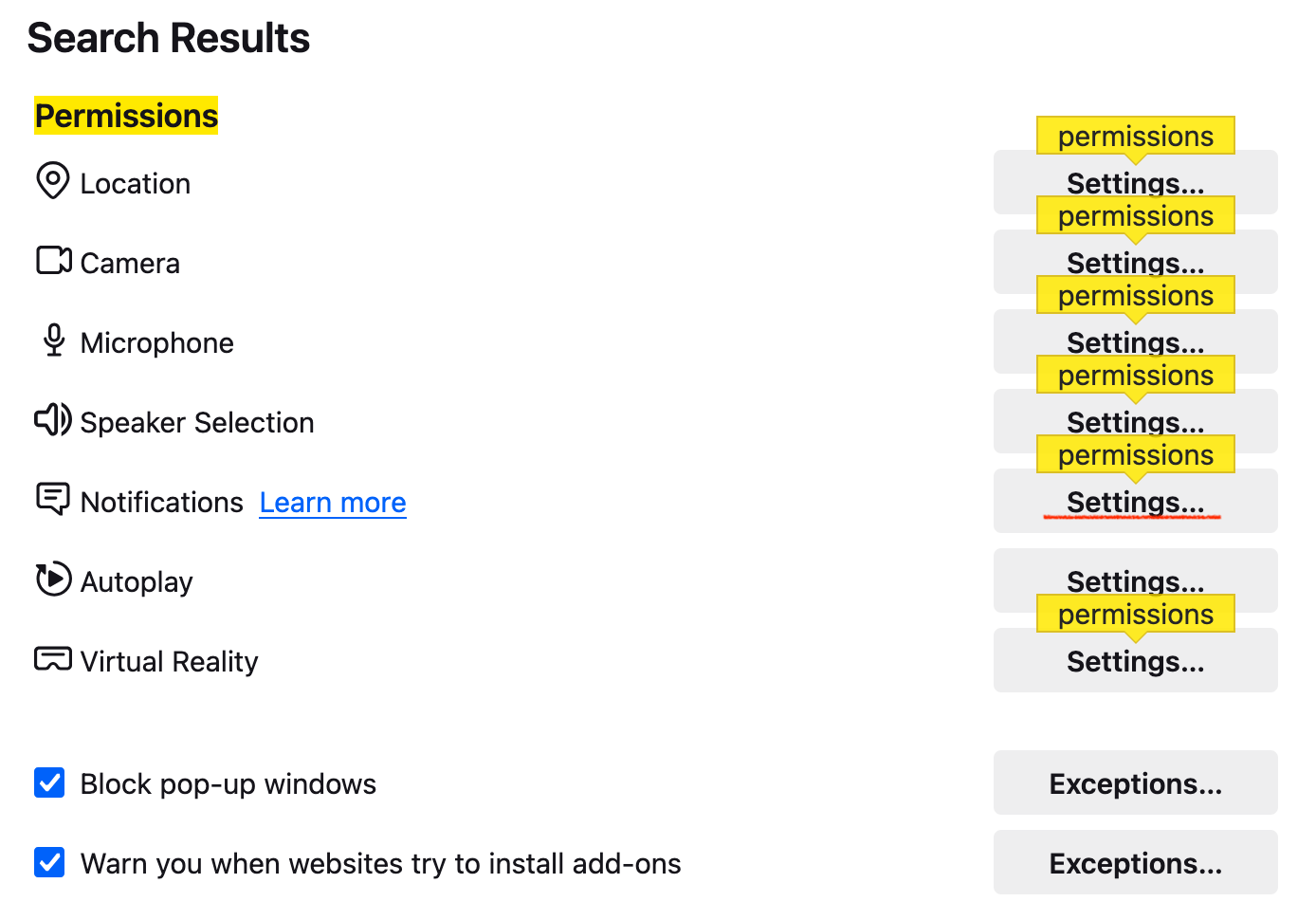
Go to settings and type in "permissions" in the settings search bar. Click on the "Settings" button to the right of Notifications. Then, remove suspicious websites from the list. You can additionally select "Block new requests asking to allow notifications". Lastly, click on the "Save Changes" button. Does that solve the issue?