


Firefox 141.0 (aarch64) won't load last 20% of AliExpress website

Hello, American website and the German website German website fail to load the last 20%. This causes important top row graphics like logins and accounts not showing. Firefox private window loads the AliExpress website 100%.
I wiped History cache from Firefox, however same issue. Other websites load normally. I can't log in to AliExpress to report the issue there.
Specs: 141.0 (aarch64) Mozilla Firefox fo Raspberry Pi OS raspberrypios - 1.0
選擇的解決方法
Mine's started working again magically.
所有回覆 (4)
Here's the screenshots. I don't seem to be able to edit the posts, hence this 2nd post.
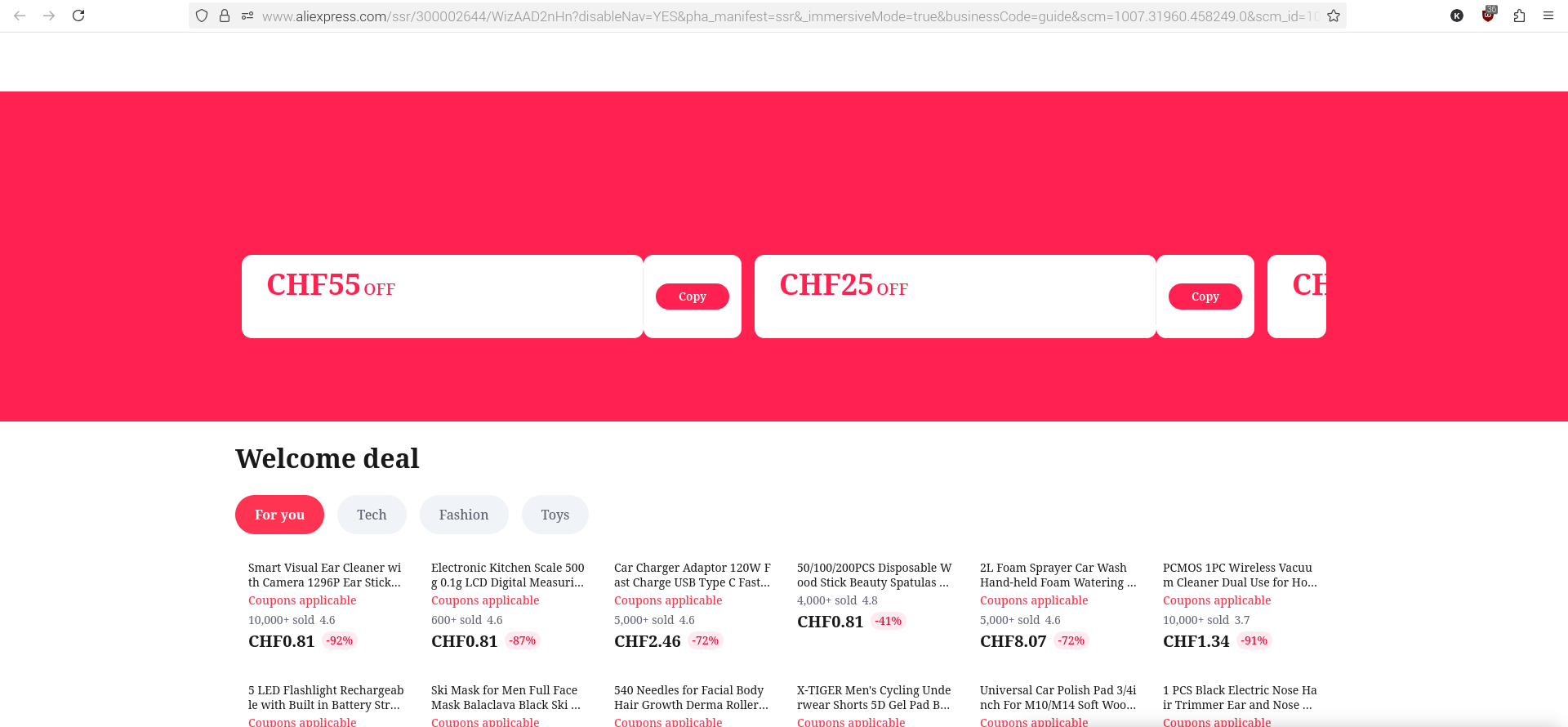
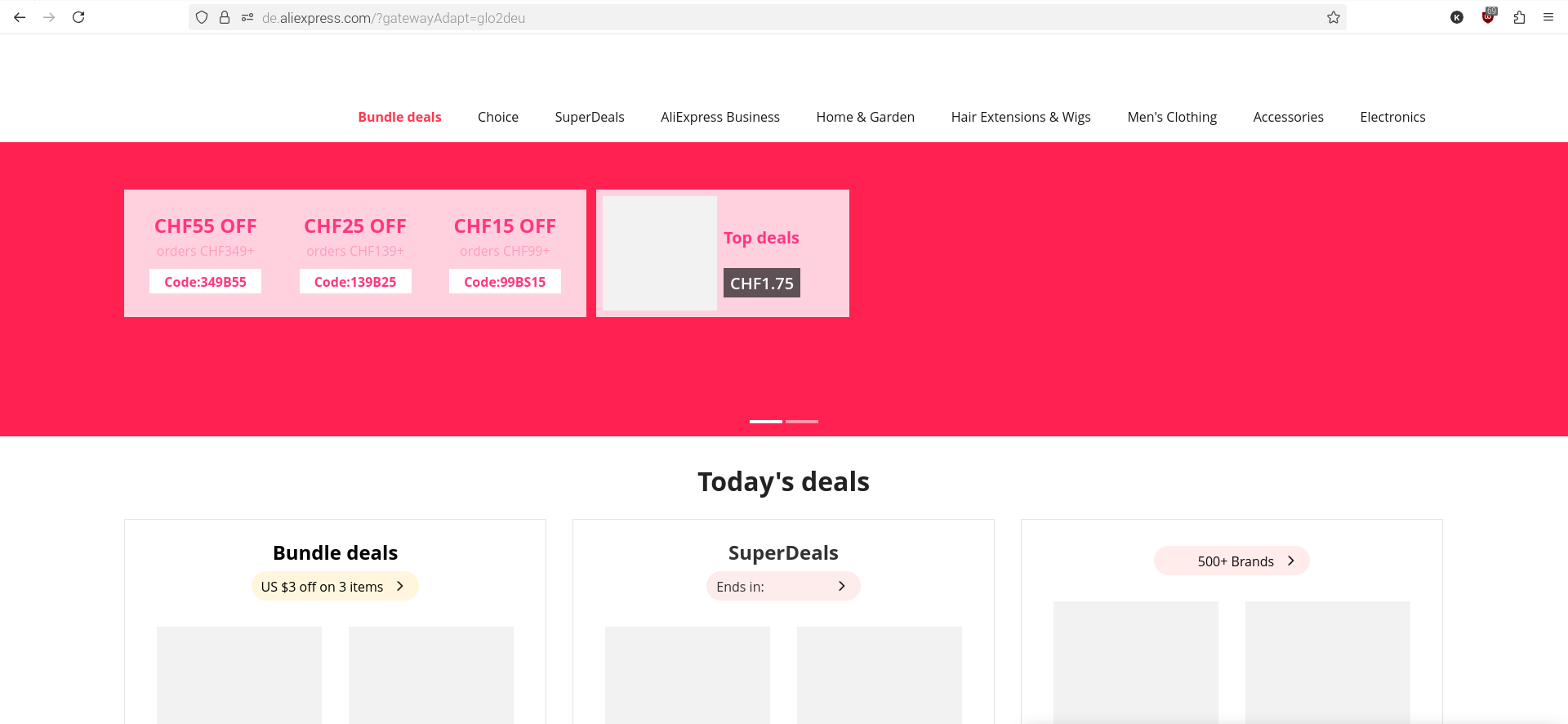

Same trouble. Also since 141 version I've try in troubleshooting mode (without any extension) I've try after deleting all cookies and cache files Same result in Firefox private mode Display normaly in Edge
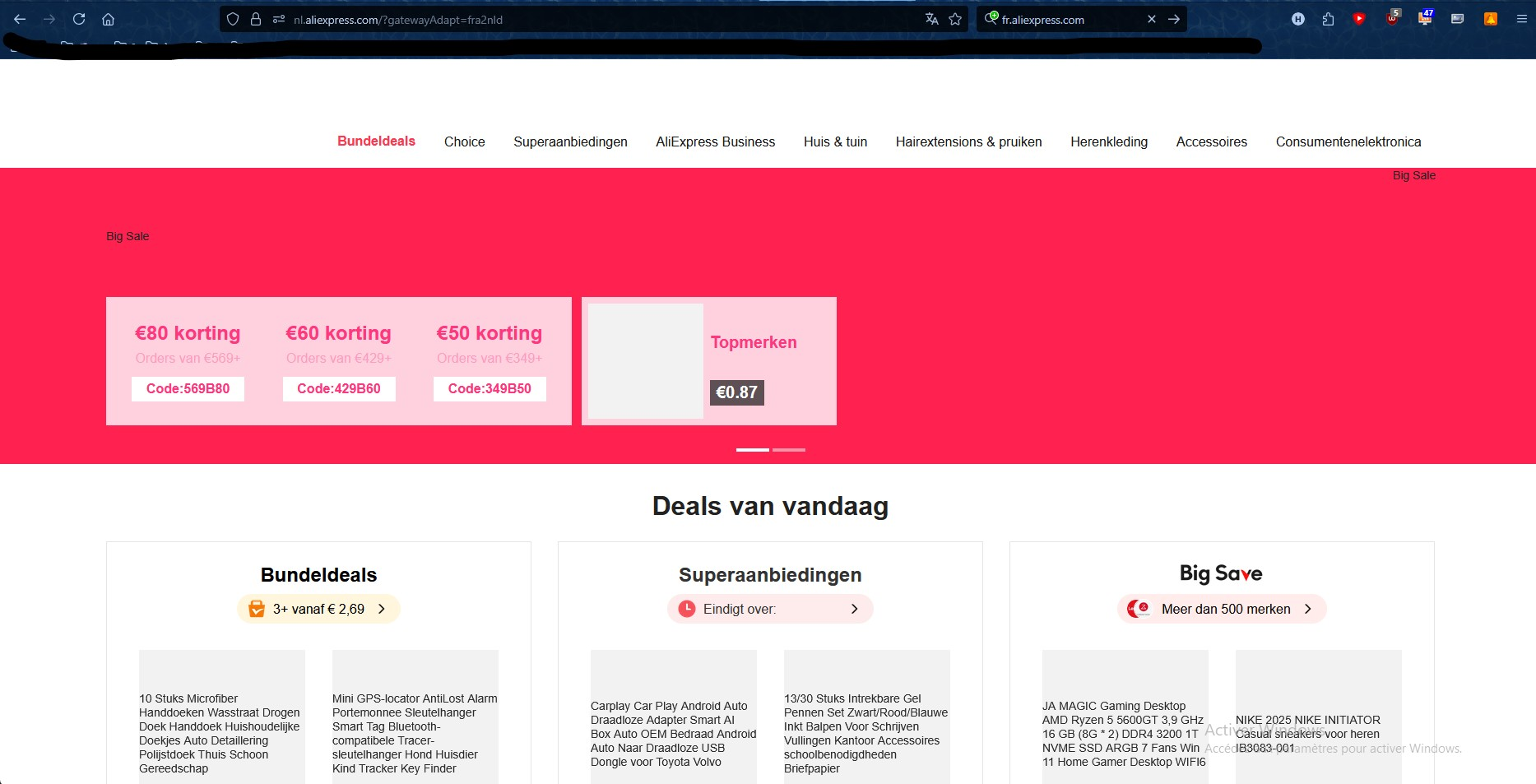
選擇的解決方法
Mine's started working again magically.
I've find the problem: it's a question of DNS I used DNS4EU (86.54.11.13 and 86.54.11.100 solution without ads). It worked for a while but it doesn't work anymore. By using solution witout any filter (86.54.11.100 and 86.54.11.200) it's all right again