


Firefox NEVER opens tabs from previous session.
I go to:
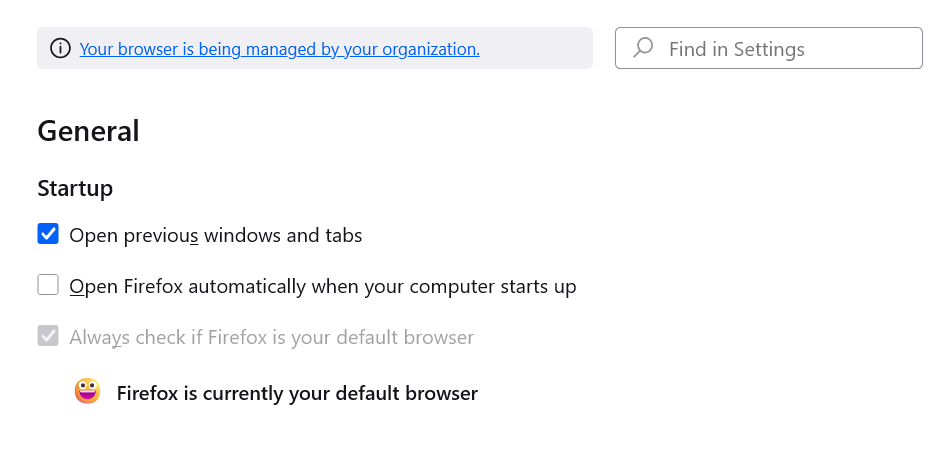
General
Startup
I have the box selecting Open previous windows and tabs.
I close the window.
FIREFOX DOES NOT EVER SAVE MY PREVIOUS TABS. When I select
History
Then select: Recently closed tabs
Then select: Reopen all Tabs
NOTHING HAPPENS.
Yes, I'm a bit peeved at this because whenever I am stupid enough to close Firefox, I lose all my tabs. And it ain't just a couple tabs.
HELP??
所有回覆 (6)

This is what I have open when I restart this computer and open the browser. see screenshot What are your settings? see 2nd and 3rd screenshot Post screenshots showing your settings.
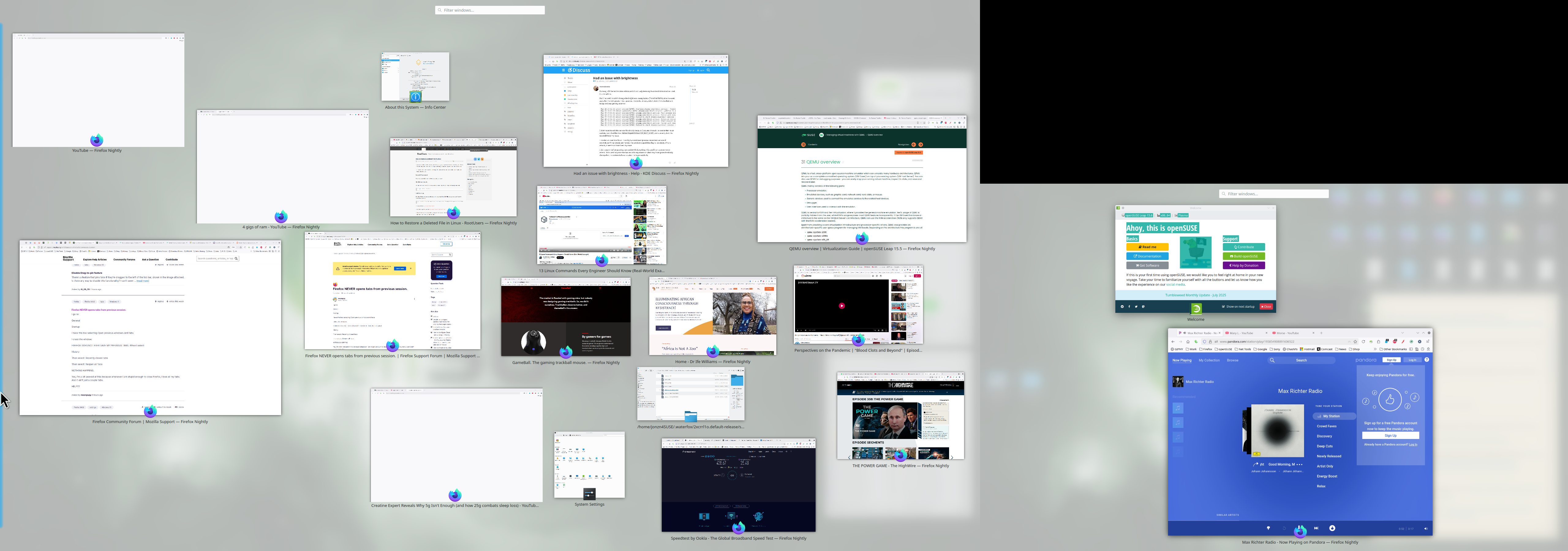
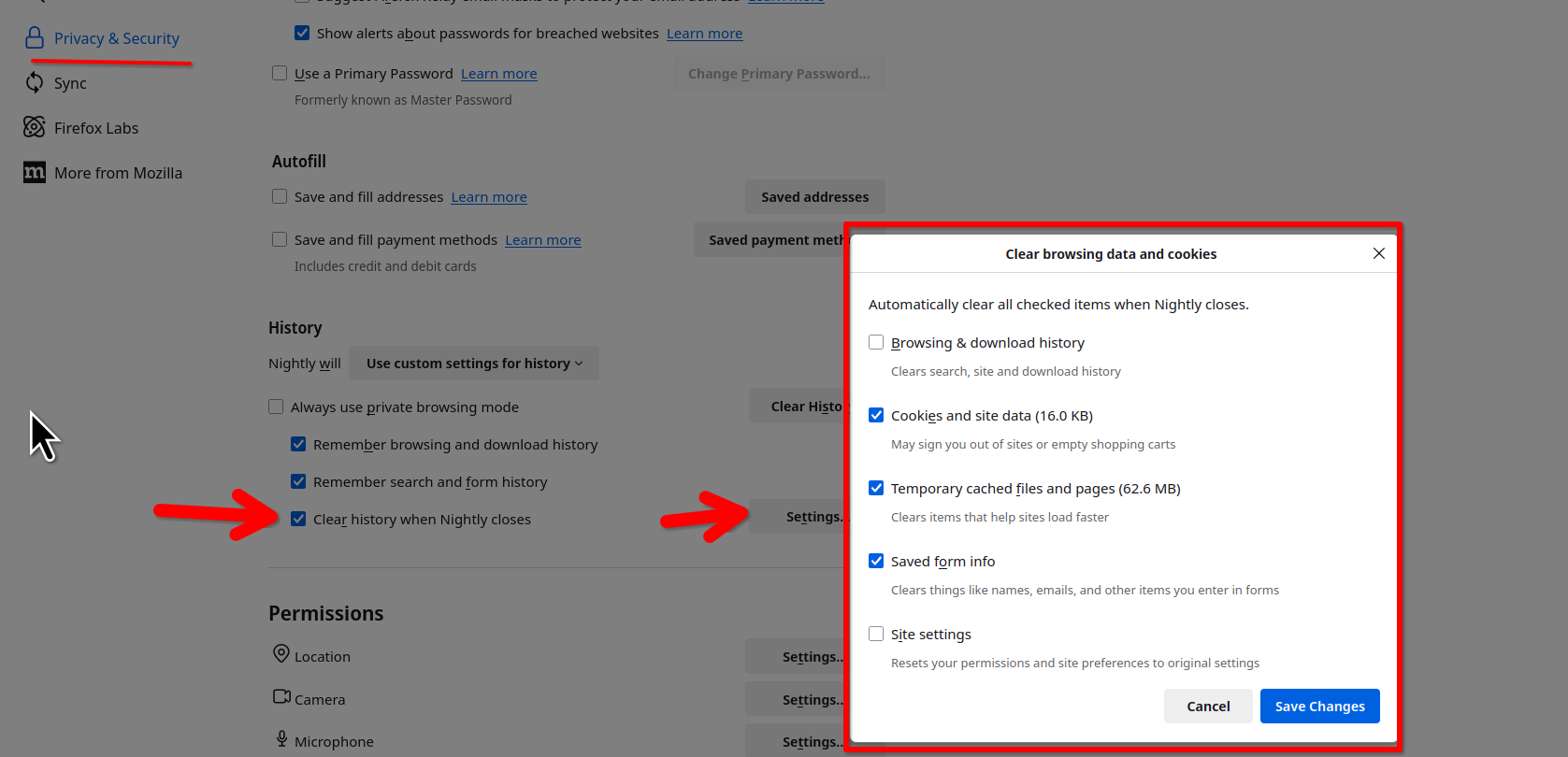
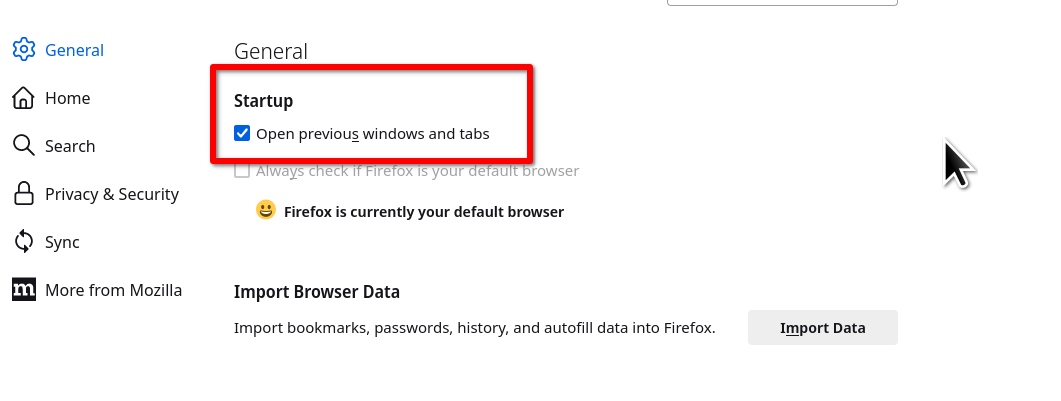
Is the first image your desktop? If so, okay.
Privacy and History Settings.
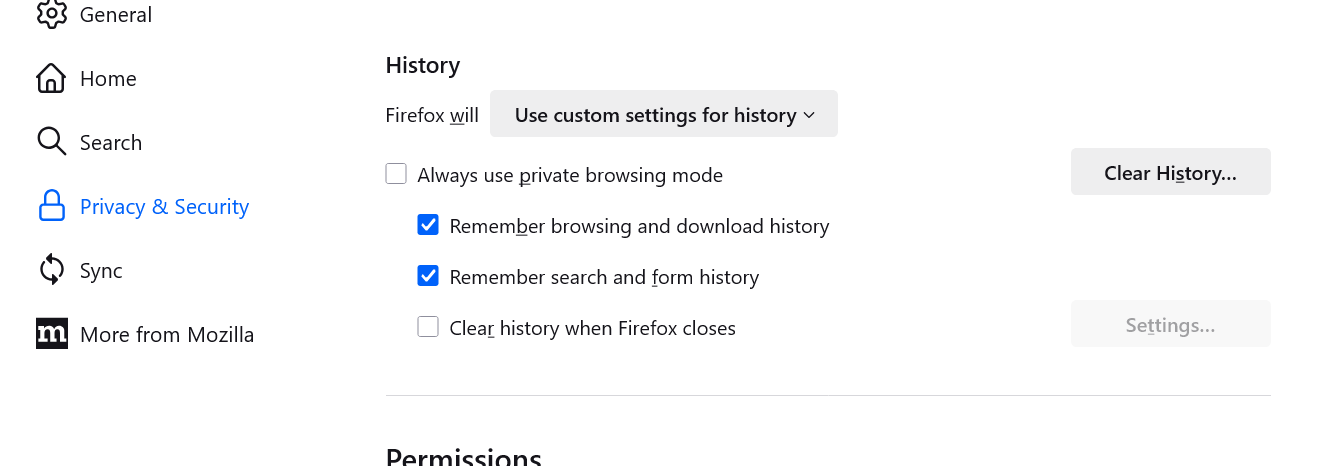
moonpupy said
Is the first image your desktop? If so, okay. Privacy and History Settings.
Yes, 1st image is one of my desktops.
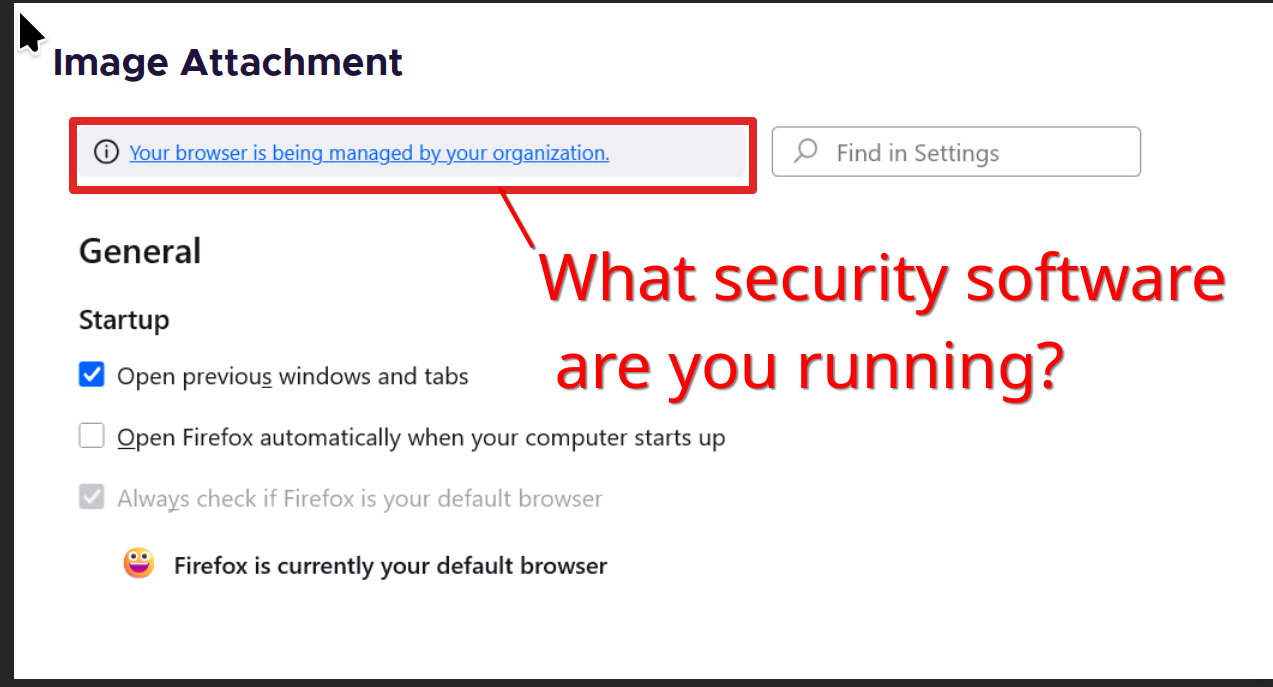
I see that your browser is being managed. see copy of your screenshot Have a look at this link to remove that. https://winaero.com/remove-your-browser-is-being-managed-by-your-organization-from-firefox/
This morning Firefox failed to restore my session, but I know the process to restore it session manually. See this link and post similar screenshot of your sessionstore-backups folder.
https://support.mozilla.org/en-US/questions/1509748#answer-1752029
I read your explanation in the link you posted.
I see that it's a real P.I.T.A.
I'm going back to Chrome and uninstalling Firefox.
Yeah, I have no idea how to manually restore a session in Chrome, because i can't recall a time not being able to restore my windows. This has been a long time issue with Firefox. You can mark this as resolved and have a nice day.
I never asked you how to restore history/sessions/tabs in Chrome because I never had this problem with Chrome. I stated that I was moving back to Chrome and uninstalling Firefox. If this is a known problem, then perhaps Mozilla should take a look at fixing it before they lose even more users. This issue is NOT resolved, nor does it look like it ever will be.