


Both Youtube videos and YTM songs effectively never load.

Specifically Youtube videos, Youtube music songs and nothing else either never load (95% of the time), load only the first 10 seconds and then buffer or load partially after ~20 minutes. No error messages. Only in Firefox.
I tried: Reinstalling Firefox Switching profiles Disabling all extensions Running in safe mode Clearing site's cache and cookies
It's been like this for a couple of months. Been circumventing it by playing videos in a different browser, but would be nice if there was a fix.
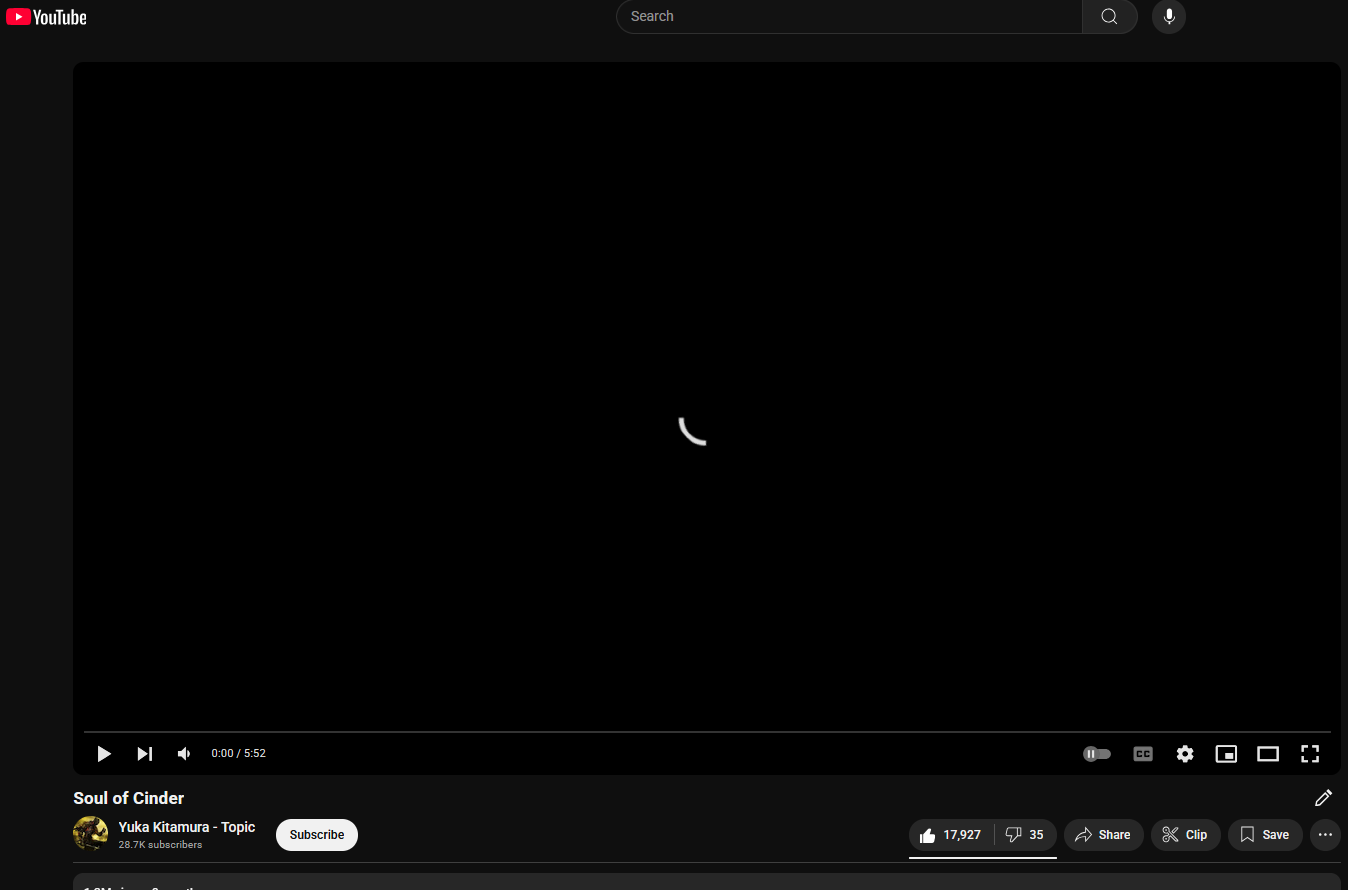
Attached image with a loading screen (lol).
It's a repost btw, posted 2 weeks ago and got 0 views.
所有回覆 (6)
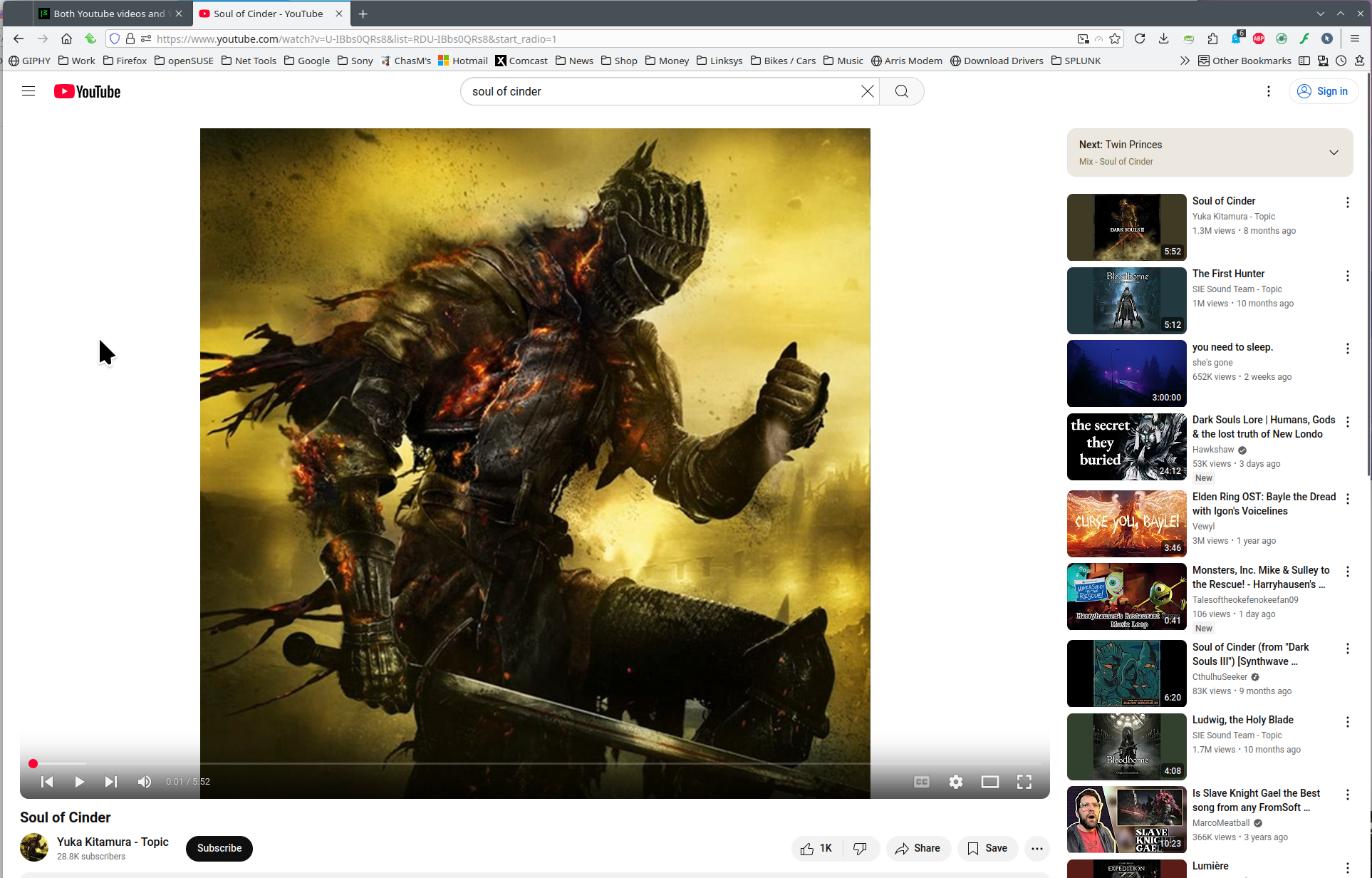
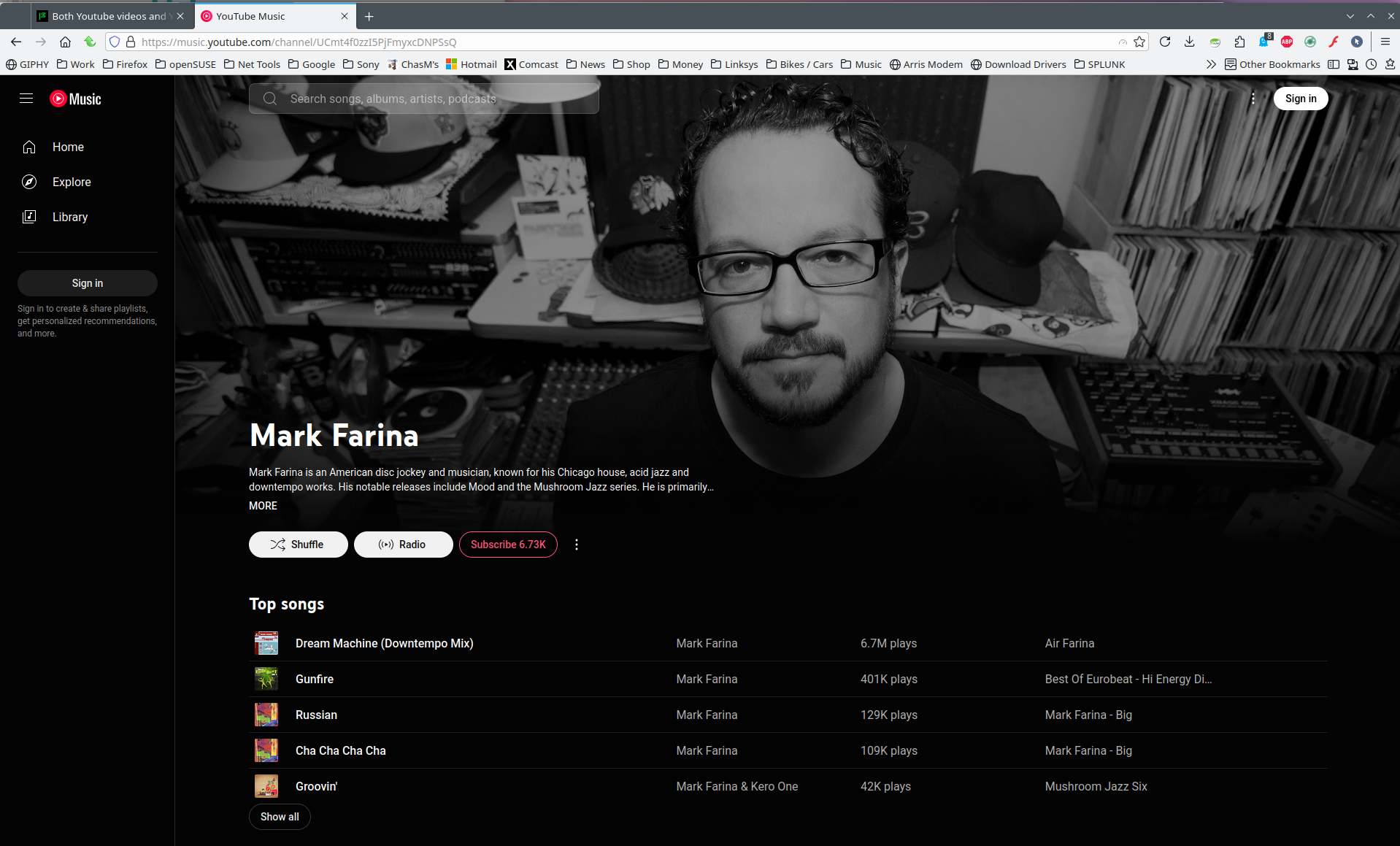
FYI... It's more helpful to post a full browser screenshot so we an see what add-ons you're running. The sites works for me. see screenshots https://www.youtube.com/watch?v=U-IBbs0QRs8&list=RDU-IBbs0QRs8&start_radio=1 https://music.youtube.com/channel/UCmt4f0zzI5PjFmyxcDNPSsQ
What security software besides MS Defender are you running?
If you're running Windows Pro version, I would test in the Sandbox to confirm. https://www.howtogeek.com/399290/how-to-use-windows-10s-new-sandbox-to-safely-test-apps/
Who are your using for DNS?
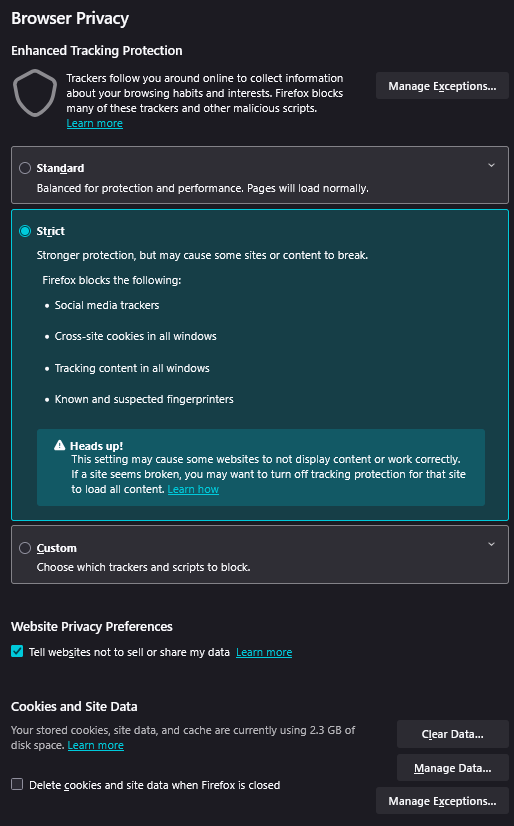
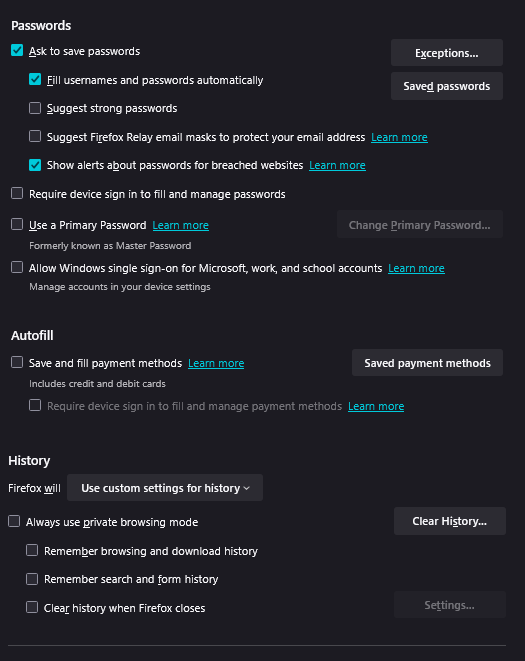
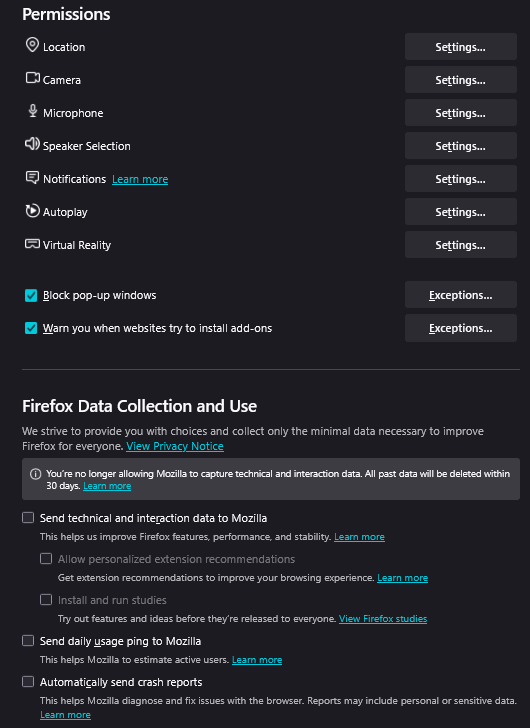
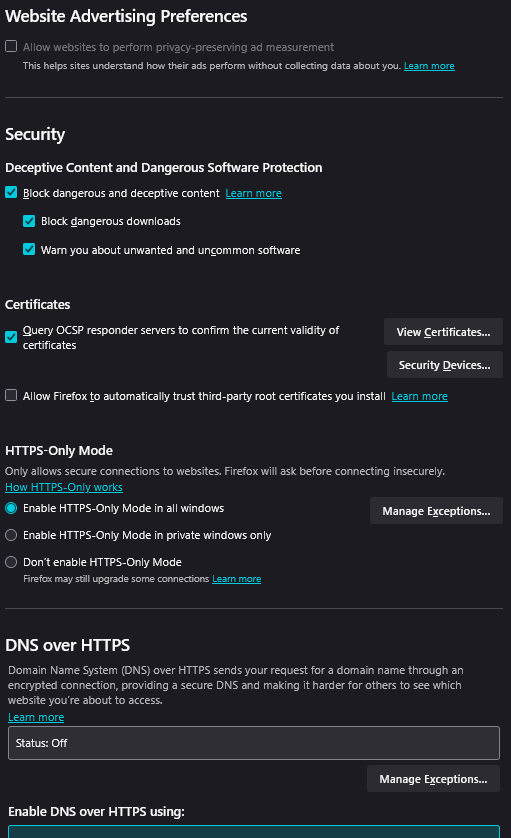
What are your privacy and security settings in Firefox?
由 jonzn4SUSE 於 修改
Also, if you're running Windows Pro version, I would test in the Sandbox to confirm. https://www.howtogeek.com/399290/how-to-use-windows-10s-new-sandbox-to-safely-test-apps/
jonzn4SUSE said
FYI... It's more helpful to post a full browser screenshot so we an see what add-ons you're running. The sites works for me. see screenshots https://www.youtube.com/watch?v=U-IBbs0QRs8&list=RDU-IBbs0QRs8&start_radio=1 https://music.youtube.com/channel/UCmt4f0zzI5PjFmyxcDNPSsQ What security software besides MS Defender are you running? If you're running Windows Pro version, I would test in the Sandbox to confirm. https://www.howtogeek.com/399290/how-to-use-windows-10s-new-sandbox-to-safely-test-apps/ Who are your using for DNS? What are your privacy and security settings in Firefox?
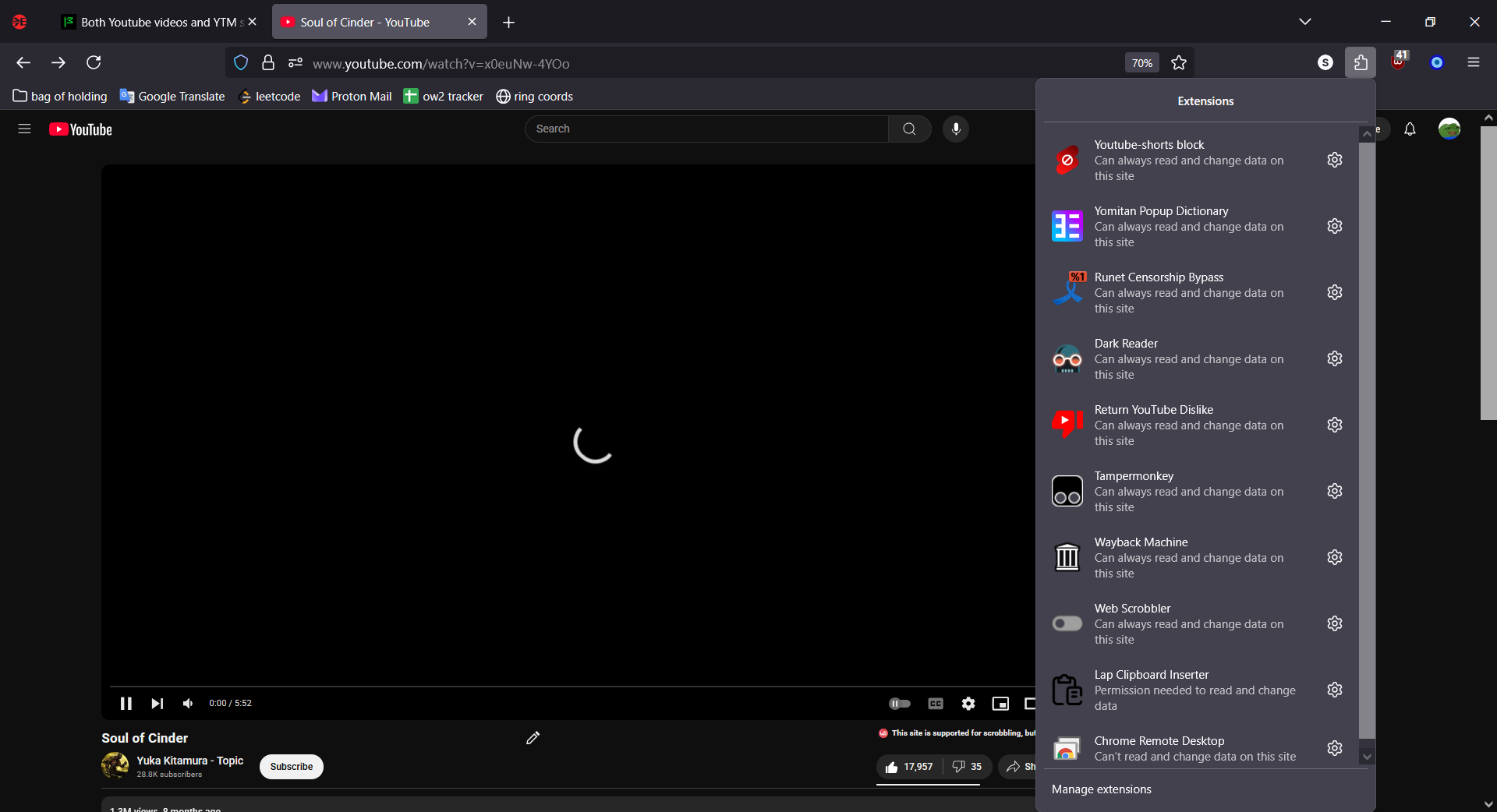
Attached a screenshot with all of my extensions, if needed.
I use only MS Defender.
I have Windows 10 Home 22H2 installed.
I use NextDNS with NextDNS blocklist and Hagezi Multi PRO blocklist. Disabling it doesn't help.
Attached the entirety of my Privacy & Security tab.
Thanks for the info, but if the page is spinning, the browser could be showing what it's waiting for in the bottom left corner. Do see anything showing what the browser is waiting for? Also boot to safe mode with networking and see if you have the same issues.
jonzn4SUSE said
Thanks for the info, but if the page is spinning, the browser could be showing what it's waiting for in the bottom left corner. Do see anything showing what the browser is waiting for? Also boot to safe mode with networking and see if you have the same issues.
When loading something, usually there is. But when loading a Youtube video, there's nothing in the bottom left corner.
The problem persists when using Window's safe mode.
Just for S&Gs... try this add-on and see what happens. https://addons.mozilla.org/en-US/firefox/addon/decentraleyes/