i cant open some government sites on the auto use with the firefox

i cant open some government sites on the auto use with the firefox
所有回覆 (2)

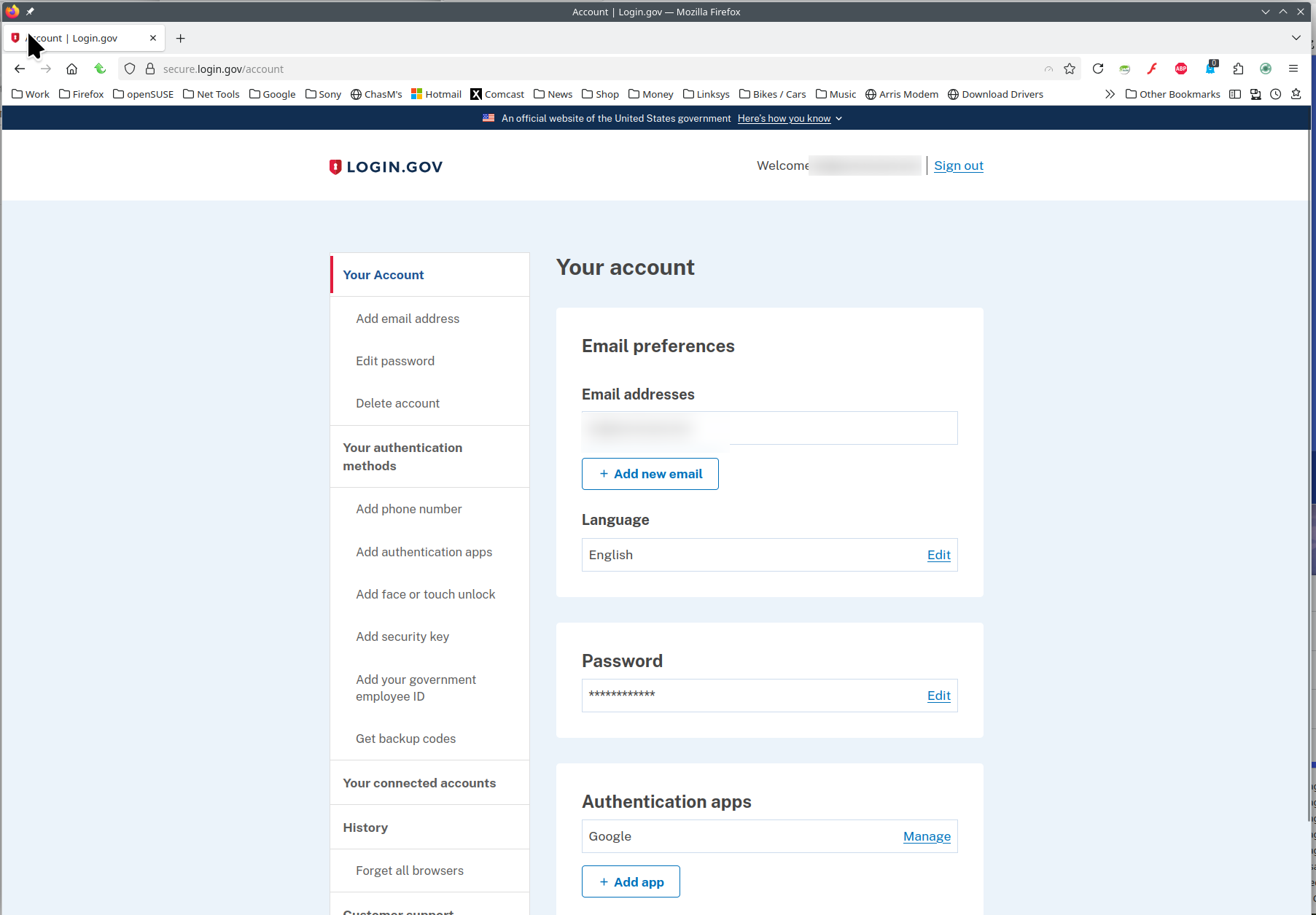
Show the issue and provide links. Login.gov works for me. see screenshot Did you try with Firefox in Troubleshoot Mode? https://support.mozilla.org/en-US/kb/diagnose-firefox-issues-using-troubleshoot-mode#search
Did you clear your browser cache? https://support.mozilla.org/en-US/kb/clear-cookies-and-site-data-firefox

由 jonzn4SUSE 於 修改
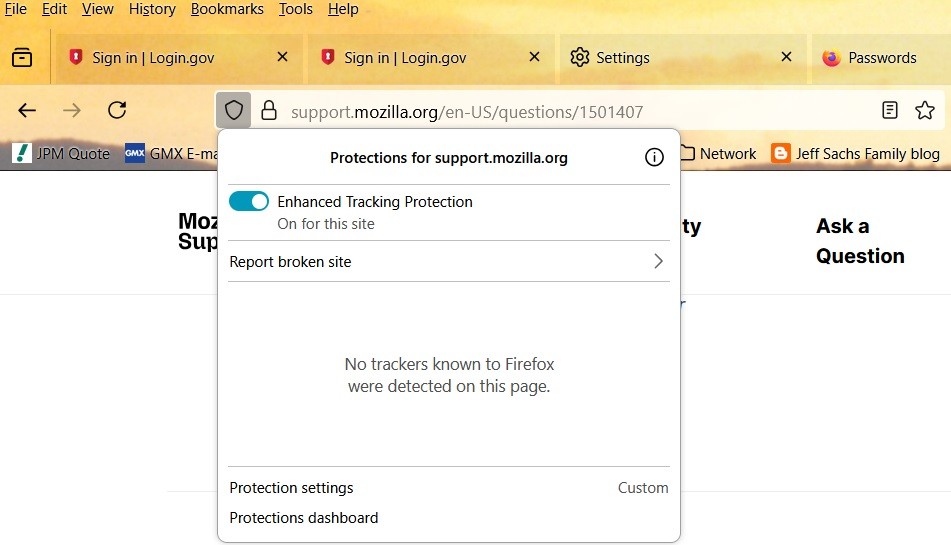
I found an answer somewhere that recommended turning off Enhanced Tracking for both Login.gov and SSA.gov. It worked for me! I finally was able to log into Login.gov and SSA.gov.
To turn off the Enhanced Tracking, click on the shield on the left side of the address bar. A pop up window will show a switch where you can turn off the Enhanced Tracking. Here are two screenshots for what you're looking for: