Windows 10 reached EOS (end of support) on October 14, 2025. If you are on Windows 10, see this article.

搜尋 Mozilla 技術支援網站

防止技術支援詐騙。我們絕對不會要求您撥打電話或發送簡訊,或是提供個人資訊。請用「回報濫用」功能回報可疑的行為。

了解更多

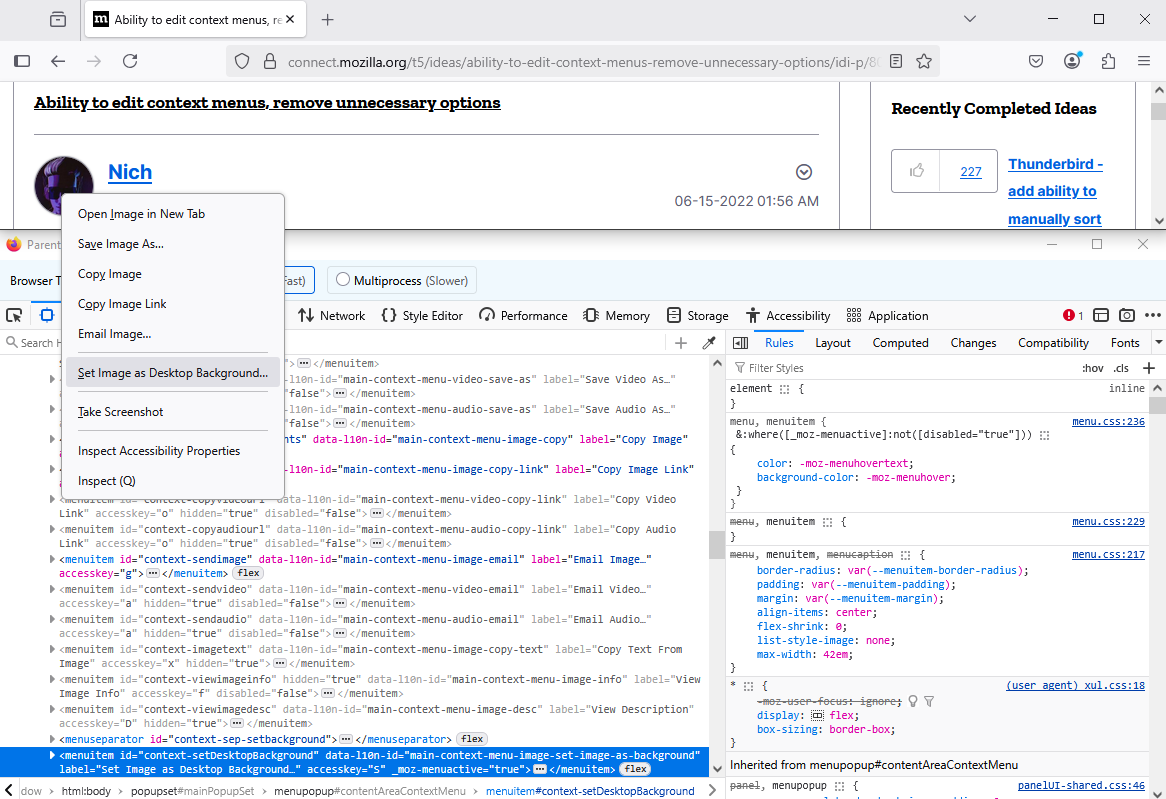
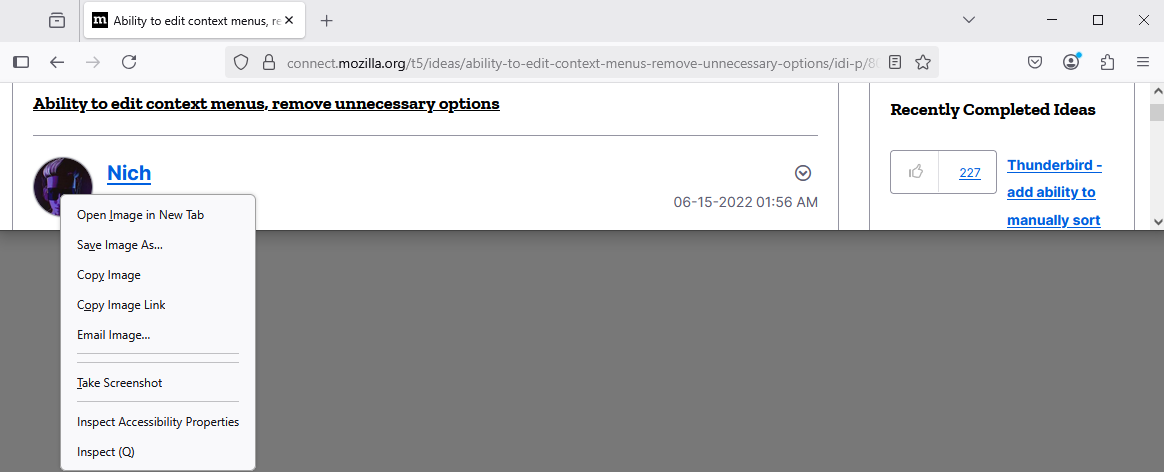
How to disable 'Set Image as Desktop Background…'

  • 1 回覆
  • 0 有這個問題
  • 175 次檢視
  • 最近回覆由 Agent virtuel
  • 封存

When I right-click an image, the context menu opens with an option to set the image as a desktop background. For almost all web images, this action makes no sense whatsoever, and for the others, I personally never want to use it.

How can I drop this action from the image context menu?

I have searched settings for context, background, and image, and I have searched about:config for desktop, background, context, etc.

Superuser has an answer making use of about:config `legacyUserProfileCustomizations`, which I would prefer to evade given its 'legacy' nature.

I expected an about:config flag but have not found one.

When I right-click an image, the context menu opens with an option to set the image as a desktop background. For almost all web images, this action makes no sense whatsoever, and for the others, I personally never want to use it. How can I drop this action from the image context menu? I have searched settings for context, background, and image, and I have searched about:config for desktop, background, context, etc. Superuser [https://superuser.com/questions/1785212/how-to-remove-set-image-as-desktop-background-and-other-annoying-options-from has an answer] making use of about:config `legacyUserProfileCustomizations`, which I would prefer to evade given its 'legacy' nature. I expected an about:config flag but have not found one.

所有回覆 (1)

Hello

https://connect.mozilla.org/t5/ideas/ability-to-edit-context-menus-remove-unnecessary-options/idi-p/8003 is now open to votes (aka kudos) and comments.

An test userChrome.css file.

#context-setDesktopBackground { display: none !important }