


Disabled extension are not disabled. Javascript stopped working.

With Firefox's latest update...
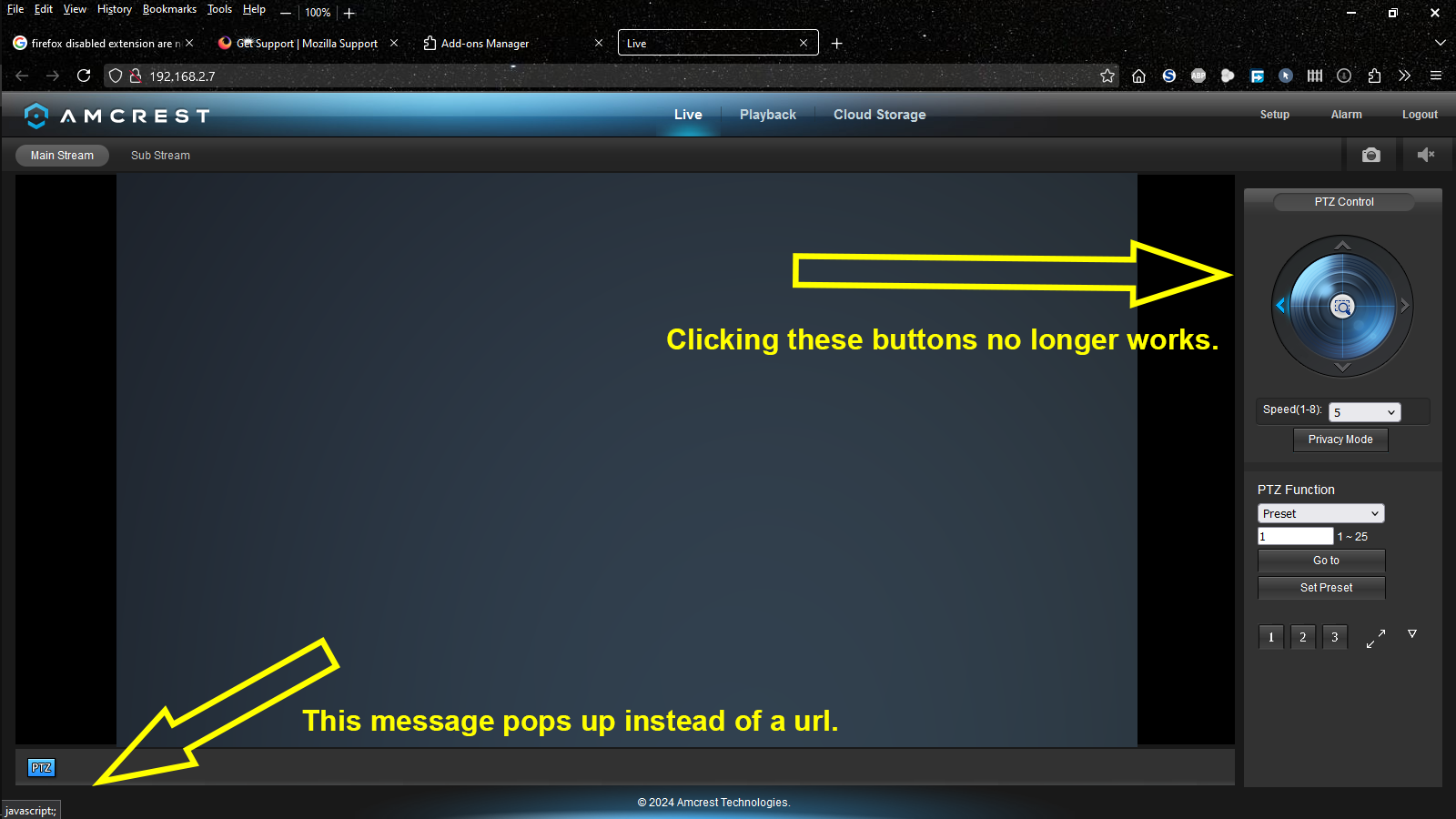
1. Javascript no longer works on pages it absolutely must work. The webpage for my security cameras not longer allow me to operate the cameras. When I click pan/tilt/zoom button all I get is a little message that says "Jacascript" at the bottom right corner where there should be a url. I've never actually paid attention on the security cams page but the url is there on other websites. I have to have this functionality. How do I re-enable Javascript for at least this page?
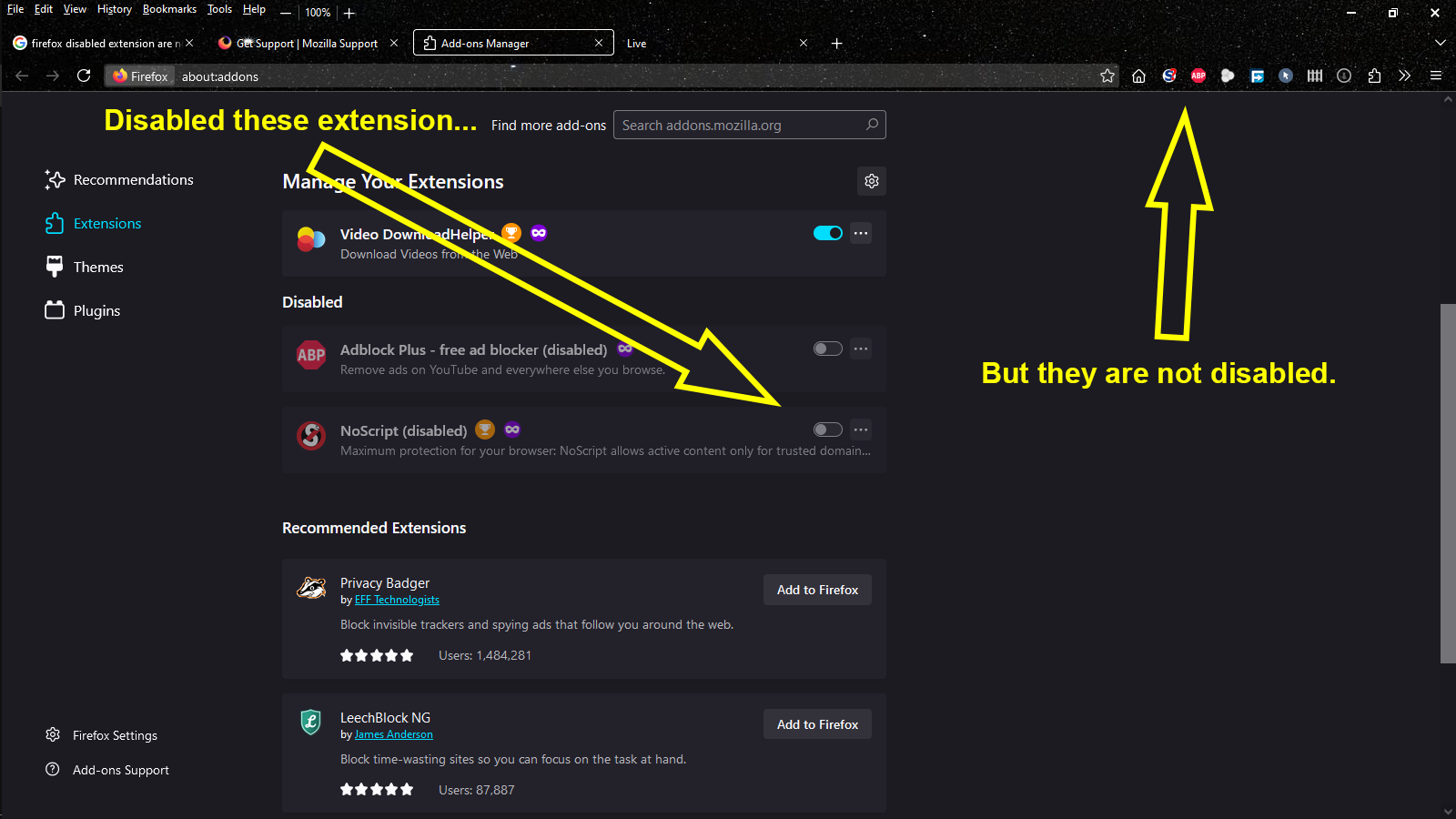
2. Deactivated extensions are not actually deactivated. To trouble shoot the first problem I disabled NoScript and ADblock Plus to see if they were interfering. I closed and reopened Firefox, and even restarted my PC. Firefox shows the extension to be disabled but they are in fact still active and working. Something is extremely broken in Firefox's extension manager. Is there anyway to actually disable these extensions without removing them?
Thanks
由 cor-el 於 修改
所有回覆 (2)
Can't edit a post on this forum??? How annoying.
Forgot to add that javascript does work when in Troubleshooting Mode.
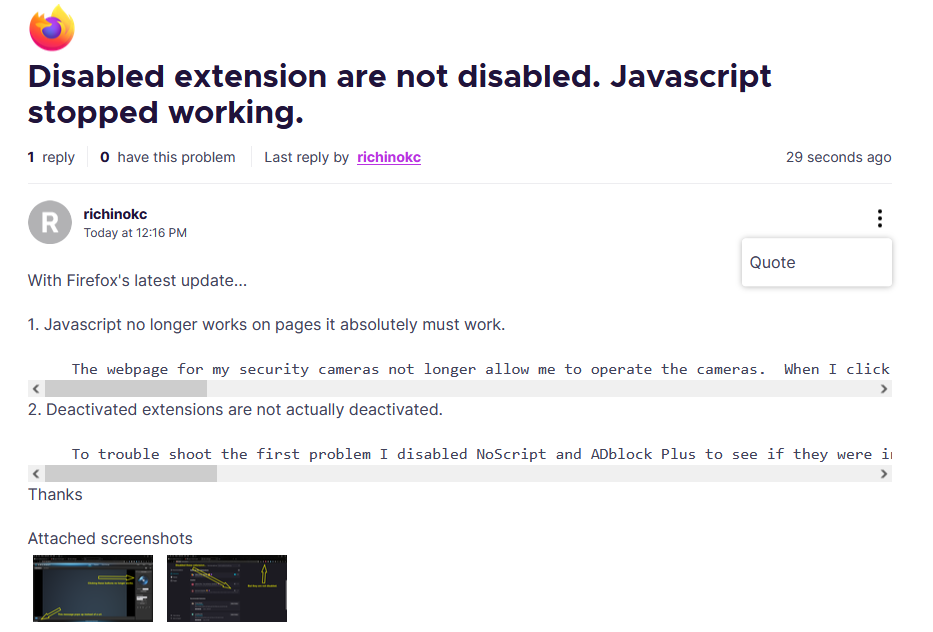
It let's me edit this post but not the original. See pic.
由 richinokc 於 修改
選擇的解決方法
With today's update to 134.0 the problem with not being able to disable extension has been fixed. Now that I could, I was able to find the extension interfering with my security cam page and solve that problem as well.