


Firefox is not Downloading fonts for websites
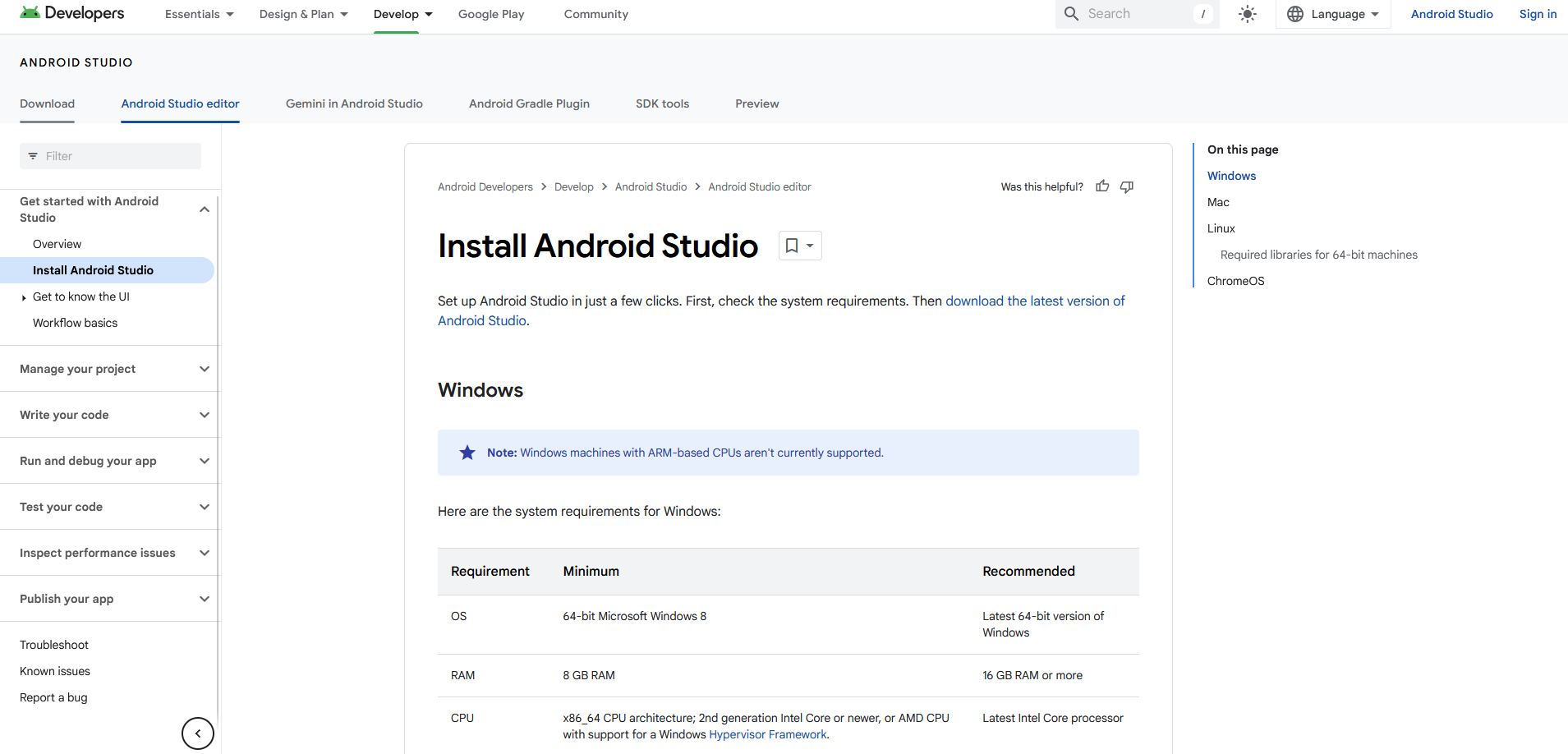
Certain websites I visit will fail to display custom fonts, unless I clear cookies, where it works fine until I refresh the page, either by signing back in, or reloading. the screenshots I have are of https://developer.android.com/studio/install this is one of the sites that gives me the issue. I have tried disabling all of my extensions, and it still doesn't fix the issue. Any help would be appreciated.



所有回覆 (10)
You may see text labels or little boxes with the hex code if you block remote fonts that are downloaded from internet or otherwise block website fonts. If you use uBlock Origin make sure not to "block remote fonts".
Make sure you allow pages to choose their own fonts as this affects iconic fonts.
- Settings -> General -> Language and Appearance -> Fonts -> Advanced
[X] "Allow pages to choose their own fonts, instead of your selections above"
cor-el said
You may see text labels or little boxes with the hex code if you block remote fonts that are downloaded from internet or otherwise block website fonts. If you use uBlock Origin make sure not to "block remote fonts". Make sure you allow pages to choose their own fonts as this affects iconic fonts.
- Settings -> General -> Language and Appearance -> Fonts -> Advanced
[X] "Allow pages to choose their own fonts, instead of your selections above"
Ublock isn't blocking fonts, and the firefox setting is enabled.
What's the status of these files in the Network Console (Ctrl + Shift + E)?
TyDraniu said
What's the status of these files in the Network Console (Ctrl + Shift + E)?
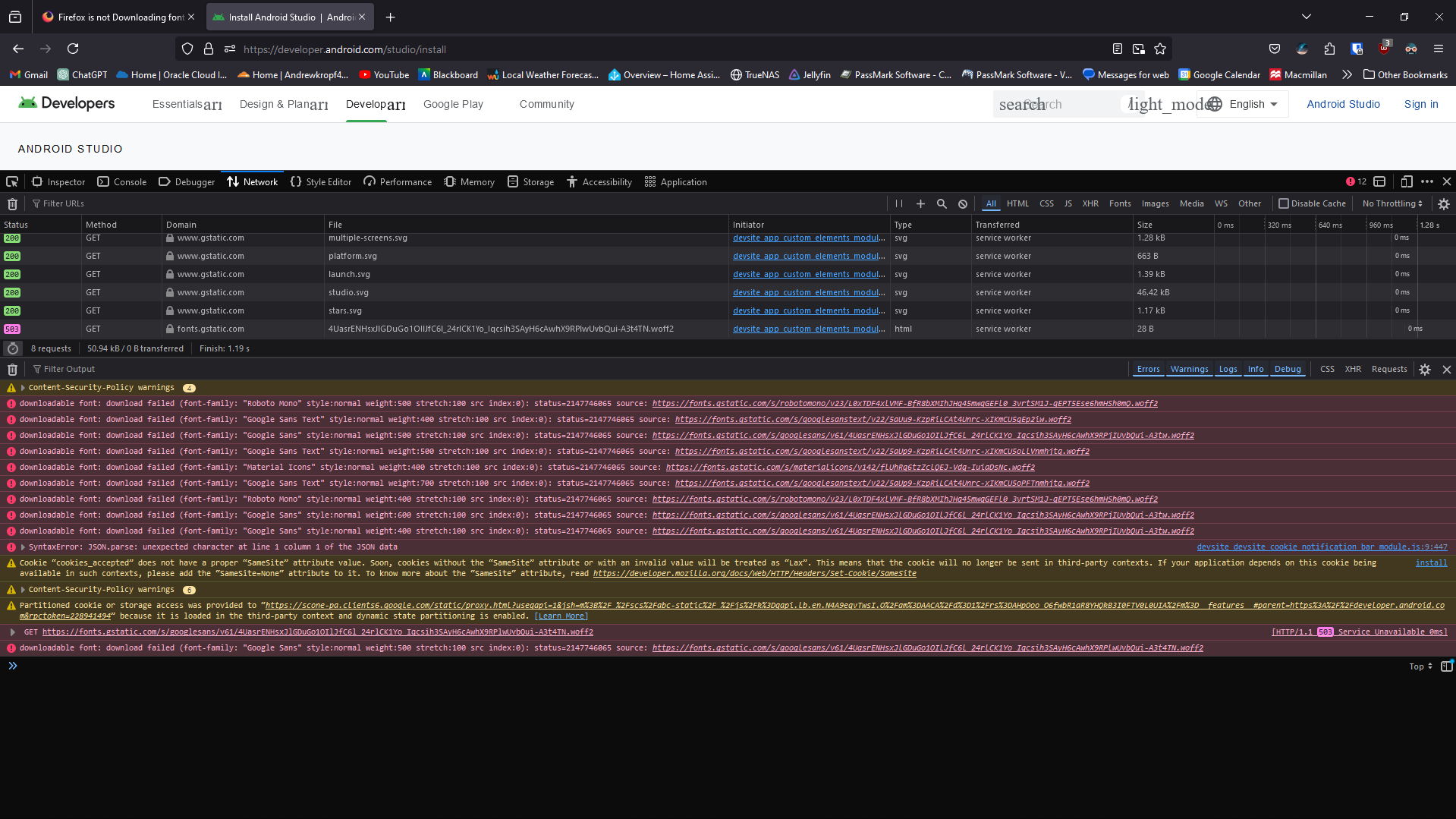
It's not fonts, only some SVGs. It's not very helpful.
You seem to be blocking all fonts downloaded from fonts.gstatic.com Can you open such a woff2 link in a Firefox tab if you copy/paste the link in the location bar ?
Do you have this problem with sites that download fonts?
Start Firefox in Troubleshoot Mode to check if one of the extensions ("3-bar" menu button or Tools -> Add-ons -> Extensions) or if hardware acceleration or if userChrome.css/userContent.css is causing the problem.
- switch to the Default System theme: "3-bar" menu button or Tools -> Add-ons -> Themes
- do NOT click "Refresh Firefox" in the Troubleshoot Mode start window
cor-el said
You seem to be blocking all fonts downloaded from fonts.gstatic.com Can you open such a woff2 link in a Firefox tab if you copy/paste the link in the location bar ? Do you have this problem with sites that download fonts?
Start Firefox in Troubleshoot Mode to check if one of the extensions ("3-bar" menu button or Tools -> Add-ons -> Extensions) or if hardware acceleration or if userChrome.css/userContent.css is causing the problem.
- switch to the Default System theme: "3-bar" menu button or Tools -> Add-ons -> Themes
- do NOT click "Refresh Firefox" in the Troubleshoot Mode start window
Downloading the font directly works fine. Using troubleshoot mode the issue is still there.
由 andrewkropf401 於 修改
You can check gfx.downloadable_fonts.enabled in about:config and make sure it is set to true and if necessary click its reset button to set its value to true.
cor-el said
You can check gfx.downloadable_fonts.enabled in about:config and make sure it is set to true and if necessary click its reset button to set its value to true.
It was set to true.
Reboot the computer into Windows Safe Mode with network support to see if that has effect.