Picture-in-Picture button missing
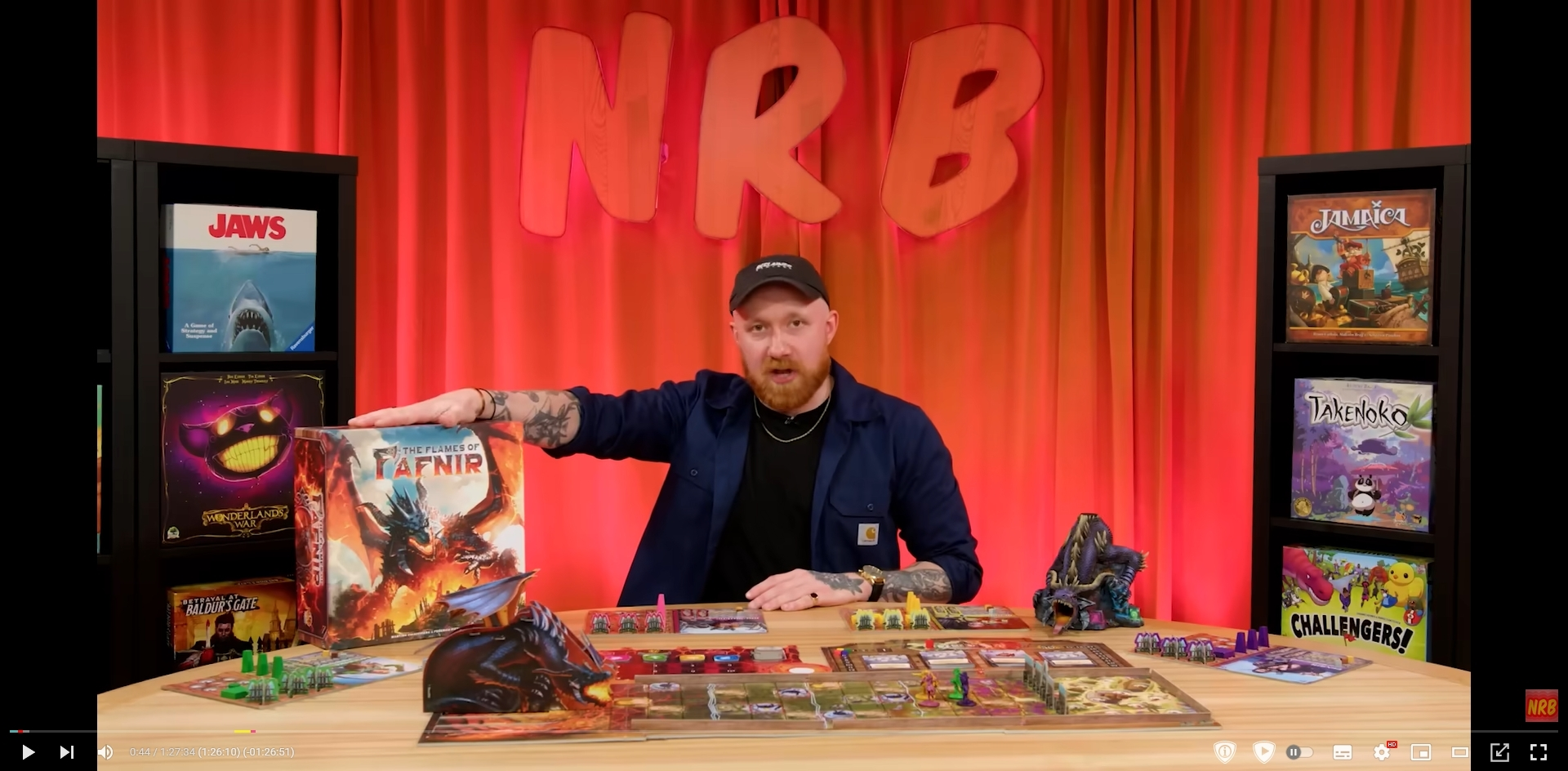
As the title says, there is no PiP option for me. Even when I disable ALL addons and reboot FF, there simply is no PiP option.
被選擇的解決方法
Does this happen with all videos since PiP isn't enabled for short videos (less tan 45sec)?
Do you have media.videocontrols.picture-in-picture prefs in about:config that aren't default (i.e. show bold)?
從原來的回覆中察看解決方案 👍 0所有回覆 (3)
選擇的解決方法
Does this happen with all videos since PiP isn't enabled for short videos (less tan 45sec)?
Do you have media.videocontrols.picture-in-picture prefs in about:config that aren't default (i.e. show bold)?
cor-el said
Do you have media.videocontrols.picture-in-picture prefs in about:config that aren't default (i.e. show bold)?
picture-in-picture.video-toggle.enabled was set to false despite me never having touched those settings, but this fixed it! Thank you!
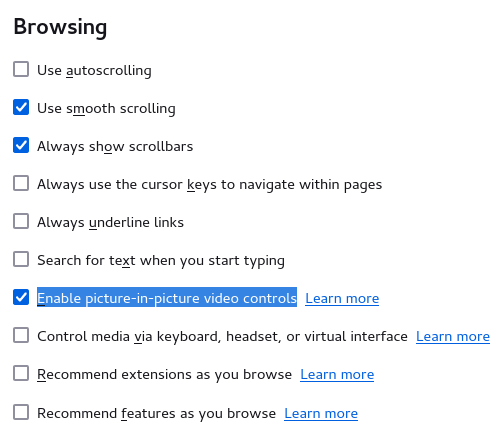
You can hide this button if you right-click on it and this is controlled by Enable picture-in-picture video controls in Settings (about:preferences).