


IMDB partly broken but works flawlessly whenPrivate Browsing

Hello all, first time poster here but long time FF user!
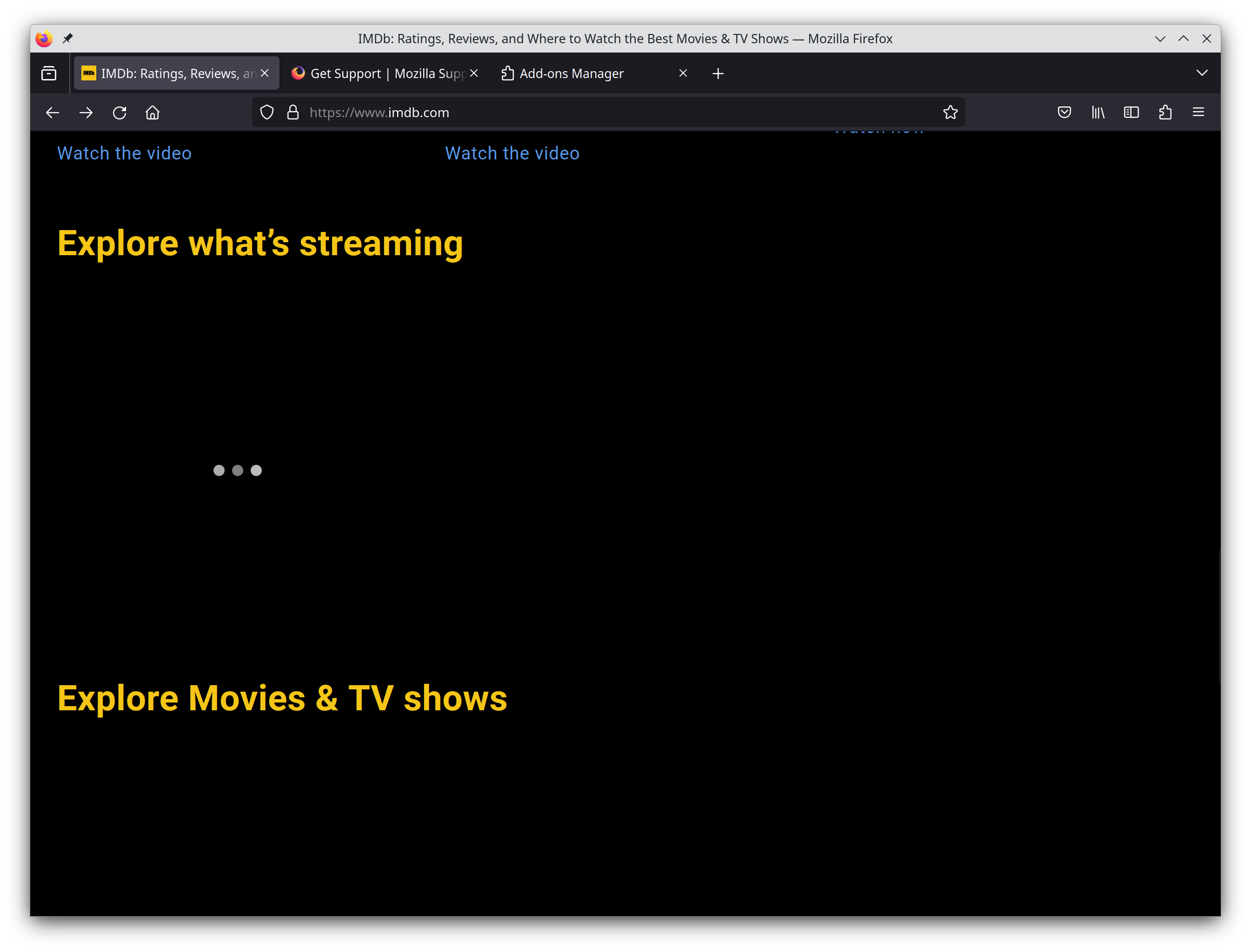
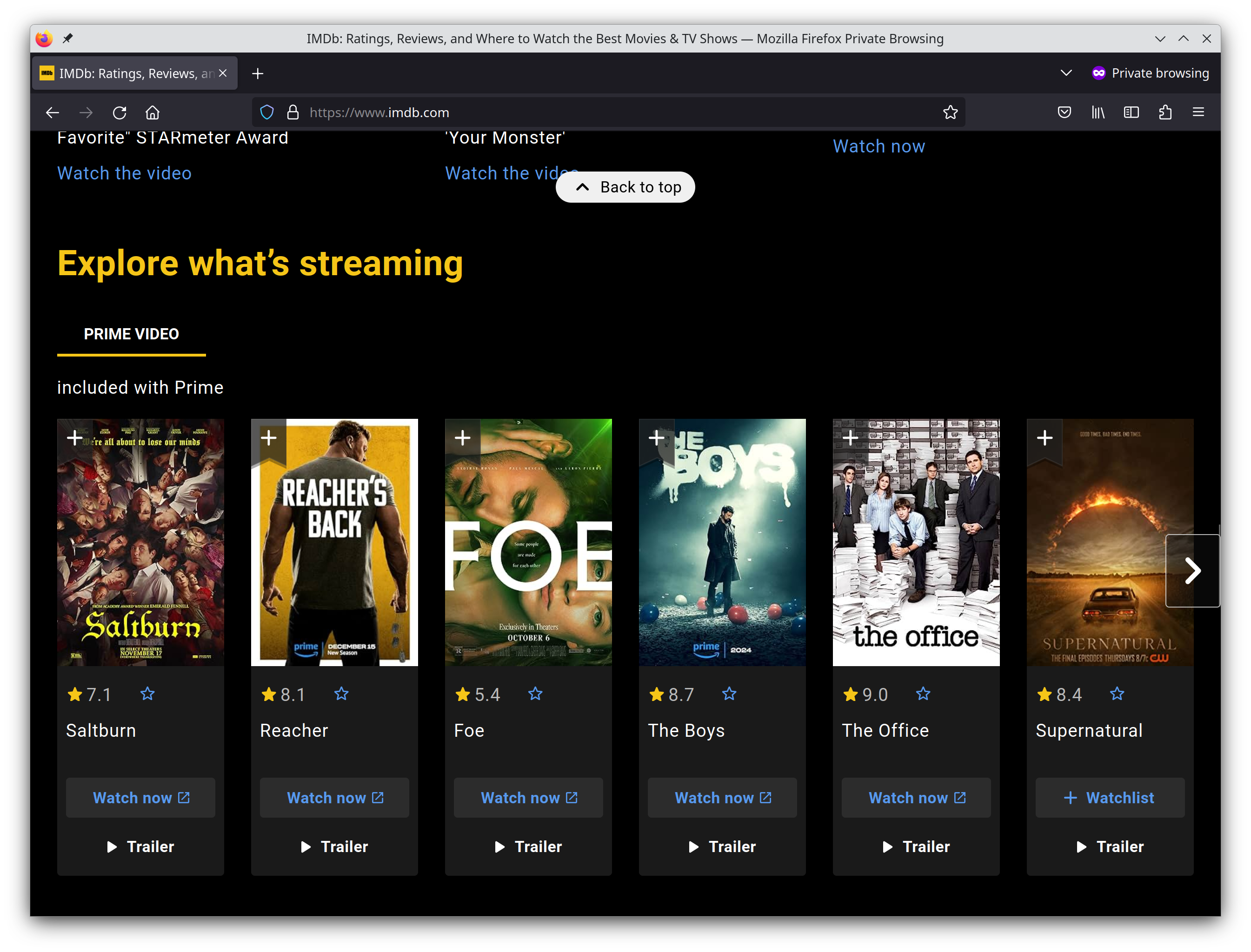
Lately, some of IMDB's functionality is broken for me. I can give many examples of odd behaviors but to keep this short, have pasted 2 screenshots of the same section of the homepage (www.imdb.com) to demonstrate the difference. Something is preventing the proper loading of all the elements.
Another odd thing is that i'm unable to click on elements that have properly loaded and are visible. Lastly, i'm unable to play videos!!
None of the above are reproducable when in private browsing mode. I have disabled all my extension in the hopes that one of them could be the culprit to no avail!
Any thoughts on how to approach this issue?
被選擇的解決方法
Try clearing site cookies and reloading without the cache (Ctrl+F5).
從原來的回覆中察看解決方案 👍 1所有回覆 (2)
選擇的解決方法
Try clearing site cookies and reloading without the cache (Ctrl+F5).
zeroknight said
Try clearing site cookies and reloading without the cache (Ctrl+F5).
Forgot to mention on my opening post that i had already tried deleting cookies which changed nothing. Emptying cache (Ctrl+F5) did the trick so thank you very much!