


Unable to open external application from within the firfox

If i try to download an file and in the download tab if i click on show in folder. Nothing happens. Even i try to open a zoom call nothing happens
被選擇的解決方法
nihal1 said
File browser pop up never came.
The snap file picker requires a portal:
sudo apt install xdg-desktop-portal-gtk從原來的回覆中察看解決方案 👍 1
所有回覆 (9)

Screenshots and steps to replicate. The option to show in folder works for me. see screenshot Zoom... here's a link to a test call in the browser that works for me. https://zoom.us/test I ass-u-me you have the app installed. Show what happens in the logs when you try to run it from Firefox. Let me install it and see what happens.
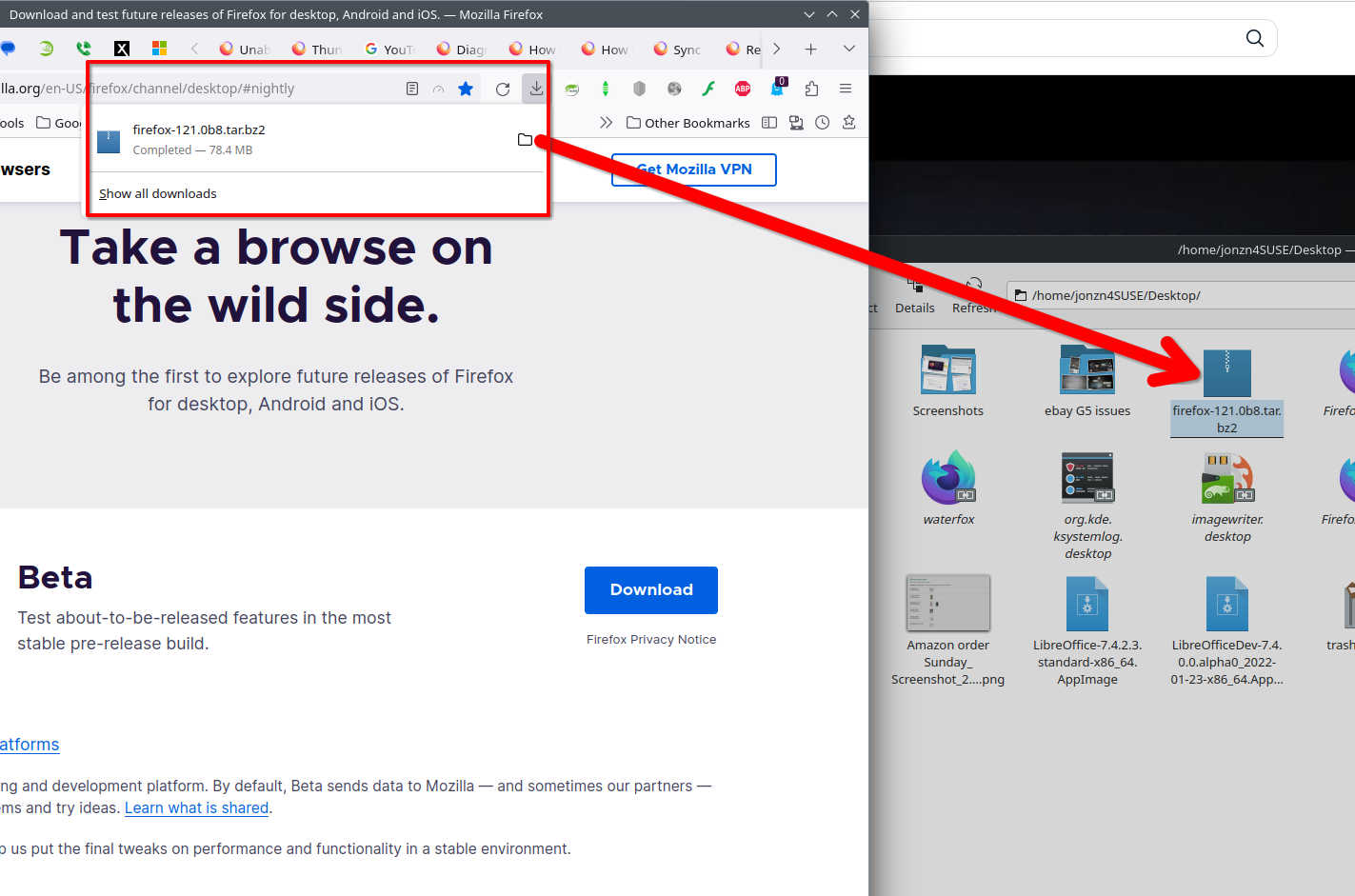
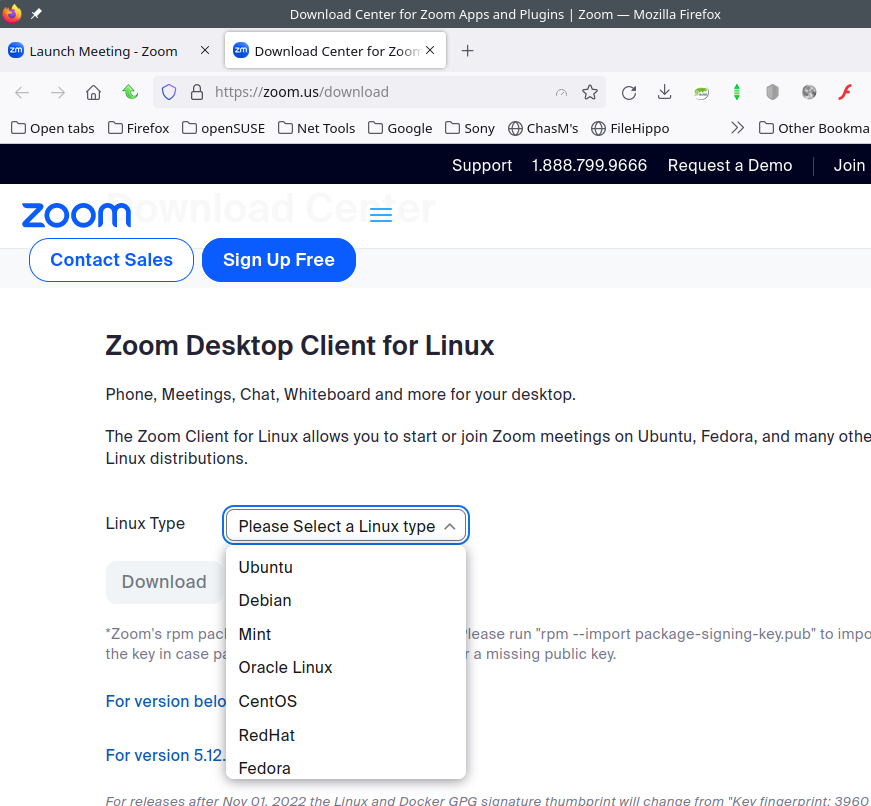
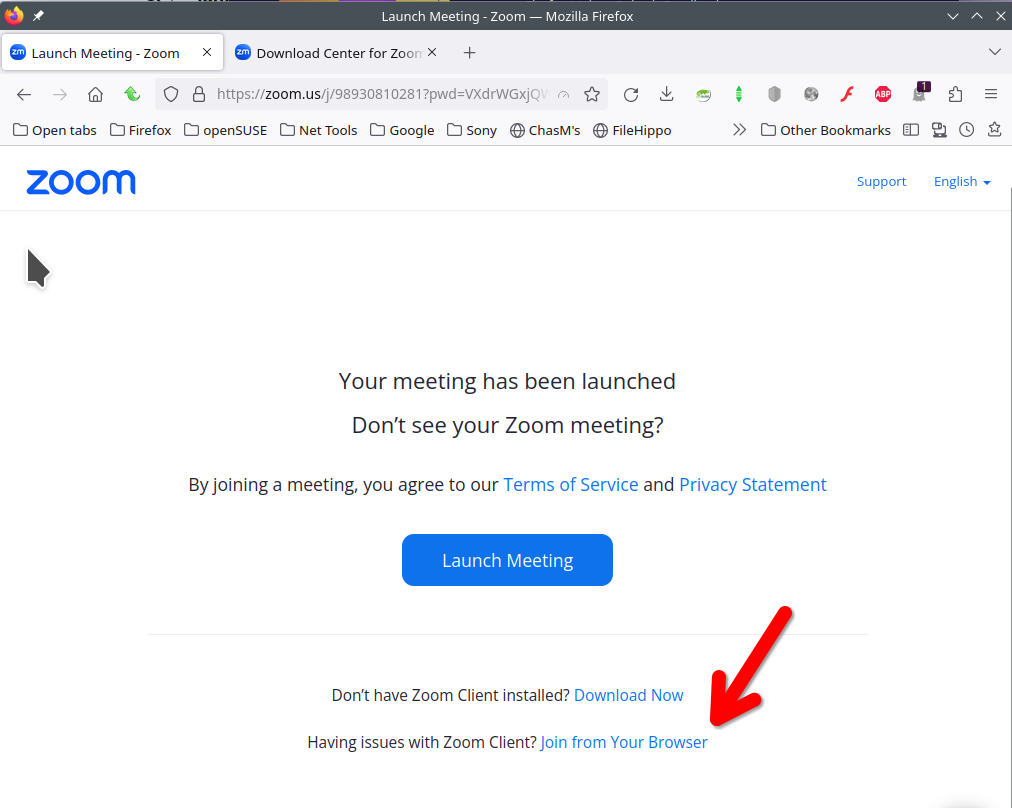
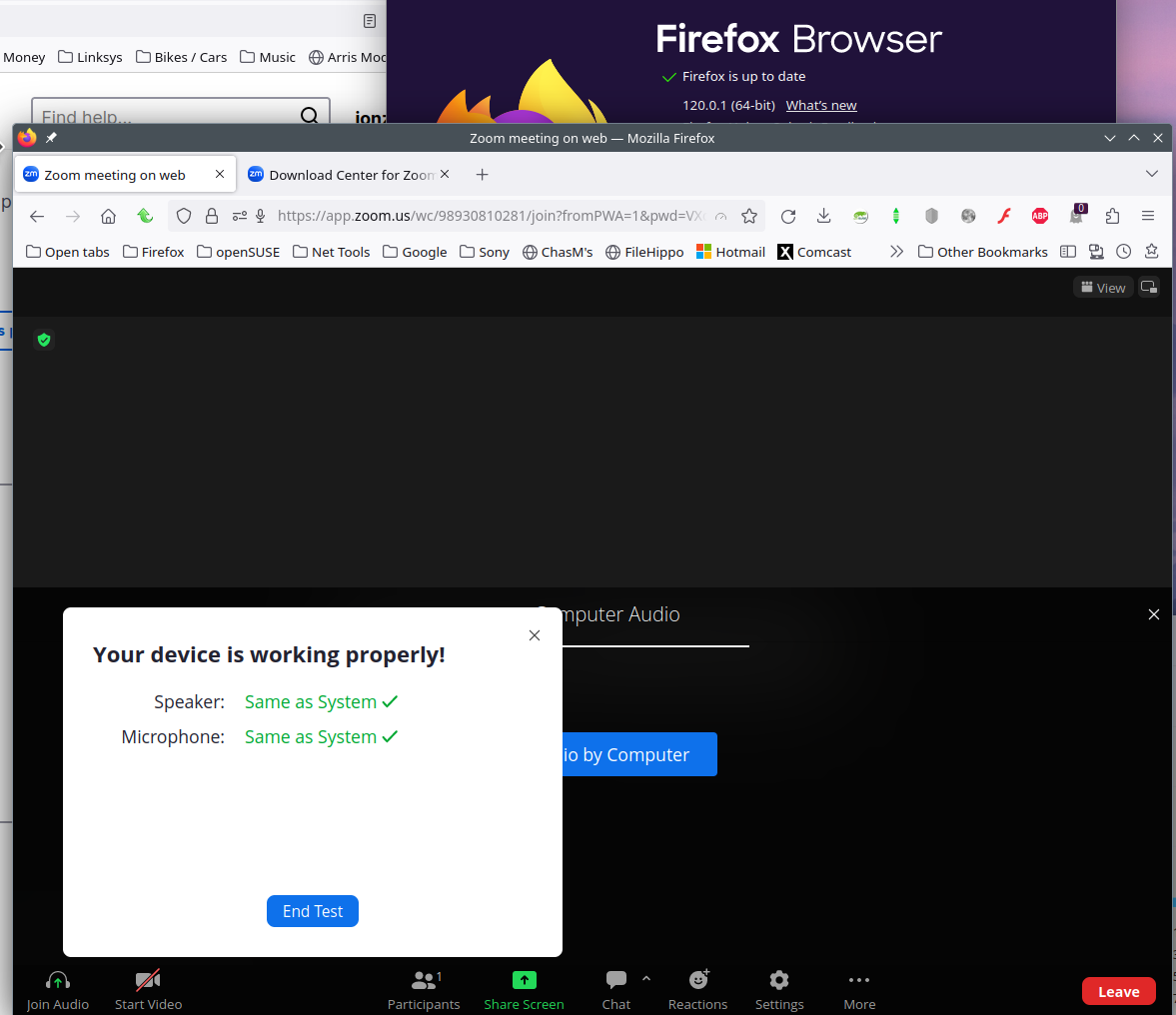
What OS? What Desktop? X11 or Wayland?
Oh sorry should have mentioned that. OS: Ubuntu 22.04 LTS Firefox: Came built in ( Version: 116.0.2 (64-bit)) System: Its a Laptop
if i click on open link in zoom nothing happens.
I wish i could add some images. But the browse button to add additional images is not also working.
由 nihal1 於 修改
It worked for me from Firefox. see screenshots
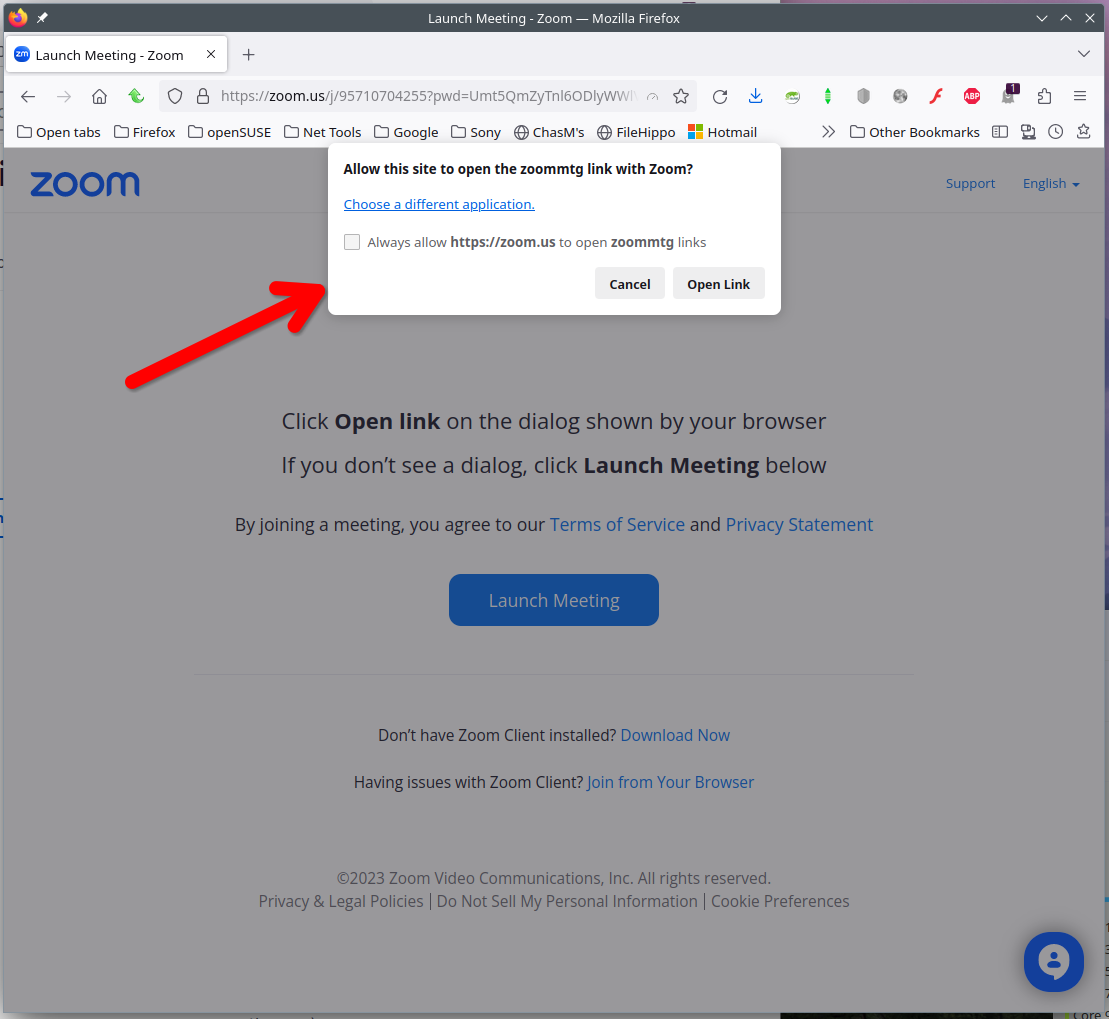
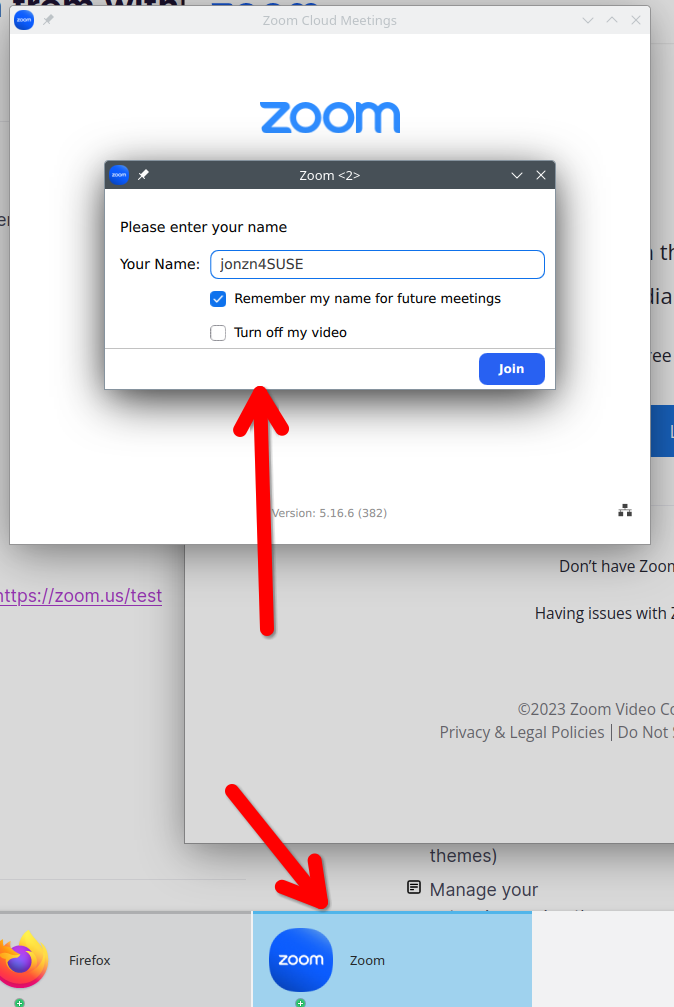
Is the app installed?
Yes, Both zoom and file browser are installed.
Ok The problem is solved, I installed it via Apt rather than snap, I could not do anything some weird bug. I was not able to import certificates, could not even import bookmarks. File browser pop up never came.
選擇的解決方法
nihal1 said
File browser pop up never came.
The snap file picker requires a portal:
sudo apt install xdg-desktop-portal-gtk