此討論串已被封存。
如果您有需要幫助,請新增一個新問題

封存
Folder Downloads
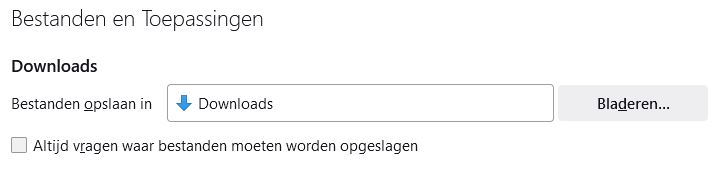
Since the update to version 118.02 FF, the downloads now end up in the folder C:\Users\User\AppData\Local\Temp instead of the 'Downloads' folder as indicated in Settings - General (see attachment)
Since the update to version 118.02 FF, the downloads now end up in the folder C:\Users\User\AppData\Local\Temp instead of the 'Downloads' folder as indicated in Settings - General (see attachment)
所有回覆 (2)
See also browser.download.start_downloads_in_tmp_dir on the about:config page.
You can open the about:config page via the location/address bar. On the warning page, you can click "Accept the Risk and Continue" to open about:config.
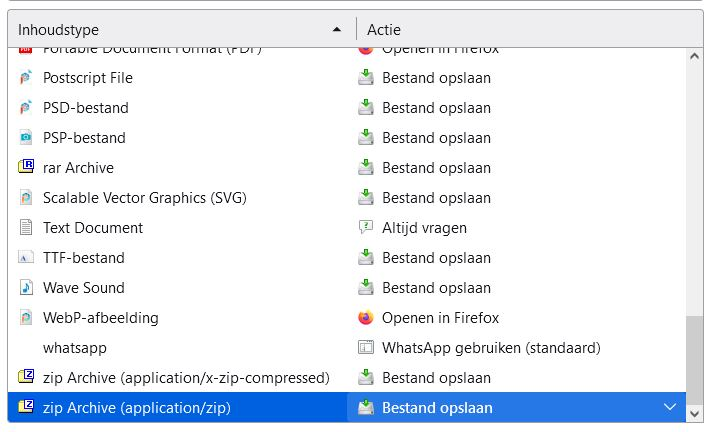
I did not have to change this, all I did was: 'the content type' about: zip Archive (application/zip) change to: Save file.