


Password problem

Hi, Firefox is my preferred browser but I am having trouble logging into a site I use a lot. The site is Supercoach (https://supercoach.heraldsun.com.au) but when I try to log in it keeps telling me the user name or password is incorrect. I have tried clearing the cache with no success. I have no problem logging in with Chrome and Brave. Please advise, Ian.
被選擇的解決方法
Make sure you are not blocking content.
https://support.mozilla.org/en-US/kb/enhanced-tracking-protection-firefox-desktop also see https://blog.mozilla.org/security/2021/03/23/introducing-smartblock/
https://support.mozilla.org/en-US/kb/smartblock-enhanced-tracking-protection
Diagnose Firefox issues using Troubleshoot(Safe) Mode {web link}
A small dialog should appear. Click Start In Troubleshoot(Safe) Mode (not Refresh). Is the problem still there?
Many site issues can be caused by corrupt cookies or cache.
Warning ! ! This will log you out of sites you're logged in to. You may also lose any settings for that website.
- How to clear the Firefox cache {web link}
所有回覆 (7)
Are you typing in the password or using what's saved in Firefox?
I have been typing it in. I also contacted the Supercoach people and they gave me a new password. Still no good but again it worked in the other browsers. Did the Ctrl+Shift+Delete and cleared the cache only but it doesn't help.

選擇的解決方法
Make sure you are not blocking content.
https://support.mozilla.org/en-US/kb/enhanced-tracking-protection-firefox-desktop also see https://blog.mozilla.org/security/2021/03/23/introducing-smartblock/
https://support.mozilla.org/en-US/kb/smartblock-enhanced-tracking-protection
Diagnose Firefox issues using Troubleshoot(Safe) Mode {web link}
A small dialog should appear. Click Start In Troubleshoot(Safe) Mode (not Refresh). Is the problem still there?
Many site issues can be caused by corrupt cookies or cache.
Warning ! ! This will log you out of sites you're logged in to. You may also lose any settings for that website.
- How to clear the Firefox cache {web link}
How about putting your login info in notepad and then just pasting it into the browser. I created an account and was able to get in. see screenshot
由 jonzn4SUSE 於 修改
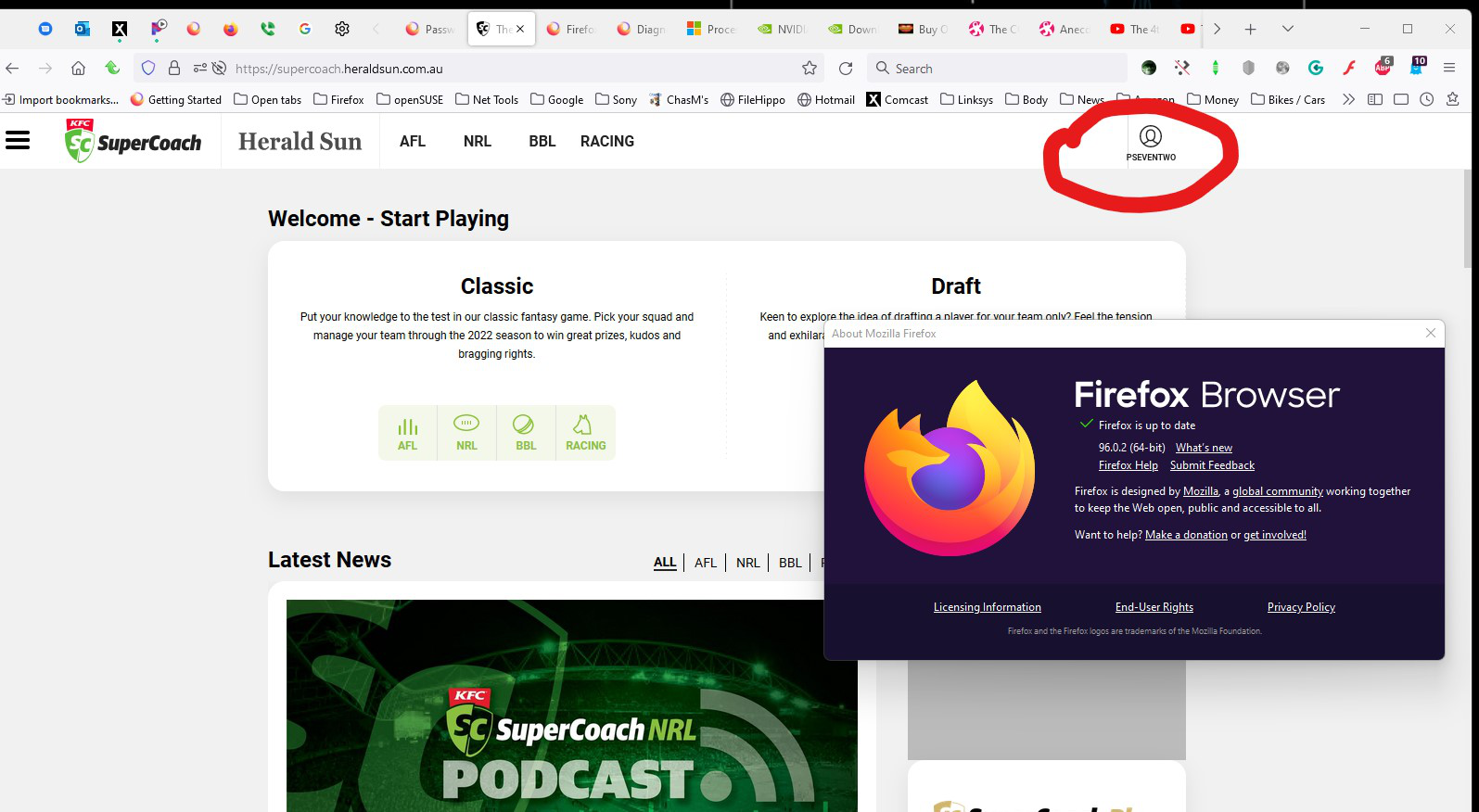
I opened Firefox in safe mode and it opened no problem, then I closed Firefox and re-opened in normal mode. It opens the site now without any hassles. Thank you , Ian.
Glad to help. Safe Surfing.